Reading Experience iPad Features Why justRead Reviews FAQ Try Free for 7 Days

The EPUB Reader Built for iPad

EPUB and PDF reading on iPad's gorgeous display. Split View multitasking, keyboard shortcuts (Cmd+B, Cmd+T, Cmd+F, Cmd+H), drag-and-drop import, and deep customisation with 200+ fonts. The iPad reader that treats your tablet like a real book.

Free 7-Day Trial No Account Needed
justRead two-column reading view on iPad in landscape
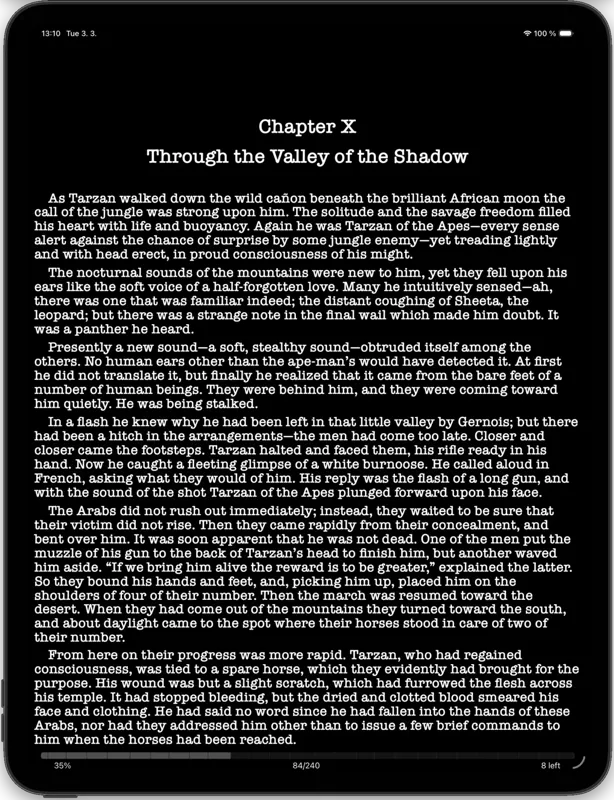
justRead single-column reading view on iPad in portrait

Edge-to-Edge Reading on iPad

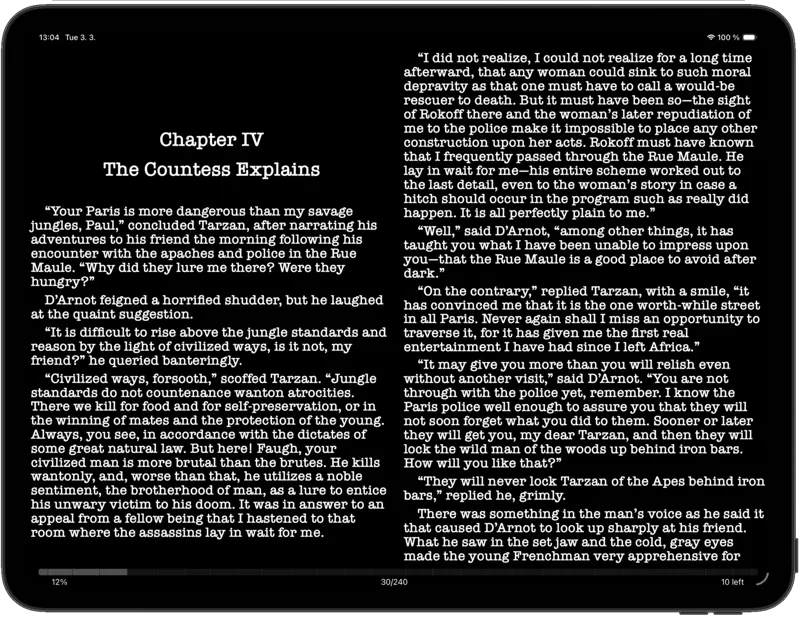
justRead uses every pixel of your iPad's display. Two-column layout in landscape mode transforms your tablet into an open book. Portrait mode gives you a single generous column with separate portrait and landscape margin settings, so switching orientation always feels right.

Both EPUB and PDF reading are fully supported. Paginated or scroll mode, tap-to-turn or swipe navigation, and full-screen zoomable images. The built-in 20-20-20 eye care timer reminds you to take breaks during long reading sessions. Optimised for every iPad from mini to Pro 13-inch.

justRead in Split View on iPad with notes app
justRead Split View multitasking on iPad

Split View Multitasking

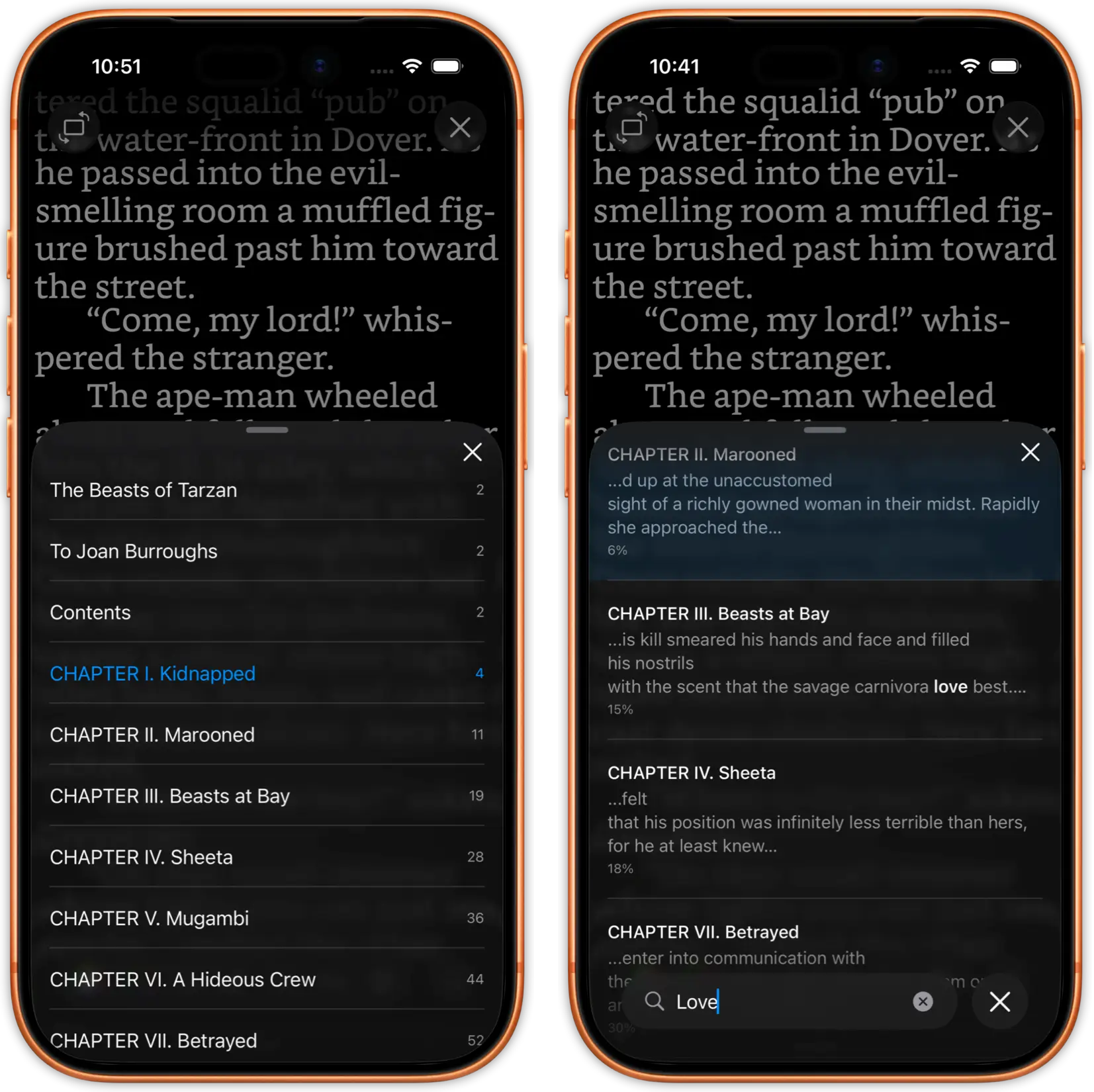
Read your book in one half of the screen while taking notes, browsing the web, or managing files in the other. Full Split View support, just like Apple's own apps. Use keyboard shortcuts to navigate without touching the screen: Cmd+B for bookmarks, Cmd+T for table of contents, Cmd+F for full-text search, Cmd+H for highlights.

Perfect for students reading textbooks alongside note-taking apps, researchers cross-referencing sources, or anyone who wants to look something up without leaving their book. The built-in dictionary, translate, and web search are always one text selection away.

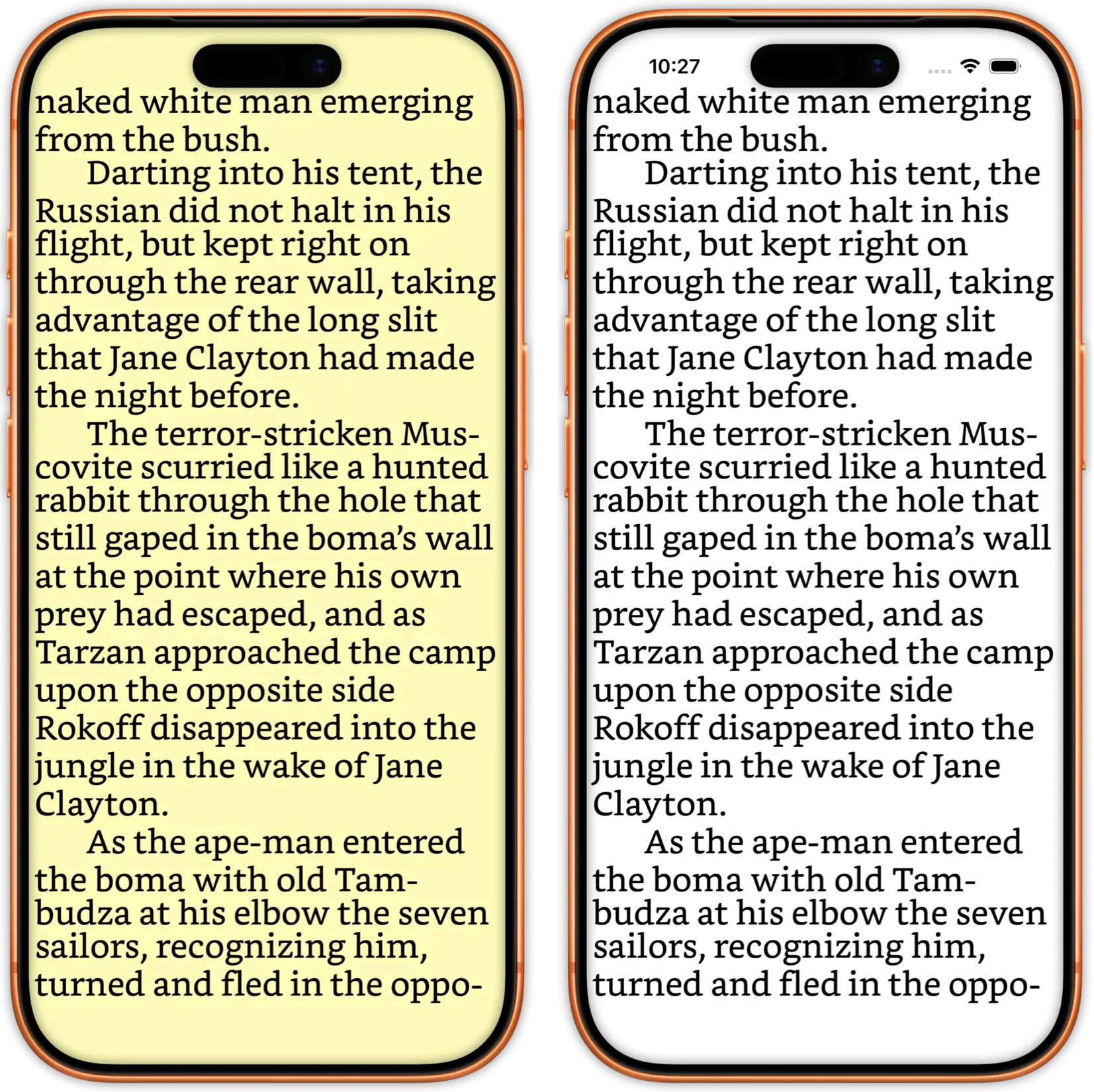
justRead font and theme customisation panel on iPad
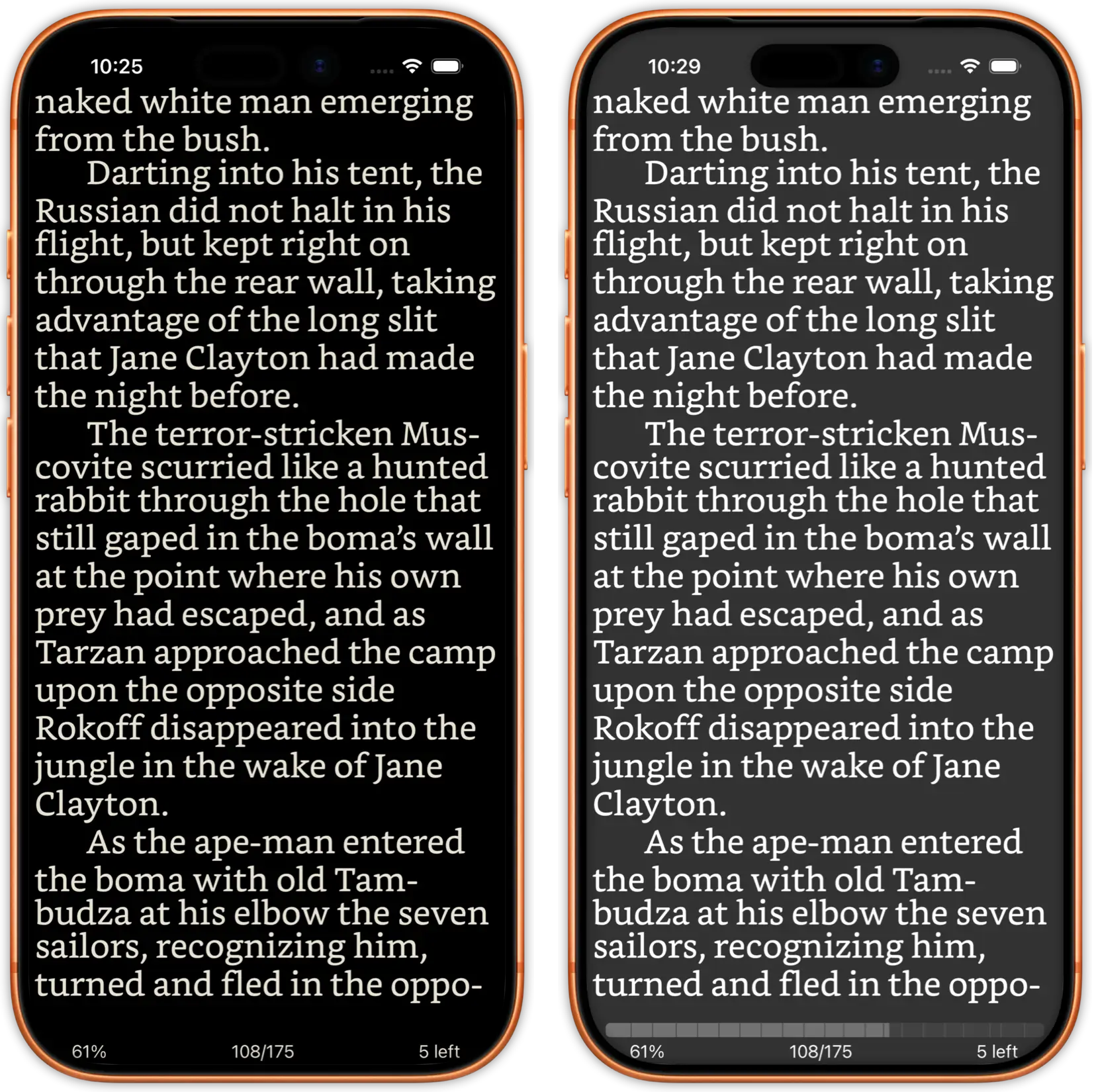
justRead dark mode reading on iPad

Customise Every Detail on the Big Screen

200+ built-in fonts organised by family, plus custom font imports. Adjust font weight, font size with percentage display, line height, paragraph indent (0-300%), and text alignment. Original font mode extracts fonts embedded in your EPUBs. Drop cap support and hyphenation for all text alignments make your books look professionally typeset.

Colour presets with light, dark, sunrise, and sunset automation adapt to your schedule. Fully customisable text and background colours. Per-book settings let you fine-tune each title independently. Top and bottom reading bars are individually toggleable, showing progress, page number, chapter name, or estimated time left.

justRead library grid view on iPad showing book covers
justRead library folder browsing on iPad

Manage Thousands of Books on iPad

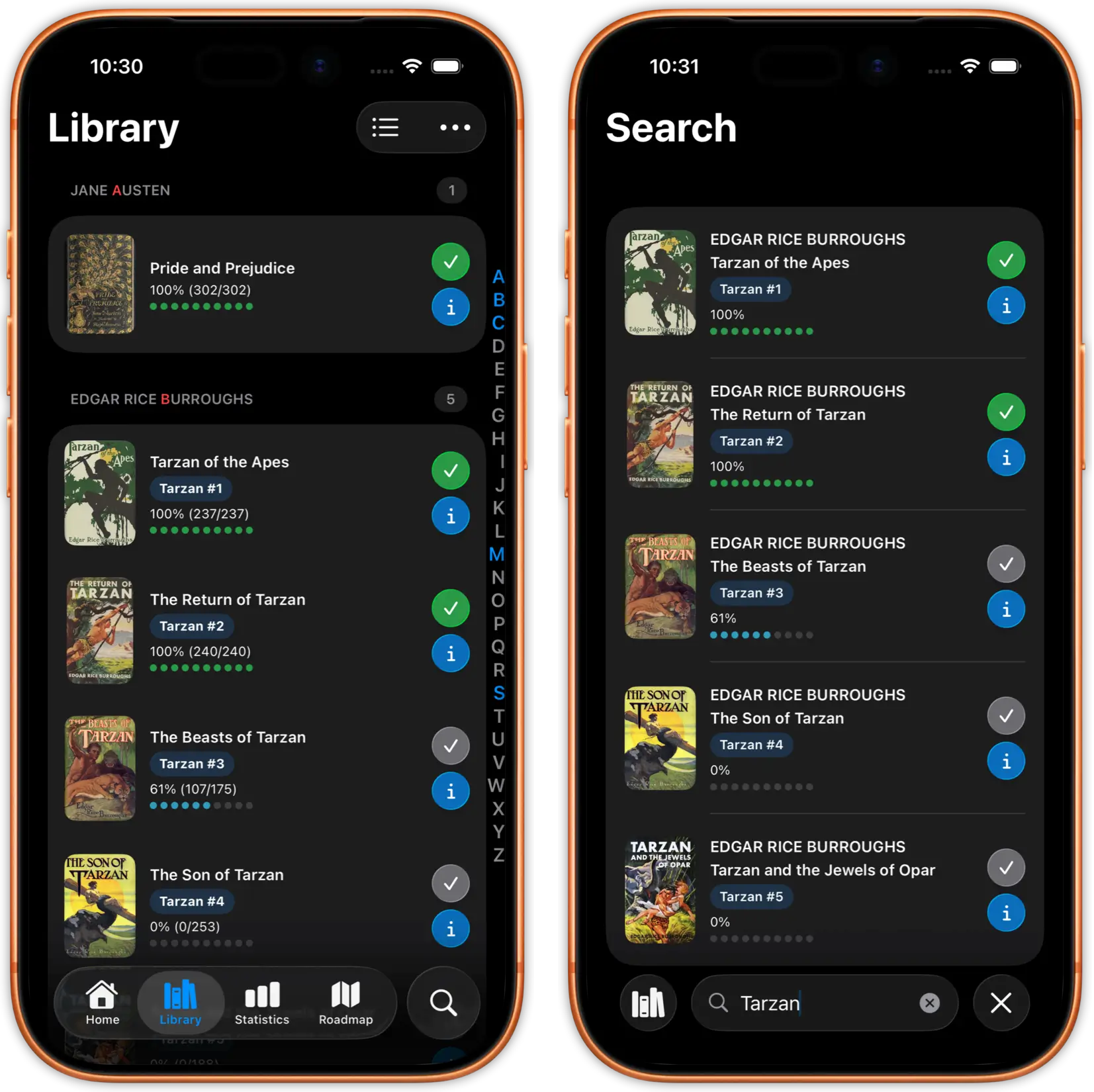
iPad's larger screen makes library management a joy. The iPad grid layout shows series info, tags, ribbon badges, and reading progress right on each cover. Browse your 5,000+ book collection with smooth scrolling and an A-Z alphabet jumper. Drag and drop EPUBs and PDFs directly into justRead from Files or Safari.

Sort by title, author, publication date, or reading progress. Smart title sorting handles numbers first, omits articles, and works across languages. Filter by format (EPUB or PDF), search across your entire library instantly, and organise books into user-curated collections that sync via iCloud. Bulk selection lets you tag, move, or delete dozens of books at once.

justRead reading statistics dashboard on iPad
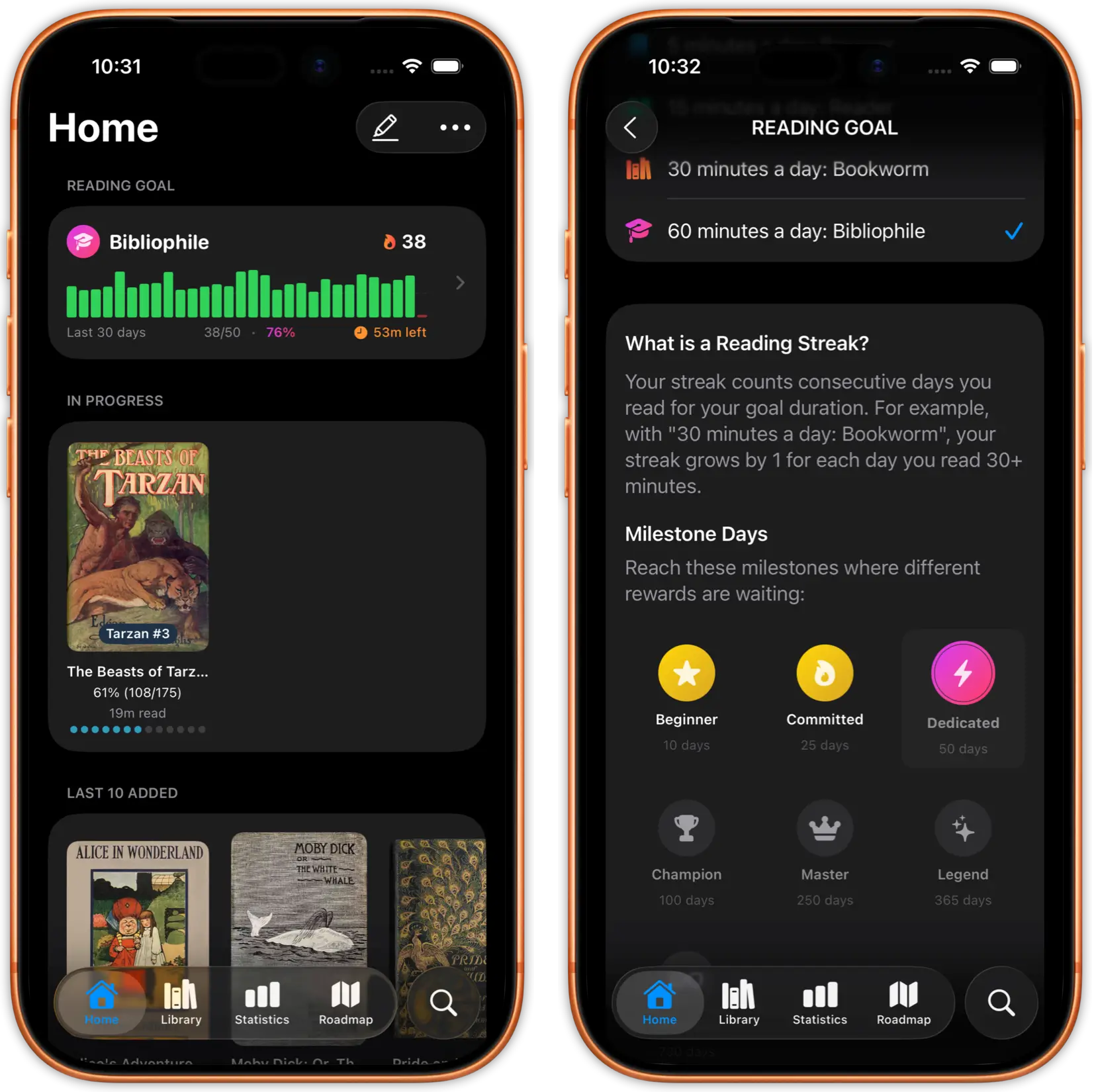
justRead reading streaks and achievements on iPad

Track Your Reading Progress

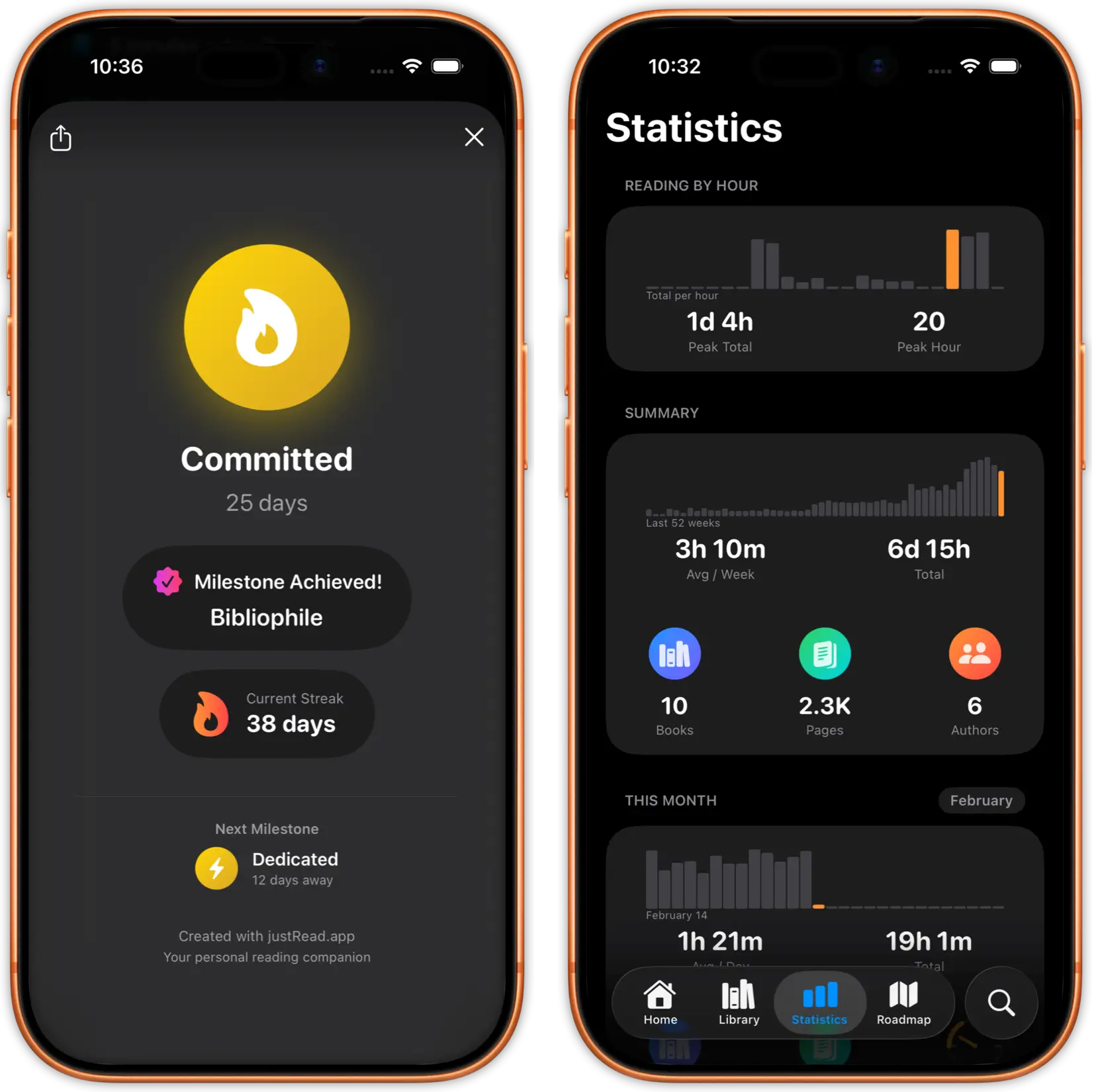
Automatic reading session tracking shows time per session, pages read, reading speed with a 90-day trend chart, and daily streaks. The Reading Recap gives you daily, weekly, monthly, and yearly reviews of your reading habits. A reading-by-hour chart reveals when you read most.

Reread tracking records multiple finish dates per book. Per-device statistics show how your reading splits across iPhone and iPad. Cumulative goal pace charts, best month stats, and scrubbable tooltips on every chart. Shareable book cards let you show off detailed stats for any title. All statistics sync between your devices via iCloud.

justRead cloud storage integration on iPad
justRead Calibre library sync on iPad

Cloud Sync and Calibre Integration

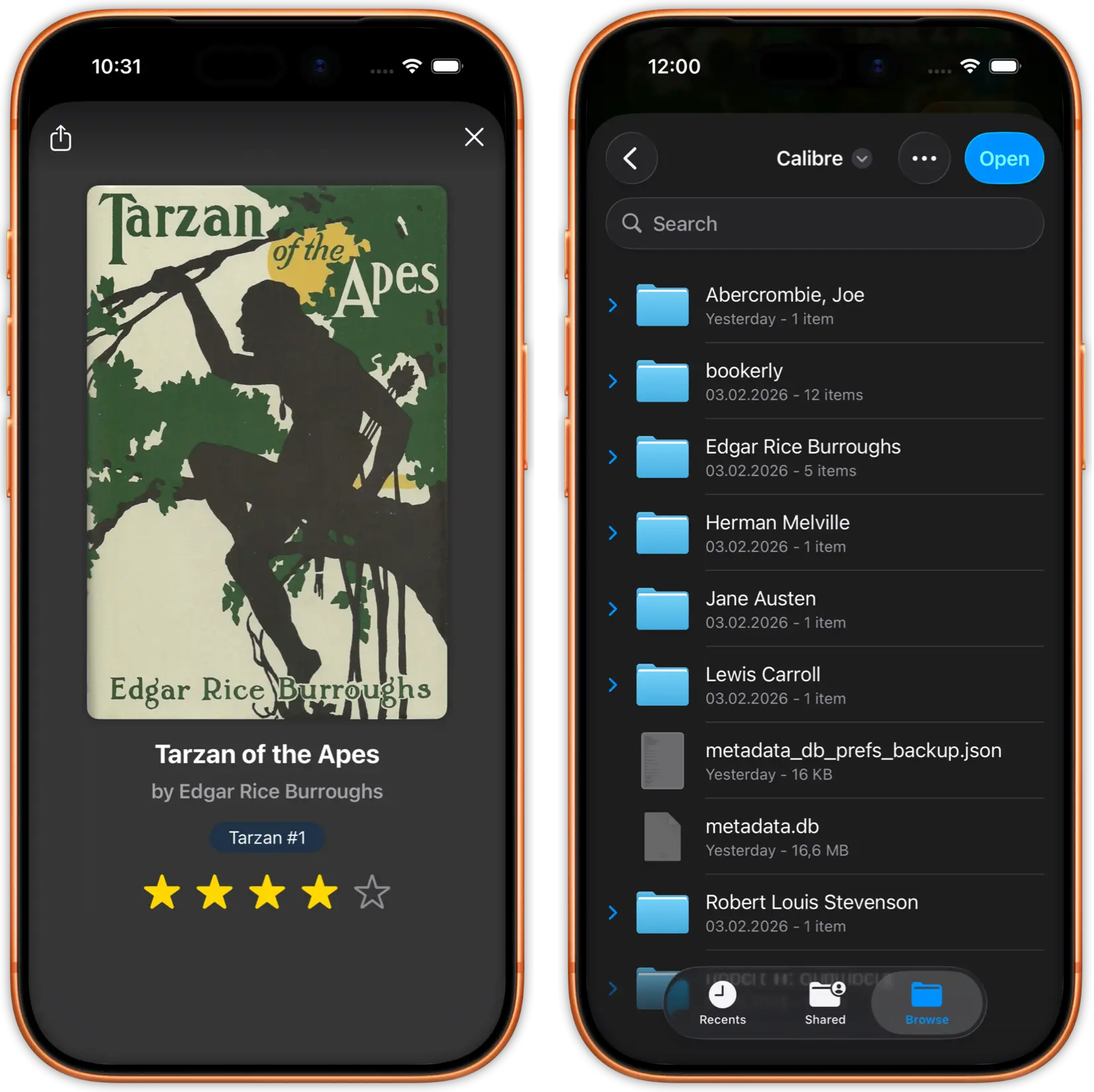
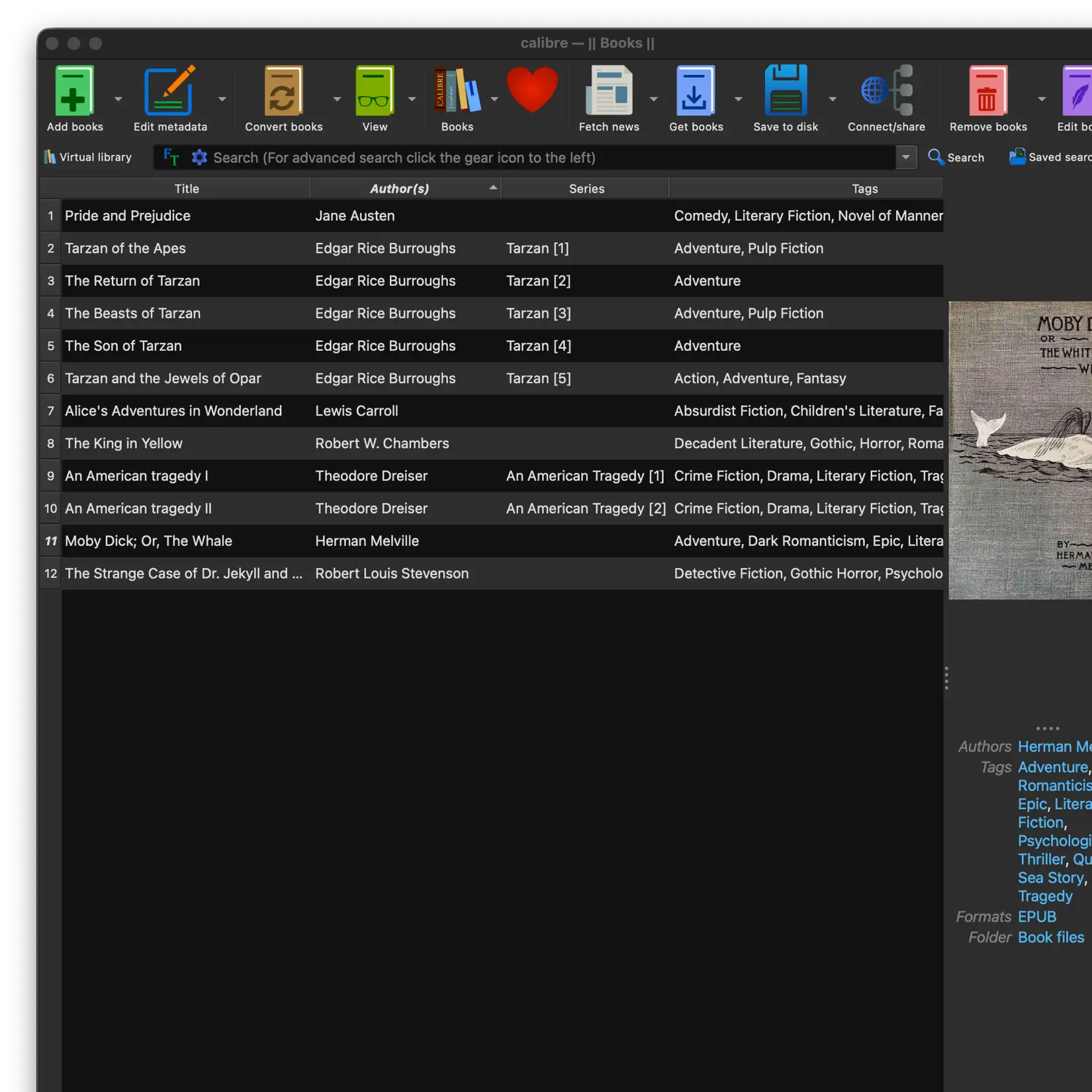
Connect to your Calibre library via iCloud Drive, Dropbox, Google Drive, or OneDrive. Bidirectional Calibre sync exports your reading progress, ratings, want-to-read flags, and session counts back to Calibre. Your entire book collection available on iPad without eating up storage.

OPDS catalogue support lets you browse and download from Calibre Content Server (with Wi-Fi auto-discovery), calibre-web, Kavita, Komga, COPS, or Project Gutenberg. Server-side search and pagination handle even the largest catalogues. Highlights export to Readwise with one tap, including title, author, chapter, and page info.

Export your highlights to Readwise, Markdown, and PDF
Start Reading on Your iPad in Minutes

01

Download justRead

Get justRead from the App Store. It runs natively on every iPad model with iOS 16 or later. No account required to start your free trial.

02

Import Your Books

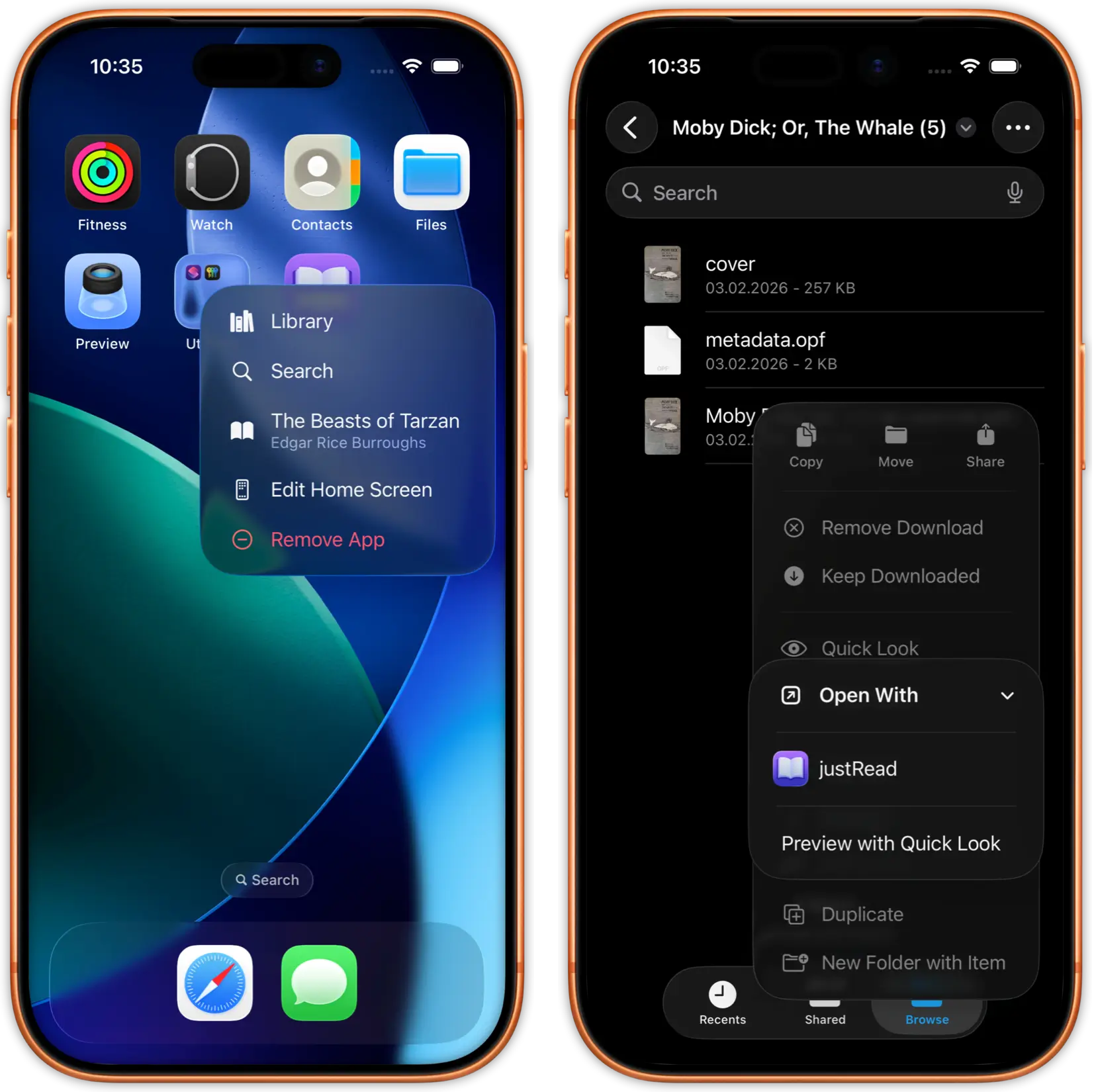
Add EPUBs and PDFs from iCloud Drive, Dropbox, Google Drive, your Calibre library, or any OPDS catalogue. On iPad, just drag and drop files straight into justRead.

03

Read on the Big Screen

Enjoy edge-to-edge reading with two-column layout in landscape, Split View for multitasking, and full typography control.

Why iPad Readers Choose justRead

What makes justRead the best EPUB reader for iPad

Real Typography Control

Apple Books limits you to a handful of fonts and basic size adjustments. No control over margins, line height, or paragraph spacing.

200+ built-in fonts, custom font imports, and complete control over every typography setting. Your iPad becomes a professional reading device.

Works With Your Library

Apple Books locks you into the Apple ecosystem. Getting your own EPUB files onto iPad is painful. No Calibre support.

Import from Calibre, iCloud, Dropbox, Google Drive, or OPDS catalogues. Your books, your way. No ecosystem lock-in.

Detailed Reading Analytics

Apple Books tracks almost nothing about your reading habits. No statistics, no streaks, no goals.

Full reading statistics with time tracking, daily streaks, achievements, and progress analytics across your entire library.

Loved by iPad Readers

See what readers are saying on the App Store

Frequently Asked Questions

Everything you need to know about reading EPUBs on iPad

Yes. justRead offers a beautiful two-column layout in landscape mode that makes your iPad feel like an open book. You can also use single-column in landscape if you prefer.

Yes. justRead fully supports Split View on iPad. Read your book in one half of the screen while using any other app in the other half.

Yes. justRead runs on every iPad that supports iOS 16 or later, including iPad mini, iPad Air, iPad Pro, and the standard iPad.

Yes. justRead supports keyboard shortcuts for page turning, navigation, and common actions when using a hardware keyboard with your iPad. Key shortcuts include Cmd+B for bookmarks, Cmd+T for table of contents, Cmd+F for full-text search, and Cmd+H for highlights.

justRead supports EPUB 2, EPUB 3, and PDF. EPUB is the most common open ebook standard, and PDF support means your technical books, manuals, and academic papers work too. If you have books in other formats like MOBI, use Calibre to convert them.

Free 7-day trial with full access, no account required. Then $2.99/month or $24.99/year. One purchase works on both iPhone and iPad.

Yes. justRead connects to your Calibre library through any cloud provider (iCloud, Dropbox, Google Drive, OneDrive) or via OPDS through Calibre Content Server.

Yes. Books you have opened are cached locally on your iPad. You can read them without an internet connection. New books require a connection to download.

Yes. On iPad, you can drag and drop EPUB and PDF files directly into justRead. It is the fastest way to add books to your library.

Yes. justRead is built with full VoiceOver support throughout the entire app. It also supports Dynamic Type scaling, Switch Control, Reduce Motion, and minimum 44x44pt touch targets. Charts include audio graph descriptions via AXChartDescriptor. Colour-blind users benefit from Differentiate Without Colour support with thickened progress bars.

Yes. justRead includes a built-in 20-20-20 break timer that reminds you to rest your eyes every 20 minutes. Combined with dark mode, custom background colours, and automatic sunrise/sunset theme switching, justRead helps you read comfortably for longer sessions.

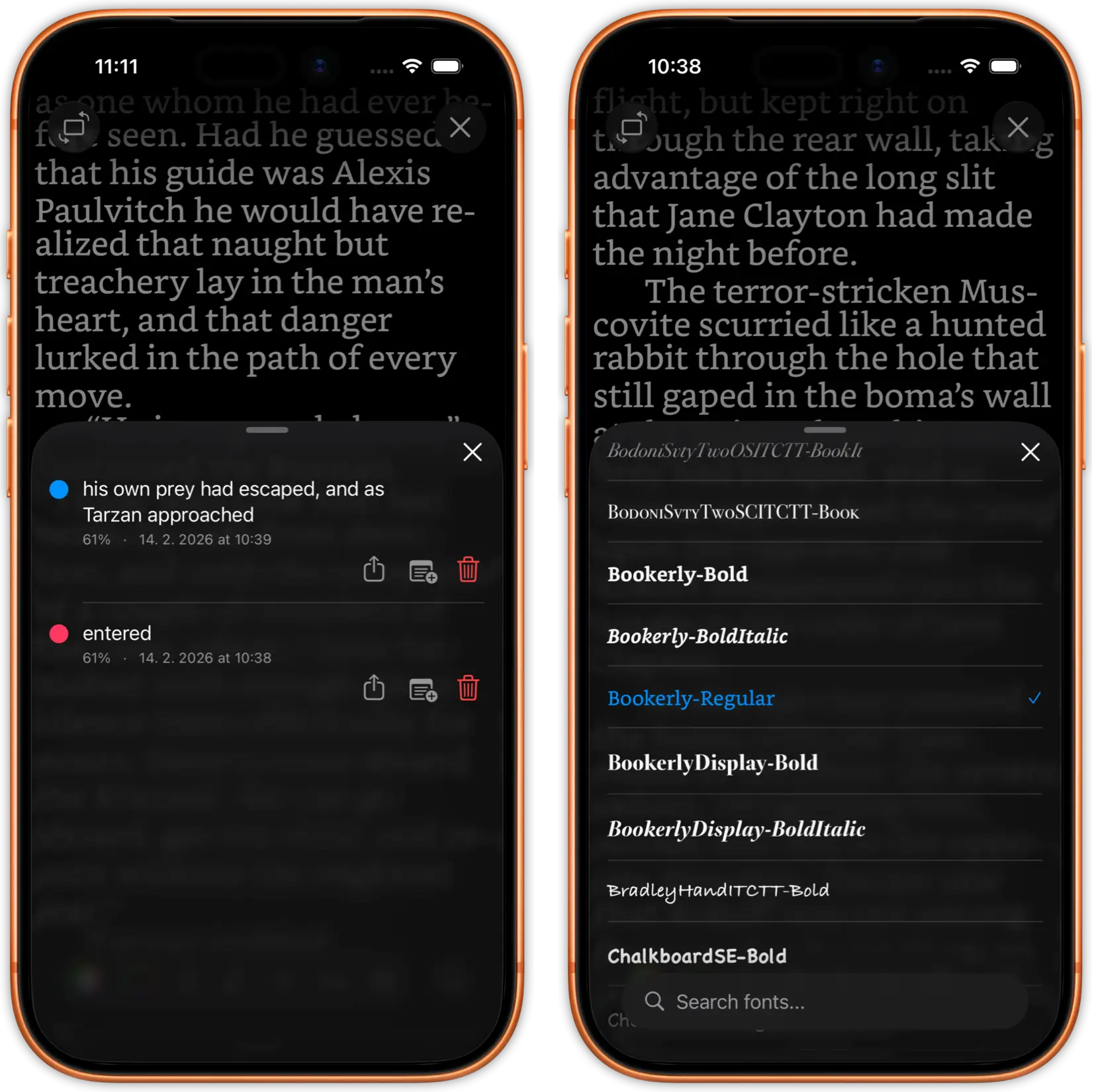
Yes. justRead supports highlights in 6 colours including red underline, with optional notes on each highlight. You can export all highlights to Readwise with one tap (including title, author, chapter, and page info) or export them as Markdown.

Start Reading on Your iPad Today

Download justRead and experience the best EPUB reader for iPad. Free 7-day trial, no account needed.

Free 7-Day Trial No Account Needed