Comparison Features Switching Reviews FAQ Try Free for 7 Days

The Marvin 3 Alternative for Power Readers

Marvin 3 set the standard for customisable EPUB reading on iOS. justRead picks up where Marvin left off with deep typography control, Calibre integration, reading statistics, and an active developer who listens. Everything you loved about Marvin, plus features Marvin never had.

Free 7-Day Trial No Account Needed
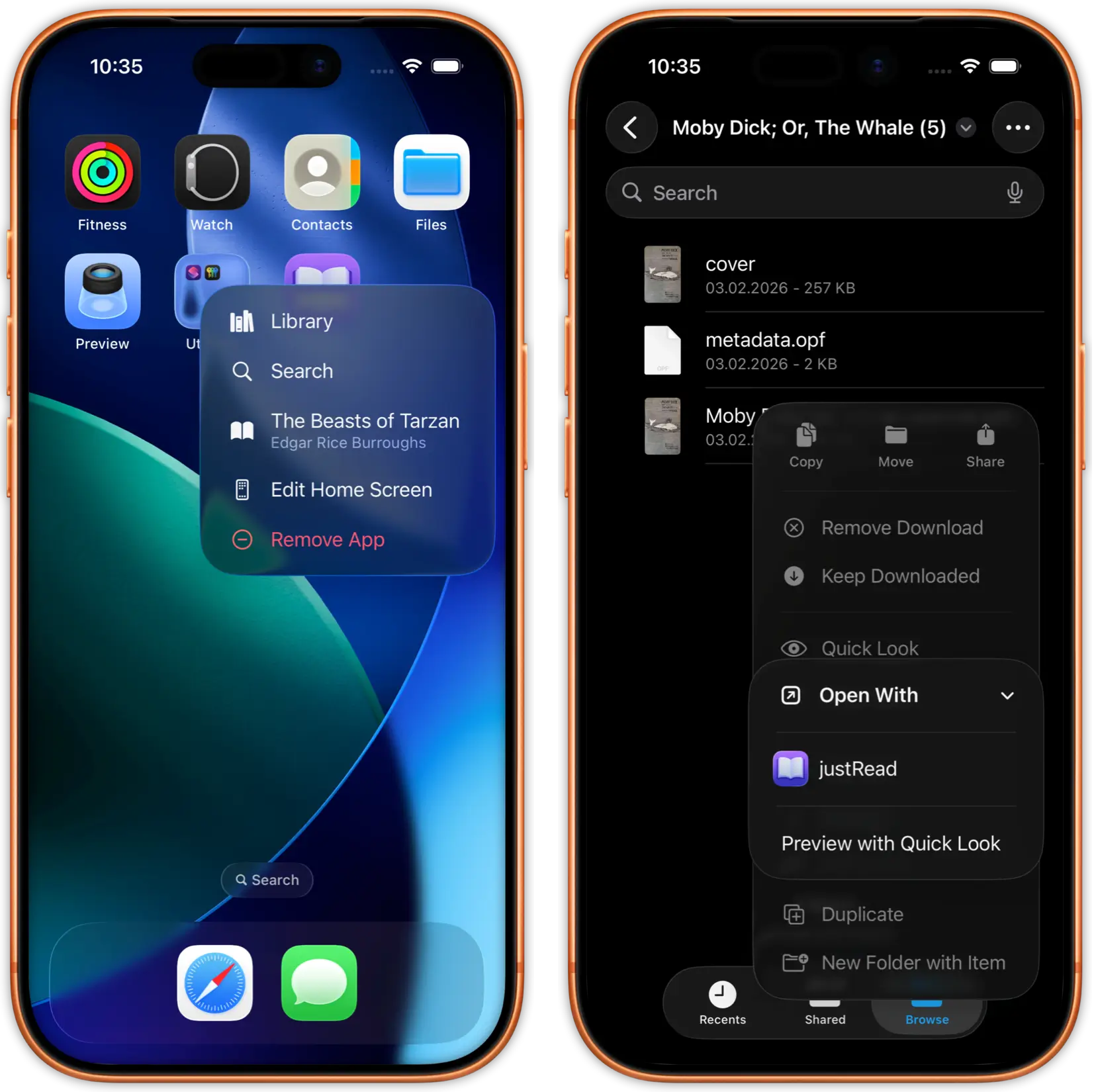
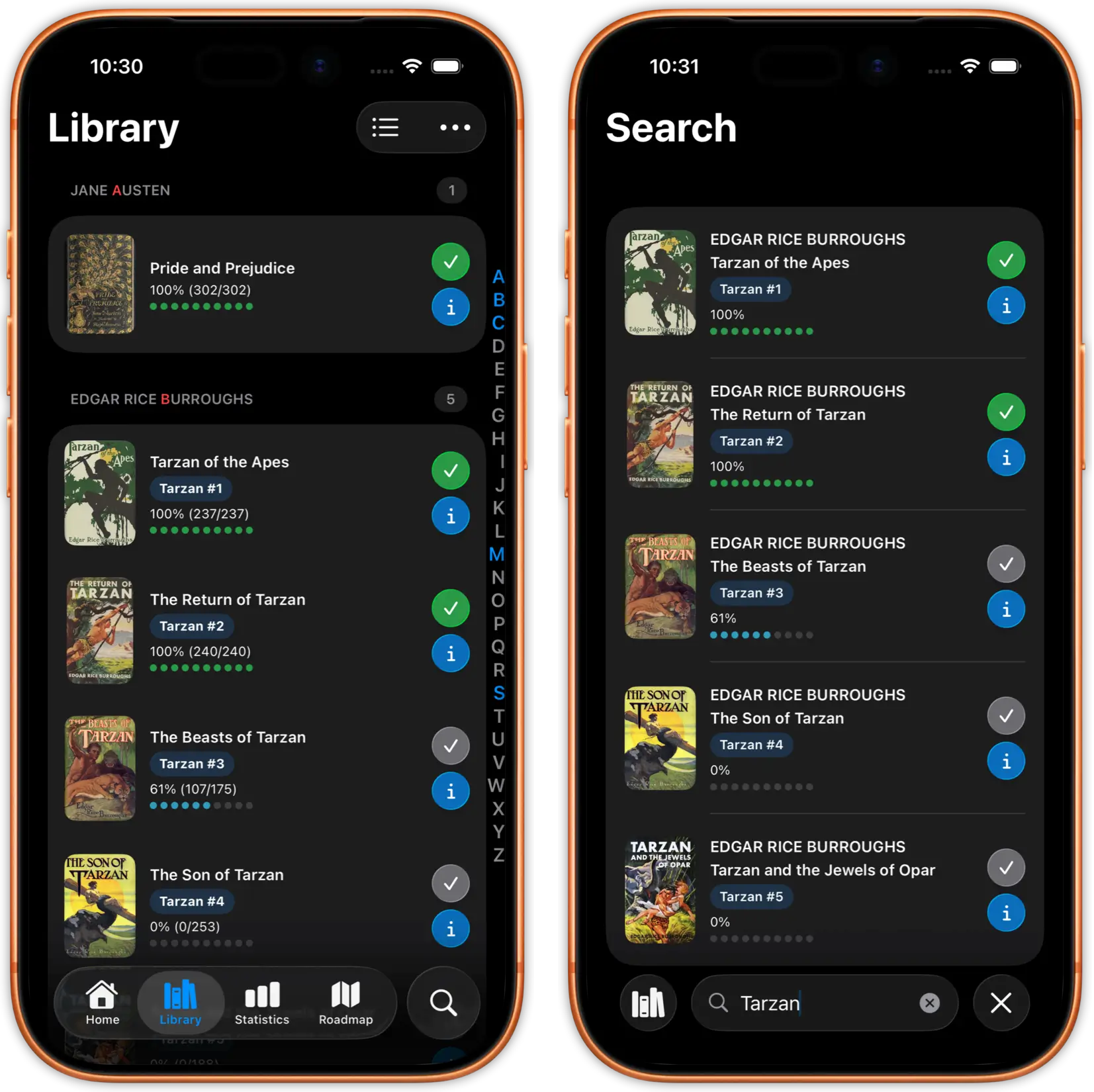
justRead library showing synced Calibre books
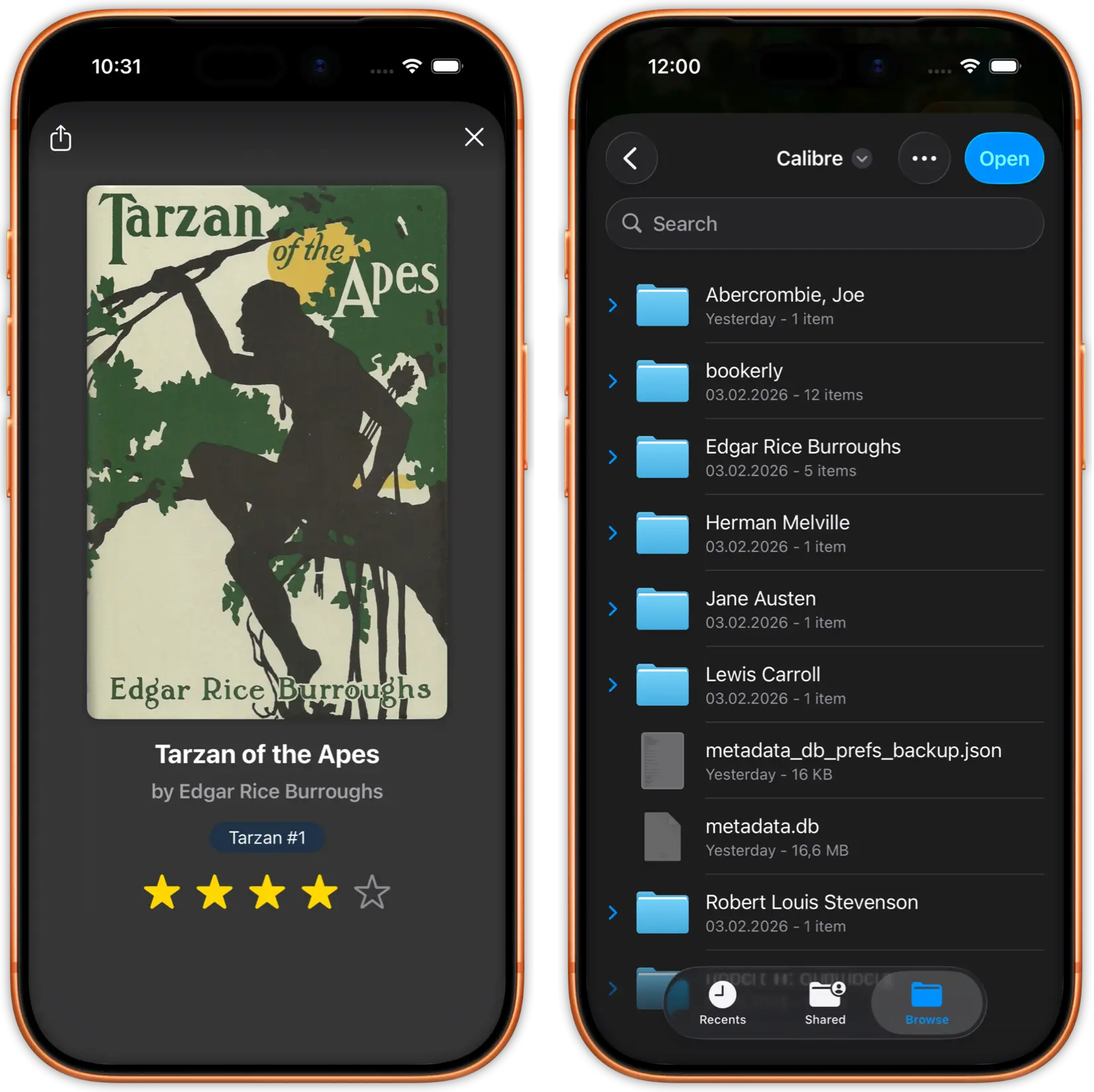
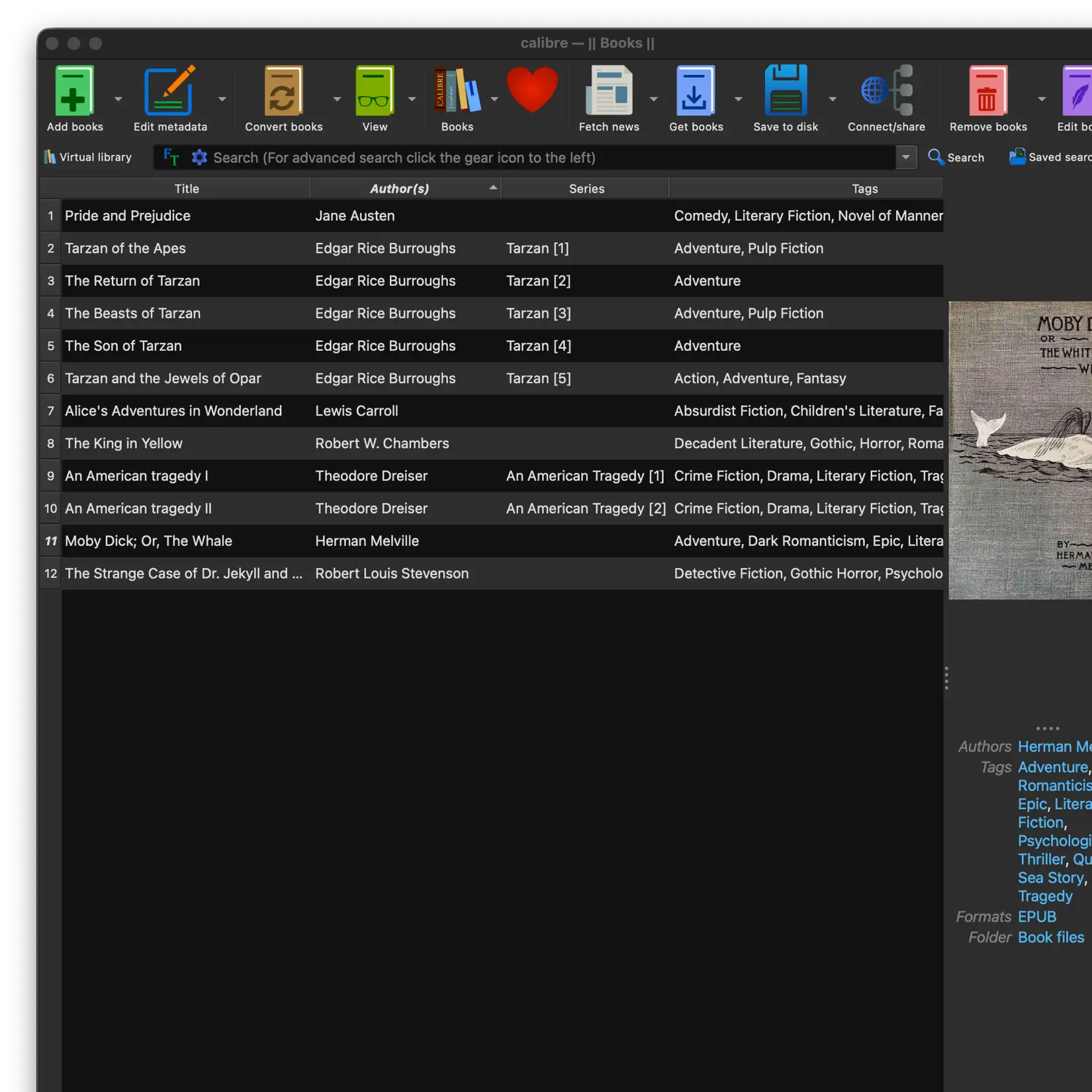
justRead Calibre folder sync view

Calibre Sync That Surpasses Marvin

Marvin's Calibre integration was legendary. justRead takes it further: native cloud-based sync via iCloud Drive, Dropbox, Google Drive, and OneDrive, plus Calibre Content Server with Wi-Fi auto-discovery. Your entire Calibre library with folder structure, metadata, series grouping, and covers preserved perfectly. Both EPUB and PDF files are fully supported.

Bidirectional sync goes beyond what Marvin offered: justRead exports reading progress, star ratings, want-to-read flags, finished dates, and session counts back to Calibre. Status badges show New, Changed, and Synced books at a glance. A post-sync log tracks per-book results. No server setup required for cloud sync, and 5,000+ books import without breaking a sweat.

justRead reading customisation options
justRead typography and font settings

Typography Control That Rivals Marvin

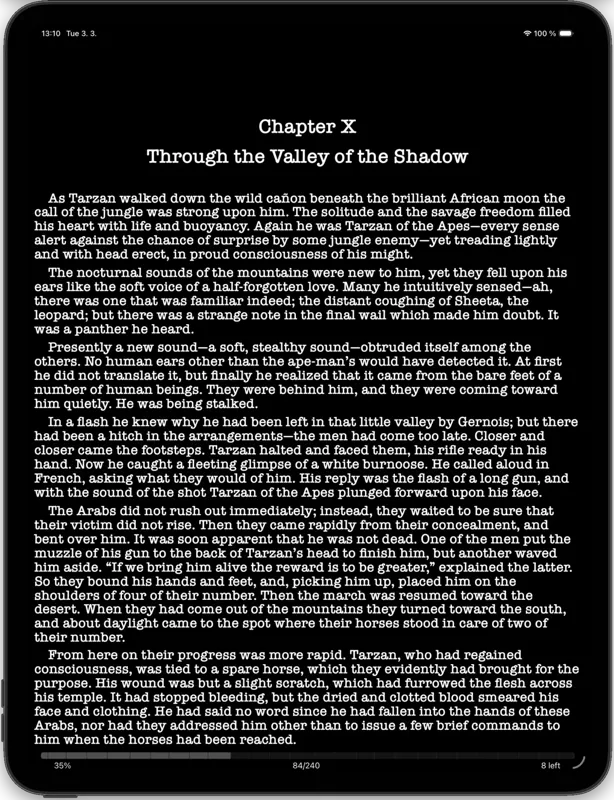
What made Marvin special: obsessive font and layout control. justRead matches it: 200+ built-in fonts organised by family, unlimited custom font imports, font weight slider, adjustable margins with separate portrait/landscape settings, line height, paragraph indent (0-300%), text alignment, and hyphenation for all alignments. Original font mode extracts fonts embedded in your EPUBs. Drop cap support for a polished look.

Colour presets with light, dark, sunrise, and sunset automation adapt throughout the day. Per-book settings let you customise each title independently. Top and bottom reading bars are individually configurable, showing progress, page number, chapter name, or estimated time left. A feature depth Marvin aimed for but justRead delivers.

justRead detailed reading statistics
justRead reading streaks and goals

Reading Analytics Marvin Never Had

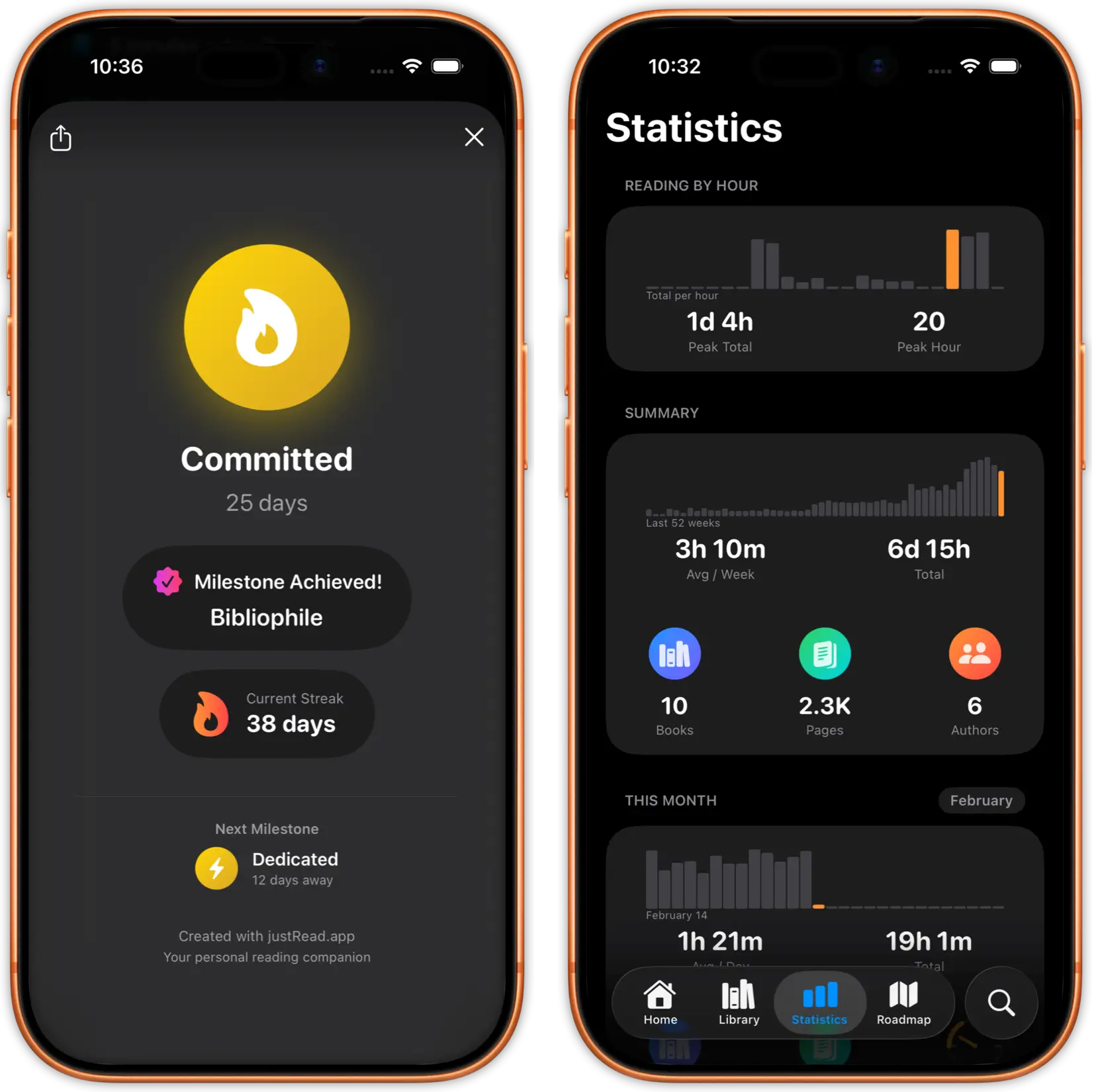
Marvin tracked basic reading progress. justRead gives you the complete picture: time per session, pages per minute, reading speed with a 90-day trend chart, reading-by-hour patterns, and Reading Recap with daily, weekly, monthly, and yearly reviews. Reread tracking records multiple finish dates per book.

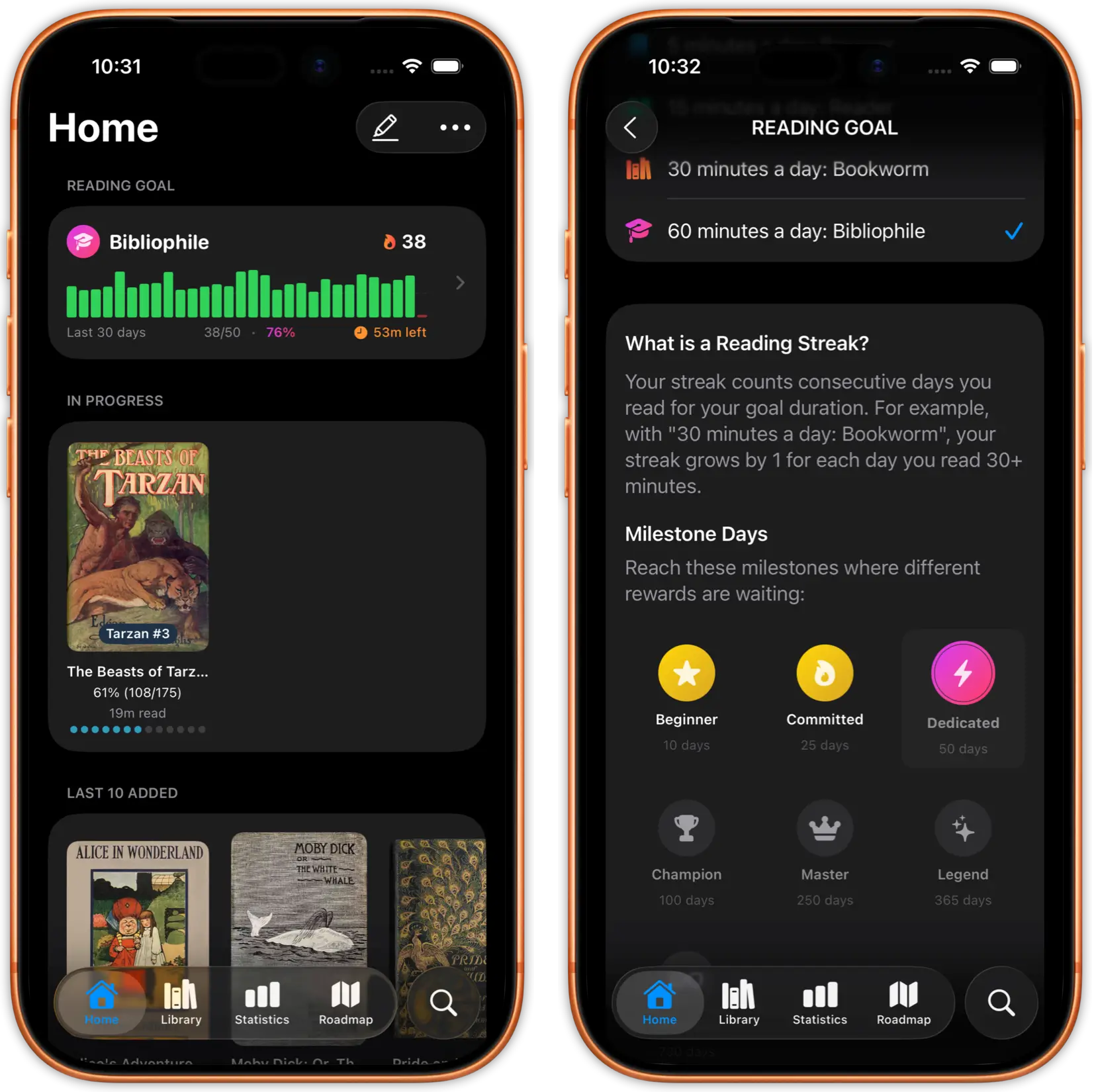
Stay motivated with reading streaks, customisable goals, and cumulative goal pace charts. Per-device statistics show how your reading splits across iPhone and iPad. Shareable book cards let you show off stats for any title. Every chart has scrubbable tooltips for precise data exploration.

justRead smart dark mode with image inversion
justRead edge-to-edge reading view

Built for Power Readers Like You

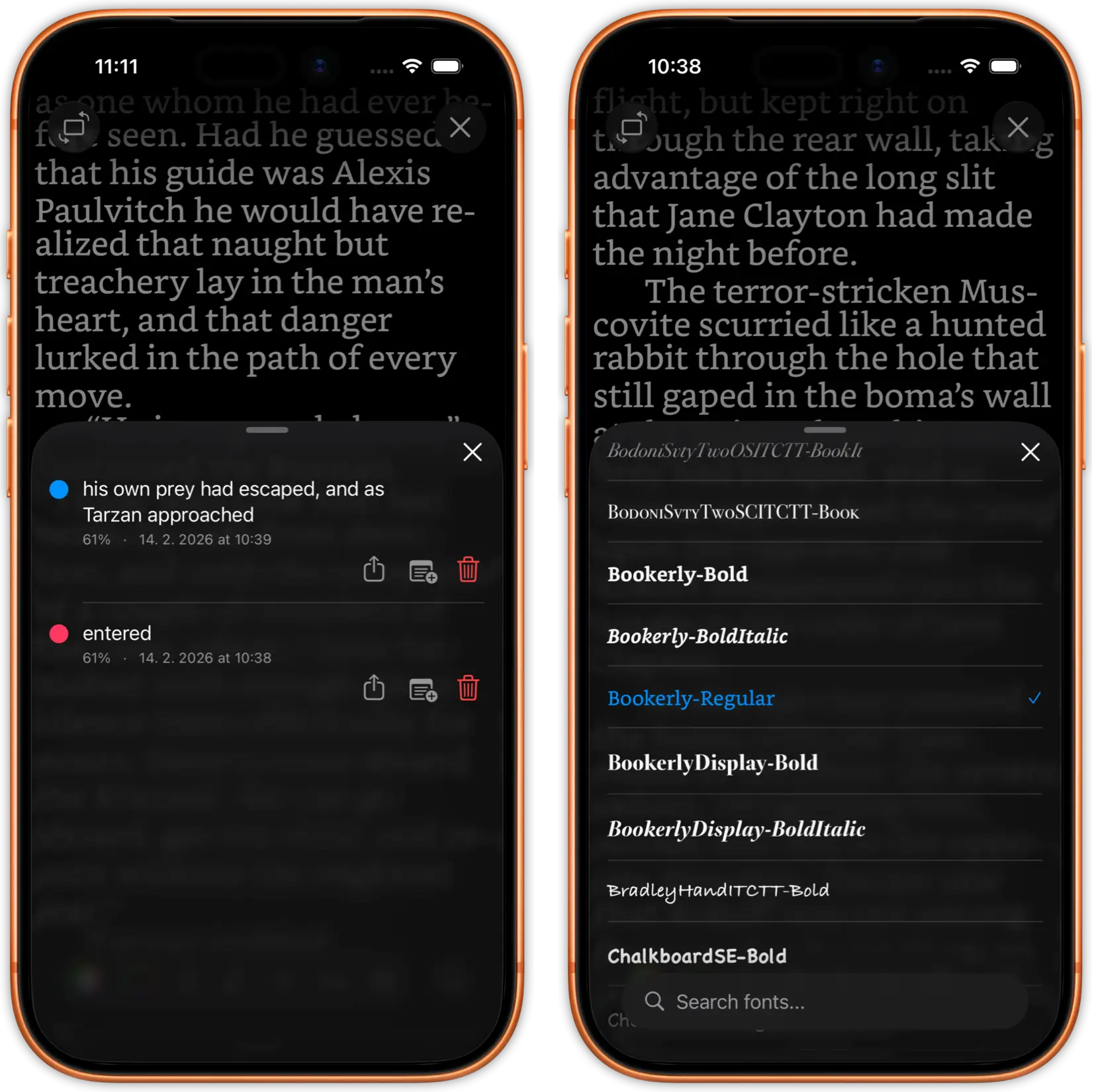
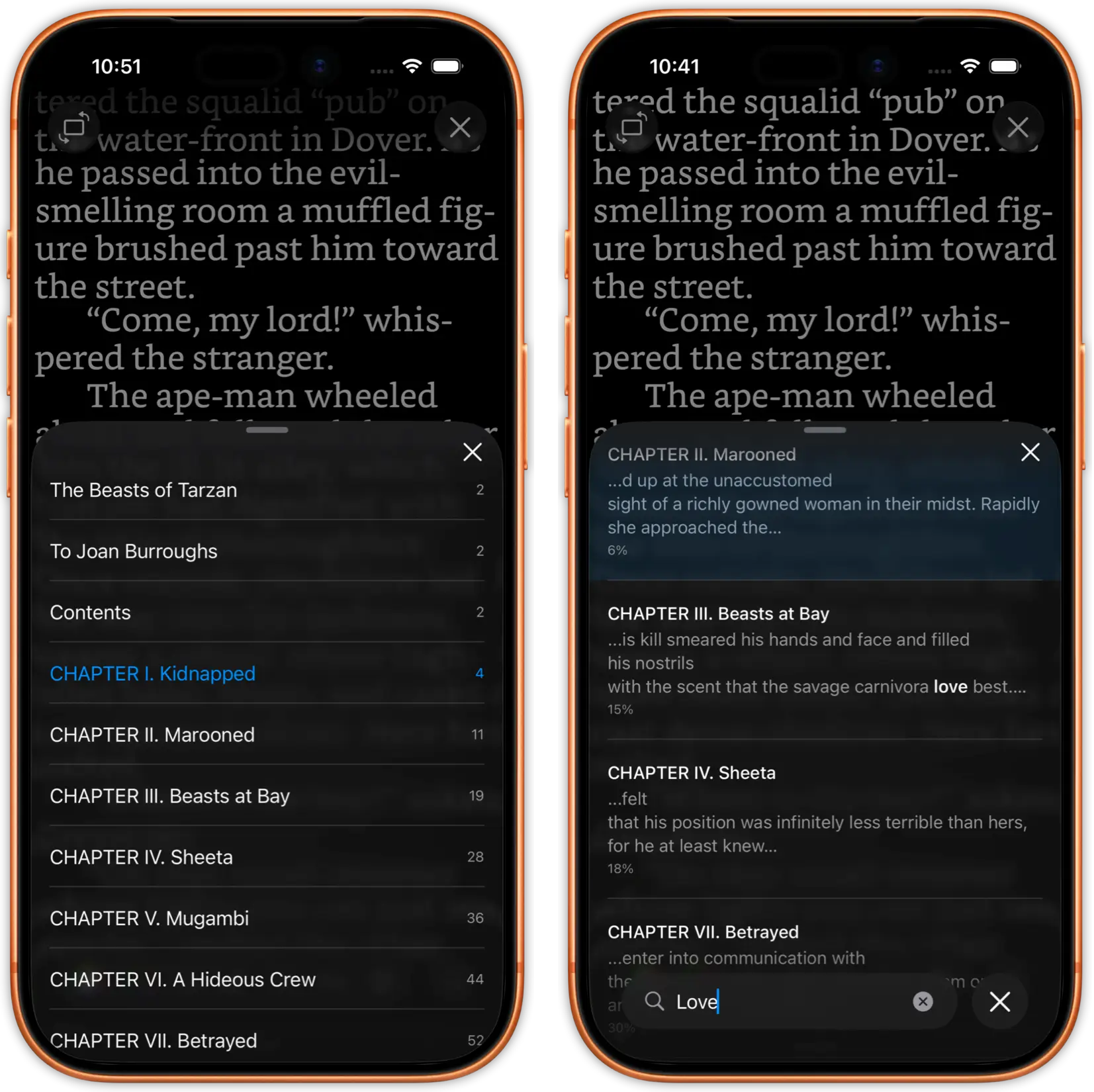
Smart dark mode with automatic image inversion. Full-text search with a persistent mini-bar and recent search history. Footnotes displayed in a sheet format. Full-screen zoomable image viewer. Dictionary, translate, and web search via text selection with a customisable selection menu. Highlights in 6 colours including red underline, with notes and one-tap Readwise export.

20-20-20 eye care break timer protects your eyes during long sessions. Full VoiceOver and accessibility support throughout the app. Reading Calendar widget for your home screen. Native iPad layout with two-column reading view. Features designed for readers who spend hours with their books, just like Marvin users do.

Export your highlights to Readwise, Markdown, and PDF

justRead library management with sort modes
justRead collection organisation and ratings

Library Management for Serious Collections

Marvin was built for readers with large, organised libraries. justRead continues that philosophy: grid and list views, an A-Z alphabet jumper, sort by title, author, publication date, or reading progress. Smart title sorting handles numbers first, omits articles, and works across languages. Filter by format (EPUB/PDF), search across your entire collection instantly.

Star ratings, want-to-read marking with a home screen section, and user-curated collections with drag-to-reorder. Tags with filtering and search let you organise however you want. Bulk book selection for mass tagging, collection assignment, or deletion. Book details include description, language, publisher, and publication date. Library statistics show book counts, annotation totals, and storage used.
justRead two-column reading view on iPad
justRead iPad Split View reading

Beautiful on iPad, Just Like Marvin

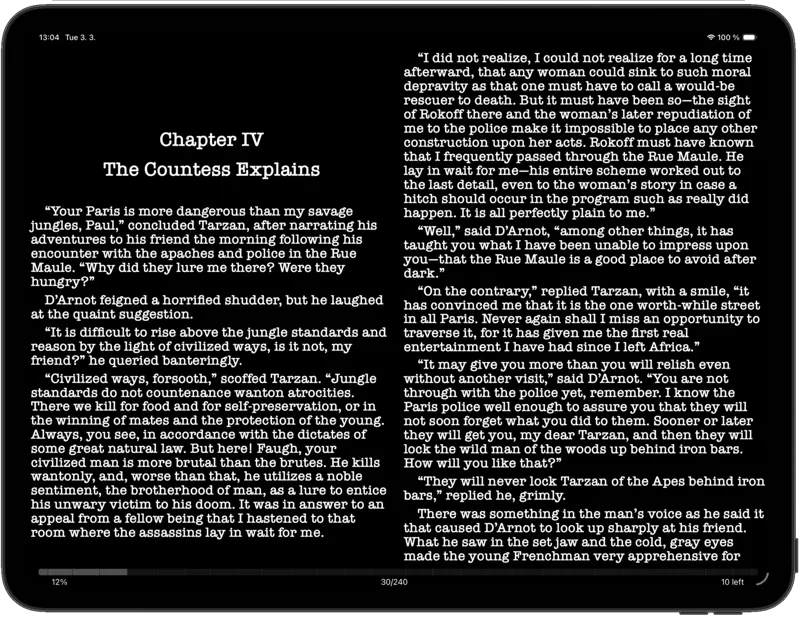
Marvin on iPad was a joy. justRead brings the same experience: native two-column reading view, professional typography, and generous margins designed specifically for the larger screen.

Full Split View support. Read your books while referencing notes, browsing your Calibre library, or looking up information in another app.

justRead community roadmap and feature voting
justRead active development and changelog

Active Development You Can Trust

One of the biggest frustrations with Marvin: updates stopped, bugs went unfixed, and feature requests disappeared into silence. justRead has a public roadmap where you vote on features. Your voice directly shapes the app's future.

Regular updates, responsive developer communication, and a growing community of readers who switched from Marvin. justRead is built to last, not to be abandoned.

Switch from Marvin in Minutes

01

Download justRead

Free on the App Store. No account creation, no email signup, no credit card. Start your 7-day trial instantly.

02

Connect Your Library

Point justRead at your book library in iCloud, Dropbox, Google Drive, or OneDrive. If you used Calibre with Marvin, justRead reads the same library structure.

03

Set Up Your Reading Preferences

Import your custom fonts, configure your margins and line height, choose your theme. Recreate your perfect Marvin reading setup in justRead.

Loved by Power Readers

See what readers are saying on the App Store

Frequently Asked Questions

Common questions from readers switching from Marvin 3

Marvin 3 is no longer maintained or updated. While existing installs may still work, it receives no bug fixes or iOS compatibility updates.

If your books are in Calibre or stored as EPUB files, yes. Point justRead to your cloud folder or import EPUBs directly.

justRead is the only iOS EPUB reader that combines native Calibre sync, 200+ fonts, full customisation, and detailed reading analytics in one app.

Yes. justRead receives regular updates and has a public roadmap where users vote on features.

Yes. 7-day free trial with no account required. Download from the App Store and start reading immediately. No credit card needed.

justRead supports EPUB and PDF. EPUB is the format most Marvin users are familiar with, and PDF support means your technical manuals and reference books work too. If you have books in other formats, Calibre can convert them to EPUB easily.

Yes, and more. justRead includes 200+ built-in fonts and supports unlimited custom font imports. If you had custom fonts in Marvin, you can use them in justRead.

Yes. justRead's Calibre integration goes beyond Marvin's. Connect via iCloud Drive, Dropbox, Google Drive, OneDrive, or Calibre Content Server (with Wi-Fi auto-discovery). Your folder structure, metadata, and covers are preserved perfectly. Bidirectional sync exports your reading progress, ratings, and session data back to Calibre.

Ready to Pick Up Where Marvin Left Off?

Download justRead free and set up your reading preferences in under two minutes.

Free 7-Day Trial No Account Needed