Import your EPUB books from iCloud, Dropbox, Google Drive, OneDrive, or a Calibre library. justRead supports any source you already use.
As you read, justRead records pages turned, time spent, and reading speed in the background. No buttons to press, no sessions to start or stop.
Open the Statistics tab to see your reading calendar, speed trends, daily streaks, and per-book breakdowns. Your entire reading history in one place.
Total hours and minutes spent reading, per book and overall
Daily, weekly, and monthly page counts across your library
Pages per hour calculated from actual reading, not screen-on time
Current and longest reading streaks to build consistent habits
Completion dates and total count of books you have read
Every reading session logged with start time, duration, and pages
Colour-coded heatmap showing your daily reading activity
Track how your reading pace changes over weeks and months
Individual statistics page for every book in your library
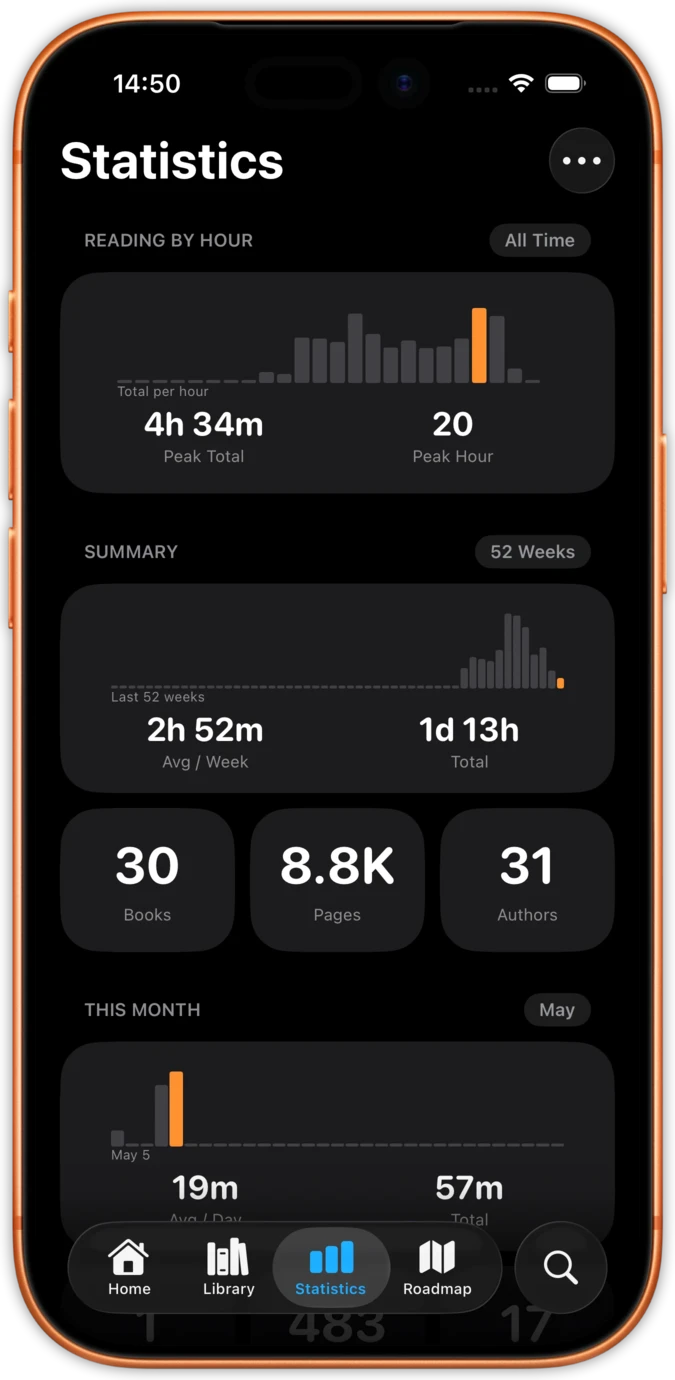
See your total reading time, pages read, books finished, and current streak at a glance. The Reading Recap gives you daily, weekly, monthly, and yearly reviews of your reading habits. Best month and average-per-month stats show long-term trends.
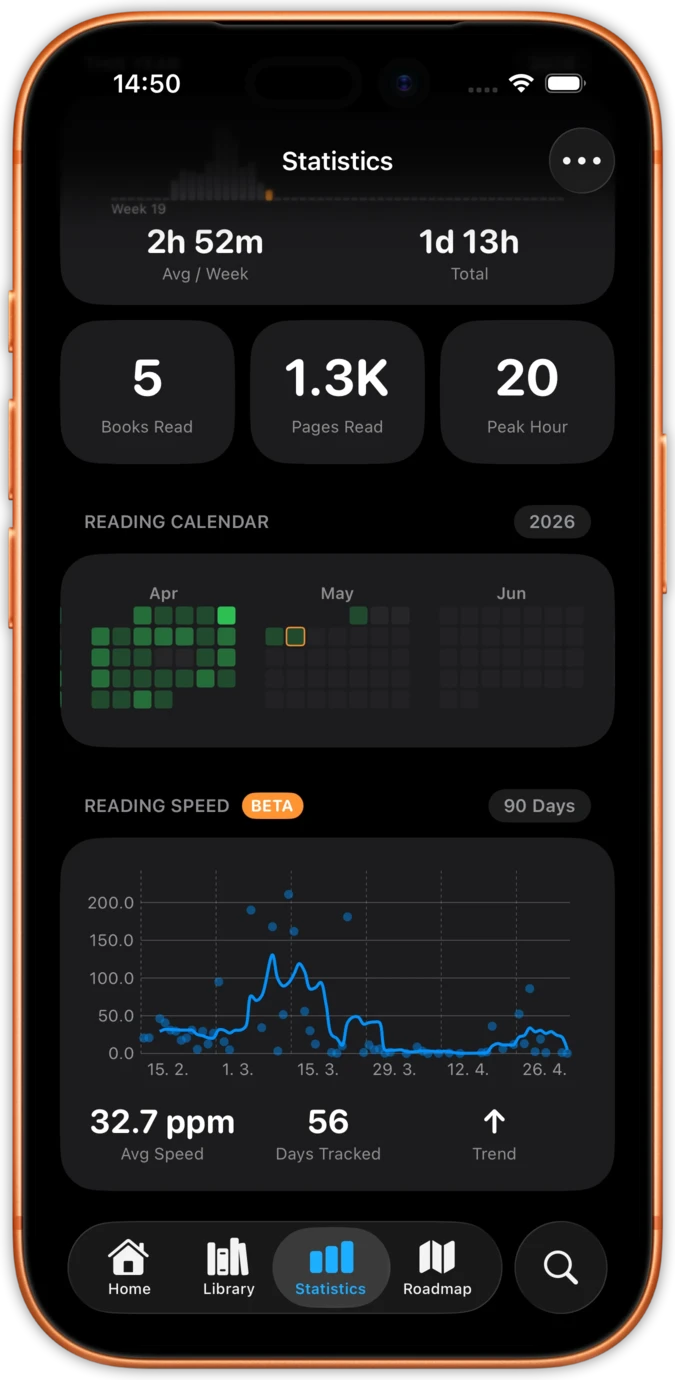
A reading calendar shows your daily activity with colour-coded intensity. A reading-by-hour chart reveals when you read most. Cumulative goal pace charts show whether you are ahead or behind your targets. Every chart has scrubbable tooltips for precise data at any point.
Each book gets its own statistics page: daily reading chart, consistency score, longest session, total reading time, and progress percentage. Reread tracking records multiple finish dates per book, so your second read of a favourite counts separately.
Per-device statistics show how your reading splits across iPhone and iPad. Shareable book cards let you export detailed stats for any title. Estimated page counts keep your numbers meaningful even for EPUBs without fixed page boundaries.
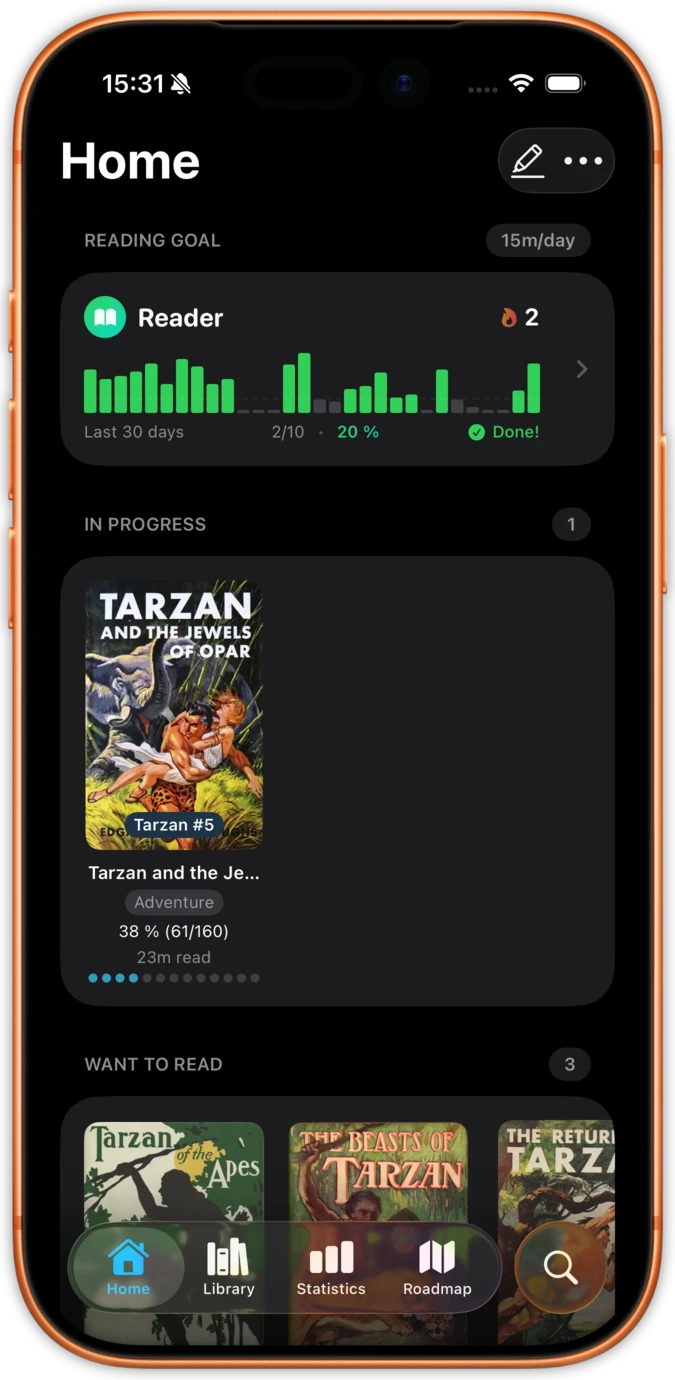
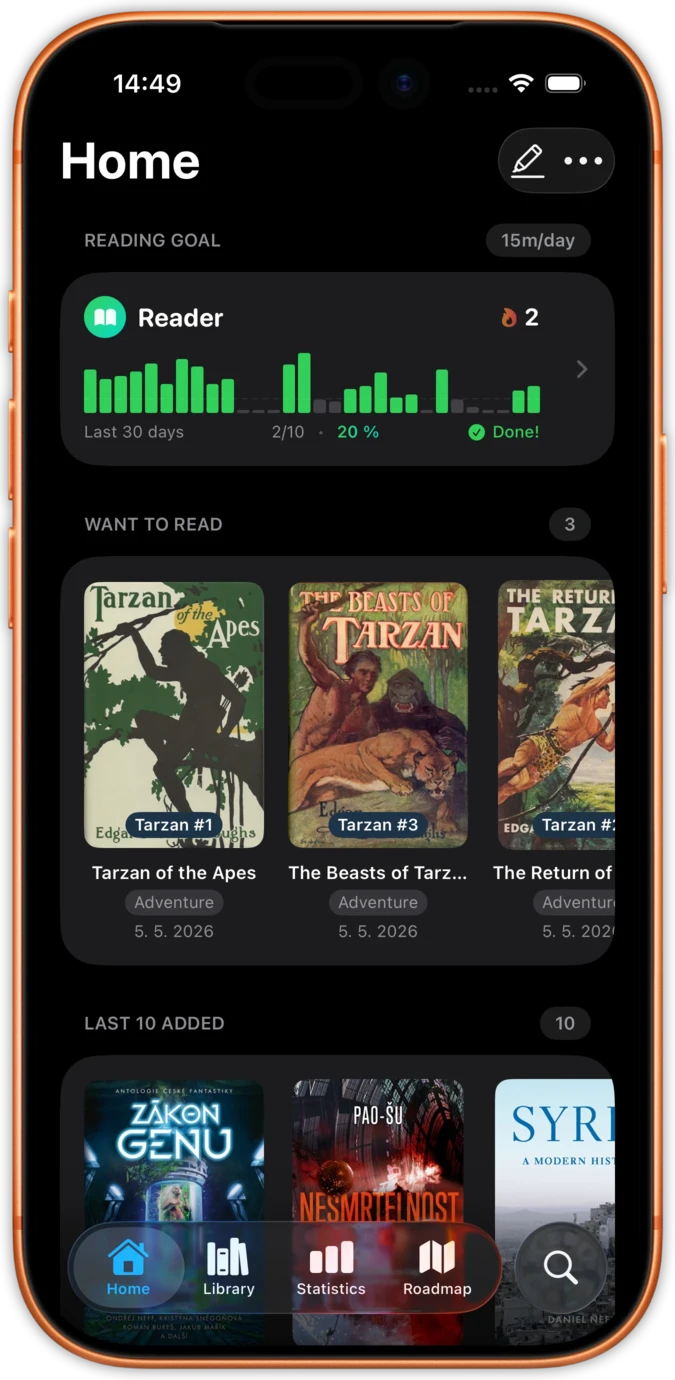
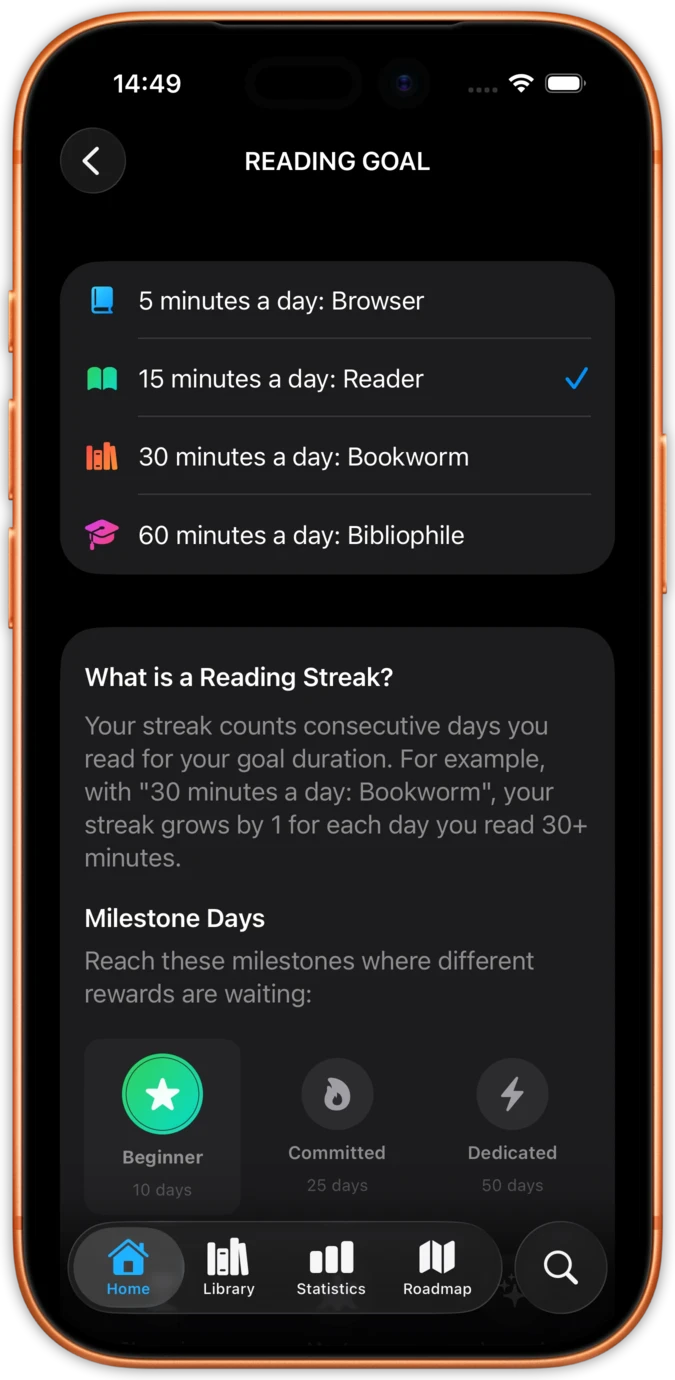
Reading streaks count days with at least one minute of reading. Set goals and track them with cumulative pace charts that show whether you are ahead or behind. Reading history with editable finish dates lets you correct any missed entries.
The Reading Speed chart with a 90-day trend line (BETA) reveals how your pace changes over time. Audio graph support via AXChartDescriptor makes these statistics accessible to VoiceOver users. A Reading Calendar widget on your home screen keeps stats visible at all times.
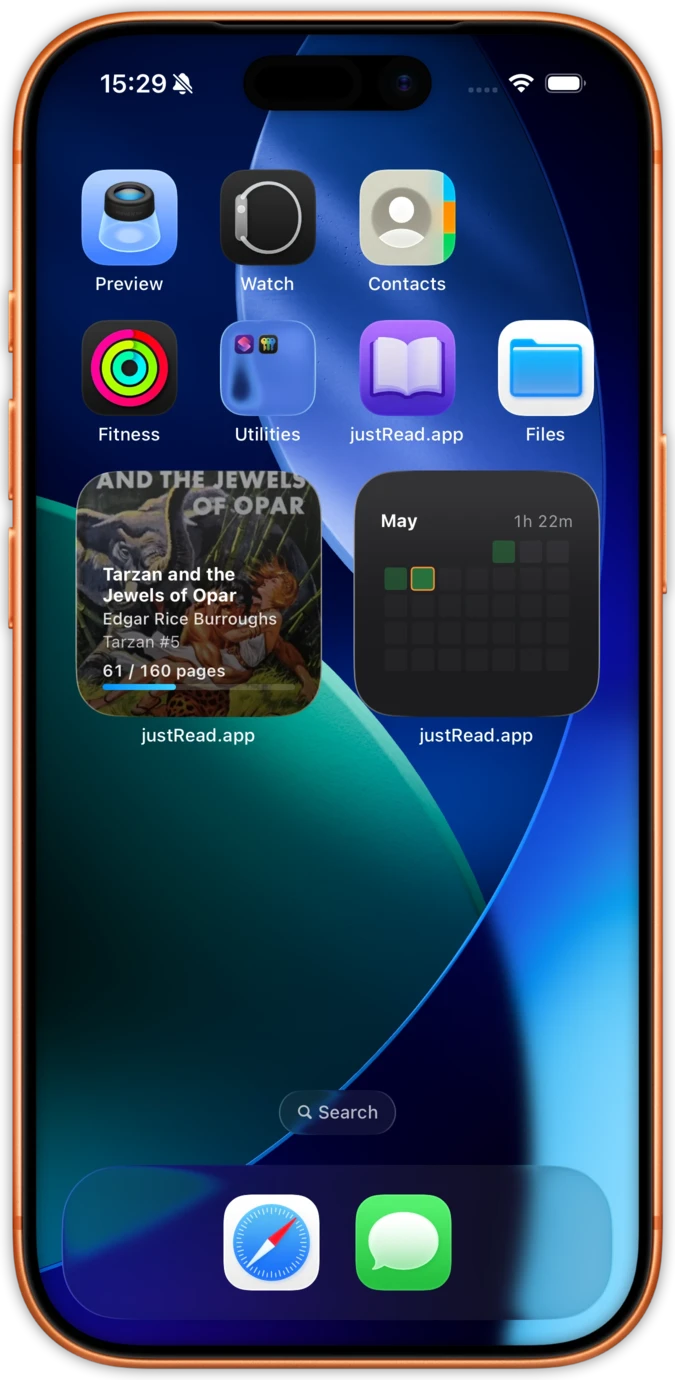
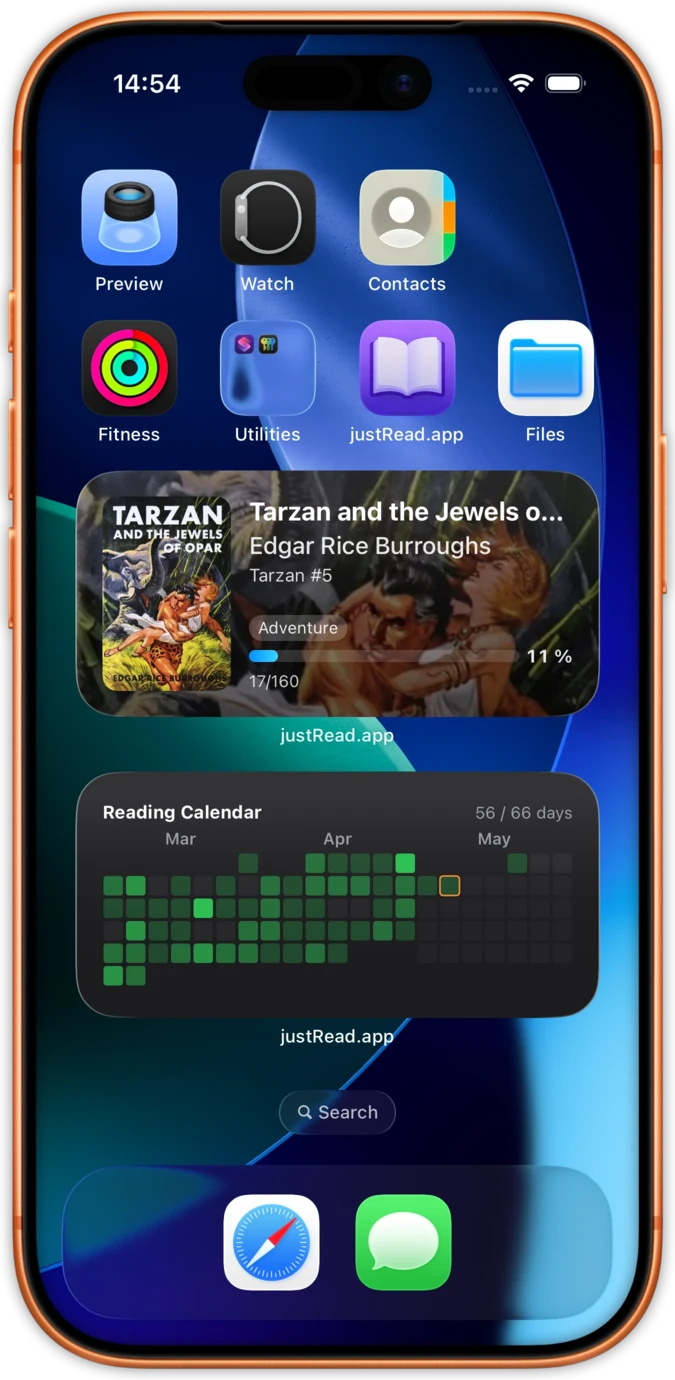
iOS widgets put your reading calendar and current book progress right on your home screen. See your streak, reading time, and monthly activity without opening the app.
Five home screen widgets, each in a small and a medium size: your current book, the reading calendar heatmap, a ring filling towards today's goal, your streak and Quick Stats. Five more sit on the Lock Screen, Minutes Today among them.
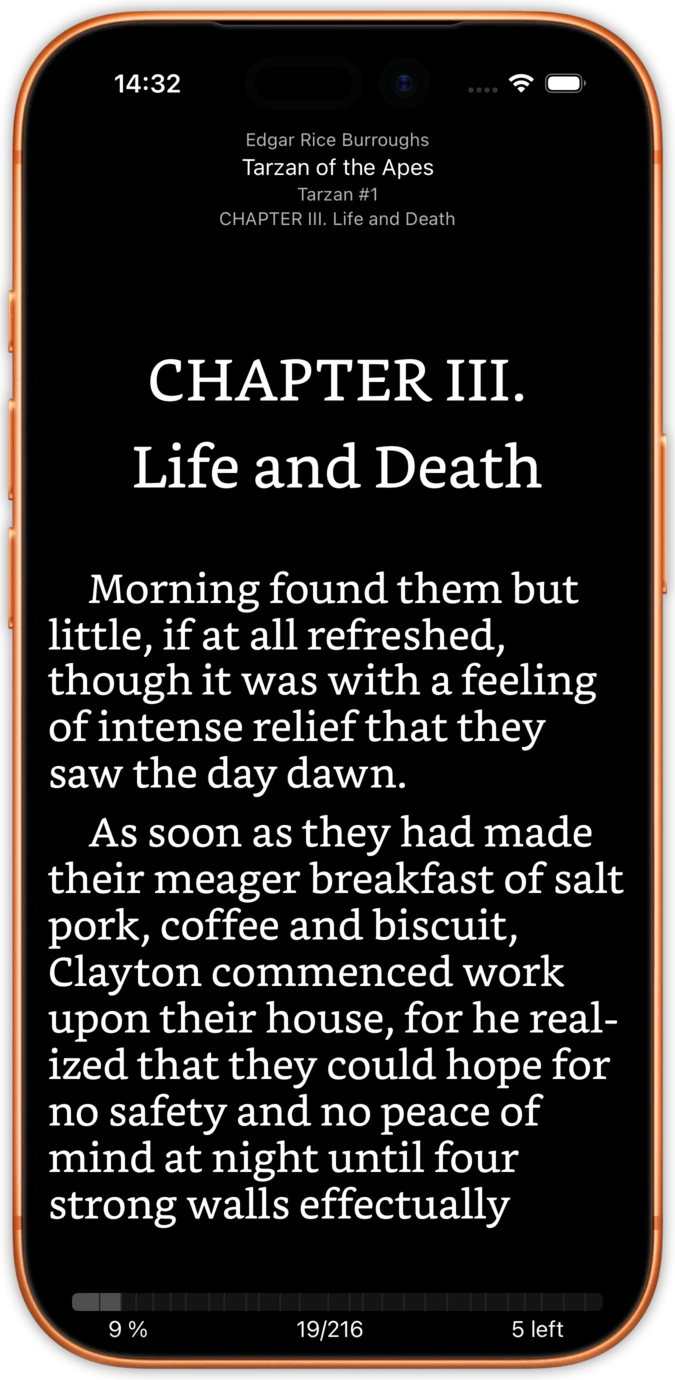
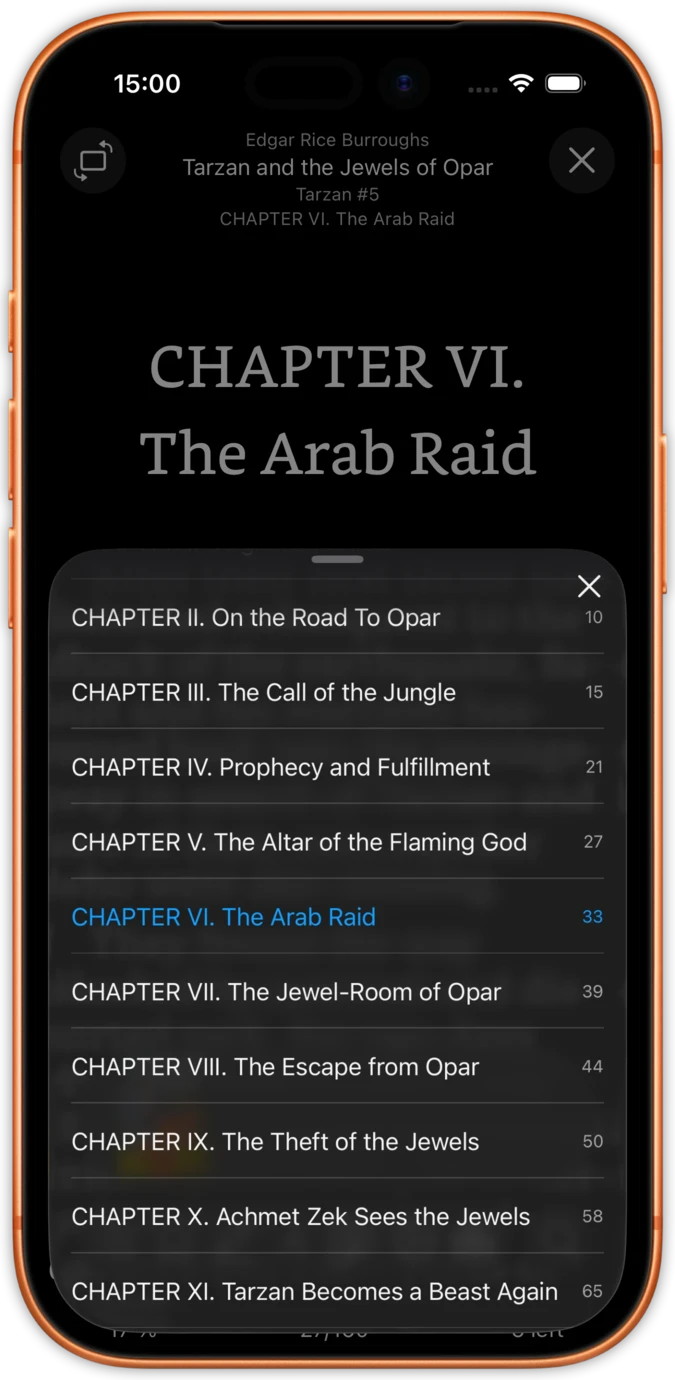
Statistics are tracked silently in the background. No pop-ups, no timers, no session buttons. Just open a book and start reading. Your stats update automatically as you turn pages.
Navigate chapters, adjust fonts, switch themes. justRead measures actual reading time between page turns, filtering out idle time so your statistics reflect real reading.
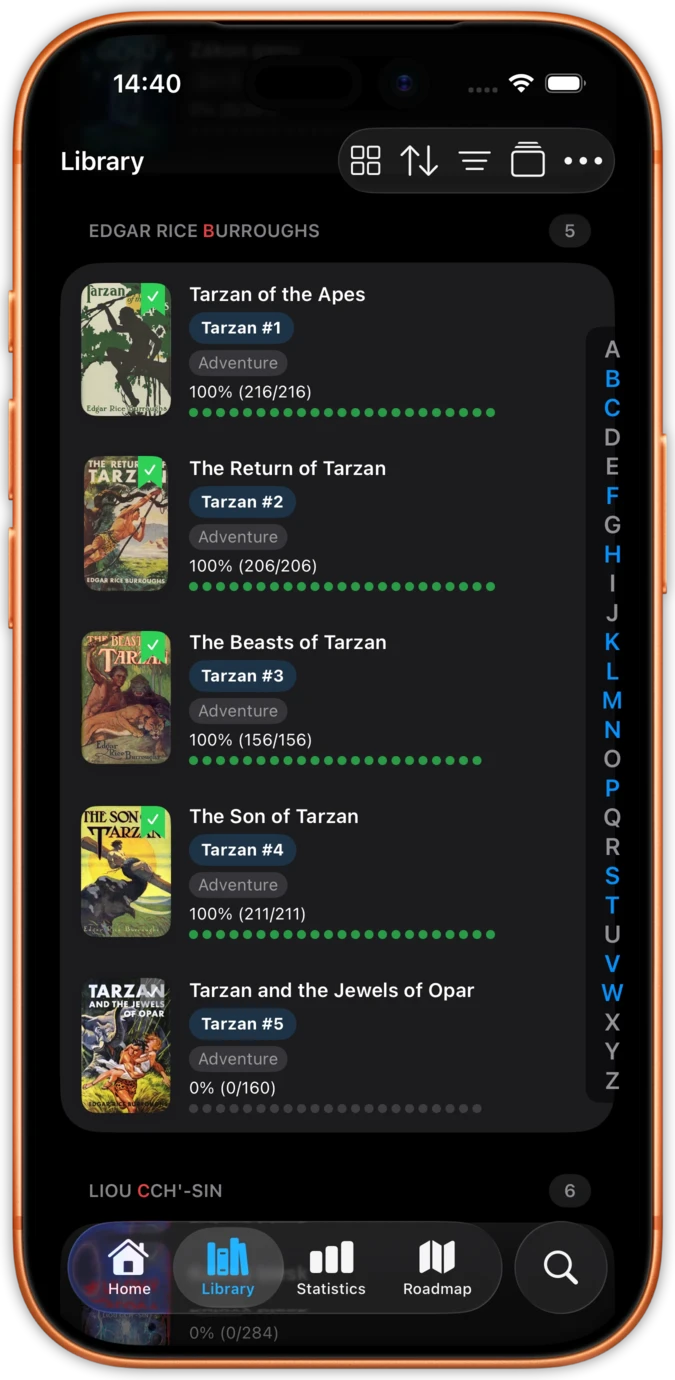
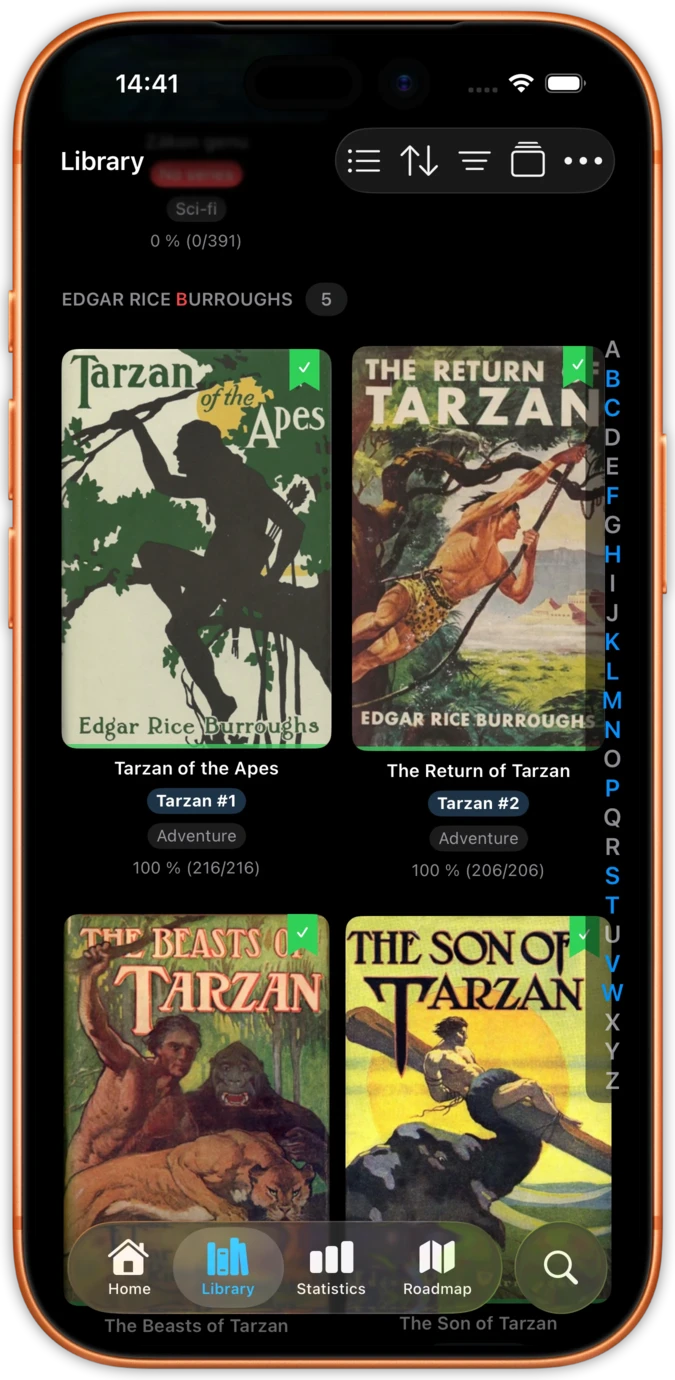
See your entire library through the lens of data: books sorted by reading time, speed, or completion date. Discover which genres you read fastest and which authors keep you up late.
Import from Calibre, iCloud, Dropbox, Google Drive, or OneDrive. Every book gets tracked from the first page turn, building a complete picture of your reading life.
Built into the reader, not bolted on as an afterthought
Other apps make you log sessions manually or press start/stop timers.
justRead tracks everything in the background. Just open a book and read. Your stats update in real time with zero effort.
Spreadsheets and plain number lists do not inspire consistent reading.
Colour-coded calendars, streak counters, and trend charts make your reading progress feel tangible and rewarding.
Most trackers only show totals. You have no idea how long a specific book took.
Every book has its own stats page: total time, average speed, session count, and completion date. Your reading history, book by book.
Why readers switch from Bookly, Book Tracker, and spreadsheets
| Feature | justRead | Manual Trackers |
|---|---|---|
| Tracking method | Fully automatic | Manual start/stop or logging |
| Reading speed | Calculated per page turn | Estimated or self-reported |
| Per-book breakdowns | Automatic for every book | Only if manually logged |
| EPUB reader included | Yes, full-featured reader | No, separate app needed |
| Session accuracy | Idle time filtered out | Includes forgotten timers |
| Setup required | None, works immediately | Enter book details manually |
See what readers are saying on the App Store
★ 4.6 / 5 · 36 App Store ratings
Fantastic eReader
Best app I've found for syncing with Calibre. Customisation rivals the great Marvin app, with superior library management.
Your books, your way
Ridiculously customisable, works great with my Calibre library and OPDS, and syncs across devices. The developer has been amazingly responsive.
Finally a worthy successor to Marvin
Two-way sync with Calibre, a big tick on library metadata, and fast, helpful support. Forget the other e-reader apps, this is the one to go for.
Exceptional app
A clean, uncluttered, modern interface, Calibre integration and excellent text-to-speech. Extra points for no telemetry or analytics.
Reading as you want it
A great new iOS epub reader with responsive developers actively adding features. Configure your reading experience just the way you like it.
The best reader on the App Store
Absolute control of customisation. Custom font support. The ability to vote on next features and development.
My new mobile happy place
A beautifully made reader app. Love the statistics and how it works with my 5,000+ book library and cloud storage.
Comprehensive epub reader for iOS
Finally an app that manages a book collection and acts as a fully functional reader. Streams from Dropbox without using phone storage.
Everything you need to know about reading statistics in justRead
Yes. Listening counts just as reading does. Time spent with an audiobook feeds your daily goal, keeps your streak alive and turns up in your statistics and your Recap, exactly as an EPUB, a PDF or a comic does. Everything you read and everything you listen to lands in one set of figures rather than four.
Export is on our roadmap. Currently, all your statistics are stored locally on your device and synced across your iOS devices via iCloud.
Yes. Your reading statistics sync automatically between your iPhone and iPad through iCloud. Read on one device and see your updated stats on the other.
justRead measures the time between page turns to calculate your reading speed in pages per hour. It filters out idle time (when you put your phone down) so the numbers reflect actual reading, not screen-on time.
Yes. justRead tracks reading statistics on both iPhone and iPad. The statistics dashboard is optimised for iPad's larger screen, showing more data at a glance.
justRead offers a free 14-day trial with full access to all features, including reading statistics. After the trial, a subscription is required. Monthly ($4.99), yearly ($29.99), or lifetime ($79.99) plans are available.
justRead filters out idle time by detecting when you stop actively turning pages. The result is reading speed and session duration that reflect actual reading, not time with the screen left on.
Yes. justRead includes iOS home screen widgets that show your reading streak, current book progress, and a monthly reading calendar. Add them from the iOS widget gallery.
Statistics begin tracking from the moment you start reading a book in justRead. Previously read books that you re-read will be tracked from that point forward.
Yes. All reading statistics are stored on your device and synced via your personal iCloud account. justRead does not collect, upload, or share your reading data with anyone.