Connect your Calibre library via any cloud provider and read your entire collection on iOS. Full folder structure, metadata, covers, and series organisation preserved perfectly. The Calibre companion app that power readers have been waiting for.
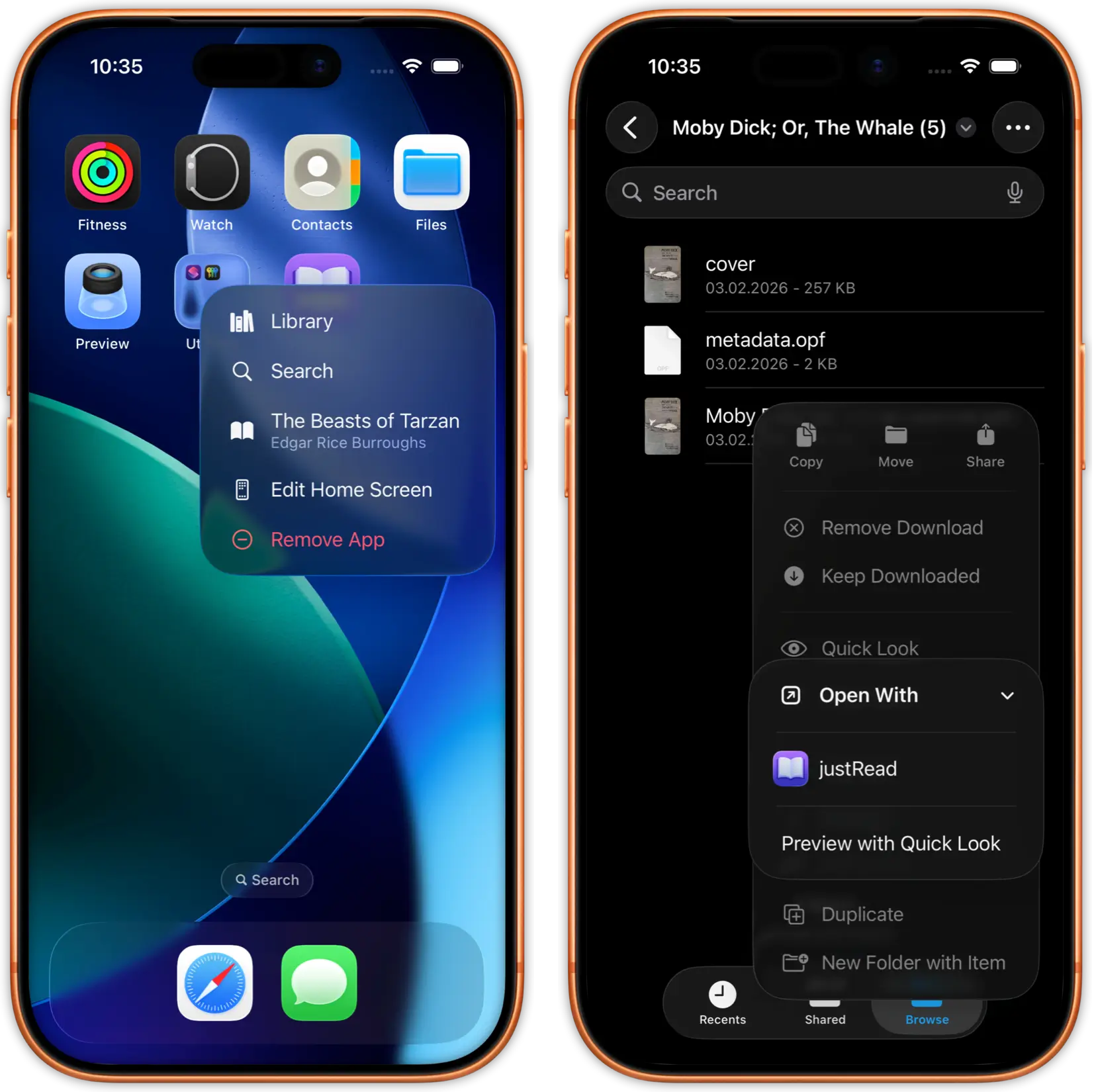
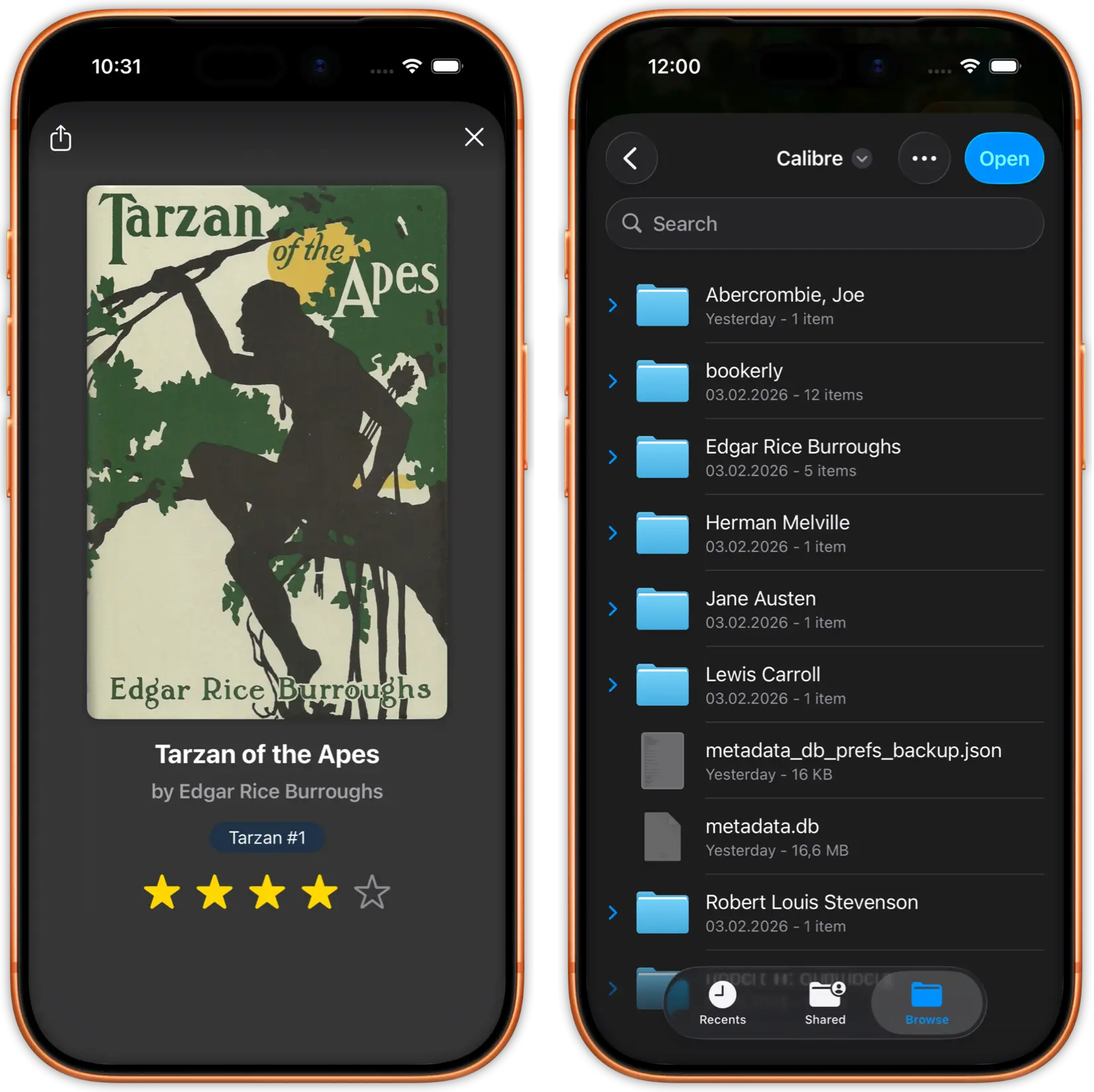
Open justRead, tap Add Library, and select your Calibre library folder from iCloud Drive, Dropbox, Google Drive, or OneDrive. justRead detects Calibre's folder structure automatically.
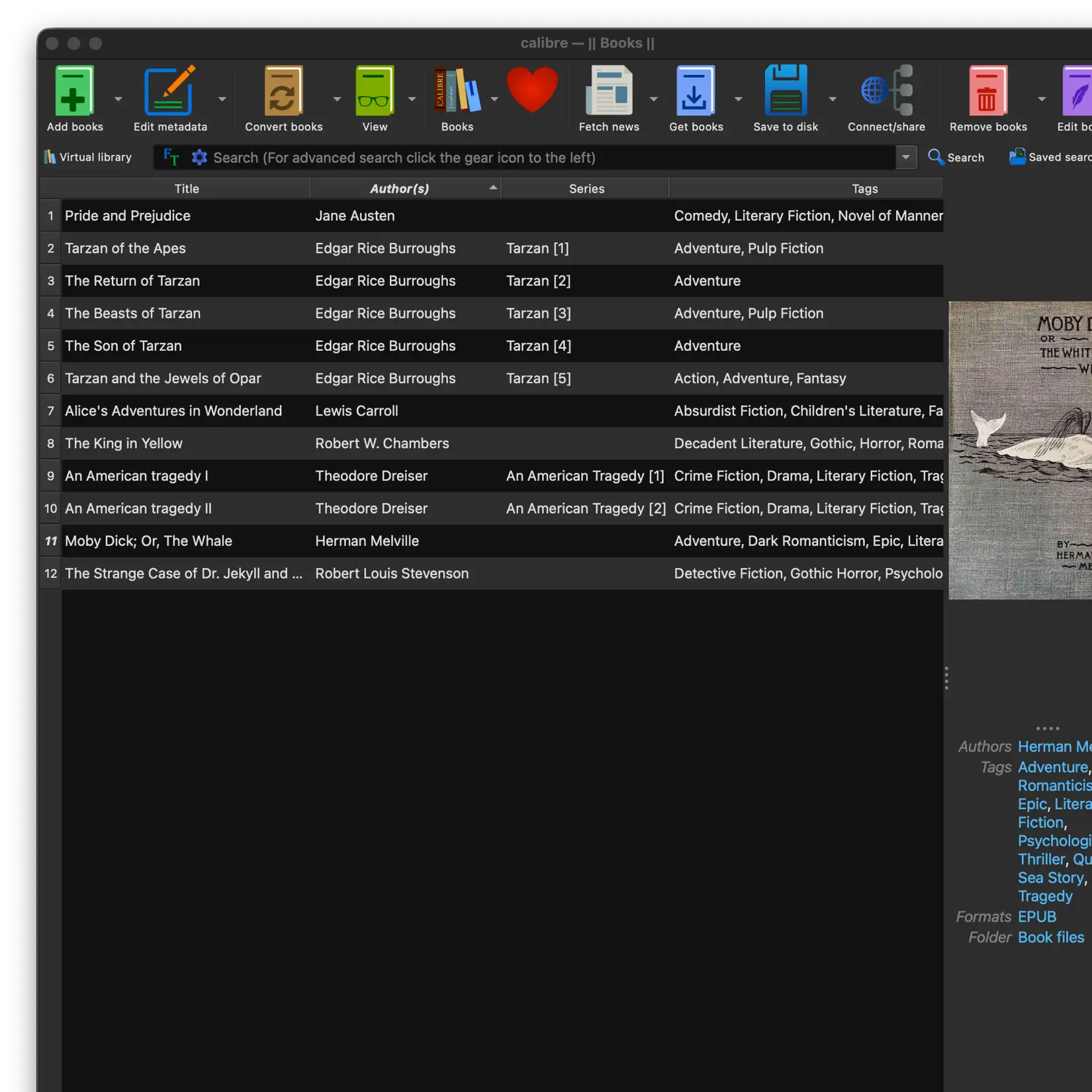
justRead imports your entire Calibre collection with metadata, covers, series info, and folder organisation intact. 5,000+ books? No problem.
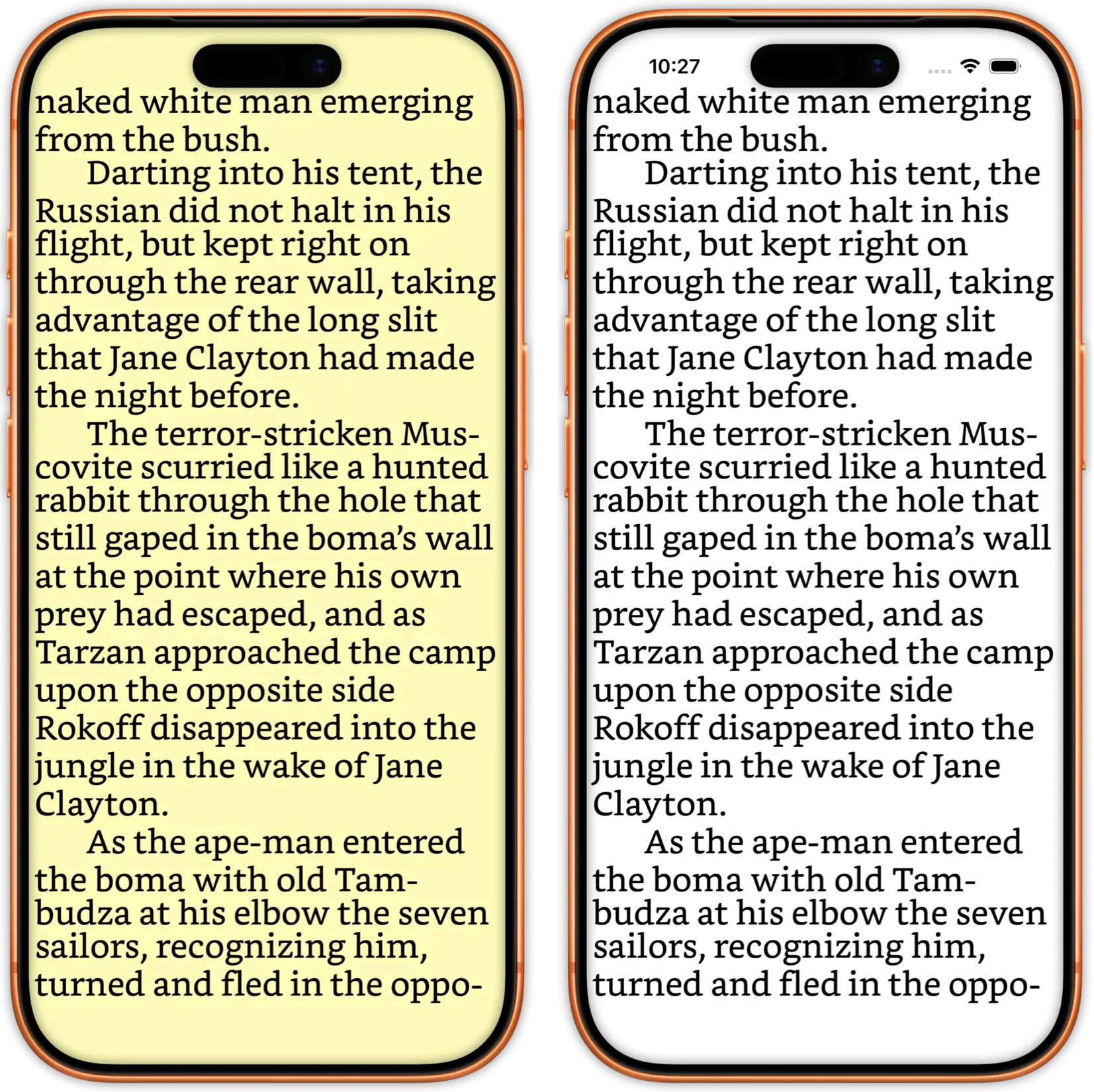
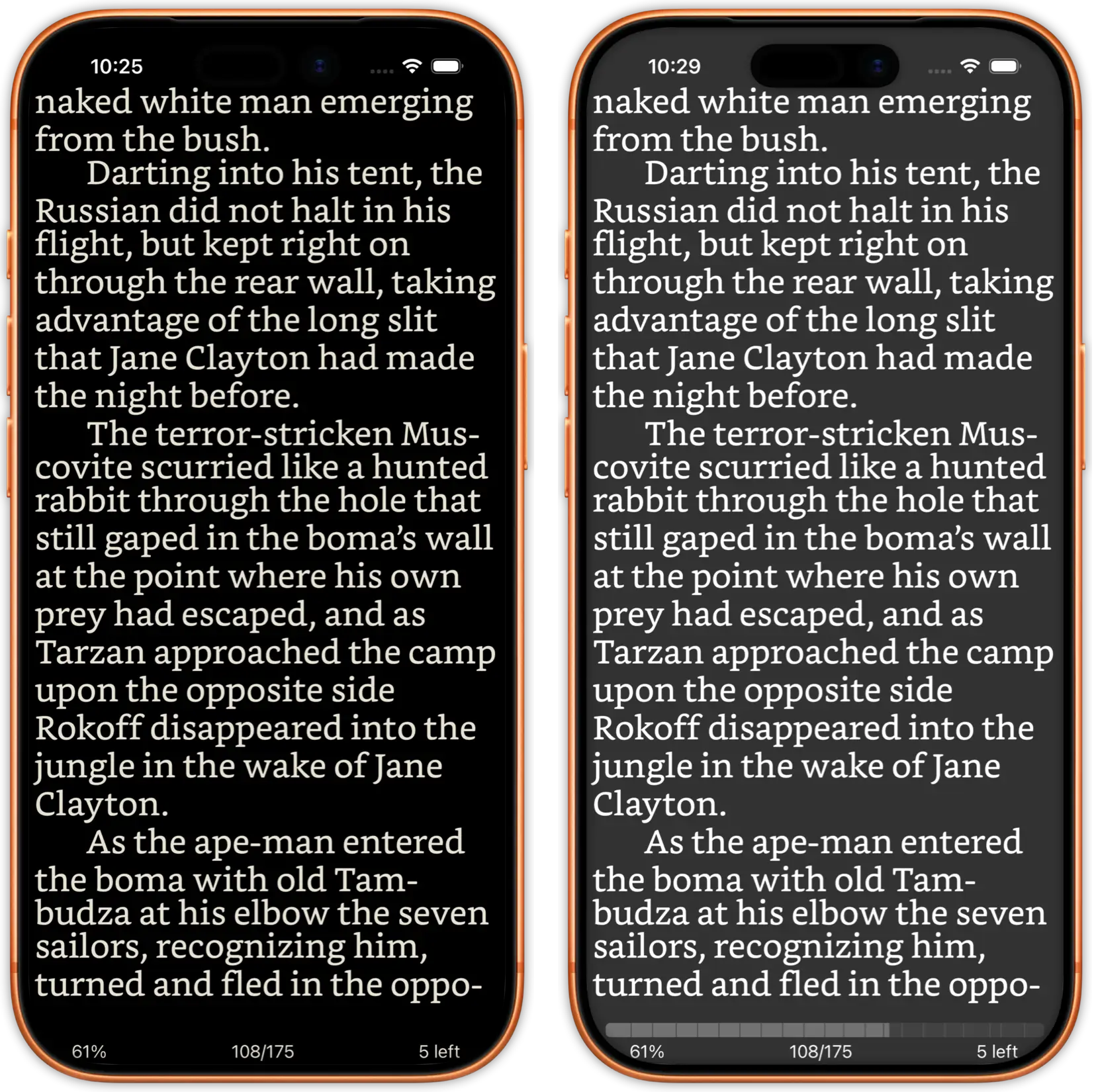
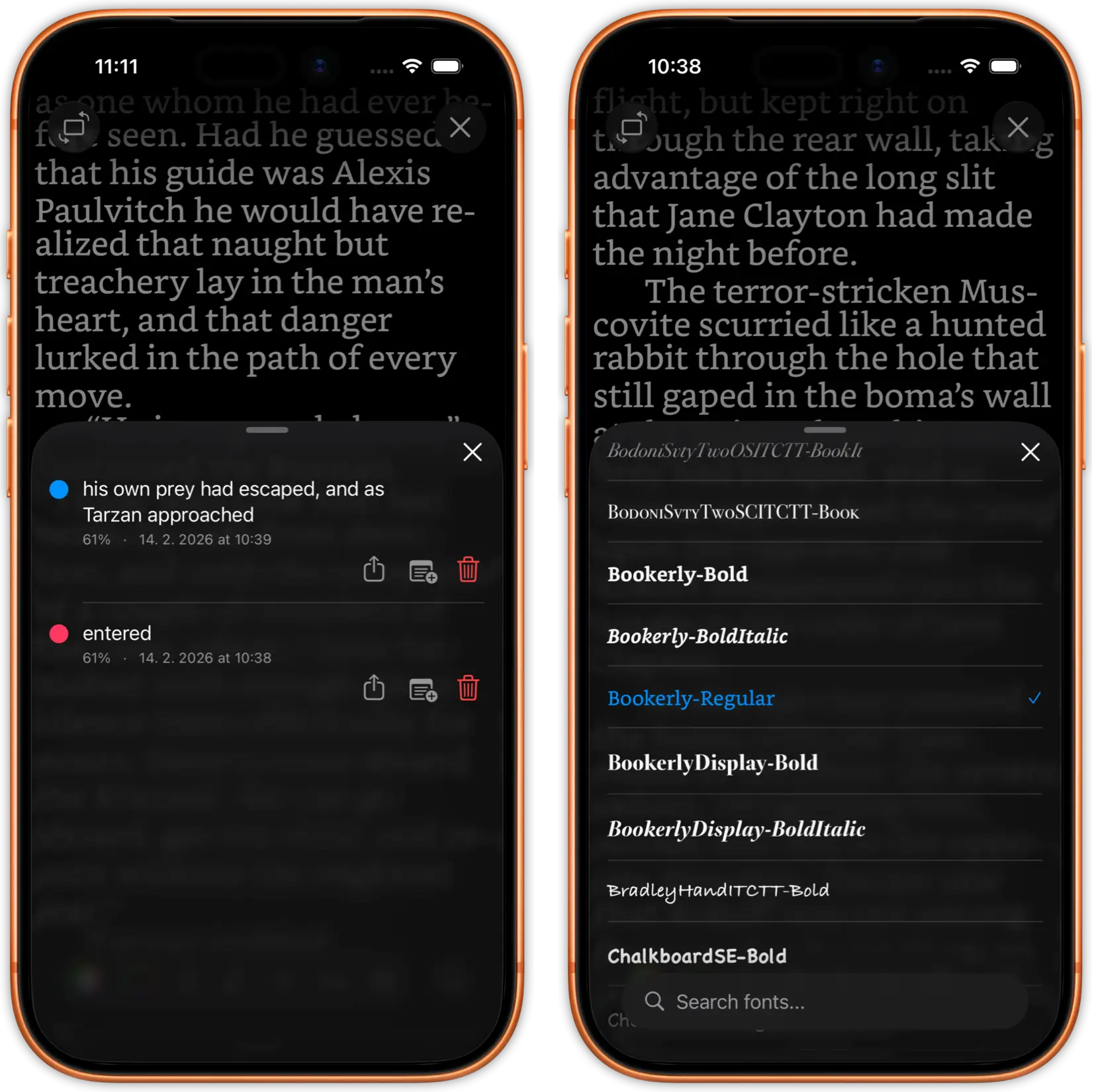
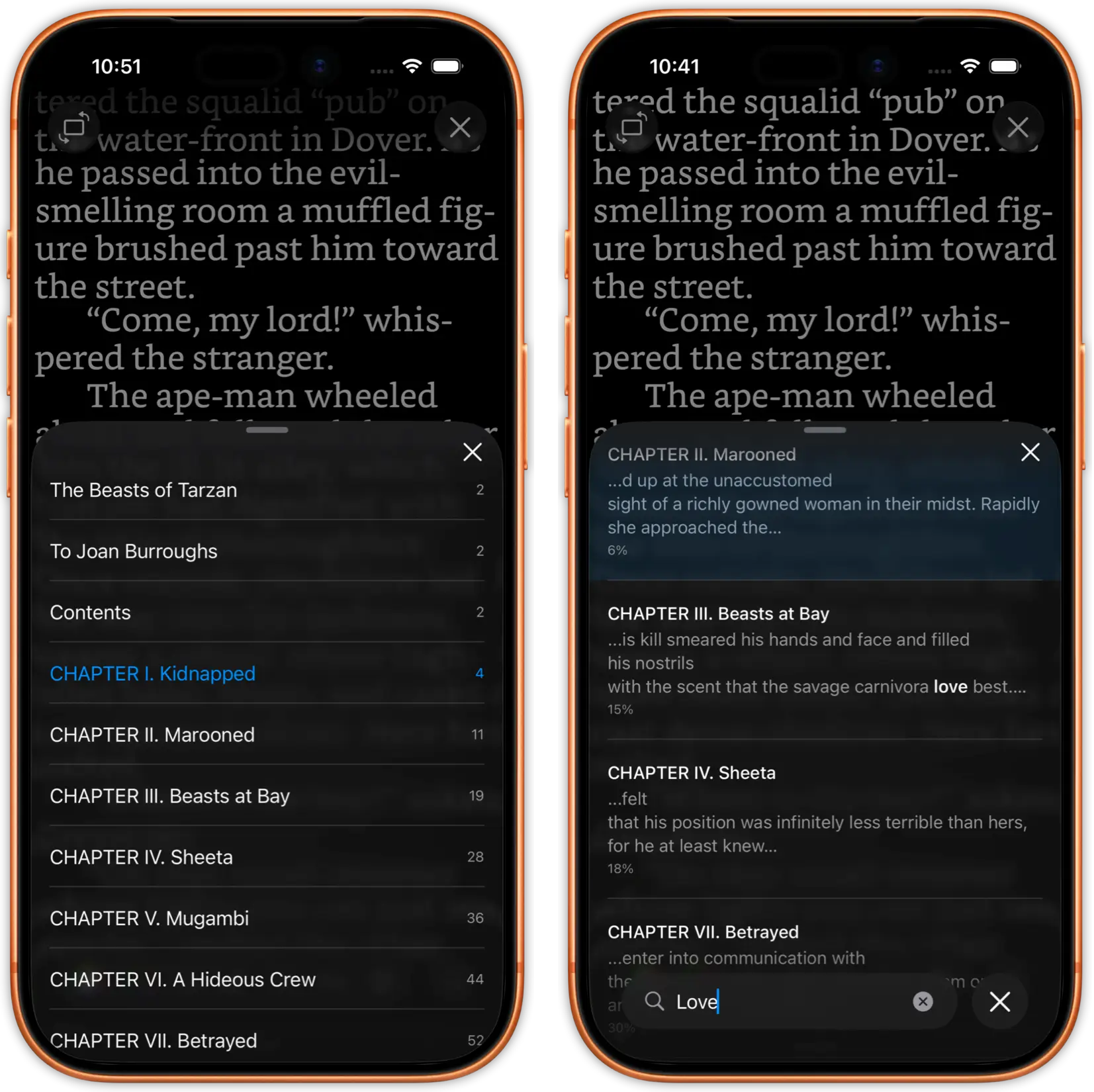
Pick up any book and start reading with full customisation: 200+ fonts, adjustable margins, themes, and smart dark mode.
justRead preserves everything Calibre users care about: your folder hierarchy, author metadata, series grouping, custom tags, and high-resolution covers. Navigate your library exactly the way you organised it in Calibre. Both EPUB and PDF files from your Calibre library are fully supported.
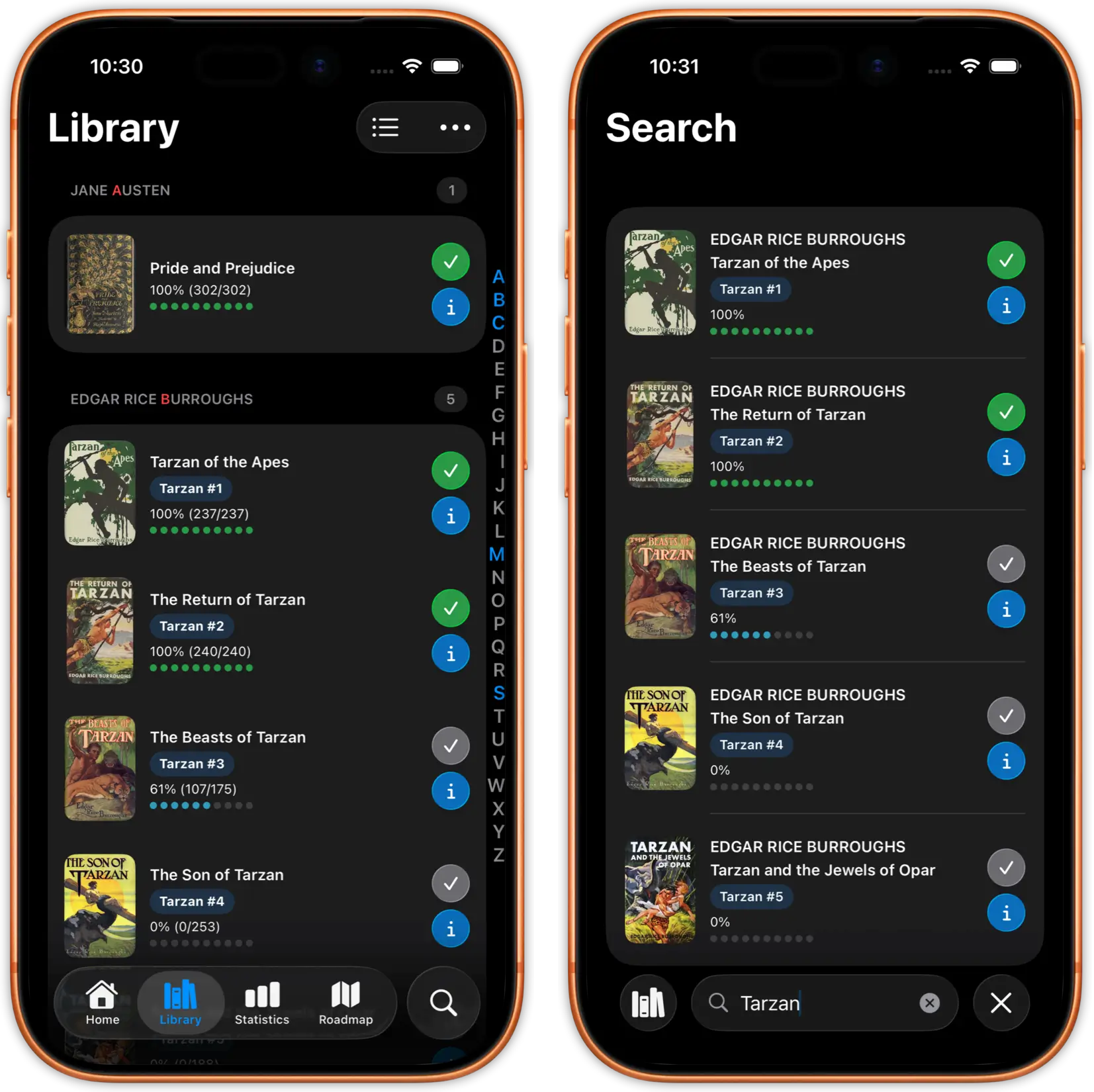
Unlike generic ebook readers that flatten your library into a single list, justRead maintains your Calibre folder structure. Browse by author, series, genre, or any custom folder organisation you've built in Calibre over the years. Smart title sorting handles numbered series correctly, and the A-Z alphabet jumper makes navigating large collections effortless.
Series order, author names, book descriptions, publication dates, custom columns, and cover art all transfer automatically from your Calibre library. No manual re-tagging or re-organising on your phone. justRead imports star ratings, want-to-read flags, reading progress, finished dates, and user-defined columns from Calibre.
Bidirectional sync means justRead also exports data back to Calibre: reading progress, star ratings, want-to-read flags, finished dates, session counts, and reading statistics. Sort by any metadata field: title, author, series index, publication date, or reading progress. Filter by tags, series, or reading status. Your Calibre organisation works seamlessly in both directions.
Whether your Calibre library has 50 books or 50,000, justRead handles it without slowdowns. Tested with massive collections that make other iOS readers crash or freeze.
Stream books directly from your cloud storage without downloading everything to your phone. Your 500GB Calibre library doesn't need 500GB of phone storage. Open any book instantly from the cloud.
Store your Calibre library on iCloud Drive, Dropbox, Google Drive, or OneDrive. justRead connects to all four. Move between cloud providers anytime without losing your reading progress or library setup. Parallel sync with screen stay-awake ensures large libraries transfer reliably.
Already using Calibre Content Server? justRead discovers it automatically over Wi-Fi, with HTTP Digest Auth support for secure connections. Status badges (New, Changed, Synced) and a "Select New & Changed" button make it easy to grab only updated books. A post-sync log shows per-book results, and sync history is retained for 10 days. Connect to calibre-web, Kavita, Komga, COPS, or any OPDS-compatible source alongside your cloud-synced library.
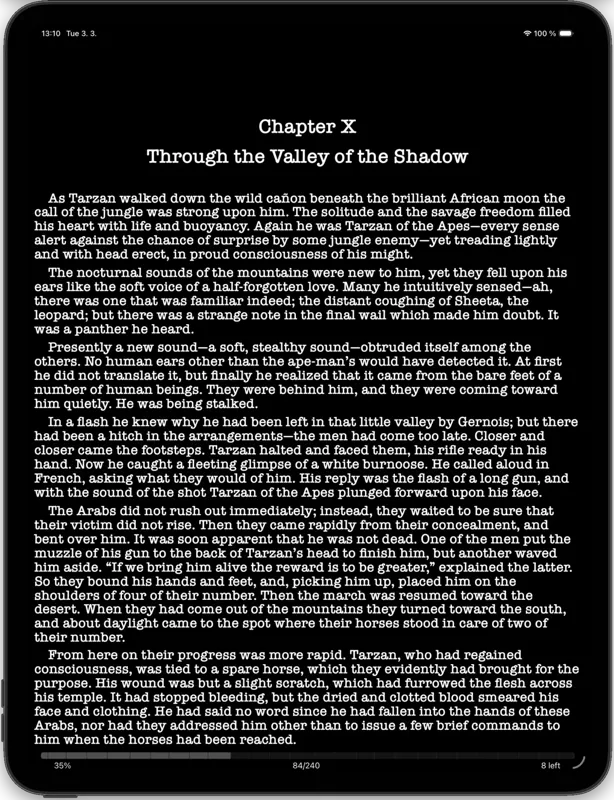
200+ built-in fonts plus unlimited custom font imports from your Calibre library. Adjust font size, line height, margins, paragraph spacing, and text alignment. Create the exact reading experience you want.
Smart dark mode with automatic image inversion ensures book covers and illustrations look right in any lighting. Choose from curated colour themes or create your own.
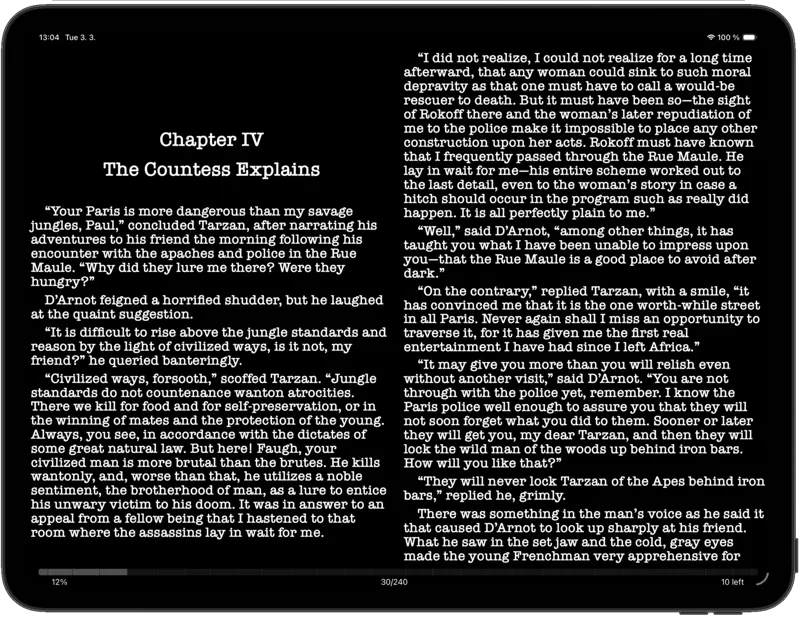
Native two-column reading view designed for iPad's larger screen. Your Calibre books look stunning with professional typography and generous margins.
Full Split View support. Read your Calibre books while referencing notes, looking up vocabulary, or managing your Calibre library in another app.
Features that make justRead the complete Calibre companion
Calibre tracks your library but not your reading habits.
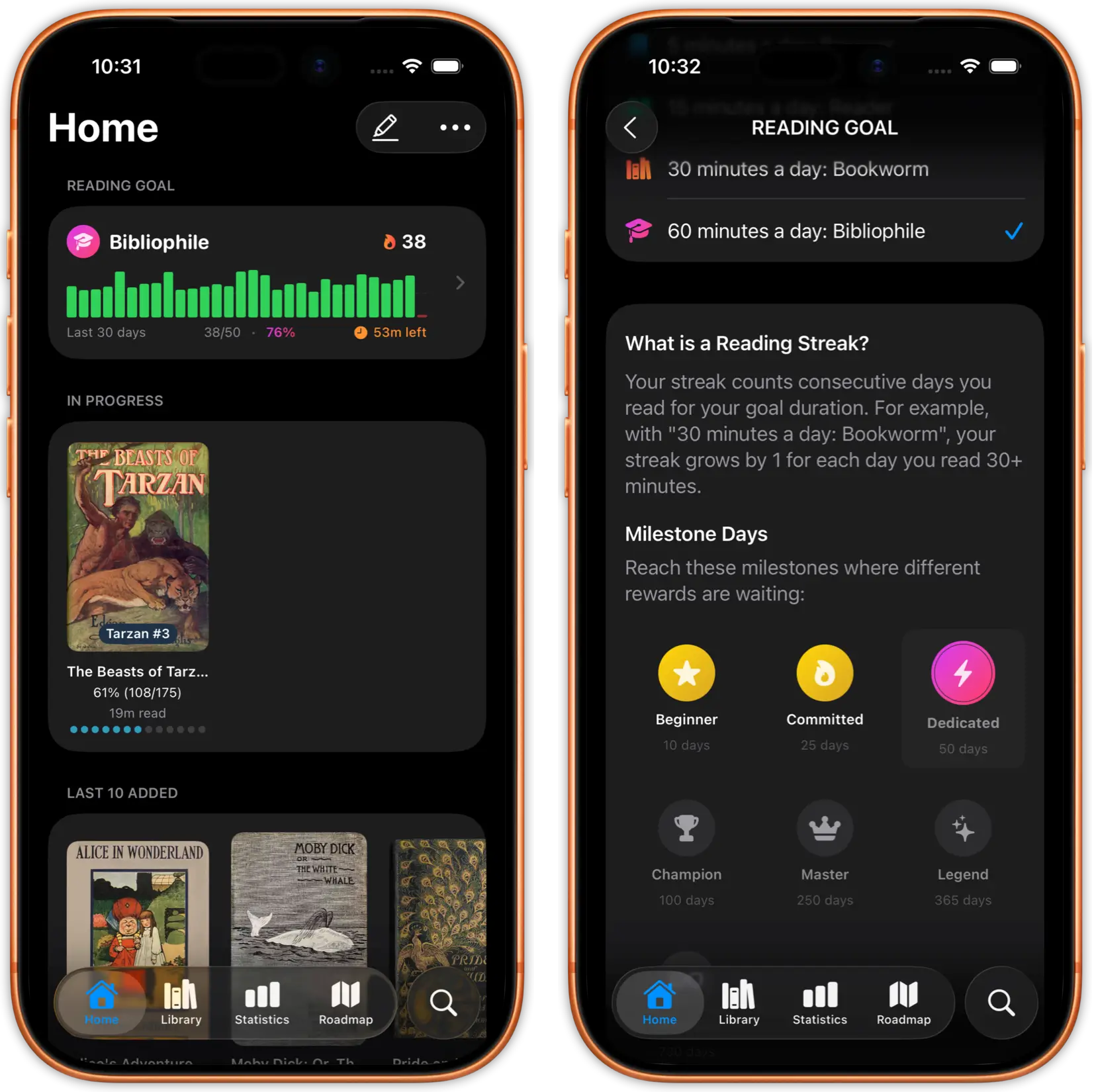
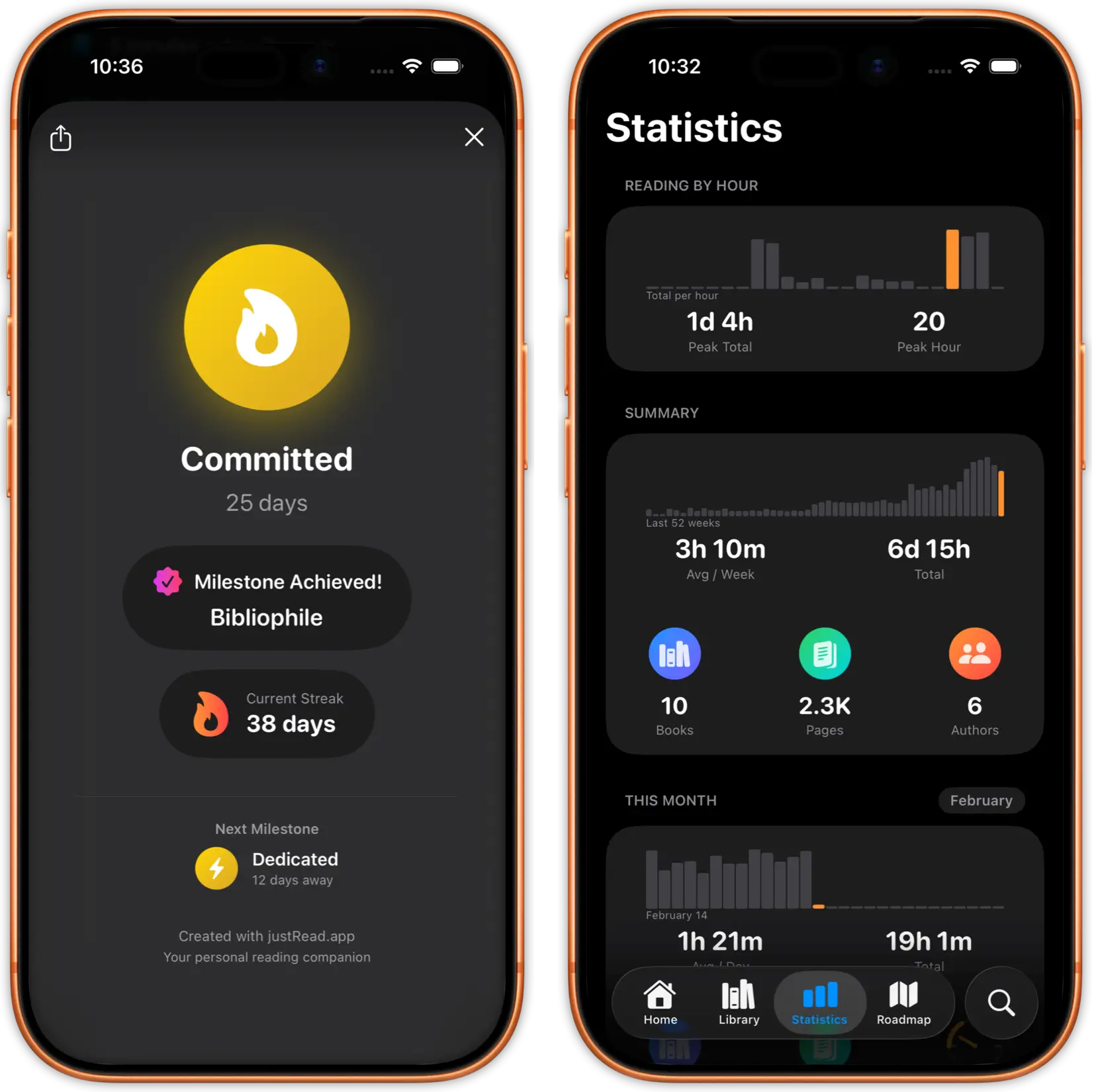
Track reading time, pages per session, speed trends, streaks, and daily/weekly/monthly breakdowns across your entire Calibre collection.
Most Calibre readers on iOS limit you to 5-10 system fonts.
Choose from 200+ built-in fonts or import your own custom fonts. Your Calibre books, your typography rules.
Too many Calibre companion apps get abandoned after a few updates.
Community-driven roadmap where you vote on features. Regular updates, responsive developer, and a growing community of Calibre readers.
See what readers are saying on the App Store
Fantastic eReader
Best app I've found for syncing with Calibre. Customisation rivals the great Marvin app, with superior library management.
Great app, responsive dev
The reading experience is already top notch. Really exciting to see where this app develops over time.
Excellent and complete
Beautifully designed and a pleasure to use. The developer had a clear plan from the very first version.
Excellent
Really well designed, and so pleasant to use.
Reading as you want it
A great new iOS epub reader with responsive developers actively adding features. Configure your reading experience just the way you like it.
The best reader on the App Store
Absolute control of customisation. Custom font support. The ability to vote on next features and development.
My new mobile happy place
A beautifully made reader app. Love the statistics and how it works with my 5,000+ book library and cloud storage.
Comprehensive epub reader for iOS
Finally an app that manages a book collection and acts as a fully functional reader. Streams from Dropbox without using phone storage.
Everything Calibre users need to know about justRead
iCloud Drive, Dropbox, Google Drive, and OneDrive. Any service that provides a folder-based file system on iOS works with your Calibre library.
No. Calibre runs on your Mac or PC to manage your library. justRead reads the library folder your cloud provider syncs to your device. Calibre doesn't need to be running.
Yes. justRead supports bidirectional sync with Calibre. It exports your reading progress, star ratings, want-to-read flags, finished dates, session counts, and reading statistics back to Calibre. Reading progress also syncs between your iOS devices via iCloud.
Tested with Calibre libraries of 5,000+ books without performance issues. Your large collection works smoothly.
justRead supports EPUB and PDF, the two most common formats in Calibre libraries. If your library has books in other formats like MOBI or AZW3, use Calibre's built-in converter to create EPUB versions before syncing.
Free 7-day trial, no account required. Then $2.99/month or $24.99/year.
Yes. justRead supports OPDS feeds, so you can connect to calibre-web, Calibre's built-in content server, or any OPDS-compatible catalogue alongside your cloud-synced Calibre library.
Yes. Books you've opened are cached locally. You can read them without an internet connection. New books require a connection to download from your cloud provider.
Calibre Companion is an Android-only app and has no iOS version. justRead is the iOS alternative: it connects to your Calibre library via cloud storage or Calibre Content Server, preserves your folder structure and metadata, and supports bidirectional sync of reading progress, ratings, and more.
justRead discovers your Calibre Content Server automatically over Wi-Fi, or you can enter the server address manually. It supports HTTP Digest Auth for password-protected servers. Books show New, Changed, or Synced status badges, and you can select individual books or tap "Select New & Changed" to grab all updates at once. A post-sync log shows the result for each book, with 10 days of sync history.