Touch and hold an empty area on your iPhone or iPad home screen until the apps start to jiggle. Tap the + button in the top corner.
Look for justRead in the widget gallery. Choose a small or a medium size, then pick Currently Reading, Reading Calendar, Daily Goal, Streak or Quick Stats.
Your widget updates automatically as you read. No buttons to press, no app to open. Your reading data stays visible on your home screen all day.
Choose the widgets that fit your reading style
Compact widget showing your current book cover, title, and progress percentage
Shows book cover, title, author, progress bar, and pages remaining
GitHub-style heatmap grid showing your daily reading activity for the current month
Larger calendar heatmap with day labels and colour intensity based on reading time
A ring that fills as you close on today's reading goal in minutes
The same daily goal, with more room for the numbers behind today's progress
Your current streak, in small or medium, counting every day you meet your goal
Your reading figures at a glance, in small or medium, with no need to open the app
Five widgets for the Lock Screen, Minutes Today and a progress ring among them
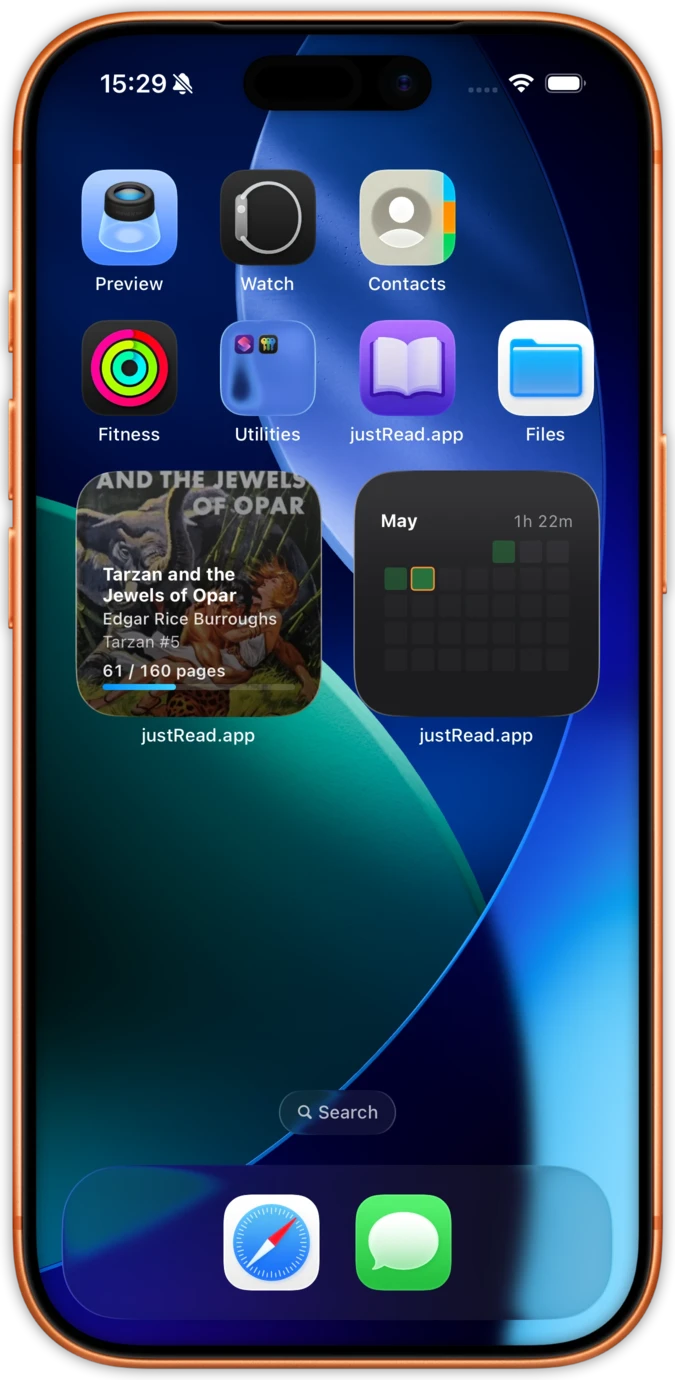
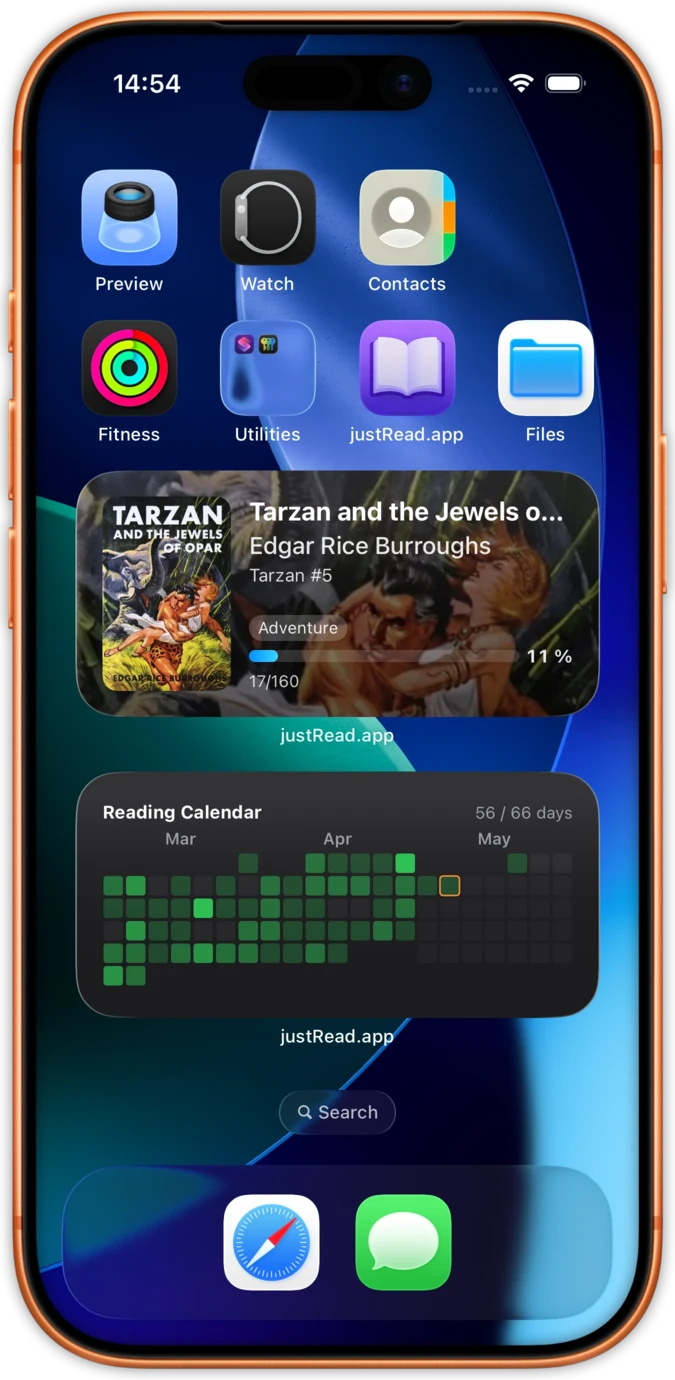
Most reading apps have no widgets at all. justRead puts your reading calendar, current book progress, and streak counter right on your home screen. One glance tells you where you left off and how your week is going.
The reading calendar widget is a GitHub-style heatmap grid showing every day you read this month. Colour intensity tracks how long you read. Very few reading apps offer anything like it.
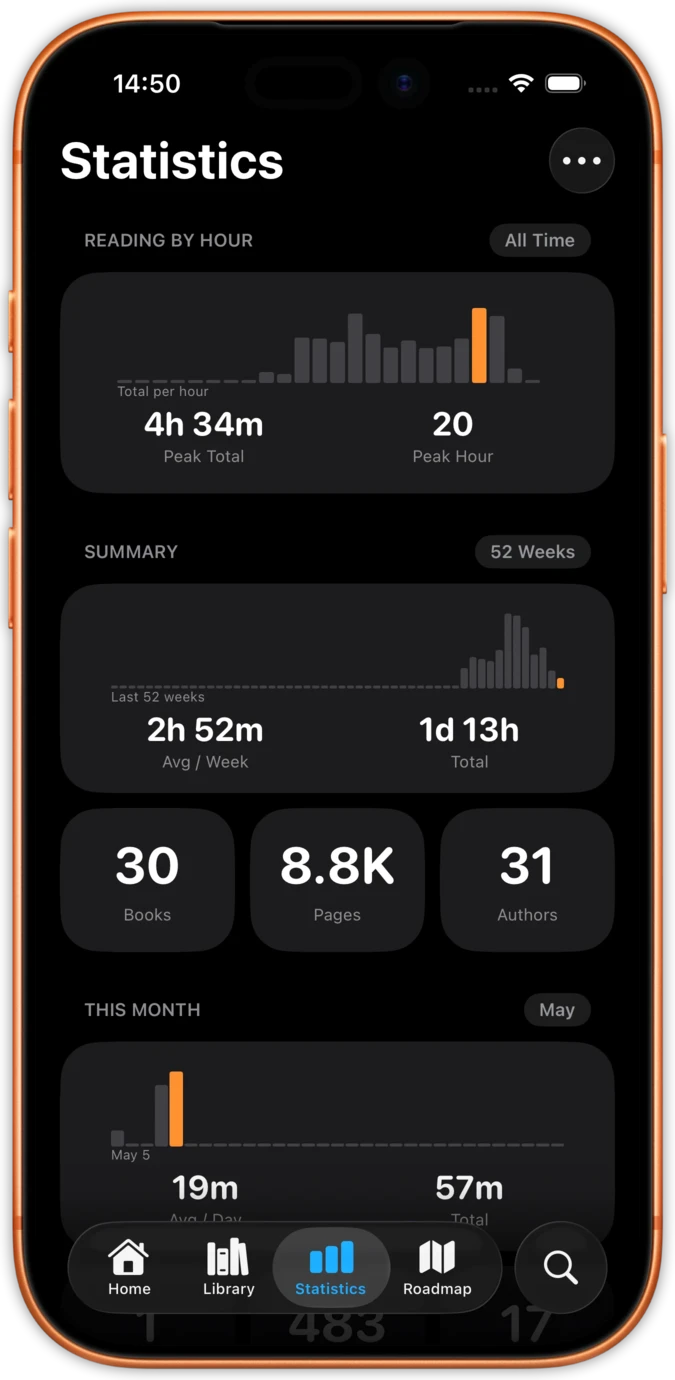
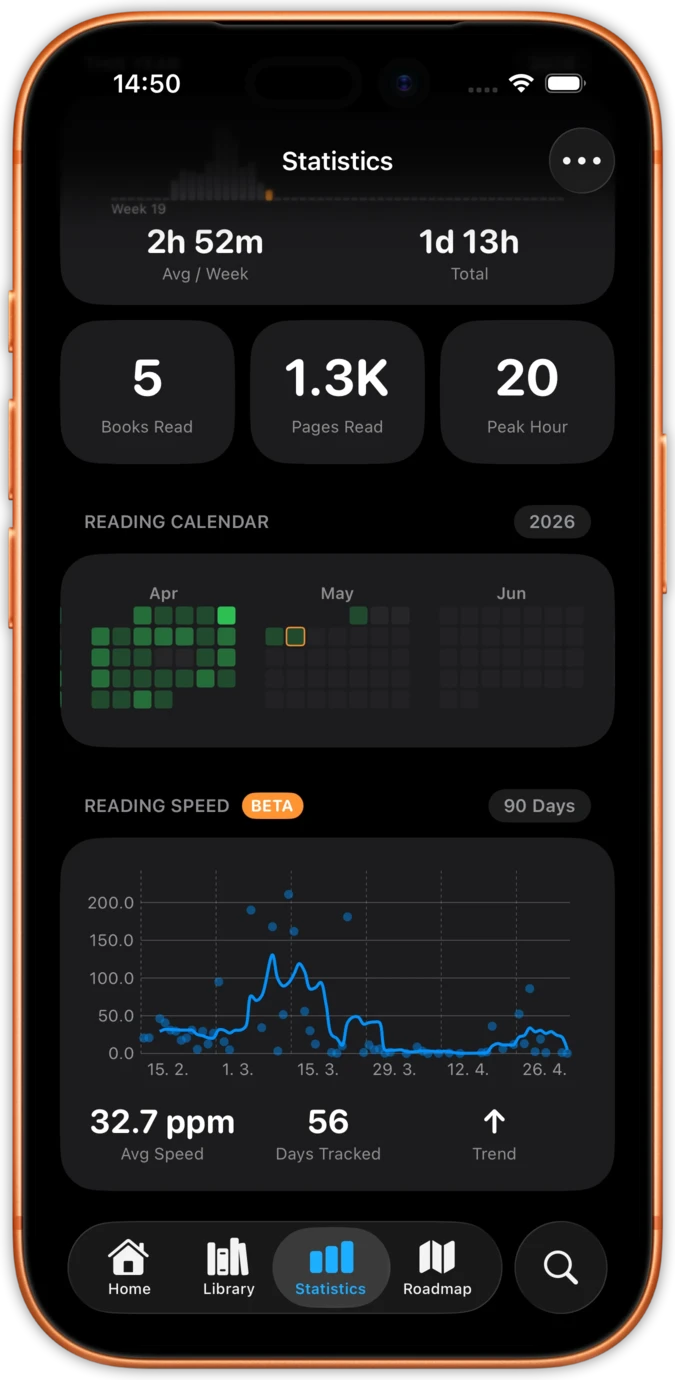
Widgets display live data from your reading sessions. Pages read, reading time, speed trends, and streaks are all tracked automatically while you read. No manual input needed.
Your widget data stays in sync across iPhone and iPad through iCloud. Read on one device and see updated stats on the other's home screen immediately.
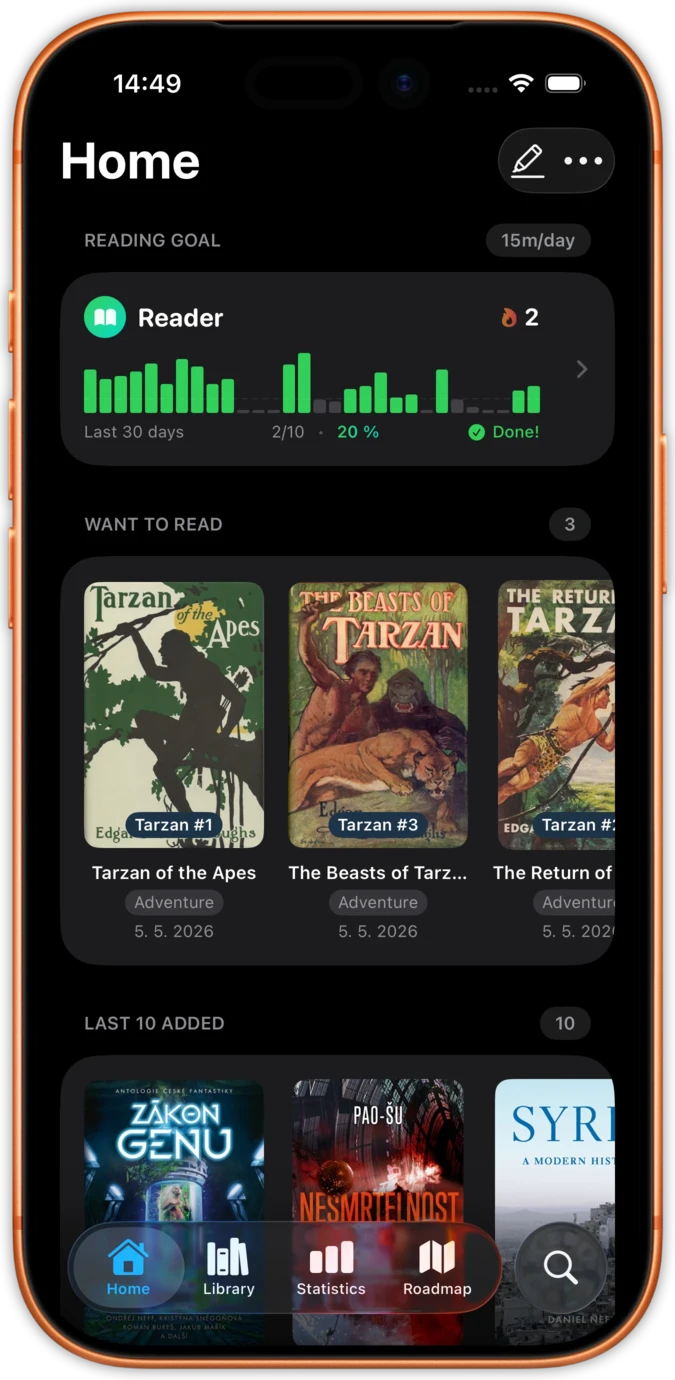
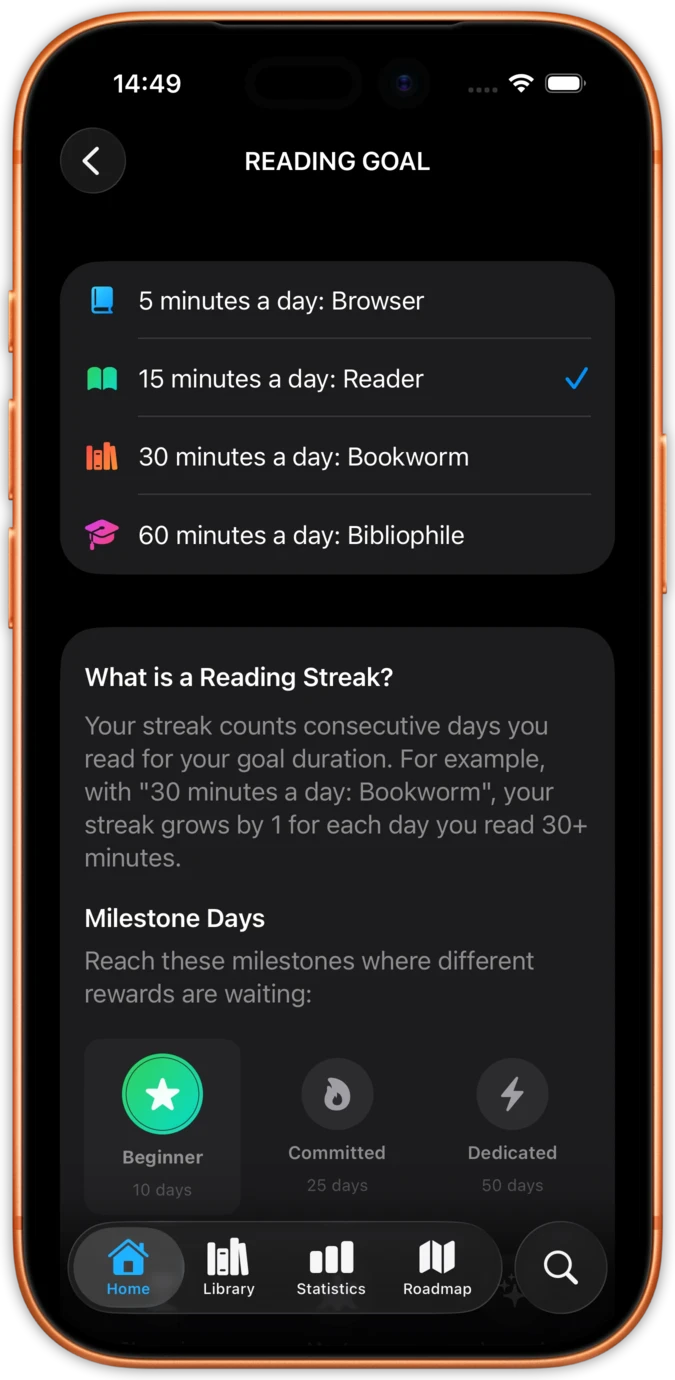
justRead tracks your reading in the background while you turn pages. No start/stop buttons, no manual logging. Just read, and your widgets update with real data from every session.
Set daily reading goals and watch your widget progress bar fill up. Streaks build automatically when you read each day. Your home screen becomes a quiet motivator.
The only EPUB reader with real reading widgets
Other reading apps require opening the app to check your progress or streak.
justRead widgets show your reading data right on your home screen. One glance shows your streak, current book, and calendar without launching anything.
Some apps show a static widget that never changes or only updates once a day.
justRead widgets reflect your actual reading sessions in near real time. Finish a chapter and your progress updates on your home screen.
Opening a reading app, finding your book, and navigating to your page takes multiple taps.
Tap the Currently Reading widget and you are back in the book in a second, on the exact page you left.
Why justRead has the best reading widgets on iOS
| Feature | justRead | Other Apps |
|---|---|---|
| Widget types available | 10 in all: 5 home screen and 5 Lock Screen | 0-2 basic widgets |
| Reading calendar widget | Yes, GitHub-style heatmap | Not available |
| Lock screen support | Yes, iOS 16+ | Rarely supported |
| Auto-updating data | Yes, after each session | Manual or daily refresh |
| Quick resume from widget | Yes, one-tap resume | Opens app home screen |
| EPUB reader included | Yes, full-featured reader | Separate app needed |
See what readers are saying on the App Store
★ 4.6 / 5 · 36 App Store ratings
Fantastic eReader
Best app I've found for syncing with Calibre. Customisation rivals the great Marvin app, with superior library management.
Your books, your way
Ridiculously customisable, works great with my Calibre library and OPDS, and syncs across devices. The developer has been amazingly responsive.
Finally a worthy successor to Marvin
Two-way sync with Calibre, a big tick on library metadata, and fast, helpful support. Forget the other e-reader apps, this is the one to go for.
Exceptional app
A clean, uncluttered, modern interface, Calibre integration and excellent text-to-speech. Extra points for no telemetry or analytics.
Reading as you want it
A great new iOS epub reader with responsive developers actively adding features. Configure your reading experience just the way you like it.
The best reader on the App Store
Absolute control of customisation. Custom font support. The ability to vote on next features and development.
My new mobile happy place
A beautifully made reader app. Love the statistics and how it works with my 5,000+ book library and cloud storage.
Comprehensive epub reader for iOS
Finally an app that manages a book collection and acts as a fully functional reader. Streams from Dropbox without using phone storage.
Everything you need to know about justRead widgets
justRead ships five home screen widgets, each available in a small and a medium size: Currently Reading, Reading Calendar, Daily Goal, Streak and Quick Stats. No large size exists. A small widget shows a single figure, such as your streak or today's progress, while a medium one gives the same data more room. Five Lock Screen widgets sit alongside them, including Minutes Today and a progress ring.
Yes. As you add a widget you pick which one it is: Currently Reading, Reading Calendar, Daily Goal, Streak or Quick Stats. Place several at once and you can see different data side by side, and a tap on any of them opens the exact book or screen behind it.
Yes. Widgets refresh automatically after each reading session. iOS manages the update schedule to balance freshness and battery life. Your data is always current when you check your home screen.
Yes. Five Lock Screen widgets ship with the app, among them Minutes Today and a progress ring, so your reading stays visible before the phone is unlocked. Tap one and it opens the exact book or screen behind it.
Yes. justRead widgets work on iPad home screen and Today View. They sync with your iPhone through iCloud, so your reading data stays consistent across devices.
No noticeable impact. justRead widgets use the standard iOS widget system, which updates efficiently in the background. Apple optimises widget refresh rates to minimise battery usage.
It depends on the widget: the book you are in with its cover and progress, a reading calendar heatmap, a ring filling towards your daily goal, your current streak or your reading figures at a glance in Quick Stats. Five more sit on the Lock Screen, including Minutes Today and a progress ring.
Yes. All widgets are available during the free 14-day trial with full functionality. After the trial, a subscription is required. Monthly ($4.99), yearly ($29.99), or lifetime ($79.99) plans are available.