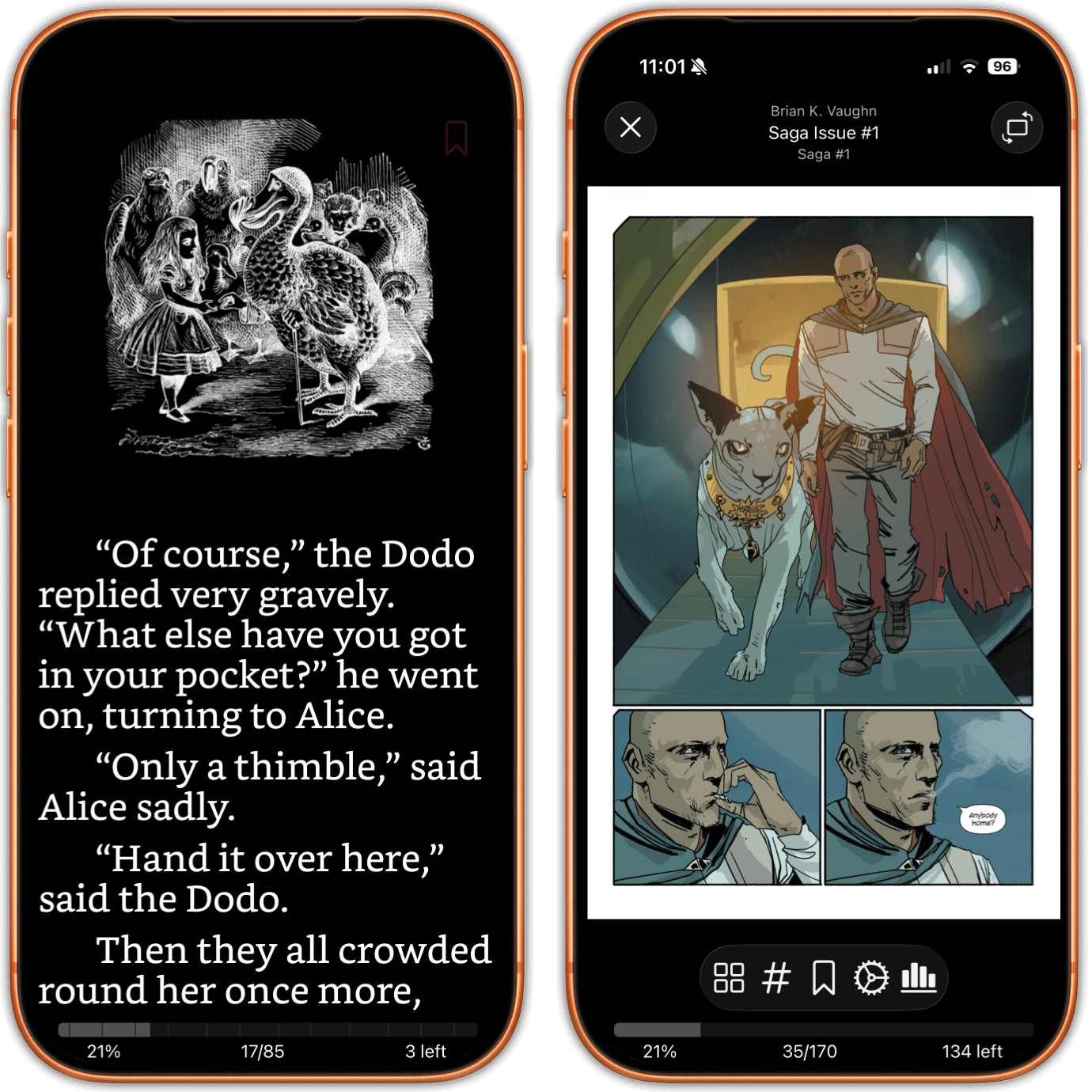
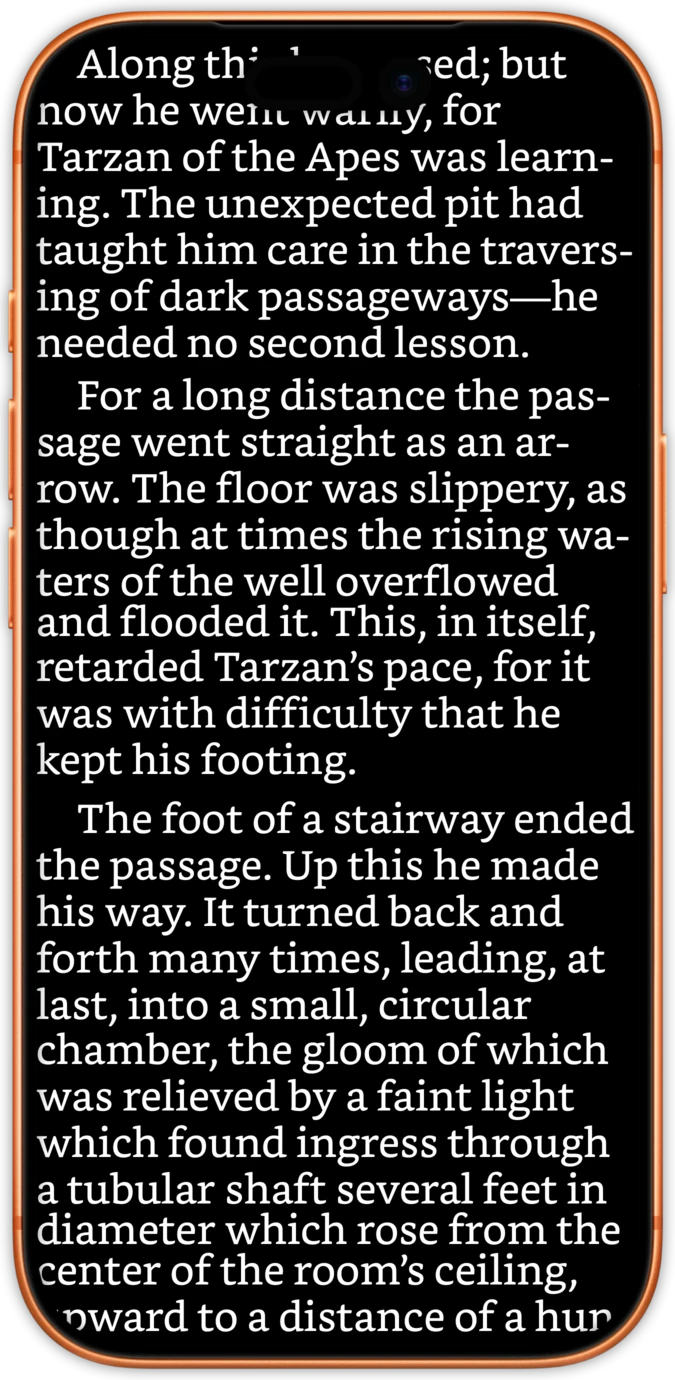
Comics and manga land in the same library as the novels. A CBR archive is repacked the moment it arrives, so nothing ever needs converting, and any manga carrying its own ComicInfo.xml starts right to left without you lifting a finger. On iPhone and iPad.
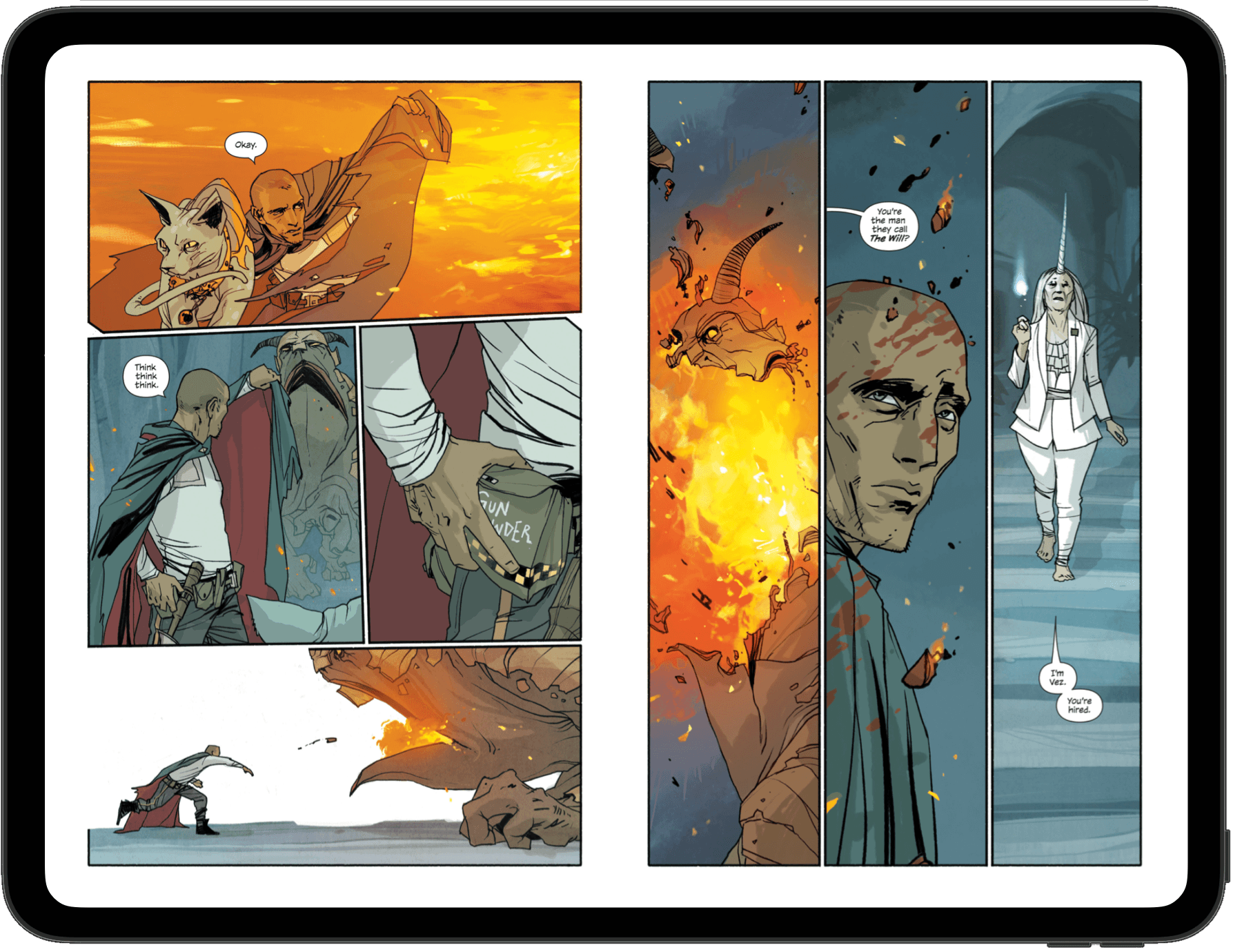
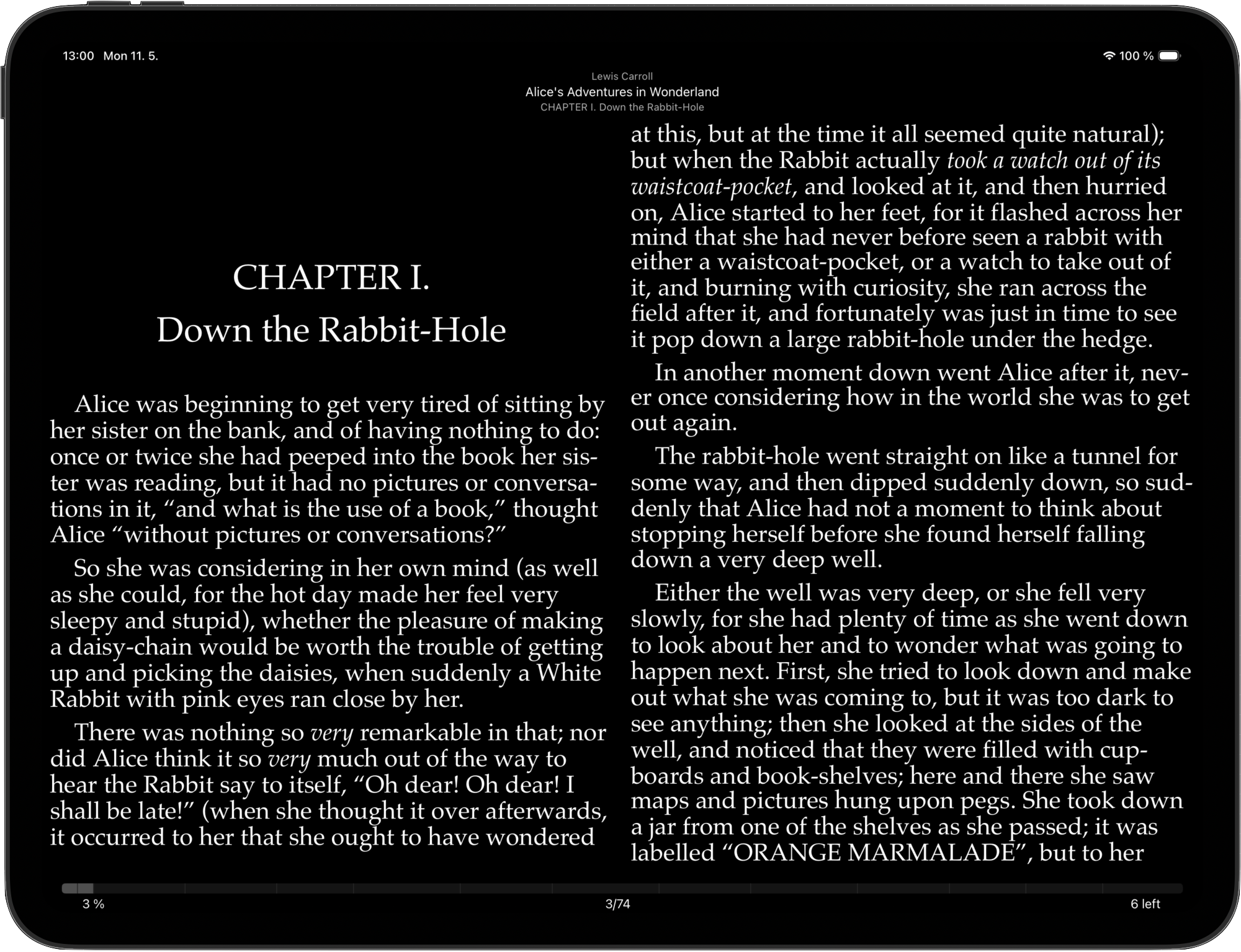
Work through a comic a page at a time, across a two page spread, or set it to Auto and let the reader take its cue from the device. Tip an iPad into landscape and the spread arrives by itself; tip it back and single pages return.
Choose how the page is fitted and which colour sits behind it, so a scan whose proportions do not match the screen is framed to your taste rather than to whatever the file happened to decide.
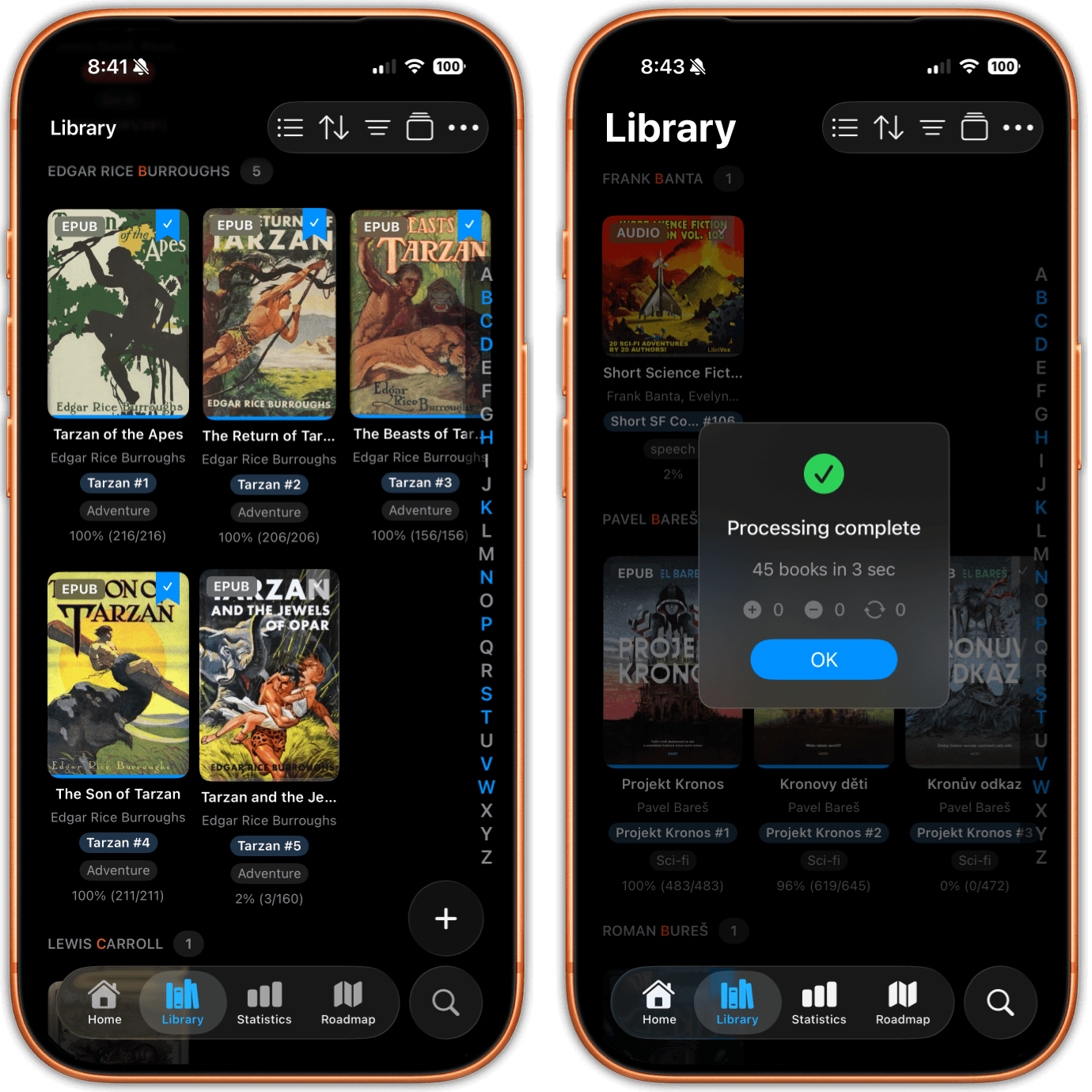
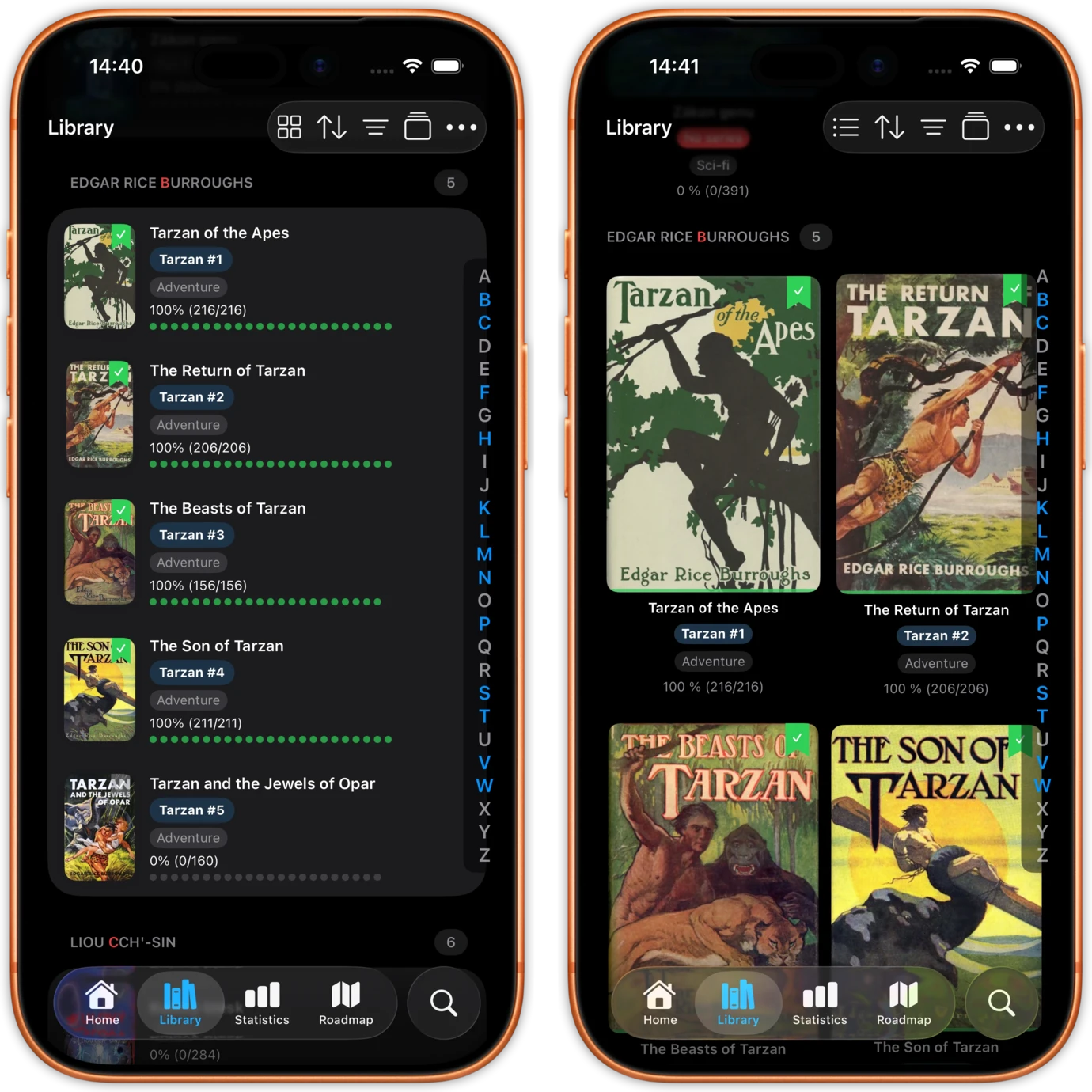
No comics tab off to one side, and no second app to keep in step. CBZ and CBR files arrive in the library that already holds your EPUBs, PDFs and audiobooks, each one badged as a comic on its cover. Filter by format for comics alone, or tap the chip a second time for everything but comics.
And they count. Time given to a comic feeds the very same streaks, the same daily goal and the same reading statistics as time given to a novel, rather than vanishing into an app that records nothing at all.
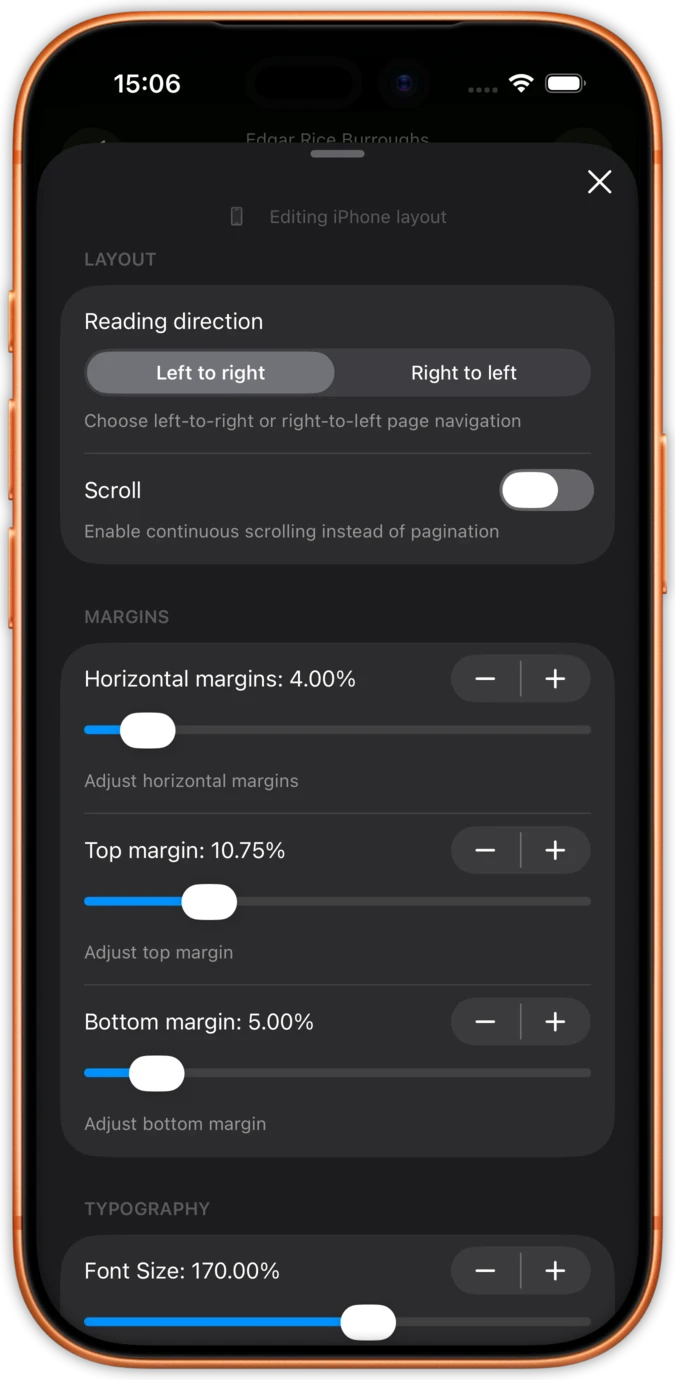
There are three reading directions to choose from: Auto, left to right and right to left. In practice you will rarely go near the setting, because a manga holding a file named exactly ComicInfo.xml at the root of its archive has already declared which way round it runs. Where the Manga element in that file reads YesAndRightToLeft, the comic opens right to left without you touching a thing.
This is metadata doing the work, not guesswork about a language or a filename. Where an archive holds no metadata whatsoever, no reader can recover a direction nobody ever wrote down, so you pick right to left the once and get on with it.
Pinch your way into a panel, or double tap to land at three times the size at once, centred on precisely where your finger went rather than on the middle of the page. Tiny lettering on a crowded page is no longer a reason to give up on it.
For getting about, a grid of page thumbnails stands in for a table of contents, since a comic has no chapters worth listing. A go to page control sits alongside it: key in the number and that is where you land.
Pull CBZ and CBR files in directly from the Files app, or aim justRead at a folder that iCloud Drive, Dropbox or Drive is already syncing into Files. Comics can also come down from an OPDS catalogue, Komga, Kavita, calibre-web or COPS among them.
iOS will unpack a ZIP quite happily but never a RAR, which is why tapping a CBR in Files leaves you stuck. justRead repacks CBR archives on the way in, so they open like any other comic and nothing needs converting by hand.
Pick single pages, a two page spread, or hand it to Auto and let the device sort itself out. Reading direction runs to Auto, left to right or right to left, and a manga with a ComicInfo.xml is right to left the moment it opens.
How justRead differs from the comic-only readers on iOS
There is no built-in way for iOS to open a RAR archive, so a CBR simply sits in Files going nowhere, and most advice packs you off to a desktop machine to rebuild the file before you can read a page of it.
justRead repacks a CBR archive on the way into the library. Nothing is left for you to convert, no converter app sits in the middle, and nothing is converted while you are reading.
Most comic readers pay no attention to the metadata inside the archive, so each manga volume opens the wrong way round until you hunt down the toggle and switch it over yourself.
A comic holding a ComicInfo.xml opens right to left with nothing configured. That direction is read off the file itself, and you remain free to override it with Auto, left to right or right to left.
A comic-only reader walls your comics off inside its own app, well away from the novels, the PDFs and the audiobooks, keeping its own progress and its own statistics where nothing else can reach them.
Comics live alongside everything else, badged as comics, with a format filter and an exclude filter, and they count towards the same streaks, goals and statistics as everything else you read.
See what readers are saying on the App Store
★ 4.6 / 5 · 24 App Store ratings
Fantastic eReader
Best app I've found for syncing with Calibre. Customisation rivals the great Marvin app, with superior library management.
Great app, responsive dev
The reading experience is already top notch. Really exciting to see where this app develops over time.
Excellent and complete
Beautifully designed and a pleasure to use. The developer had a clear plan from the very first version.
Excellent
Really well designed, and so pleasant to use.
Reading as you want it
A great new iOS epub reader with responsive developers actively adding features. Configure your reading experience just the way you like it.
The best reader on the App Store
Absolute control of customisation. Custom font support. The ability to vote on next features and development.
My new mobile happy place
A beautifully made reader app. Love the statistics and how it works with my 5,000+ book library and cloud storage.
Comprehensive epub reader for iOS
Finally an app that manages a book collection and acts as a fully functional reader. Streams from Dropbox without using phone storage.
The questions readers ask about comics and manga in justRead
No. A CBR archive is repacked on the way in, so from then on it opens exactly as a CBZ would, and the reader converts nothing at all while you read. No desktop machine and no converter app are needed in between.
There are three reading directions: Auto, left to right and right to left. Where the archive holds a file named exactly ComicInfo.xml at its root, and the Manga element inside it reads YesAndRightToLeft, the comic opens right to left without you configuring anything.
No reader can recover a direction nobody ever wrote down, so no app is in a position to know. Switch the reading direction to right to left yourself and carry on. Dropping a ComicInfo.xml into the archive on a computer works just as well, and it is the very file that servers such as Komga and Kavita already read.
CBZ and CBR. There is no support for CBT, CB7 or folders of loose images, nor for anything carrying DRM. A PDF opens as a PDF, in that same library.
Yes. A comic counts towards your streaks, your daily goal and your reading statistics exactly as a novel would, because it lives in the same library instead of some separate app.
They can, over OPDS. Add the catalogue the once, browse it by category or run a search, and anything you download drops straight into your library beside everything else. Komga, Kavita, calibre-web and COPS all speak OPDS, as do a good many smaller servers.
A grid of page thumbnails stands in for a table of contents, since a comic has no chapters worth listing. A go to page control sits beside it: key in the number and that is where you land. Pinch your way into a panel, or double tap to reach three times the size on precisely the spot your finger went.
It offers no panel by panel guided view, and there is no comic shop, streaming service or catalogue to buy from, so the files are yours to bring. Highlights, notes, bookmarks, in-book search, the dictionary and metadata editing sit with EPUB and PDF rather than with comics, and Read Aloud has nothing to say to a comic. justRead is an iPhone and iPad app; no Mac, Android or desktop version exists.