Skip to content

Read and listen anywhere.

EPUBs you can read or listen to, plus PDFs, comics, and audiobooks. All synced to the exact spot on every device.

Download on theApp Store

Every download starts with 14 days free.

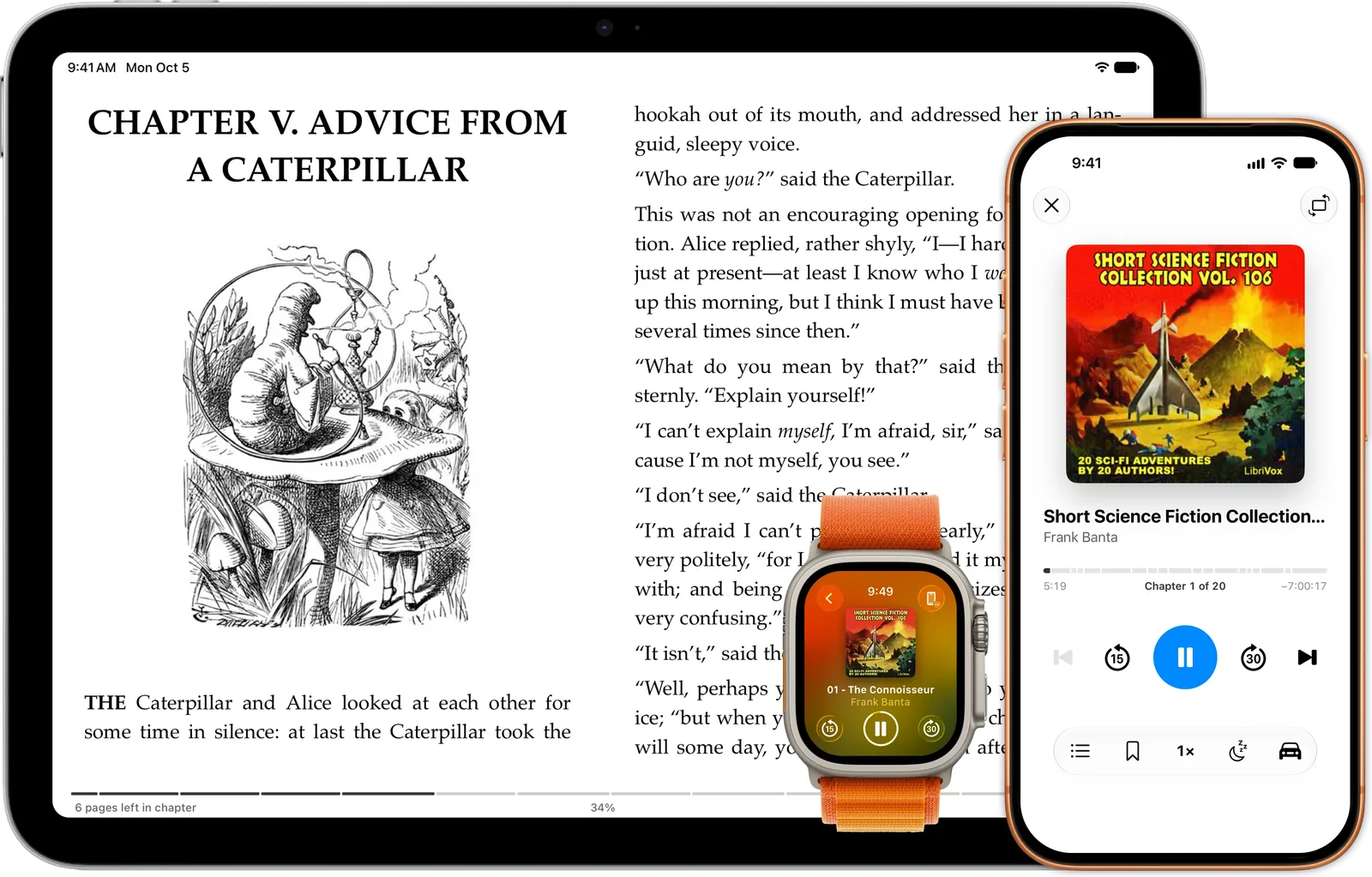
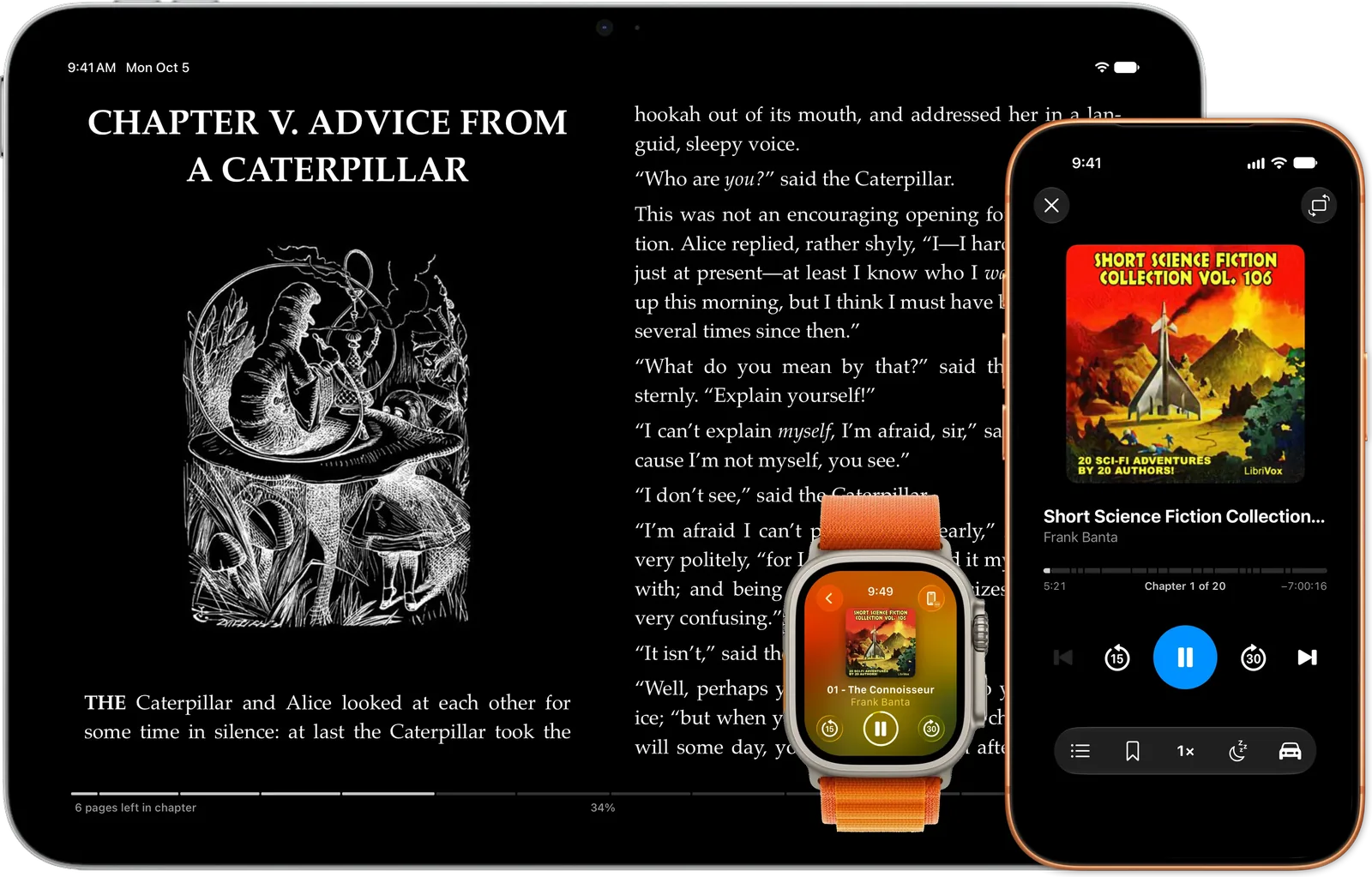
An iPad reading an EPUB while an iPhone plays an audiobook, with the Apple Watch showing what is playing.An iPad reading an EPUB while an iPhone plays an audiobook, with the Apple Watch showing what is playing.

Features

Everything you read, in one place.

Four formats, one library

Novels, work PDFs, comics and audiobooks usually mean four apps, four libraries, and four places your progress goes to die. Here they share a library, a search box, and one streak for all of it.

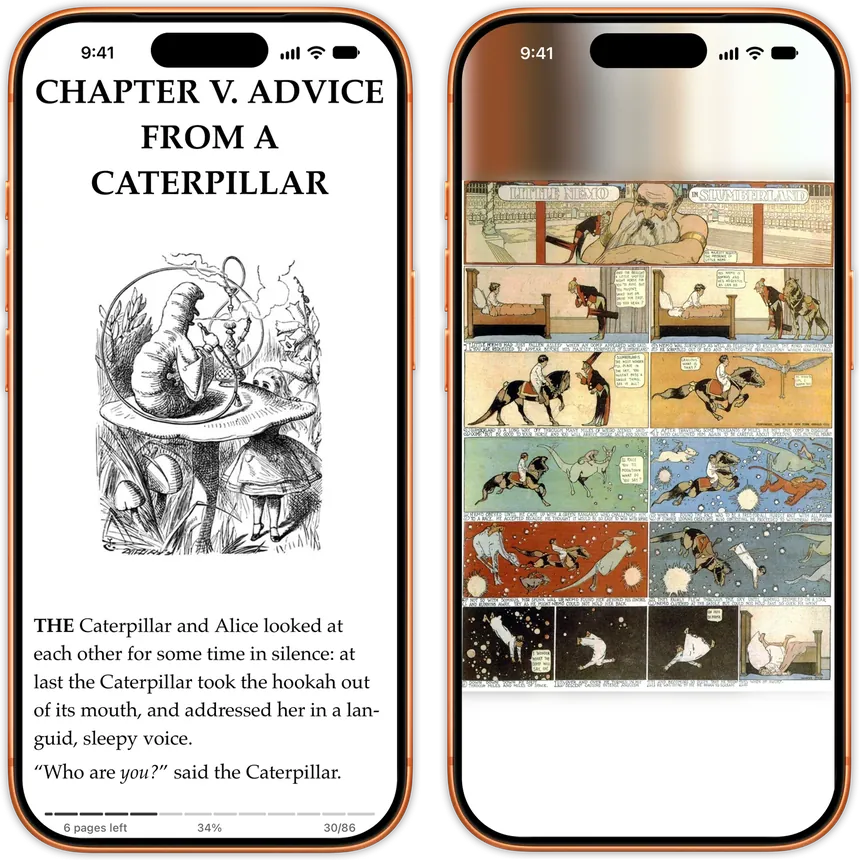
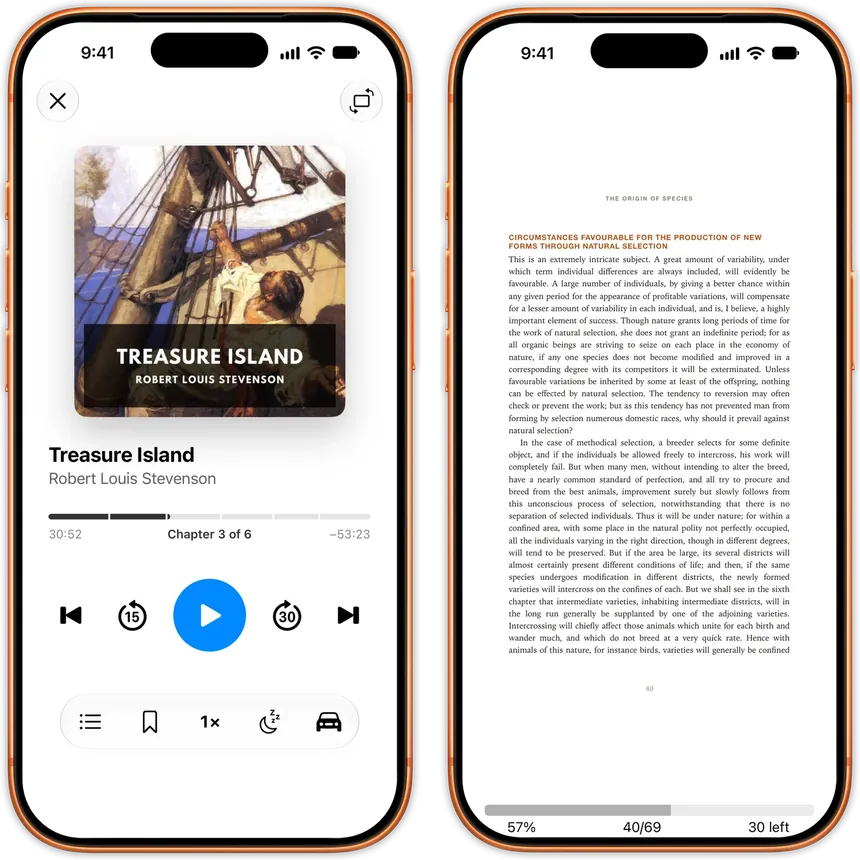
EPUB and PDF keep your typography and your place. Comics get a panel of their own, with double-tap zoom and thumbnails. Audiobooks play from one m4b, mp3 or flac, or from a folder of chapters stitched into a single book, cover and chapter list included. Once your library mixes formats, a badge on each cover tells them apart.

An EPUB novel and a comic issue open side by side in JustReadAn EPUB novel and a comic issue open side by side in JustRead
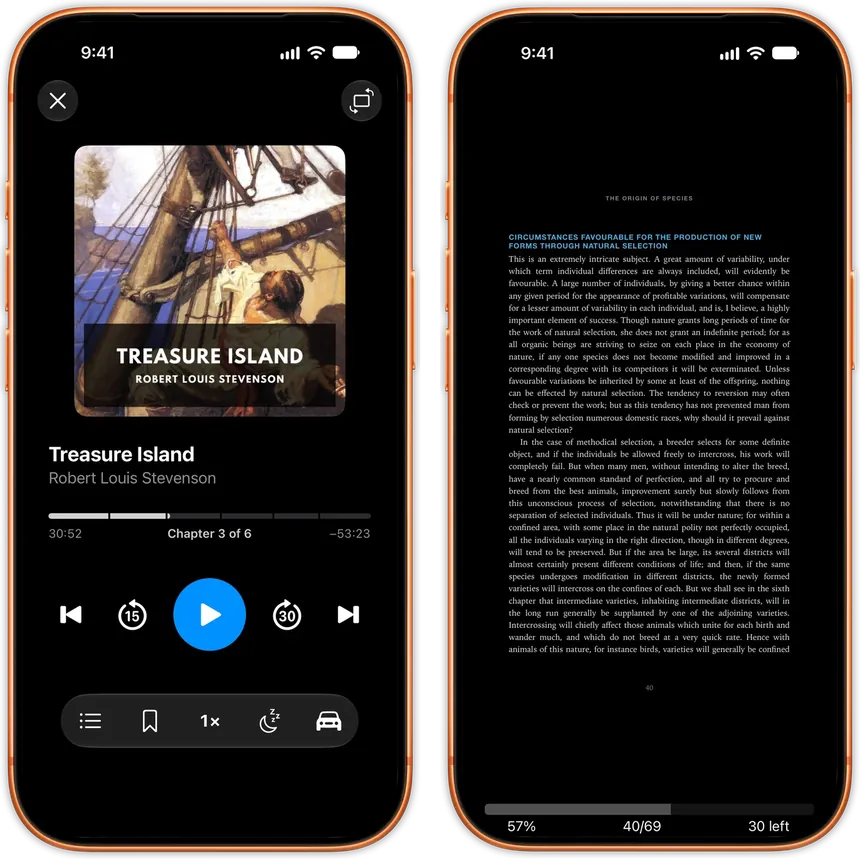
An audiobook playing and a PDF open side by side in JustReadAn audiobook playing and a PDF open side by side in JustRead

Your Books, Your Way

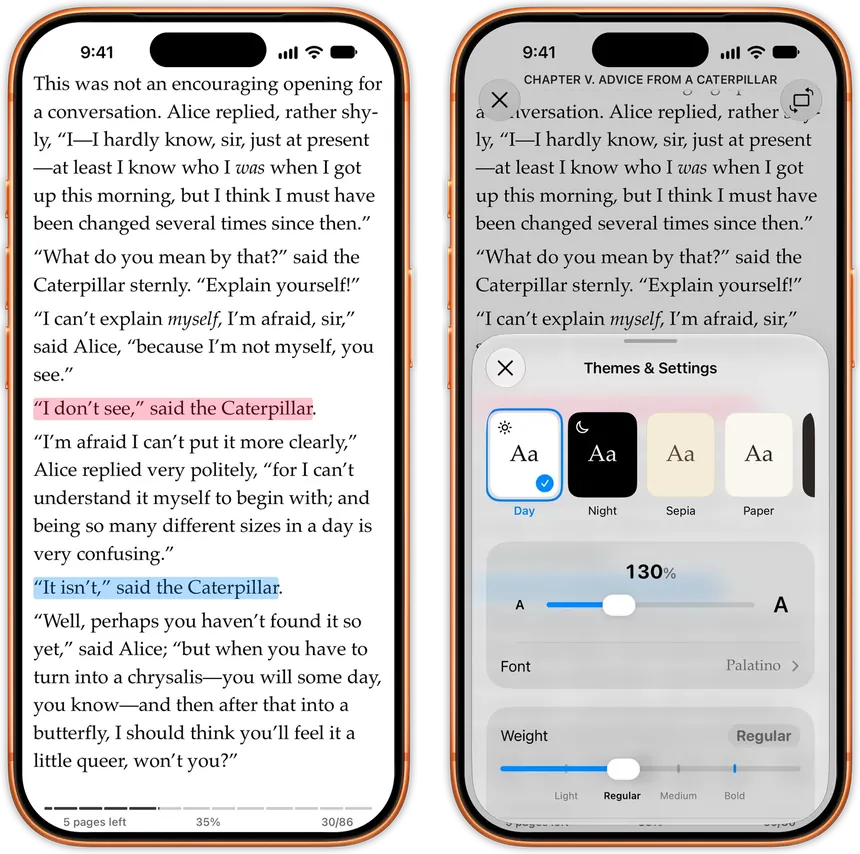
Tired of one-size-fits-all ebook readers? JustRead puts complete control in your hands. Customize everything - from typography and colors to spacing and layout, and much more - to create the perfect reading environment tailored to your preferences.

Customizable reading interface with adjustable fonts and spacing in JustRead appCustomizable reading interface with adjustable fonts and spacing in JustRead app

Listen to any book you own

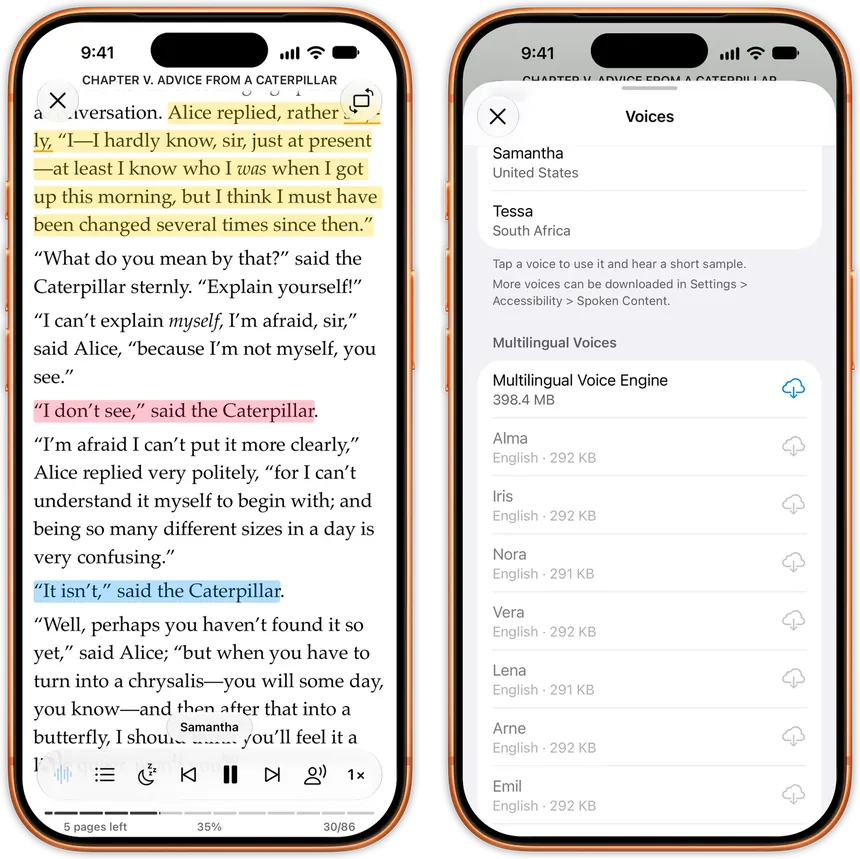
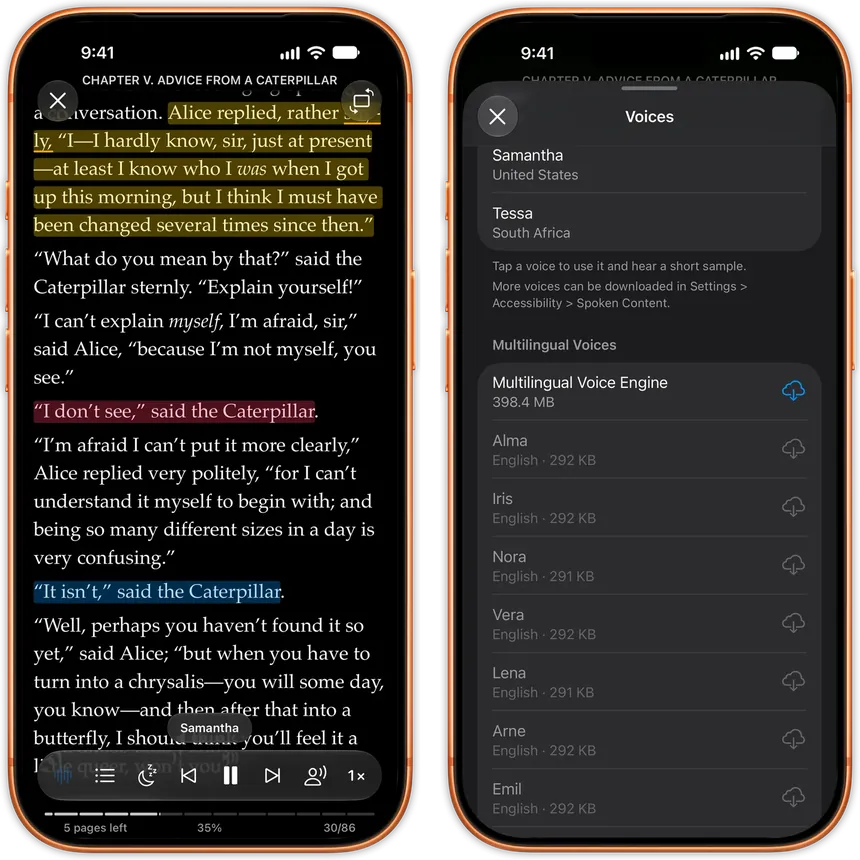
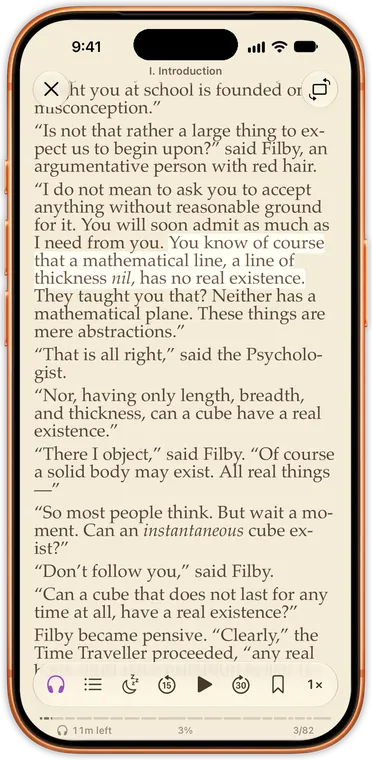
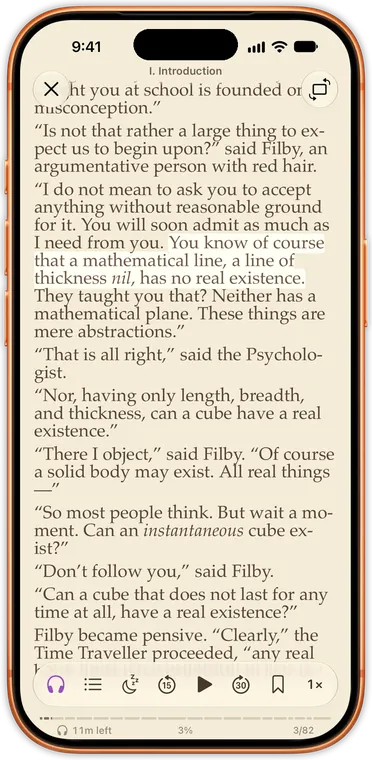
Most apps sell you the audiobook a second time, in a second app. Here any EPUB or PDF you own reads itself to you, from the line where your eyes stopped. Words light up as they're spoken and the pages turn themselves.

An EPUB reading itself aloud in JustRead with the spoken sentence highlighted, beside the voice picker offering natural voices to downloadAn EPUB reading itself aloud in JustRead with the spoken sentence highlighted, beside the voice picker offering natural voices to download

Reading statistics on top of a real reader.

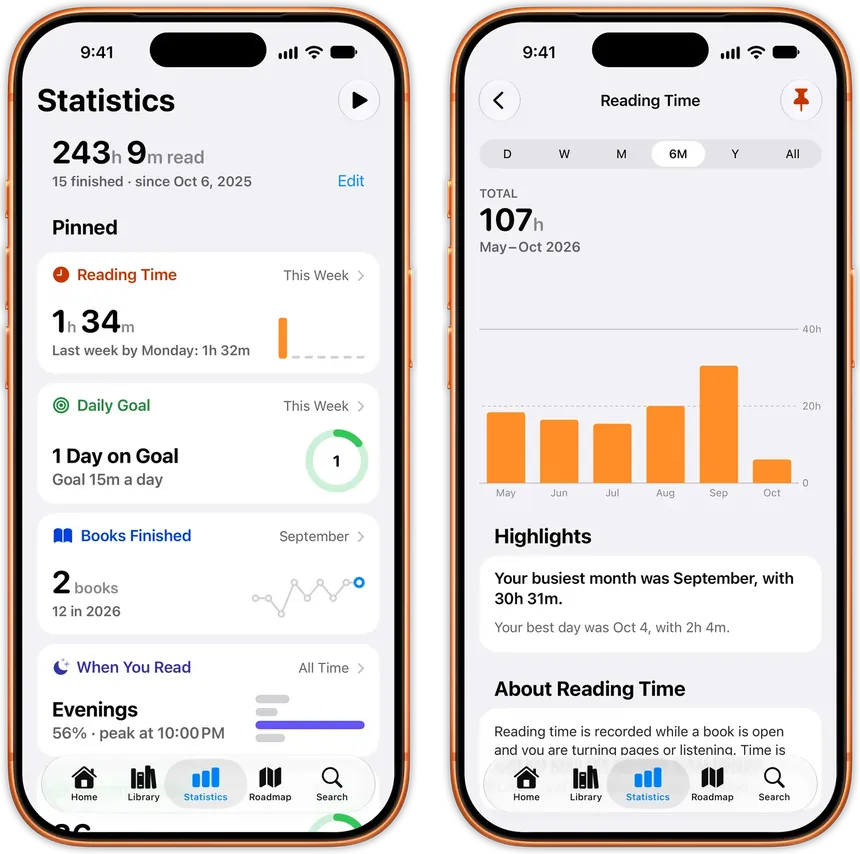
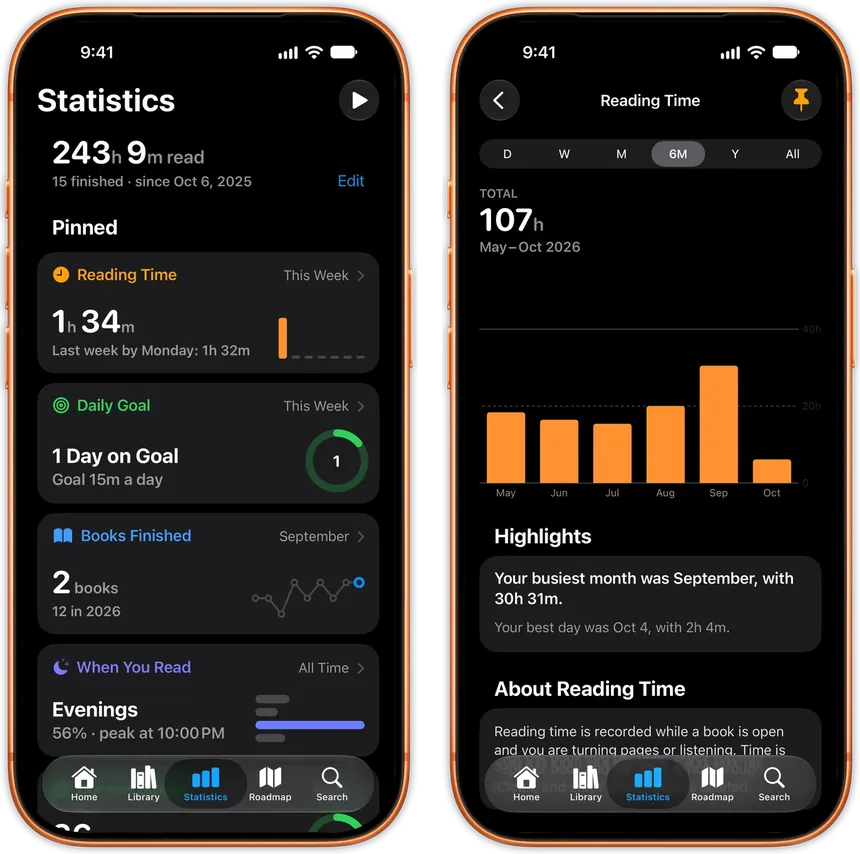
Reading trackers make you do the tracking: finish a chapter, open another app, guess at the pages. JustRead is the reader, so there's nothing to log. Open a book and the clock starts; close it and the session is saved.

Reading statistics dashboard tracking pages read and time spent readingReading statistics dashboard tracking pages read and time spent reading

Master Your Book Collection

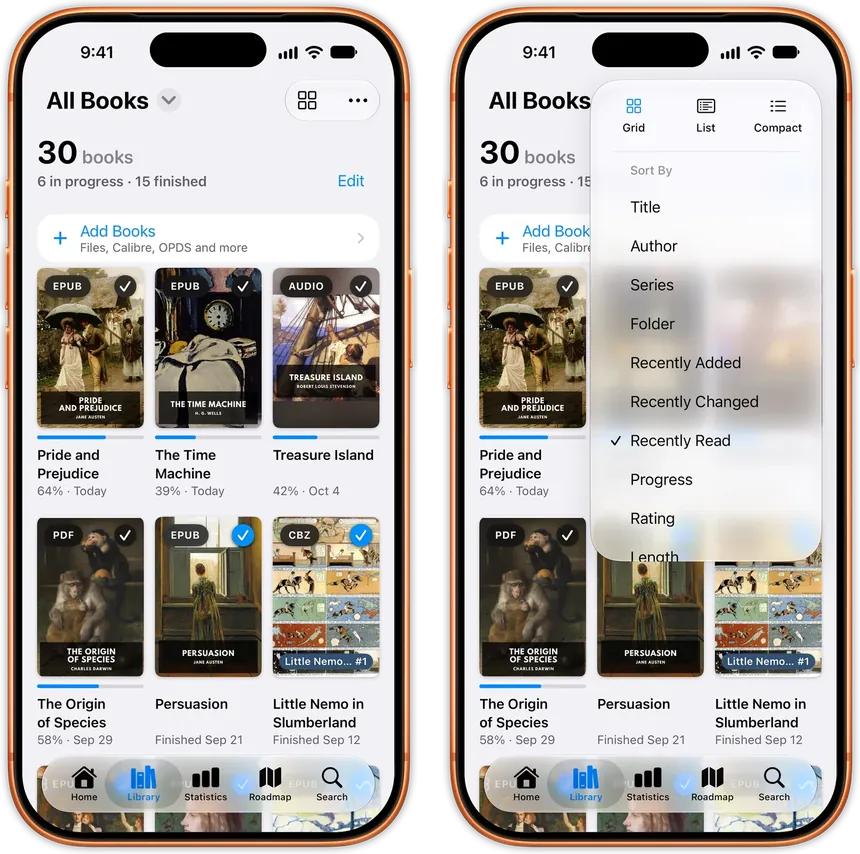
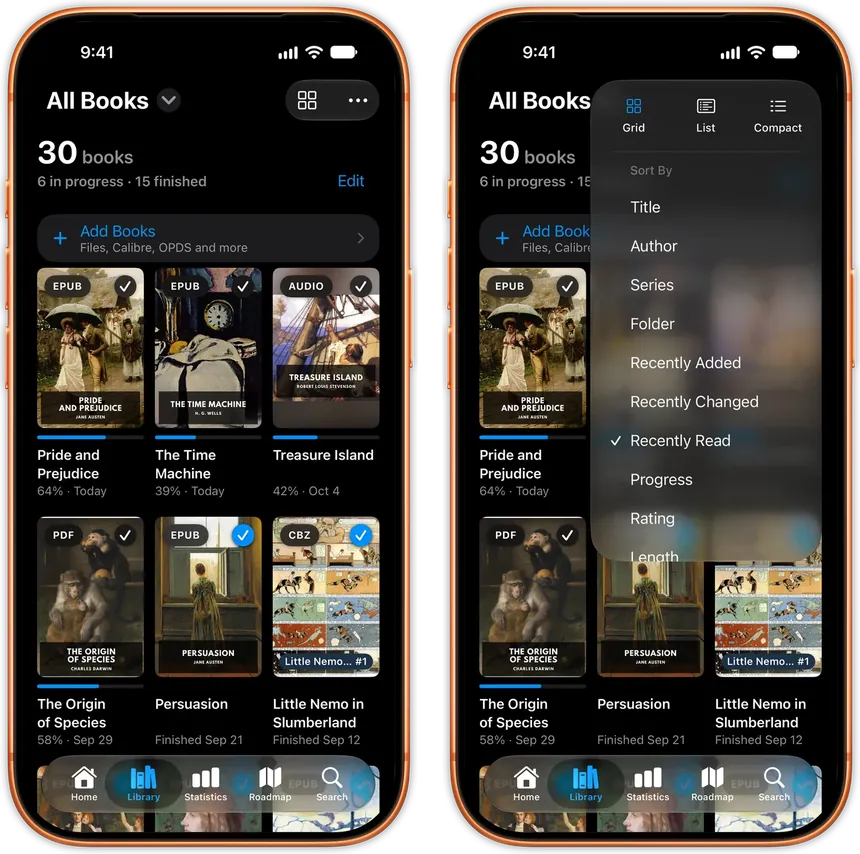
A library worth reading deserves a reader worth using. JustRead keeps thousands of books organized and instantly accessible. No lag, no clutter, no endless scrolling to find what you want.

Book library management interface showing an organized collection with search and filtering, beside the details page of a book with its author and seriesBook library management interface showing an organized collection with search and filtering, beside the details page of a book with its author and series

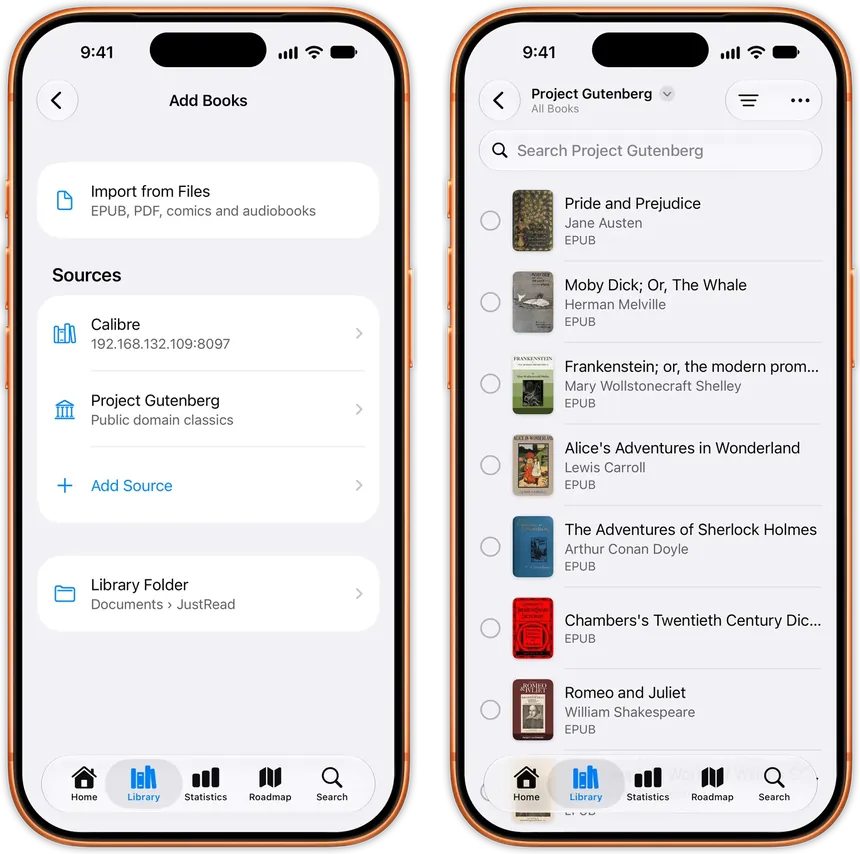
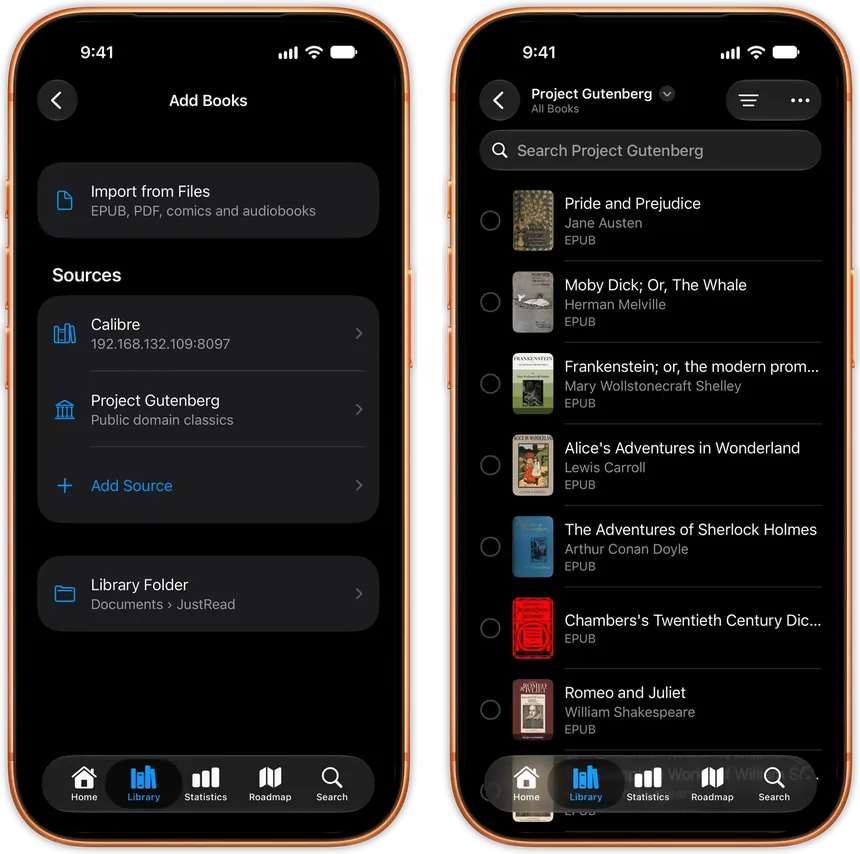
Discover Free Books with OPDS

Discover thousands of free public domain books directly in the app. Project Gutenberg is built in, and you can add Standard Ebooks or any other OPDS catalog without leaving JustRead.

The OPDS catalog browser in JustRead listing free public domain books to downloadThe OPDS catalog browser in JustRead listing free public domain books to download

Organize Your Way

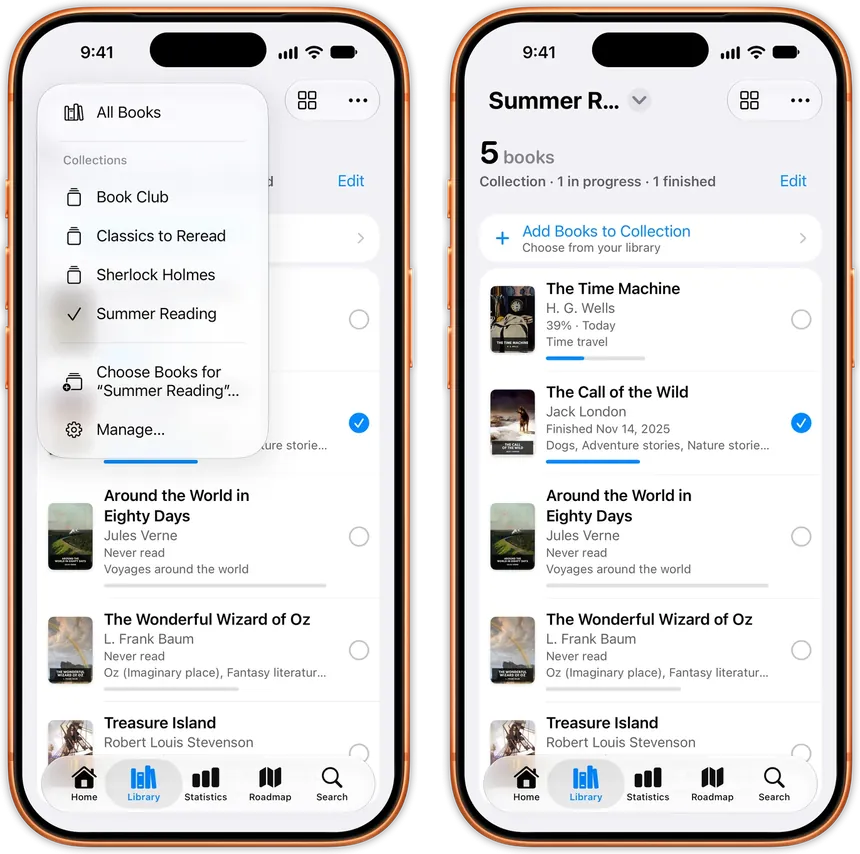
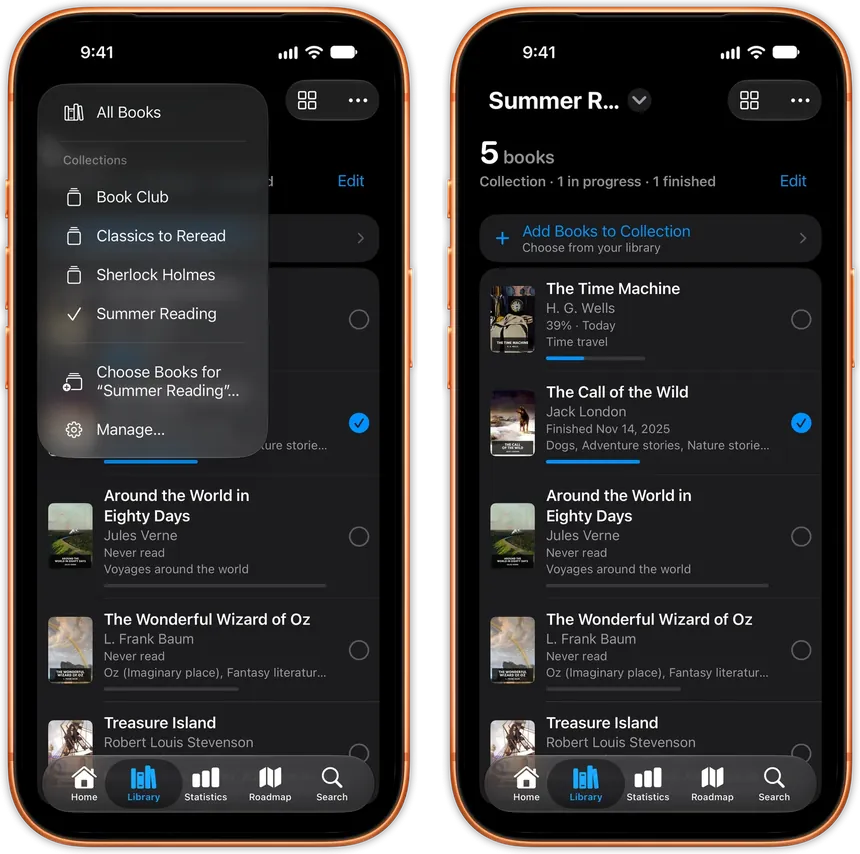
Custom collections, tags, and saved filters let you slice your library any way you want. Create shelves by genre, mood, or reading status, or turn your folders into collections that fill themselves.

The Library organized with collections, tags and saved filtersThe Library organized with collections, tags and saved filters

Native iOS Excellence

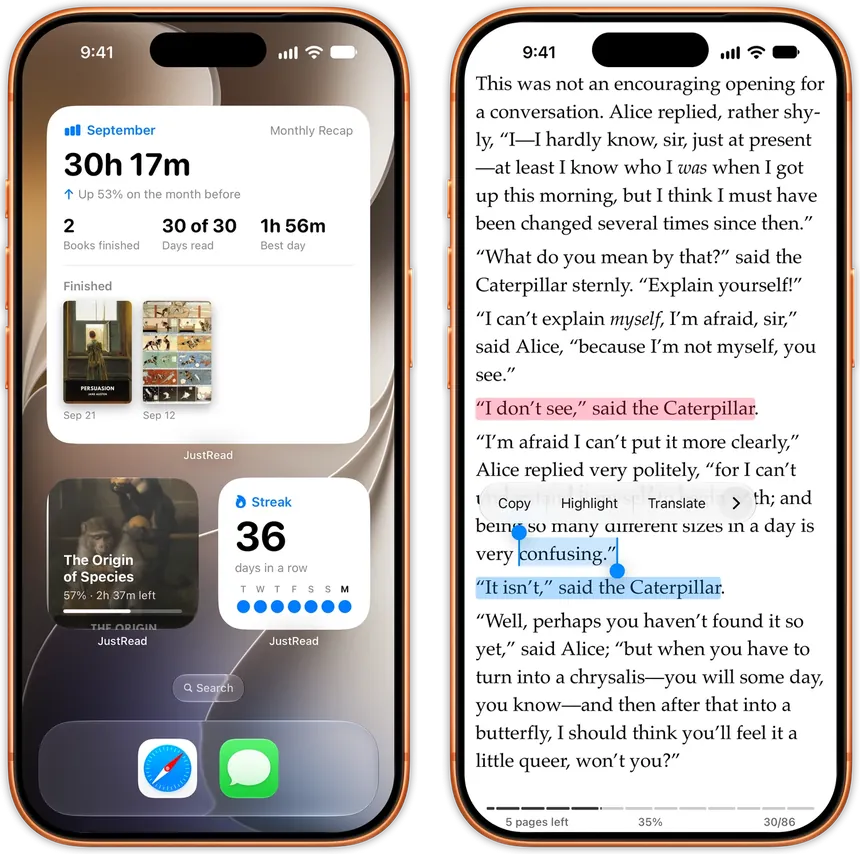
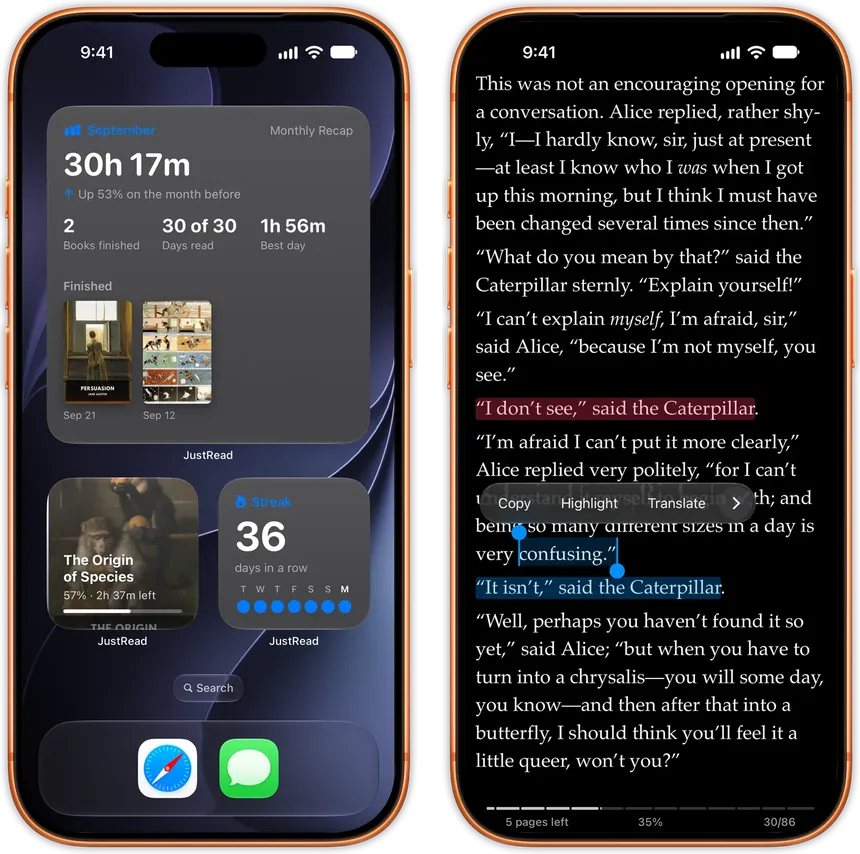
Built for iOS from the ground up. Every interaction feels instant. Every animation is smooth. Every detail follows the design standards you're used to from the best apps on your device.

Home screen widgets for the month, the current book and the streak, and a page with the selection menu openHome screen widgets for the month, the current book and the streak, and a page with the selection menu open

Advanced Tools for Serious Readers

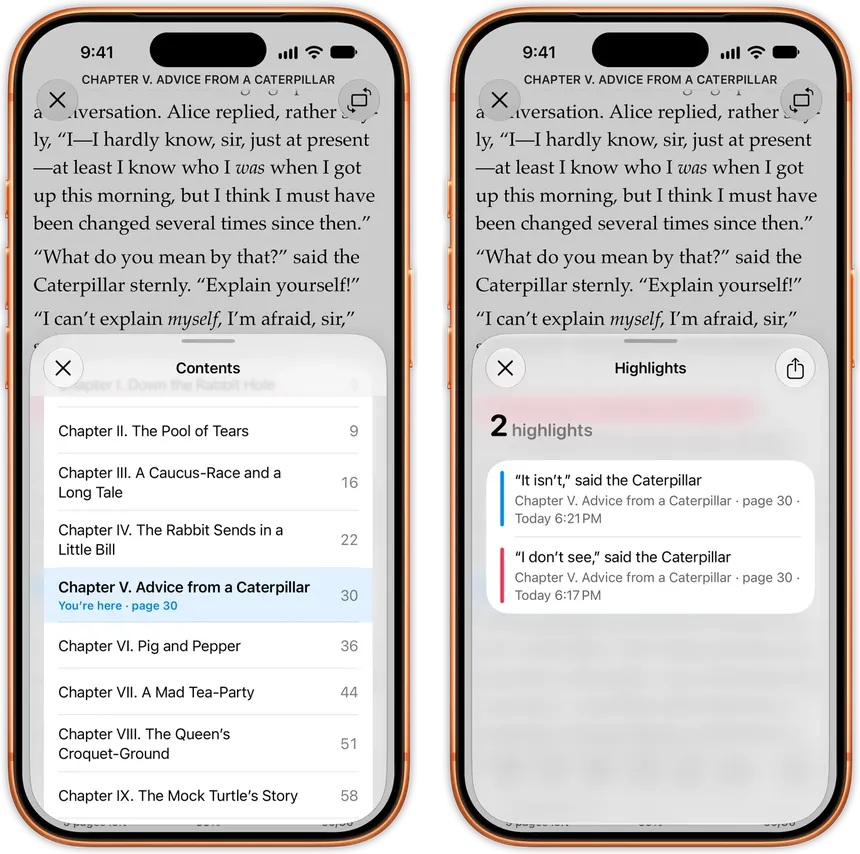
Switch fonts and adjust your layout without leaving the page. Jump between chapters with a full table of contents.

Advanced table of contents browser for quick chapter navigationAdvanced table of contents browser for quick chapter navigation

Beautiful on iPad

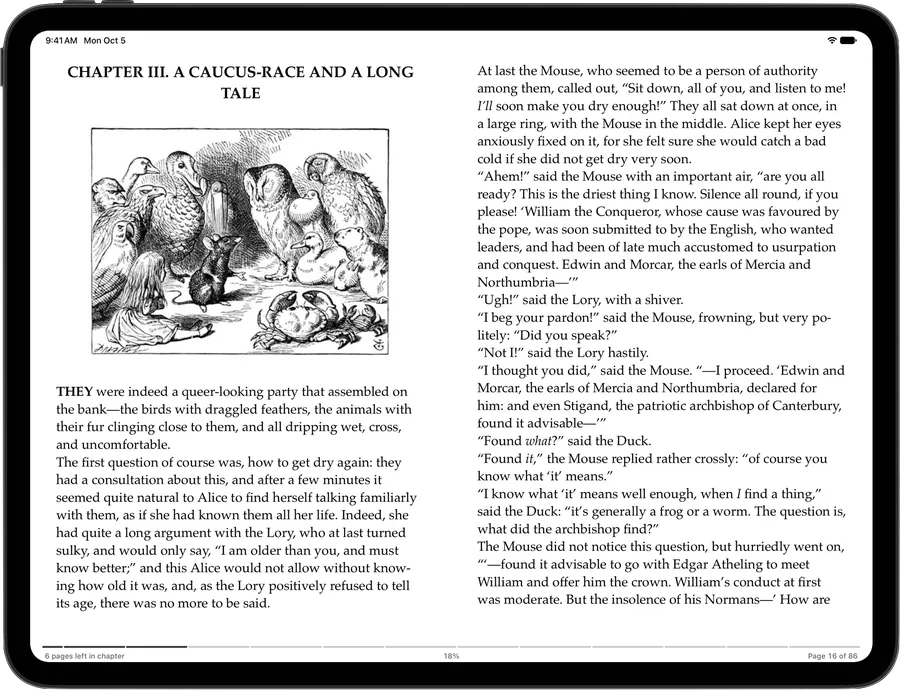
JustRead takes full advantage of your iPad's larger display. Read in one column or two, set separately for portrait and landscape, so a page reads naturally, just like a real book. Open an iPhone Duo and you get two pages side by side too.

Your library gets a sidebar with your collections and tags, Apple Pencil selects and highlights text, and a keyboard turns the pages. Statistics spread out into a wide grid of cards, so your habits and progress are all in view.

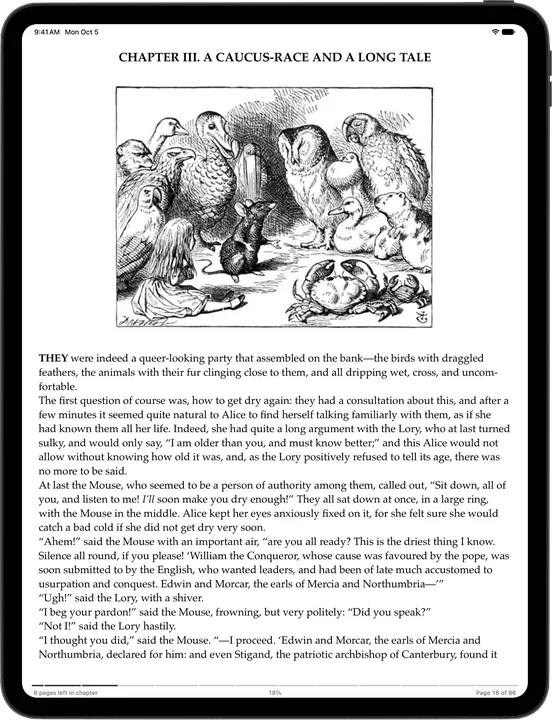
iPad two-column reading layout for comfortable reading on larger screensiPad two-column reading layout for comfortable reading on larger screens
An iPad in portrait showing one column of text below a full-width illustrationAn iPad in portrait showing one column of text below a full-width illustration

And Many More

See all features
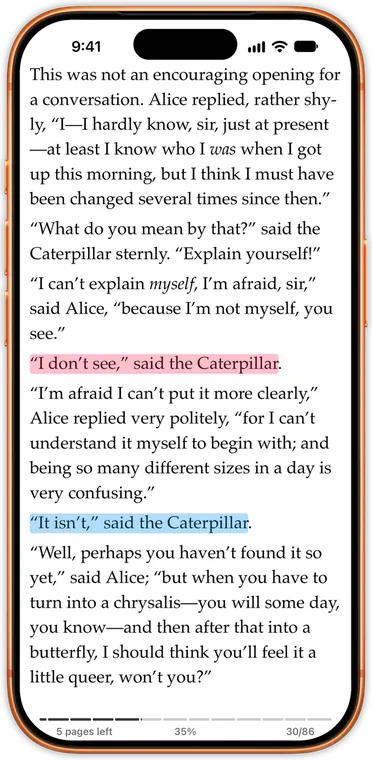
  • Custom Fonts

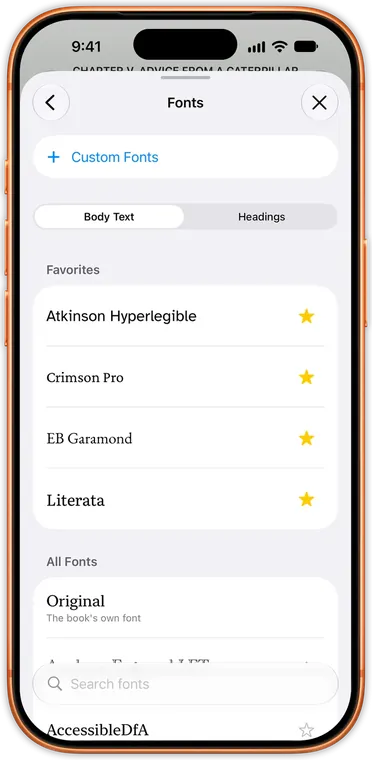
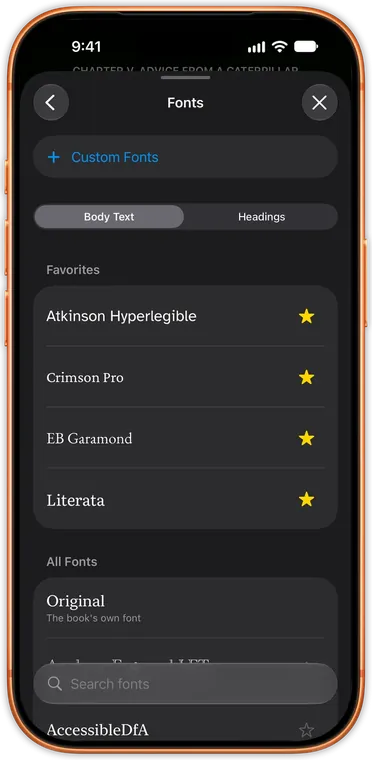
    Import any font file and start reading with it immediately. Choose from every font on your device, OpenDyslexic and AccessibleDfA included, or add your own. Pick a font for serif, sans serif and monospace text, and give headings their own size and weight.

    Custom FontsCustom Fonts
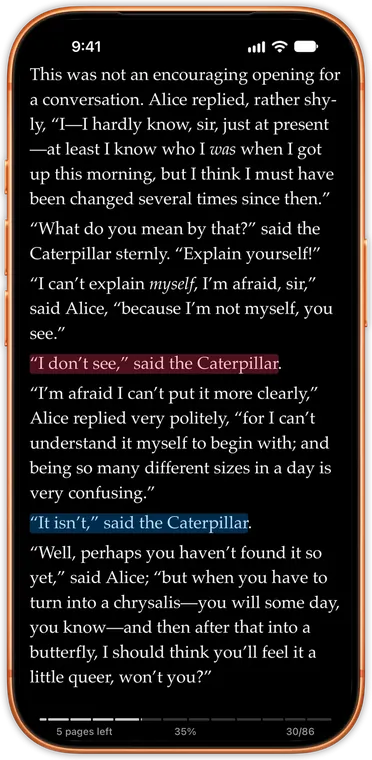
  • Smart Dark Mode

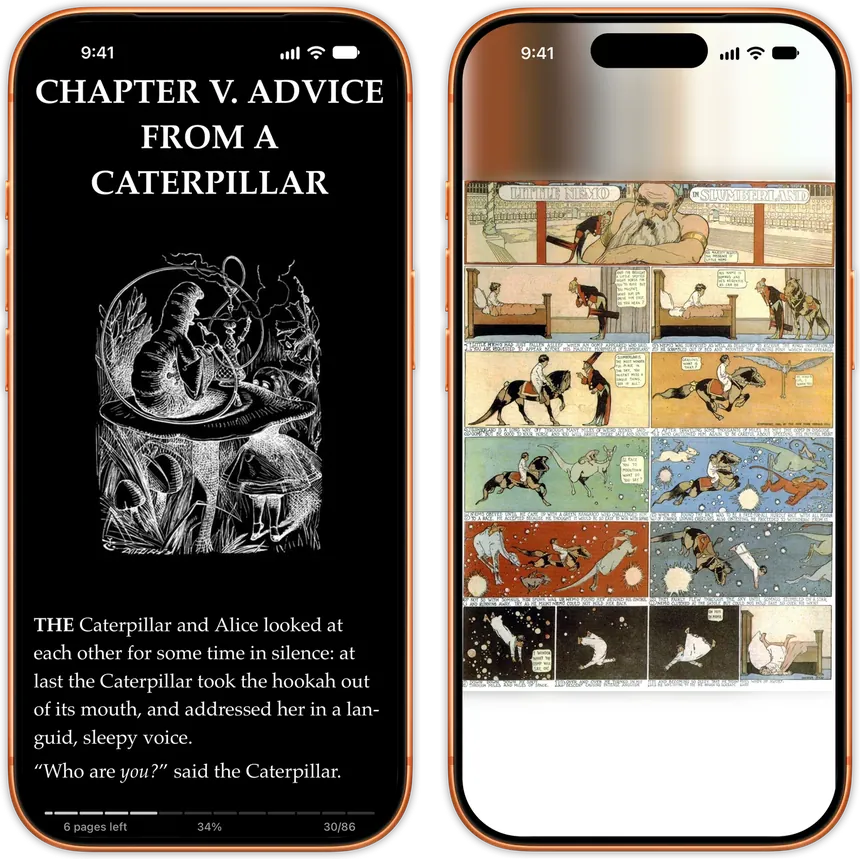
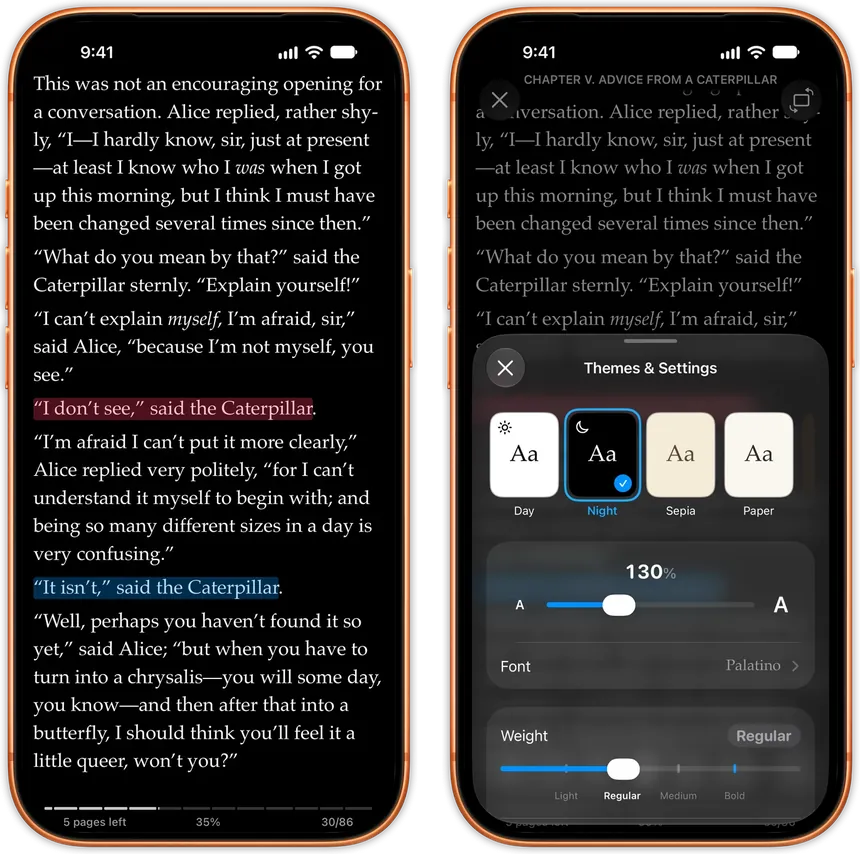
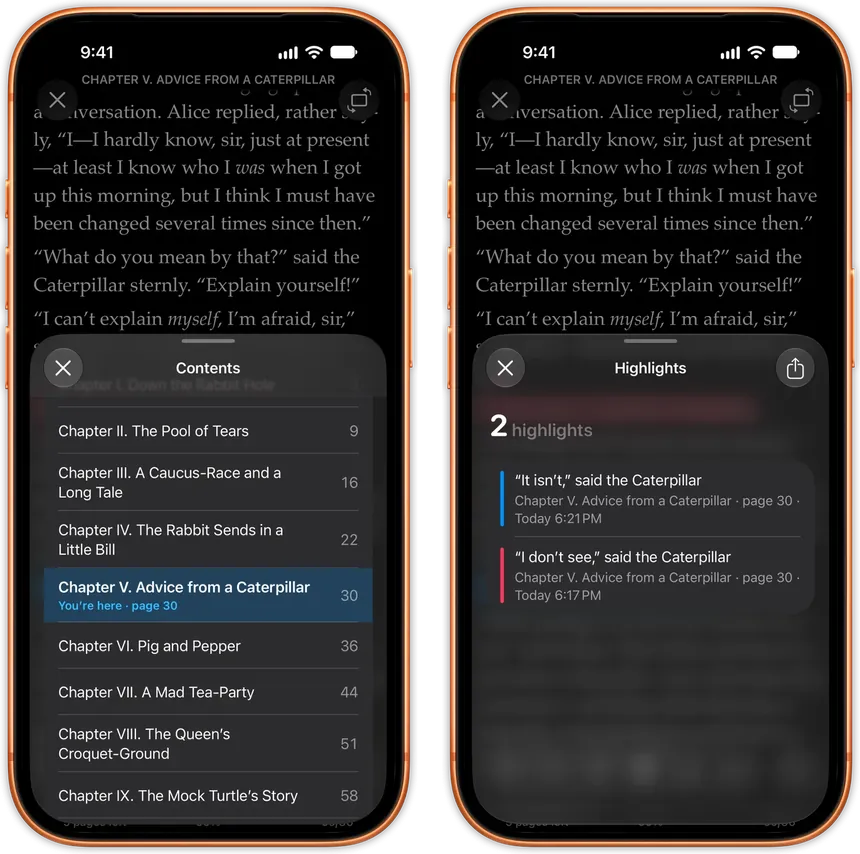
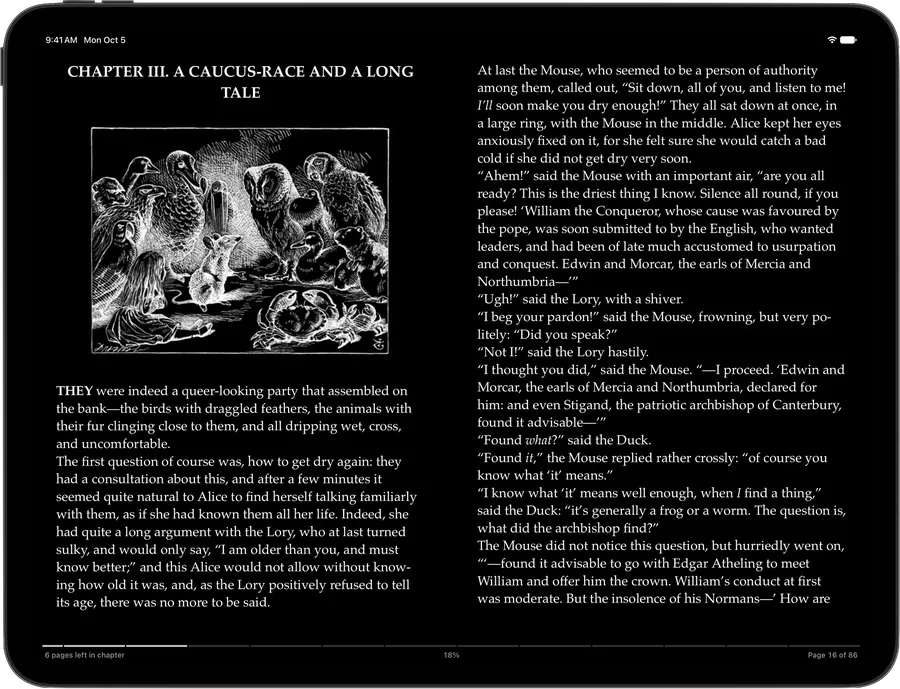
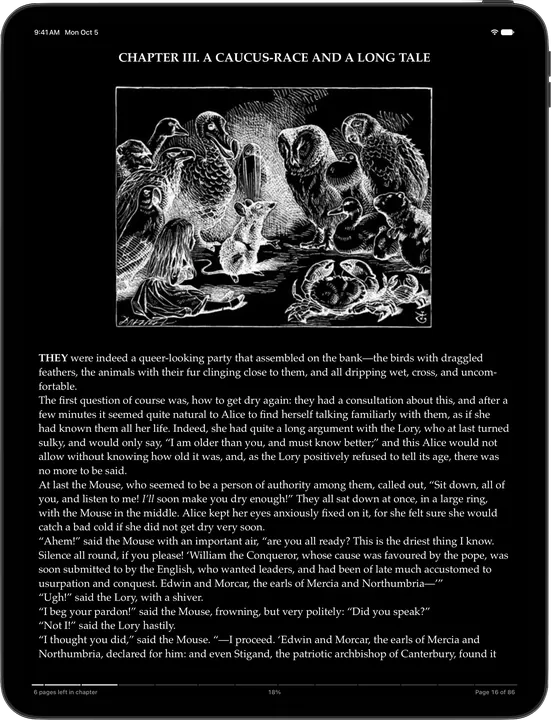
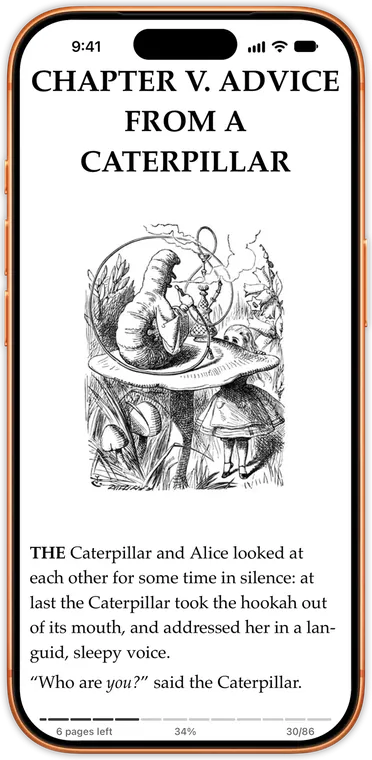
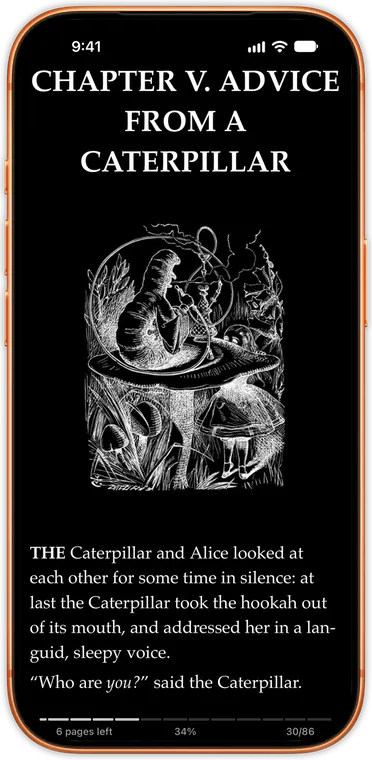
    Read comfortably at night with dark themes that can invert a book's illustrations too. Adjust brightness from the side of the page without leaving your book, and let your themes switch by time of day or at sunset.

    Smart Dark ModeSmart Dark Mode
  • Reading Navigation

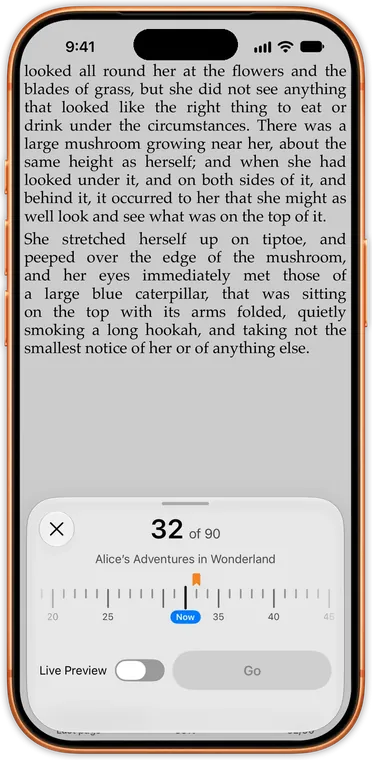
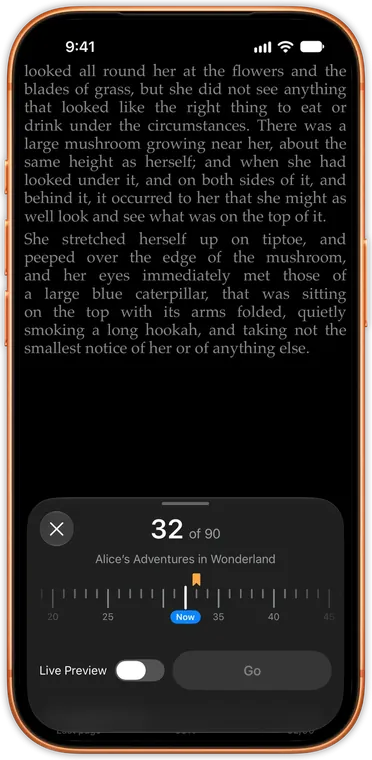
    Slide along the Go to Page ruler, marked with your bookmarks and highlights, and watch the pages turn with Live Preview. After any jump, Back to Page takes you straight back to where you were.

    Reading NavigationReading Navigation
  • Edge-to-Edge Reading

    Maximize your screen with true edge-to-edge reading that removes all distractions. Keep your screen awake and lock rotation so your reading angle stays exactly where you set it.

    Edge-to-Edge ReadingEdge-to-Edge Reading
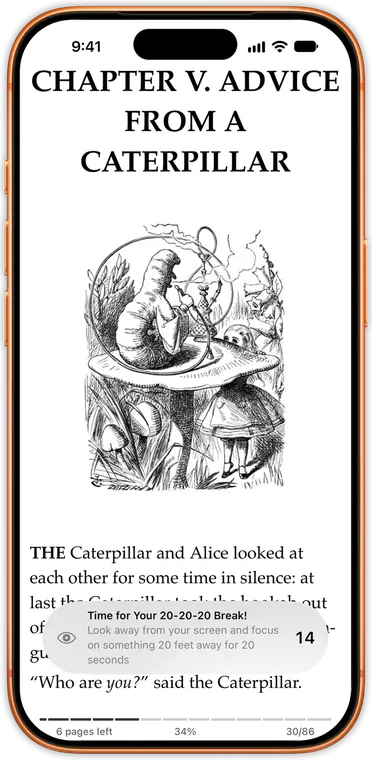
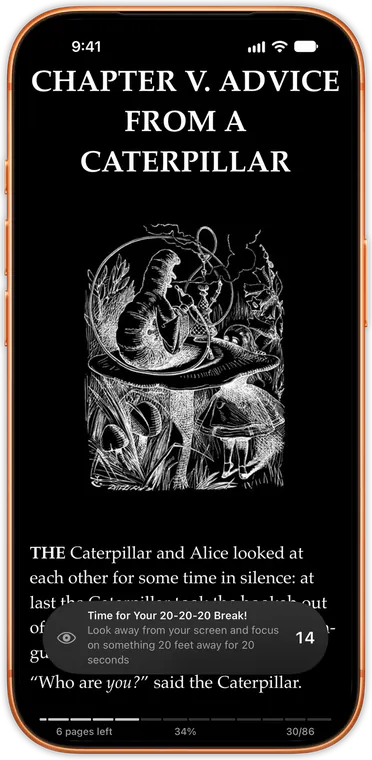
  • Eye Care & Reading Health

    Protect your eyes with built-in 20-20-20 reminders that gently prompt you to look away every 20 minutes. Read for hours without strain, knowing your reading app is looking out for you.

    Eye Care & Reading HealthEye Care & Reading Health
  • Listen & Read

    Own the EPUB and the audiobook? Link them and the page follows the narrator, shading each sentence as it's spoken. It's prepared on your device, and both copies share one place.

    Listen & ReadListen & Read
  • Pins

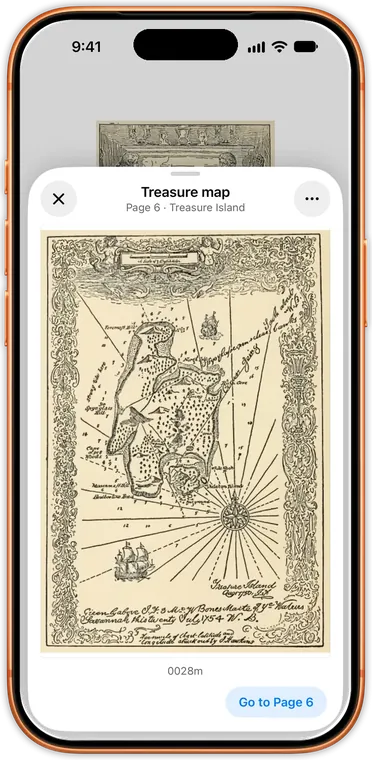
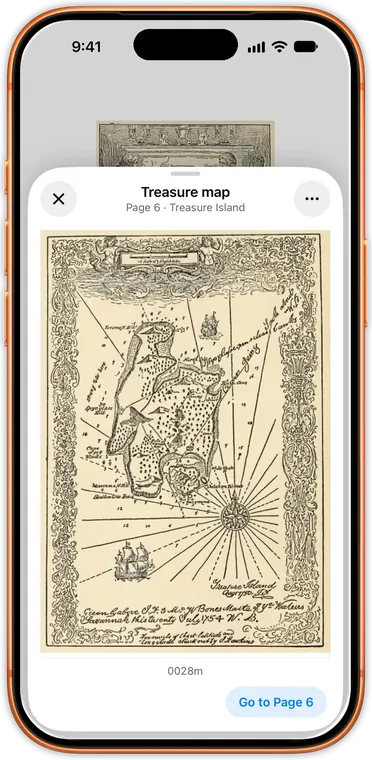
    Pin a map, a family tree or a passage, then look at it with one tap without losing your place. Touch and hold an image, or select text and tap Pin, in any EPUB.

    PinsPins
  • Reading Assistant

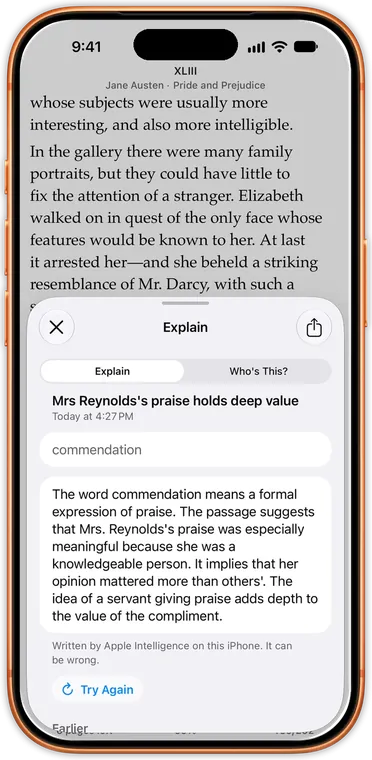
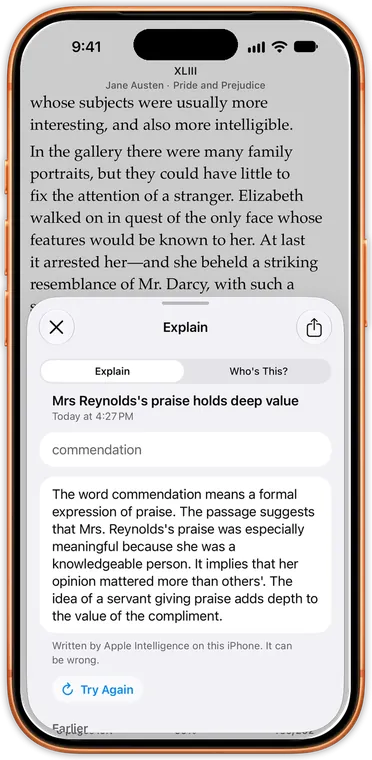
    On an iPhone or iPad with Apple Intelligence, explain a word or passage, ask who a character is, or catch up on the story so far. Everything stays on your device.

    Reading AssistantReading Assistant
  • Audiobookshelf

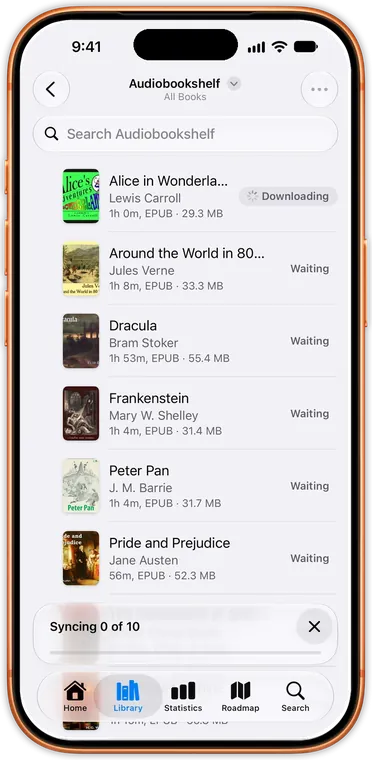
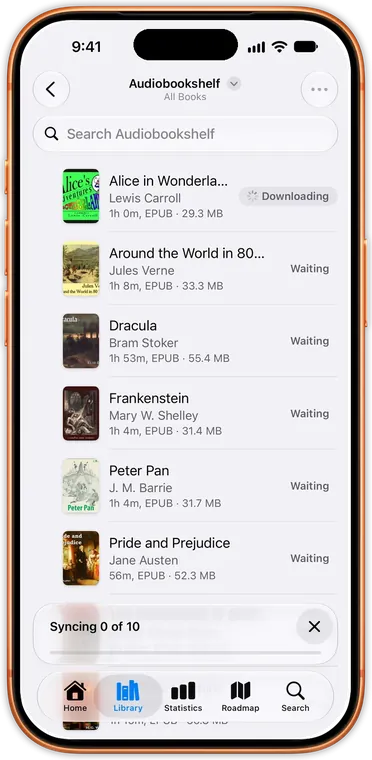
    Connect your Audiobookshelf server and download audiobooks and ebooks into your library. Your place and finished books sync both ways, with single sign-on if your server uses it.

    AudiobookshelfAudiobookshelf

Loved by Readers

See what readers are saying on the App Store

4.6/5 from 115 ratings

  • ★★★★★

    Fantastic

    This really is an amazing reader app and has an active dev who is constantly innovating. Right now this app is the best available for iphone duo (Readest is the only competition and they are different apps in so many ways).

    B.
  • ★★★★★

    Update to my review - JR now my first choice for all books

    JustRead is now my place for ‘casual’ PDF reading as well as EPUB. It’s not LiquidText or MarginNote but for the first time, I have all my ‘reading’ books in 1 place and 1 app.

    C.
  • ★★★★★

    The best reading app

    This app has everything you want on a reading app

    V.
  • ★★★★★

    Wow great app, awesome dev

    I have been trialing this app after having tried a great number of different iOS reader apps. I was very pleased with the features on this app.

    I.
  • ★★★★★

    No brainer

    SIMPLE. No distractions. And makes it very addictive to read

    A.
  • ★★★★★

    Exceptional app

    In my long and often frustrating journey to find the perfect e-reader on iOS I never imagined I would stumble upon such a gem! Clean, uncluttered modern interface (fully following iOS 26 design guidelines).

    S.
  • ★★★★★

    Best Ebook library-reader for ios

    hands down, this is the best ebook reader for IOS.

    S.
  • ★★★★★

    It's good, and you know it'll get better

    I’d say the biggest plus points are the integration with OPDS, the design, and also the tab where you can submit your own suggestions and see which ones have been implemented. I can’t believe my eyes.

    A.

Why readers choose JustRead

Free readers exist. You've tried them. Here's what you've been missing.
  • Your books belong to you, not to a store

    With Kindle and Apple Books, your library lives on their servers, under their rules. Delete the app, lose everything.

    JustRead reads your EPUBs and PDFs directly. Your files, your cloud, your control. No DRM walls. No ecosystem traps. Switch apps or devices whenever you want, your books stay yours.

  • Reading that feels like you designed it

    Most reading apps give you two fonts and a dark mode toggle. Your reading experience shouldn't feel like everyone else's.

    Custom fonts, precise typography controls, your color schemes, your layout. Built natively for iOS, every swipe, every animation, every detail crafted to feel exactly right on your iPhone.

  • Know yourself as a reader

    You finish a book and... nothing. No record of when you read, how long it took, or how your habits are growing.

    Track your reading streaks, pace, and progress. See your reading calendar, earn achievements, and watch your habits transform over time. Reading becomes not just a hobby, but a practice you can see improving.

The story behind JustRead

My son and I spent six months building the EPUB reader we always wanted.

Read the full story

Pricing

14 day trial

Pricing may differ per app store localization or country

Frequently Asked Questions

Quick answers to common questions about JustRead.

View all FAQ
What book formats does JustRead support?

JustRead reads EPUB and PDF, CBZ and CBR comics, and audiobooks in m4b, mp3, m4a, aac and flac, plus .audiobook and .zab packages. They all share one library. If you have books in other formats like MOBI or AZW3, you can use Calibre on Mac or PC to convert them to EPUB before importing.

How do I add books to JustRead?

Select a folder with saved EPUB books in the Library tab. Once added, pull down to refresh and your books will appear in your library. JustRead supports libraries with 5,000+ books without any slowdowns.

Can I use iCloud to store my books?

Yes. You can use any cloud provider: iCloud, Dropbox, Google Drive, OneDrive, or others, as long as you have access to that cloud folder from your iPhone. Simply point JustRead to your cloud folder and all your books will sync automatically.

Is my data backed up?

Yes. Since your books and reading data are stored in your cloud folder, they are automatically backed up through your cloud provider. Your app settings are also securely saved on your iPhone.

Can I use Calibre with my iPhone?

Yes. JustRead is the only iOS EPUB reader with native Calibre Content Server integration. Place your Calibre library in any cloud folder (iCloud, Dropbox, or Google Drive), point JustRead at it, and your books, metadata, and covers sync automatically. You can also connect directly to a Calibre Content Server on your network.

Does JustRead have a dark mode?

Yes. JustRead has dark themes that can also invert a book's illustrations, and your themes can switch by time of day or at sunset. You can adjust brightness from the side of the page without leaving your book.

Is my privacy protected in JustRead?

Yes. There is no account, no analytics and no tracking. Your books and reading data stay on your devices and in your own iCloud, which keeps your iPhone and iPad in sync. Data goes only to services you choose to connect, such as Calibre, Readwise, KOReader or Hardcover.

Can I customize the reading experience?

Absolutely. JustRead gives you complete control over typography, colors, layout, and display settings. Adjust fonts, spacing, margins, dark mode, brightness, and much more to create the perfect reading environment.

Our Roadmap

See what we're building next, vote in-app on features that matter to you.

View full roadmap

Our changelog

View full changelog
  1. 5.835 changes

    From Your Authors: follow authors and see their new books on Home.

  2. 5.724 changes

    Favorites: heart a book from its menu.

  3. 5.617 changes

    Listen & Read: link an EPUB to its audiobook, and the page follows the voice.

Read and listen anywhere.

Every download starts with 14 days free.

Download on theApp Store

4.6/5 from 115 ratings