Browse and download books from Calibre Content Server, calibre-web, Kavita, Komga, COPS, Project Gutenberg, and any OPDS-compatible catalog. Server-side search, pagination for large catalogs, one-tap downloads, offline reading, and a full-featured EPUB and PDF reader built in.
justRead is a full native OPDS client for iOS. Add multiple catalogs and browse them side by side. Server-side search lets you find books without downloading the full catalog first. Pagination handles even the largest catalogs smoothly, and per-server filtering keeps results organized.
No clunky web interfaces or browser workarounds. A proper native app experience for browsing your OPDS catalogs on iPhone and iPad. Project Gutenberg is built in as a starting point for discovering free ebooks.
Connect directly to Calibre Content Server (with Wi-Fi auto-discovery or manual server entry), calibre-web, Kavita, Komga, or COPS running on your home network or VPS. justRead supports HTTP Digest Auth for password-protected libraries.
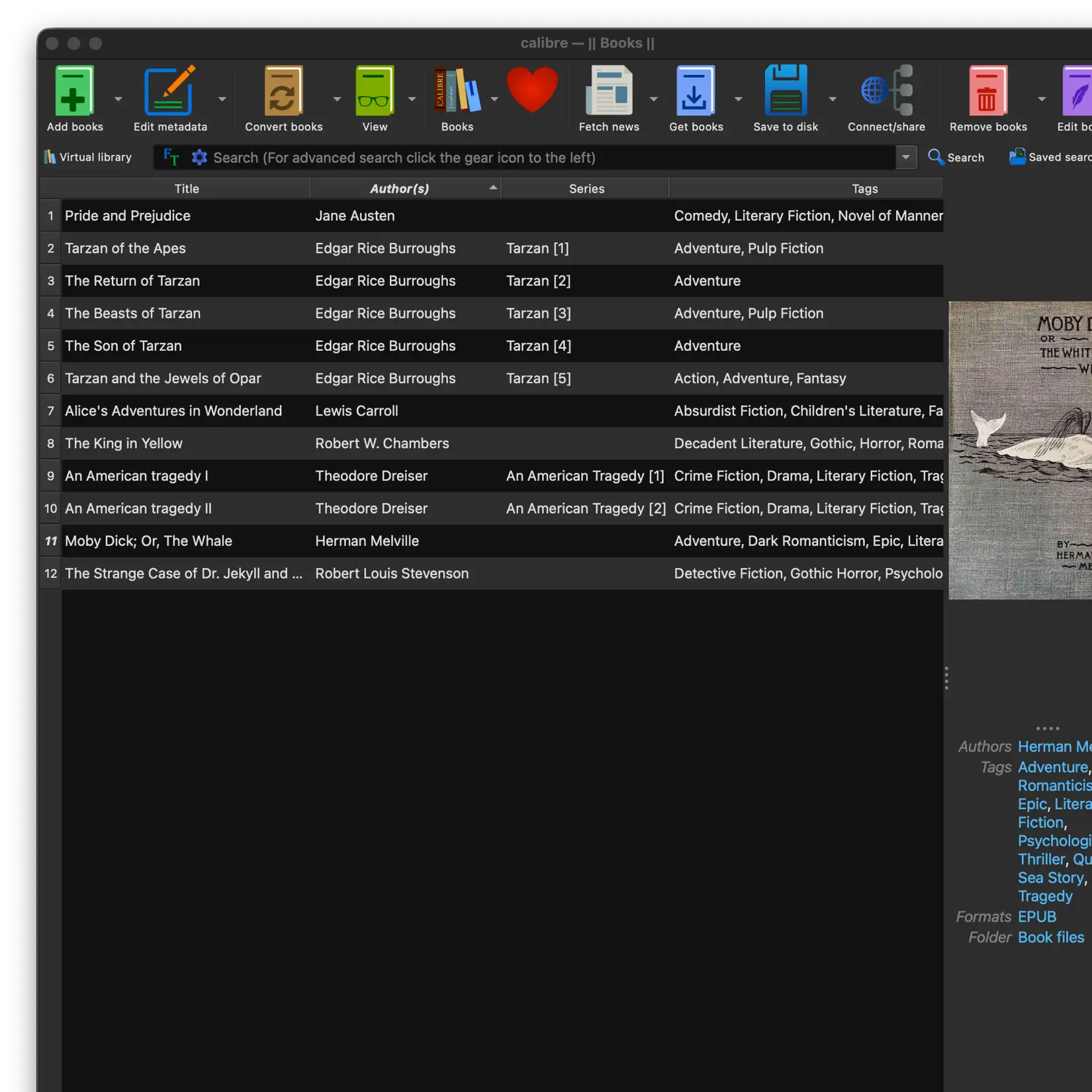
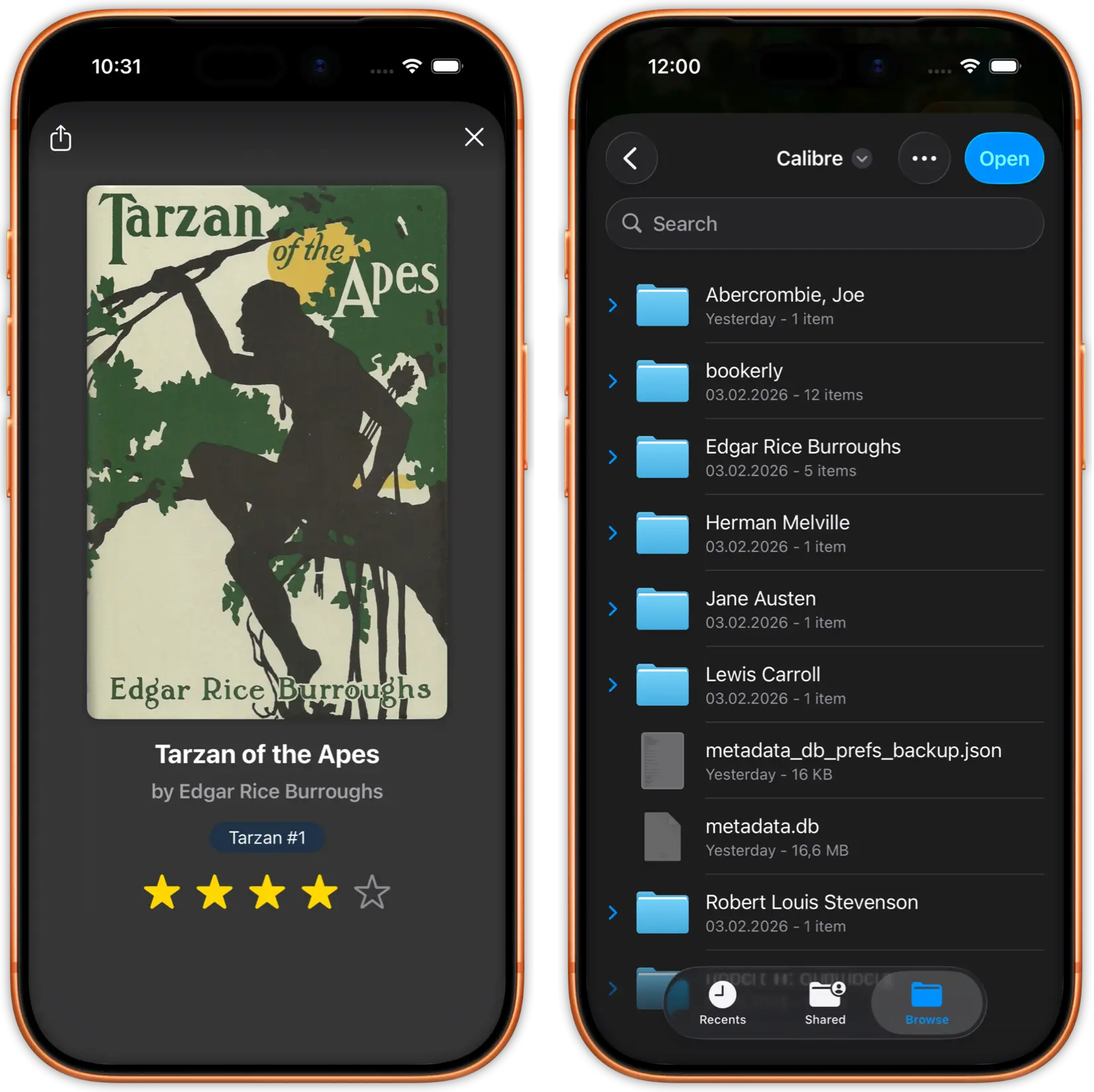
Browse your entire Calibre collection from your phone. See the same categories, tags, and series organization you set up in Calibre. Status badges show New, Changed, and Synced books. Select individual titles or use "Select New & Changed" to grab all updates at once. Download both EPUB and PDF files directly to your device.
Add public OPDS catalogs like Project Gutenberg, Standard Ebooks, and ManyBooks to discover thousands of free, high-quality ebooks. Classic literature, modern public domain works, and more.
Browse curated collections, search by genre or author, and download directly into your justRead library. All free, all legal, all beautifully formatted.
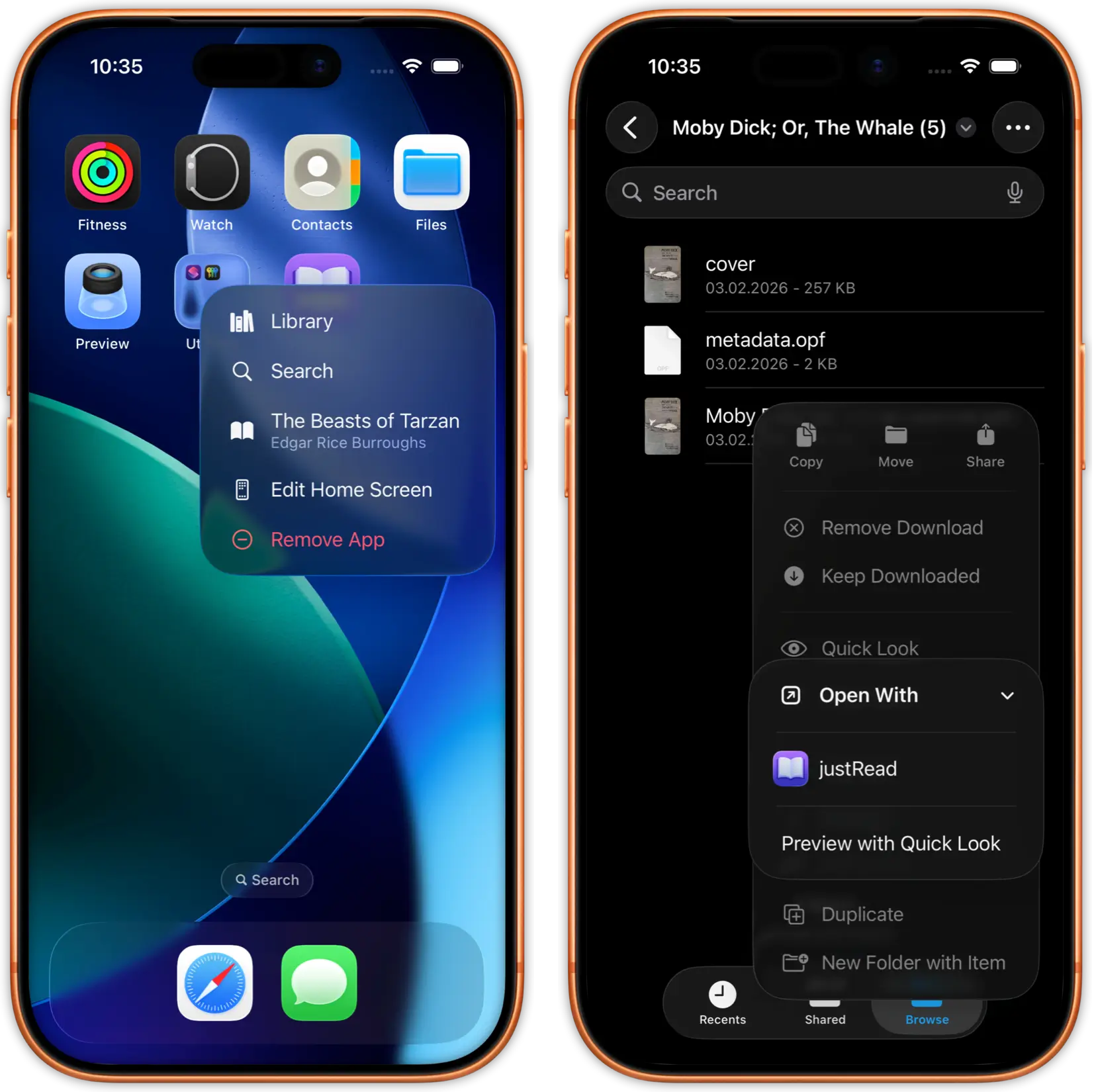
Find a book in any OPDS catalog and download it with a single tap. justRead automatically selects the best available format (EPUB preferred) and adds it to your library.
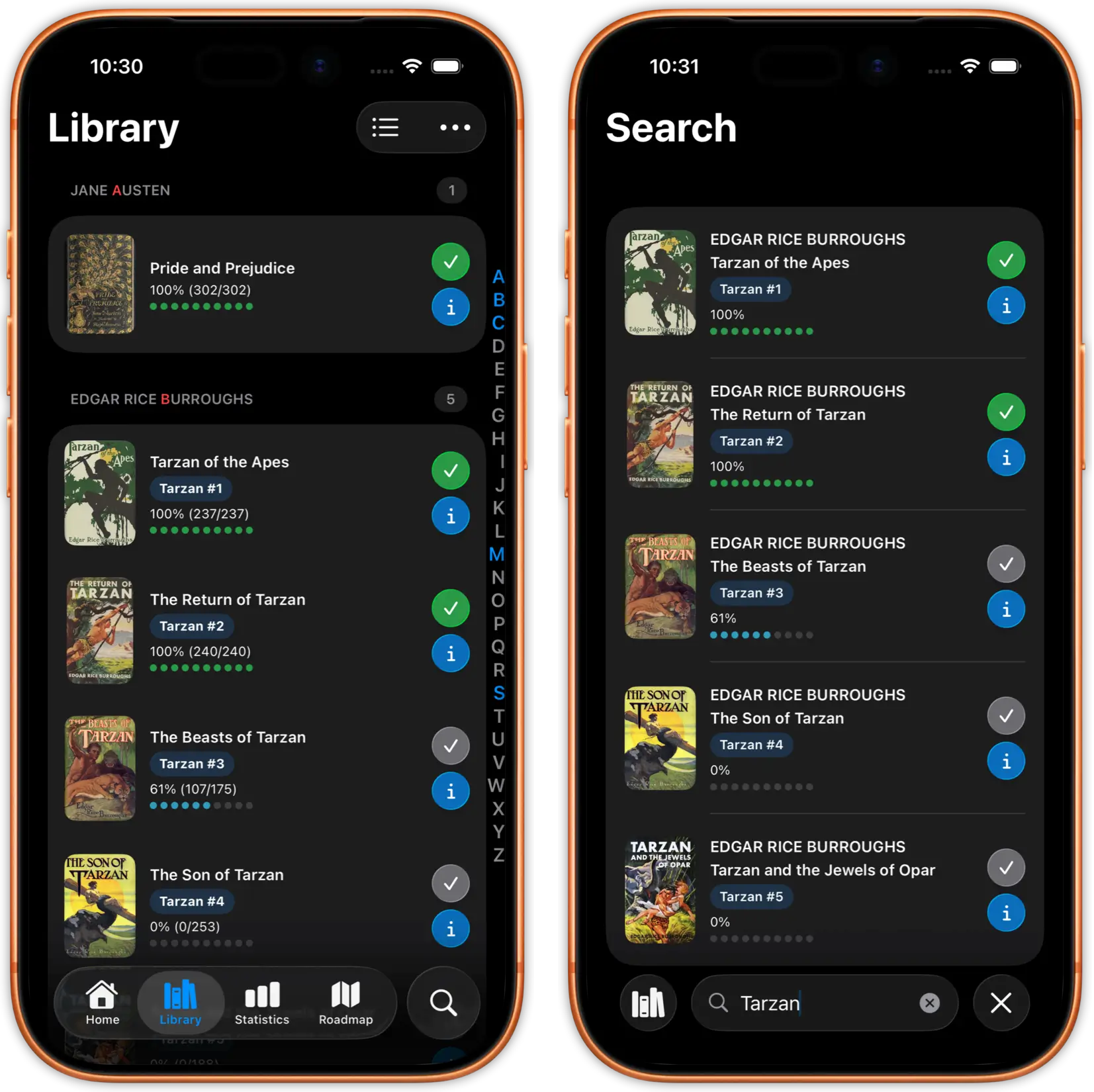
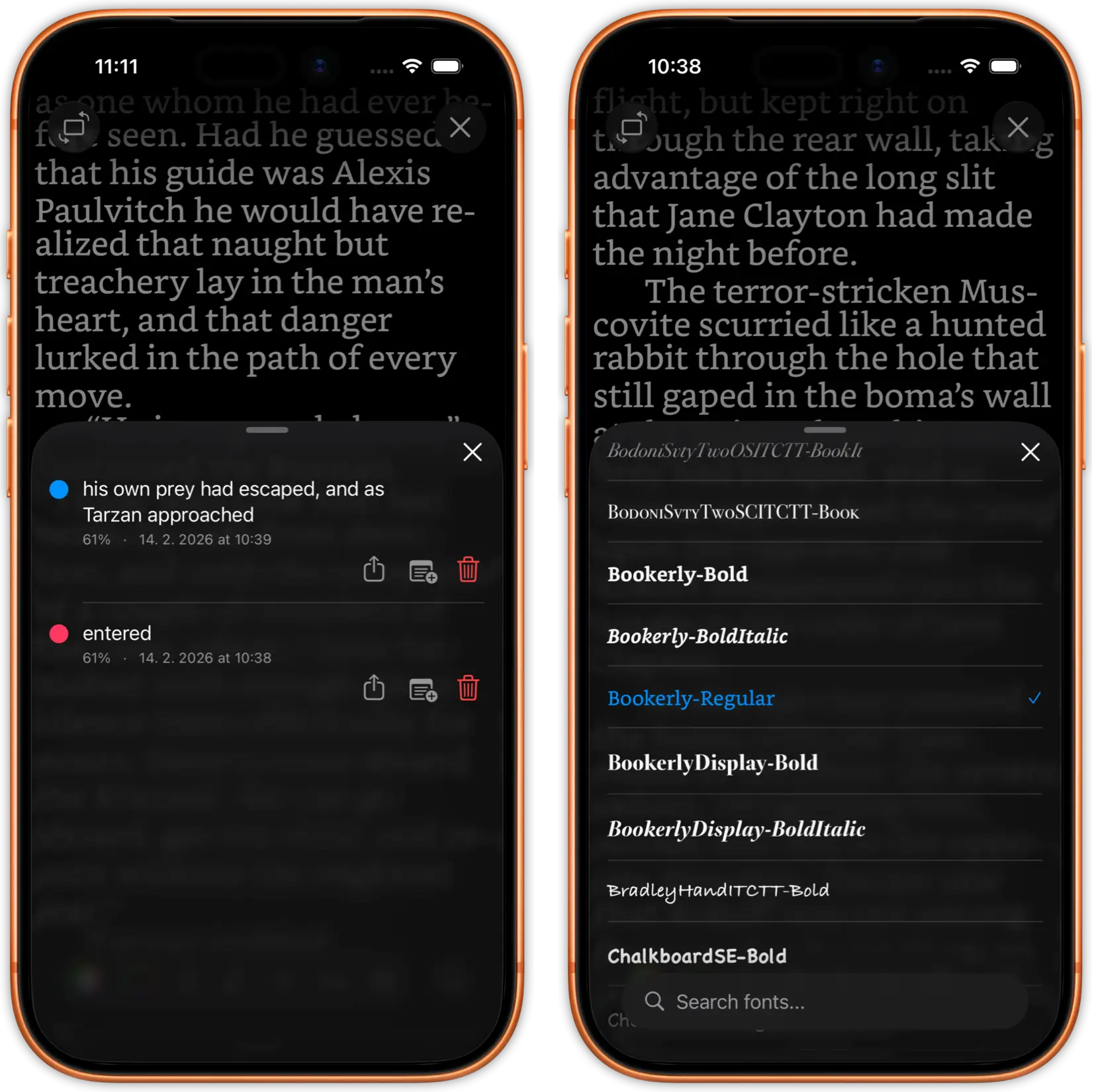
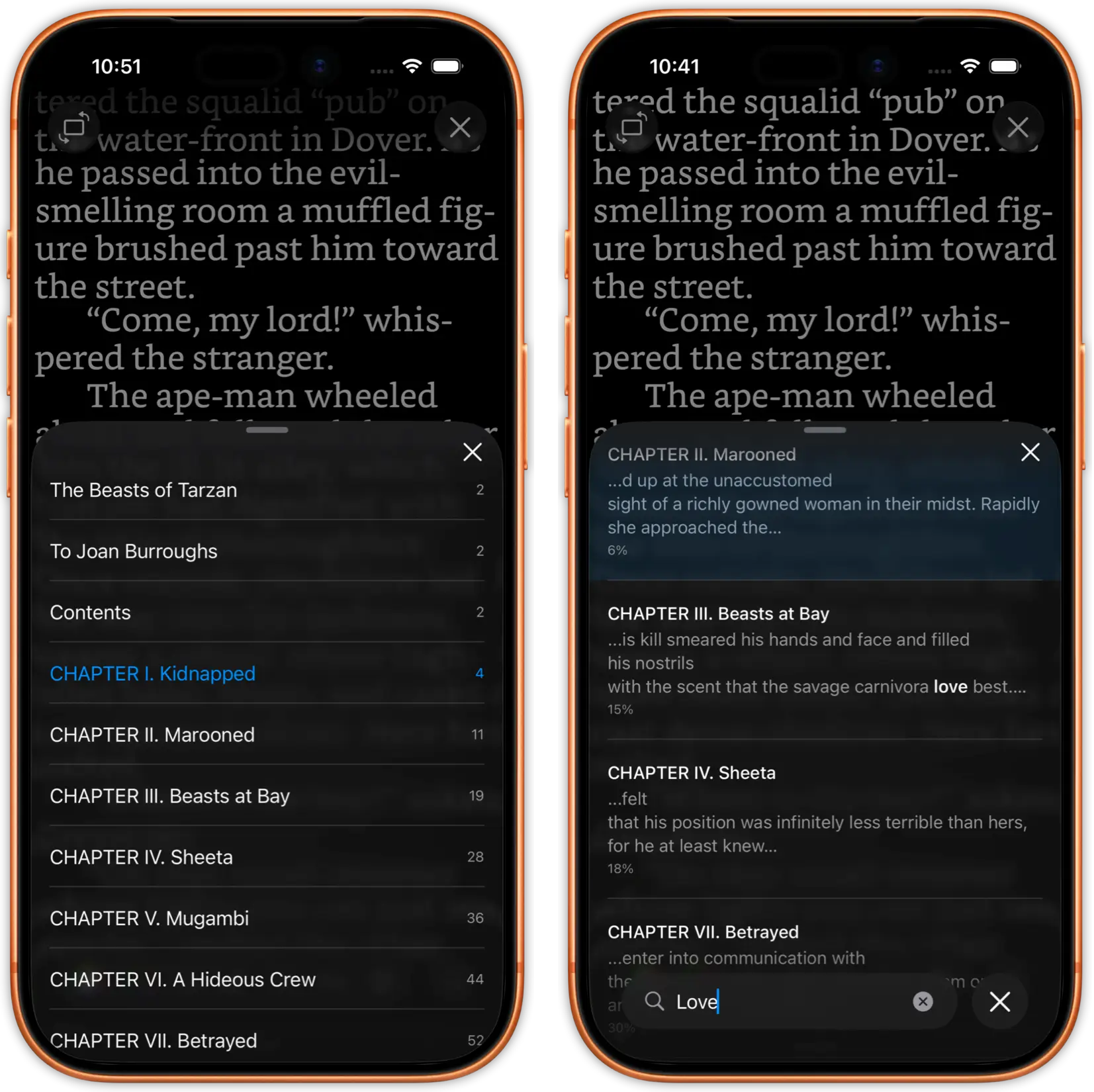
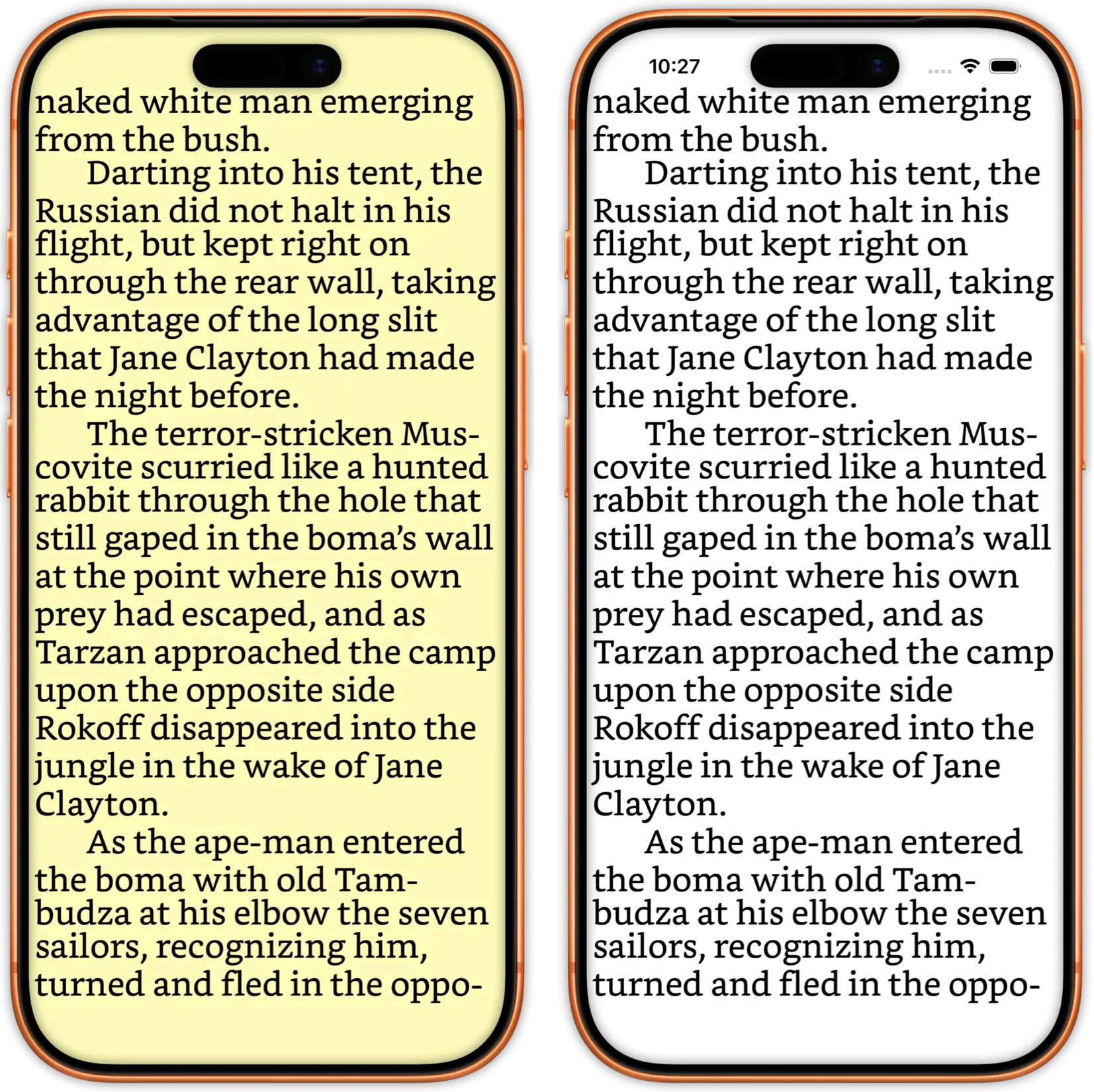
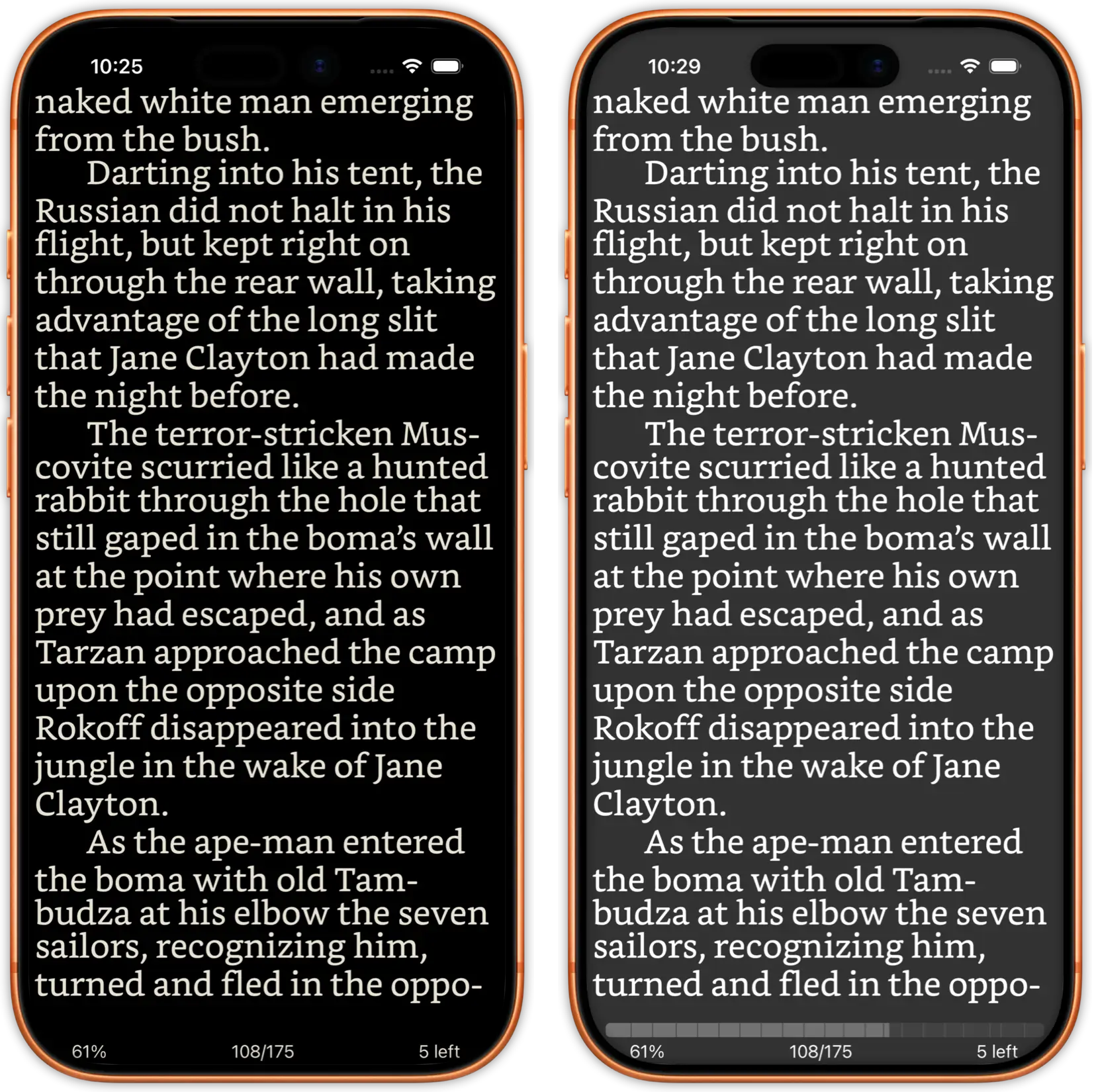
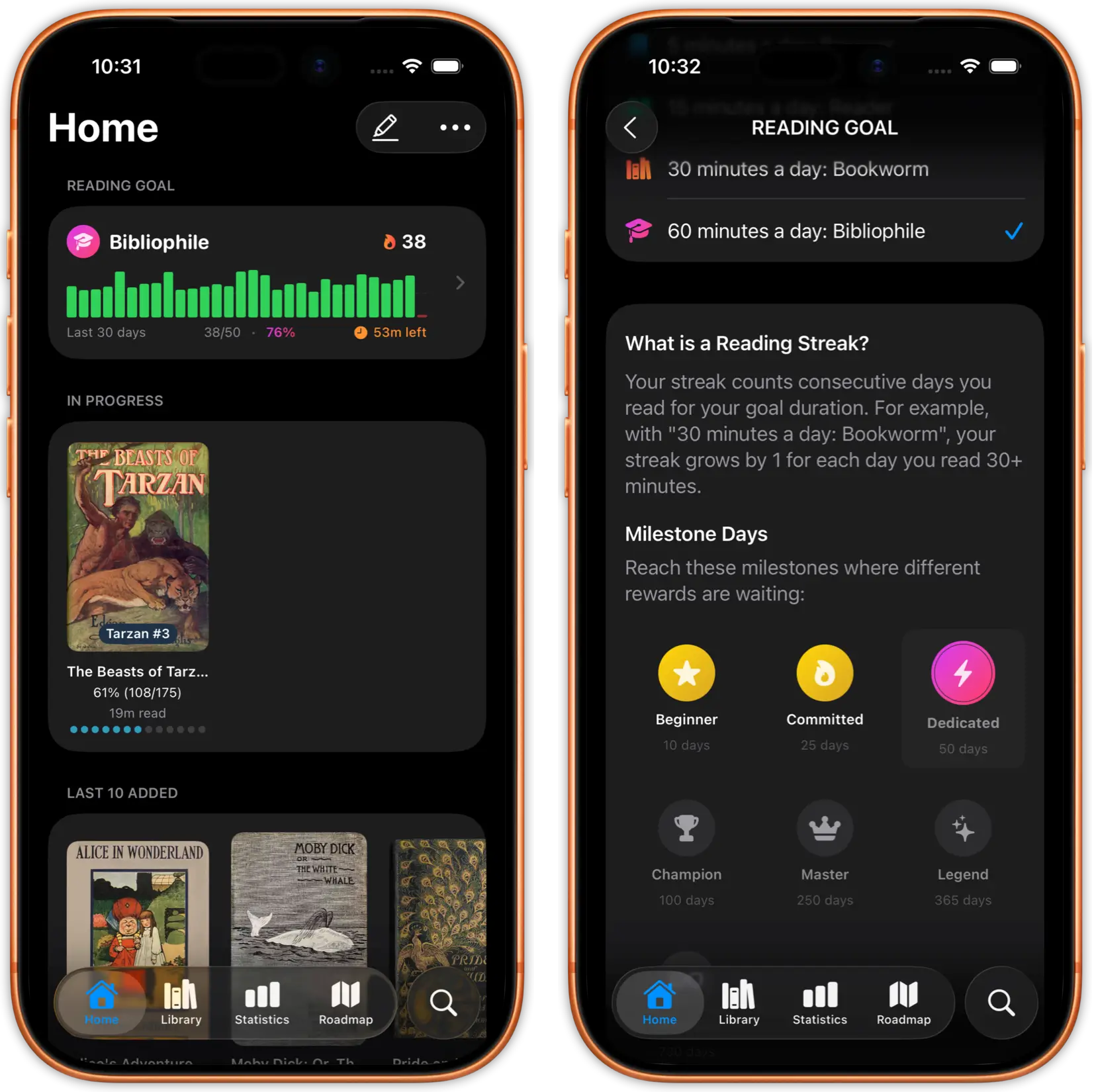
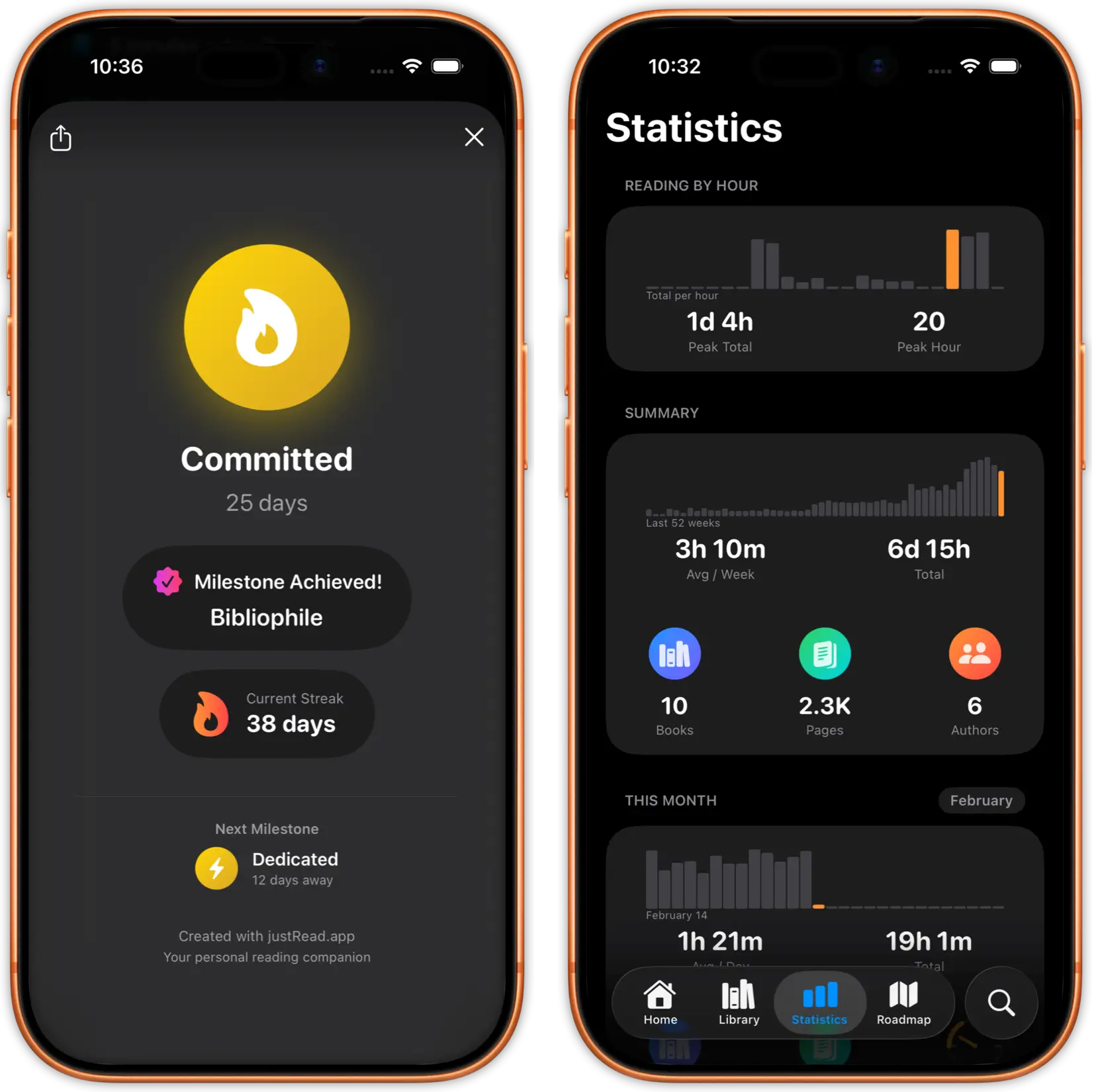
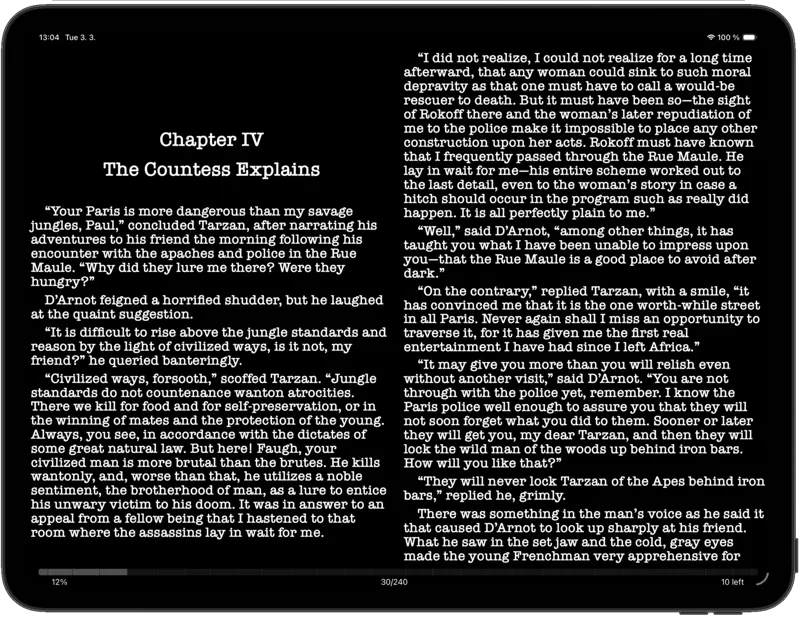
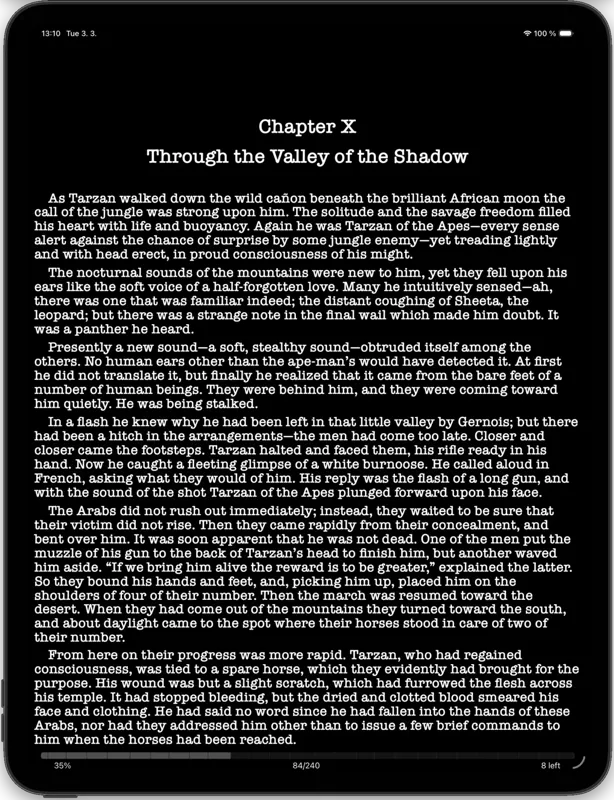
Downloaded books get the full justRead experience: 200+ fonts, customizable typography, reading statistics, bookmarks, highlights, and dark mode. Not a bare-bones downloader, a complete reader.
Downloaded books are stored locally on your device. Read on the plane, in the subway, or anywhere without an internet connection. Your reading position and highlights are saved locally.
Smart storage management lets you remove downloaded books when you need space and re-download them later from the same catalog. Your reading progress is always preserved.
Books downloaded from OPDS catalogs integrate seamlessly into your justRead library. Organize with folders, tags, ratings, and collections alongside books from other sources.
iPad's larger display shows your library in a spacious grid view. See more covers at once, manage multiple catalogs, and enjoy the best OPDS browsing experience on any mobile device.
Paste your OPDS catalog URL into justRead. Supports Calibre Content Server, calibre-web, COPS, Komga, and any standard OPDS feed. Authentication supported.
Navigate categories, search by title or author, and browse book metadata with covers. Multiple catalogs displayed side by side.
One tap to download any book. Read immediately with justRead's full EPUB reader, complete with customization, statistics, and offline access.
What sets justRead apart from other OPDS clients on iOS
Most iOS readers support only one OPDS catalog at a time, or bury the feature in settings.
Add unlimited OPDS catalogs. Browse your Calibre server, public libraries, and free book sources all in one app.
Many OPDS clients are bare-bones downloaders with minimal reading features.
justRead is a full-featured EPUB reader. 200+ fonts, customizable typography, dark mode, reading statistics, and bookmarks. Download and read, all in one app.
Most OPDS-compatible iOS apps have been abandoned and no longer receive updates.
justRead is actively developed with regular updates, a community-driven roadmap, and a responsive developer. Your OPDS reader that keeps getting better.
See what readers are saying on the App Store
★ 4.6 / 5 · 24 App Store ratings
Fantastic eReader
Best app I've found for syncing with Calibre. Customization rivals the great Marvin app, with superior library management.
Great app, responsive dev
The reading experience is already top notch. Really exciting to see where this app develops over time.
Excellent and complete
Beautifully designed and a pleasure to use. The developer had a clear plan from the very first version.
Excellent
Really well designed, and so pleasant to use.
Reading as you want it
A great new iOS epub reader with responsive developers actively adding features. Configure your reading experience just the way you like it.
The best reader on the App Store
Absolute control of customization. Custom font support. The ability to vote on next features and development.
My new mobile happy place
A beautifully made reader app. Love the statistics and how it works with my 5,000+ book library and cloud storage.
Comprehensive epub reader for iOS
Finally an app that manages a book collection and acts as a fully functional reader. Streams from Dropbox without using phone storage.
Each address below was requested against a running instance on 2026-08-24, not copied from documentation. The version we tested is in the last column.
| Server | OPDS URL | Authentication | Checked 2026-08-24 |
|---|---|---|---|
| Calibre Content Server | http://<host>:8080/opds |
None by default | calibre 9.13 |
| calibre-web | http://<host>:8083/opds |
HTTP Basic, the same login as the web interface | 0.6.27 |
| calibre-web-automated | http://<host>:8083/opds |
HTTP Basic, the same login as the web interface | v4.0.6 |
| Kavita | http://<host>:5000/api/opds/<apiKey> |
API key, inside the URL itself | 0.9.0.2 |
| Komga | http://<host>:25600/opds/v1.2/catalog |
HTTP Basic, your Komga email and password | 26.04 |
| COPS 2 | http://<host>/feed |
None by default | 4.5.2 |
| Project Gutenberg | https://www.gutenberg.org/ebooks/search.opds/ |
None | Live |
| Internet Archive | bookserver.archive.org |
The host does not answer | Gone |
Two honest notes. OPDS hands you files rather than streaming pages, so justRead downloads a book and reads it on the device, and your reading position stays there rather than syncing back to Komga or Kavita. And because Kavita puts its API key inside the address, treat that URL like a password.
For public catalogues rather than your own server, see our list of free OPDS catalogues, checked on the same date. Komga and Kavita are mostly comic and manga servers, so Comic Reader covers what happens after the download.
Everything you need to know about using OPDS catalogs with justRead
OPDS (Open Publication Distribution System) is an open standard for browsing and downloading ebooks from online catalogs. It is used by Calibre Content Server, calibre-web, public libraries, and free book repositories like Project Gutenberg.
justRead works with Calibre Content Server, calibre-web, COPS, Komga, KOReader sync server, Kavita, and any server that provides a standard OPDS feed.
Three different ways, which is why one set of instructions never fits all of them. calibre-web and calibre-web-automated use HTTP Basic with the same username and password as their web interface, and the browser session does not carry over, so you type them again in the app. Komga uses HTTP Basic with your Komga email address and password. Kavita is the odd one out: its API key goes inside the URL, at the end of the path, and there is no separate password prompt at all. Calibre Content Server and COPS ship with no authentication until you switch it on.
There is no limit. Add as many OPDS catalogs as you want and browse them all from within justRead.
Yes. Public OPDS catalogs like Project Gutenberg, Standard Ebooks, and ManyBooks provide thousands of free, legal ebooks that you can browse and download directly in justRead.
justRead downloads EPUB, PDF and comic files from OPDS catalogs, and they land straight in your library. When a catalog offers multiple formats, justRead automatically selects the best compatible format for your reading experience.
Free 14-day trial with full access, no account required. Then $4.99/month or $29.99/year. OPDS support is included in all plans.
Only for browsing catalogs and downloading new books. Once a book is downloaded, it is stored locally and you can read it offline without any connection.
Three different ways, which is why one set of instructions never fits all of them. calibre-web and calibre-web-automated use HTTP Basic with the same username and password as their web interface, and the browser session does not carry over, so you type them again in the app. Komga uses HTTP Basic with your Komga email address and password. Kavita is the odd one out: its API key goes inside the URL, at the end of the path, and there is no separate password prompt at all. Calibre Content Server and COPS ship with no authentication until you switch it on.
Not on its own. iOS refuses a self-signed certificate unless it is installed on the device and explicitly trusted under Settings, General, About, Certificate Trust Settings. Until then an HTTPS address using one simply fails to connect, and the failure looks like the server being down rather than a certificate problem. Two things work instead: plain HTTP on your own local network, or a reverse proxy holding a real certificate from Let's Encrypt.
Usually the server rather than the app. calibre-web redirects every address, its OPDS feed included, to its database setup page until an administrator points it at a Calibre library, so you get a redirect where a feed should be. Calibre Content Server can serve several libraries from one port and tags each feed with a library id, so a bare address may not be the library you meant. And COPS 2 serves its feed at /feed, while the older /feed.php that most guides still publish returns a 404.