Reading Experience iPad Features Why justRead Reviews FAQ Download App

The EPUB Reader Built for iPad

Edge-to-edge reading on iPad's gorgeous display. Split View multitasking, landscape two-column layout, and deep customization with 200+ fonts. The iPad EPUB reader that treats your tablet like a real book.

Free 7-Day Trial No Account Needed
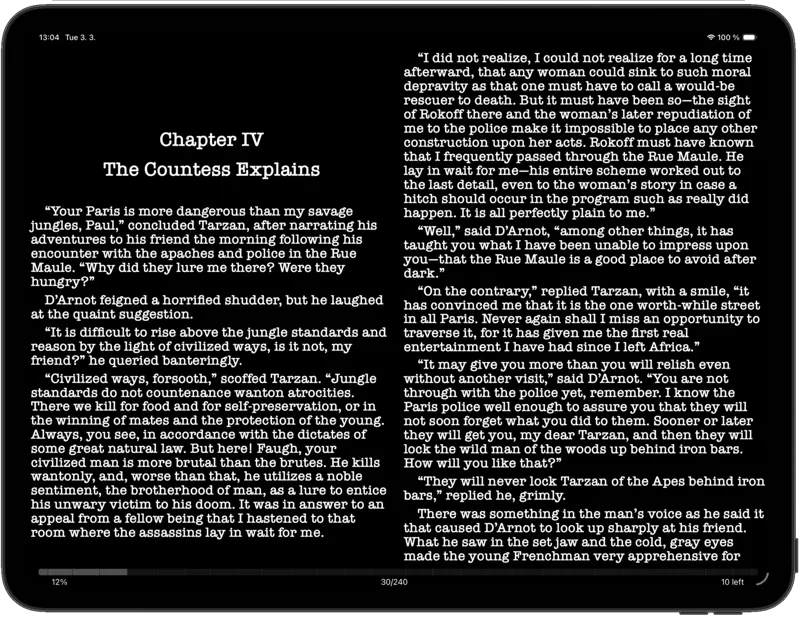
justRead two-column reading view on iPad in landscape
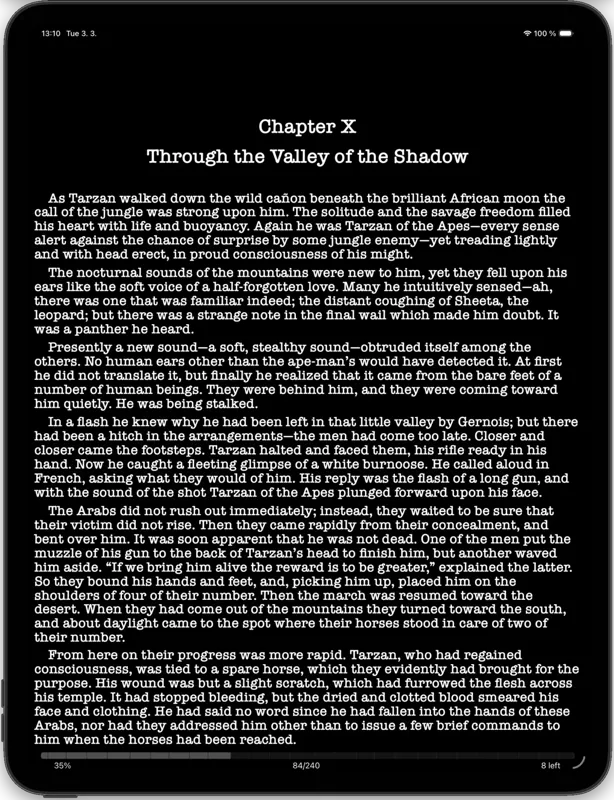
justRead single-column reading view on iPad in portrait

Edge-to-Edge Reading on iPad

justRead uses every pixel of your iPad's display. Two-column layout in landscape mode transforms your tablet into an open book. Portrait mode gives you a single generous column with customizable margins.

No wasted space, no cramped text. Optimized for every iPad size from iPad mini to iPad Pro 13-inch. Your books look stunning on the Liquid Retina display.

justRead in Split View on iPad with notes app
justRead in Slide Over mode on iPad

Split View Multitasking

Read your book in one half of the screen while taking notes, browsing the web, or managing files in the other. Full Split View and Slide Over support, just like Apple's own apps.

Perfect for students reading textbooks alongside note-taking apps, researchers cross-referencing sources, or anyone who wants to look something up without leaving their book.

justRead font and theme customization panel on iPad
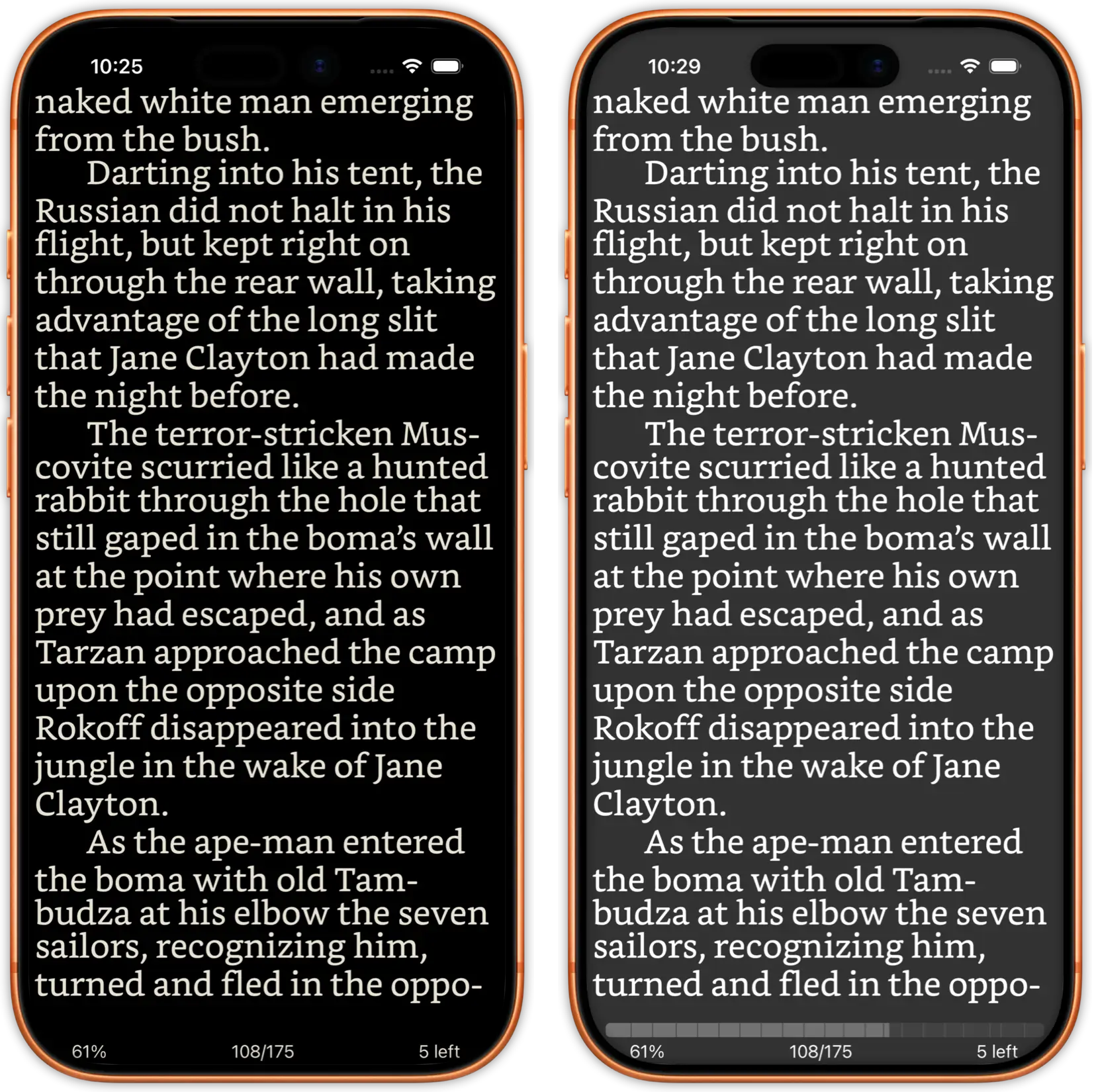
justRead dark mode reading on iPad

Customize Every Detail on the Big Screen

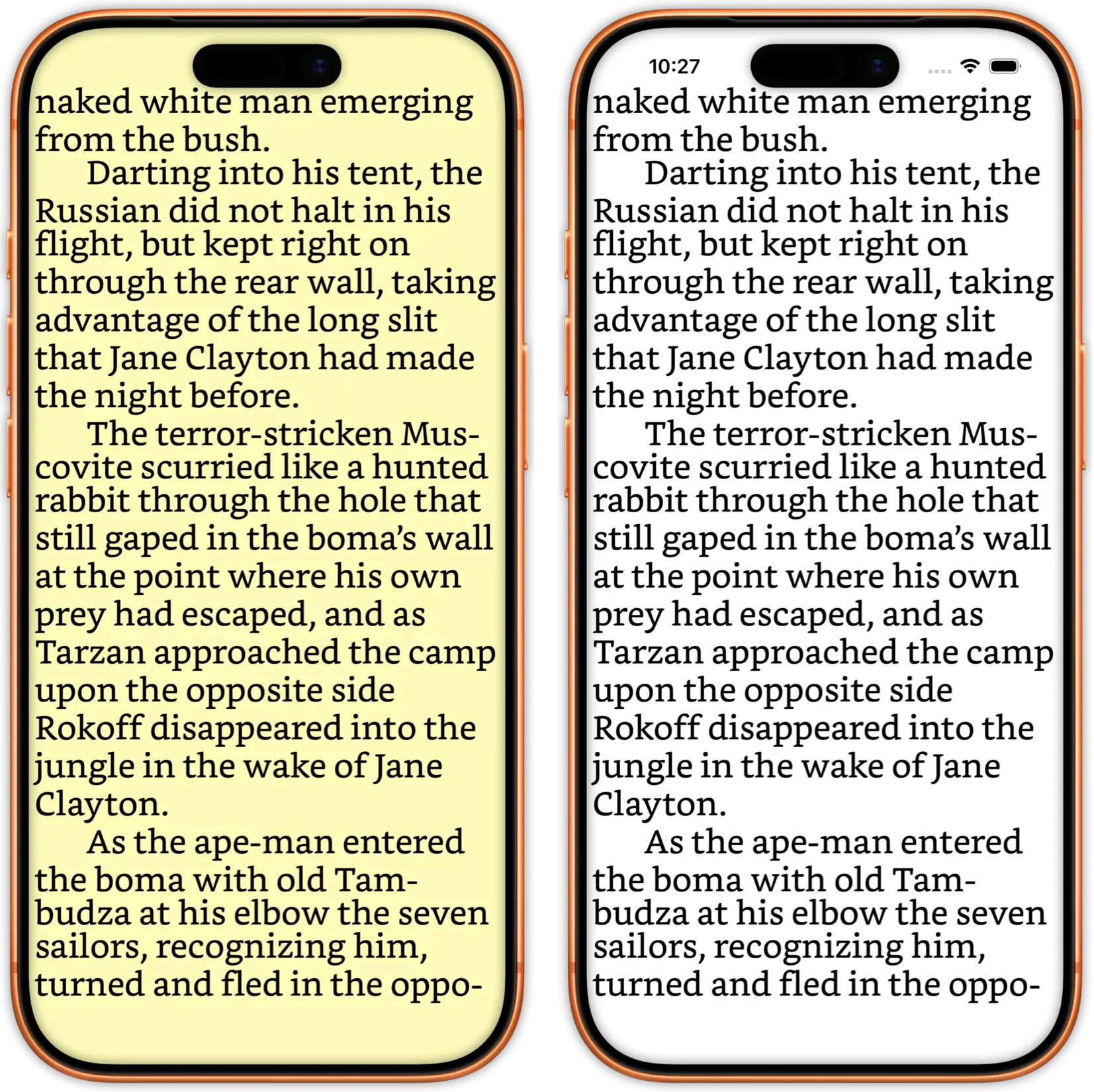
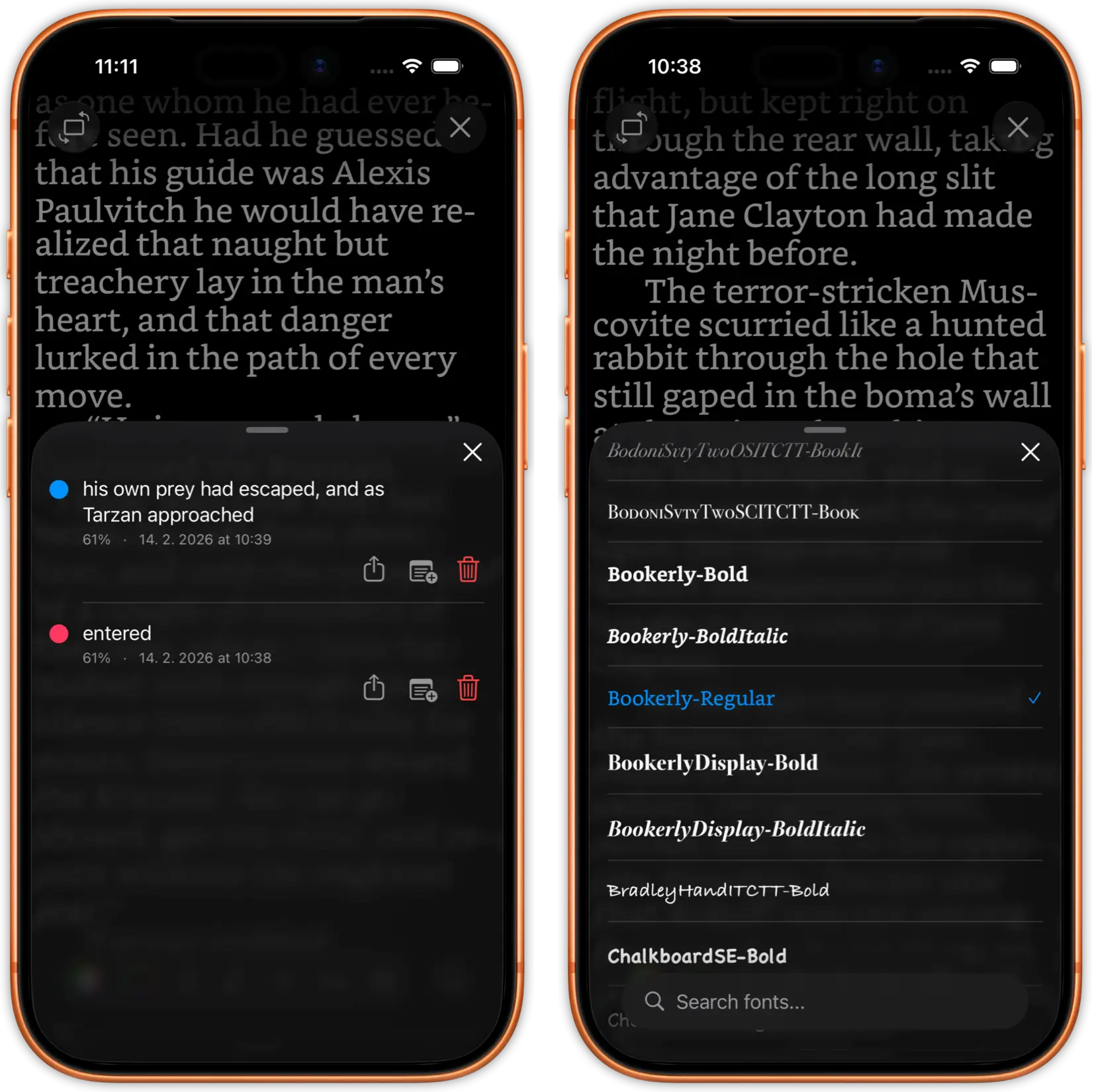
200+ built-in fonts plus custom font imports. Adjust font size, line height, margins, paragraph spacing, and text alignment. iPad's larger display makes typography control even more impactful.

Multiple reading themes including smart dark mode with automatic image inversion. Create your perfect reading environment for any time of day. Your settings sync across iPhone and iPad.

justRead library grid view on iPad showing book covers
justRead library folder browsing on iPad

Manage Thousands of Books on iPad

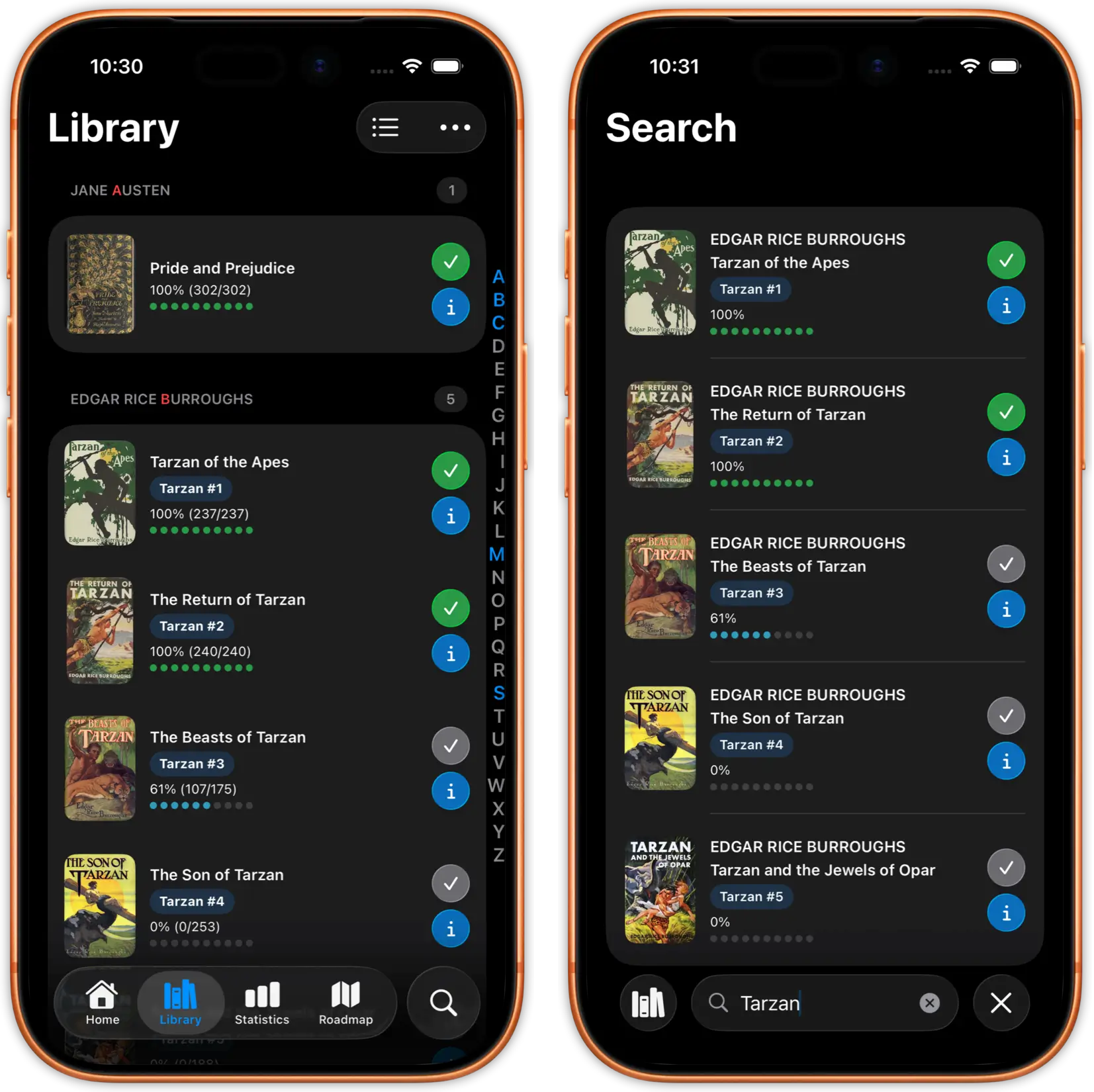
iPad's larger screen makes library management a joy. Browse your 5,000+ book collection in a spacious grid view. See more covers at once, organize with folders, tags, and ratings.

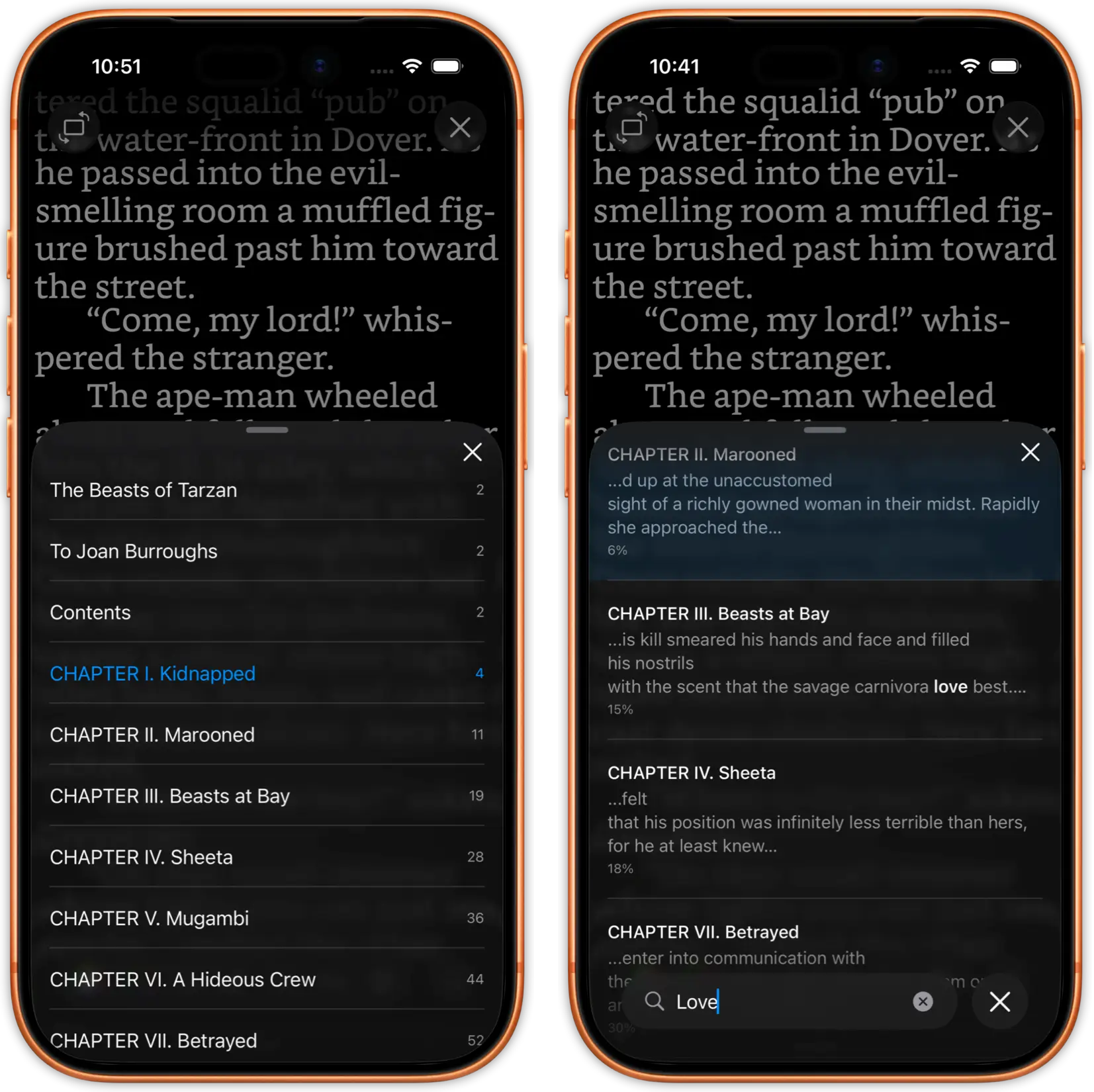
Sort by title, author, date added, or reading progress. Search across your entire library instantly. Folder browsing preserves your existing organization from Calibre or cloud storage.

justRead reading statistics dashboard on iPad
justRead reading streaks and achievements on iPad

Track Your Reading Progress

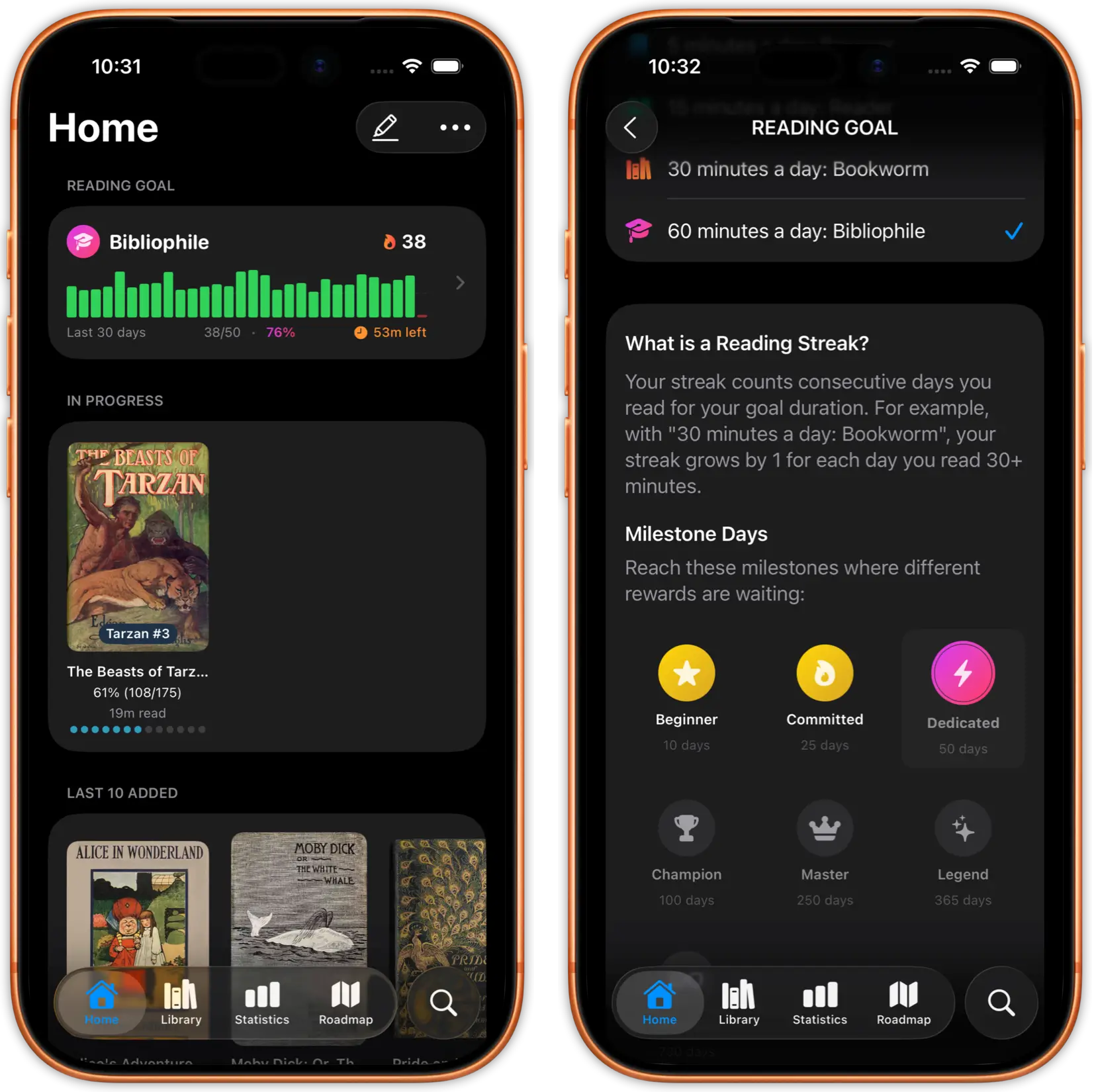
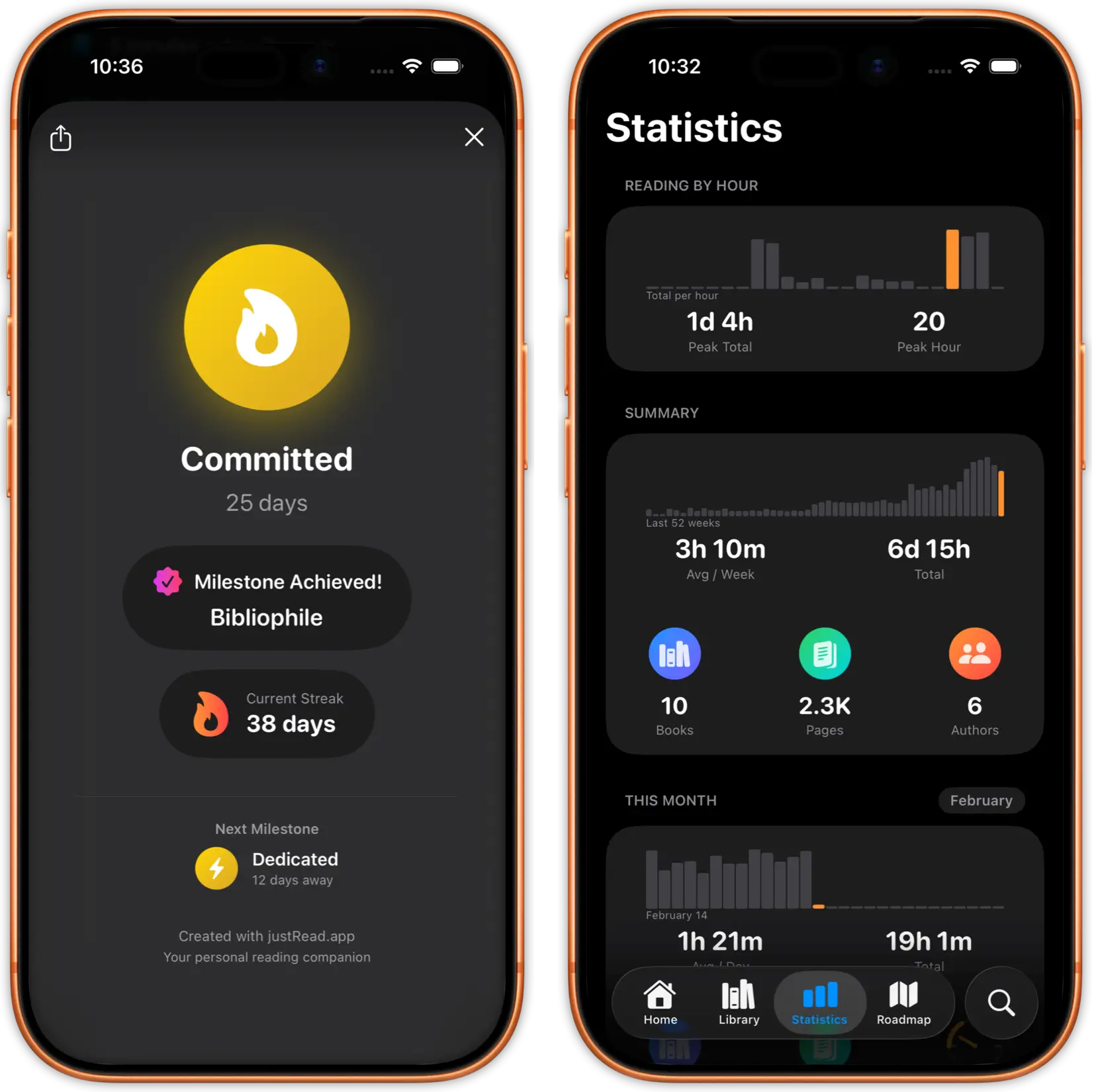
Detailed reading statistics show time per session, pages read, speed trends, and daily streaks. Set reading goals and earn achievements as you build your reading habit.

Weekly and monthly breakdowns help you understand your reading patterns. Your statistics sync between iPhone and iPad so every reading session counts.

justRead cloud storage integration on iPad
justRead Calibre library sync on iPad

Cloud Sync and Calibre Integration

Connect to your Calibre library, iCloud Drive, Dropbox, or Google Drive. Your entire book collection available on iPad without eating up storage. Stream books directly from the cloud.

OPDS catalog support lets you browse and download from Calibre Content Server, calibre-web, or any OPDS-compatible source. Your reading progress syncs across all your devices.

Start Reading on Your iPad in Minutes

01

Download justRead

Get justRead from the App Store. It runs natively on every iPad model with iOS 16 or later. No account required to start your free trial.

02

Import Your Books

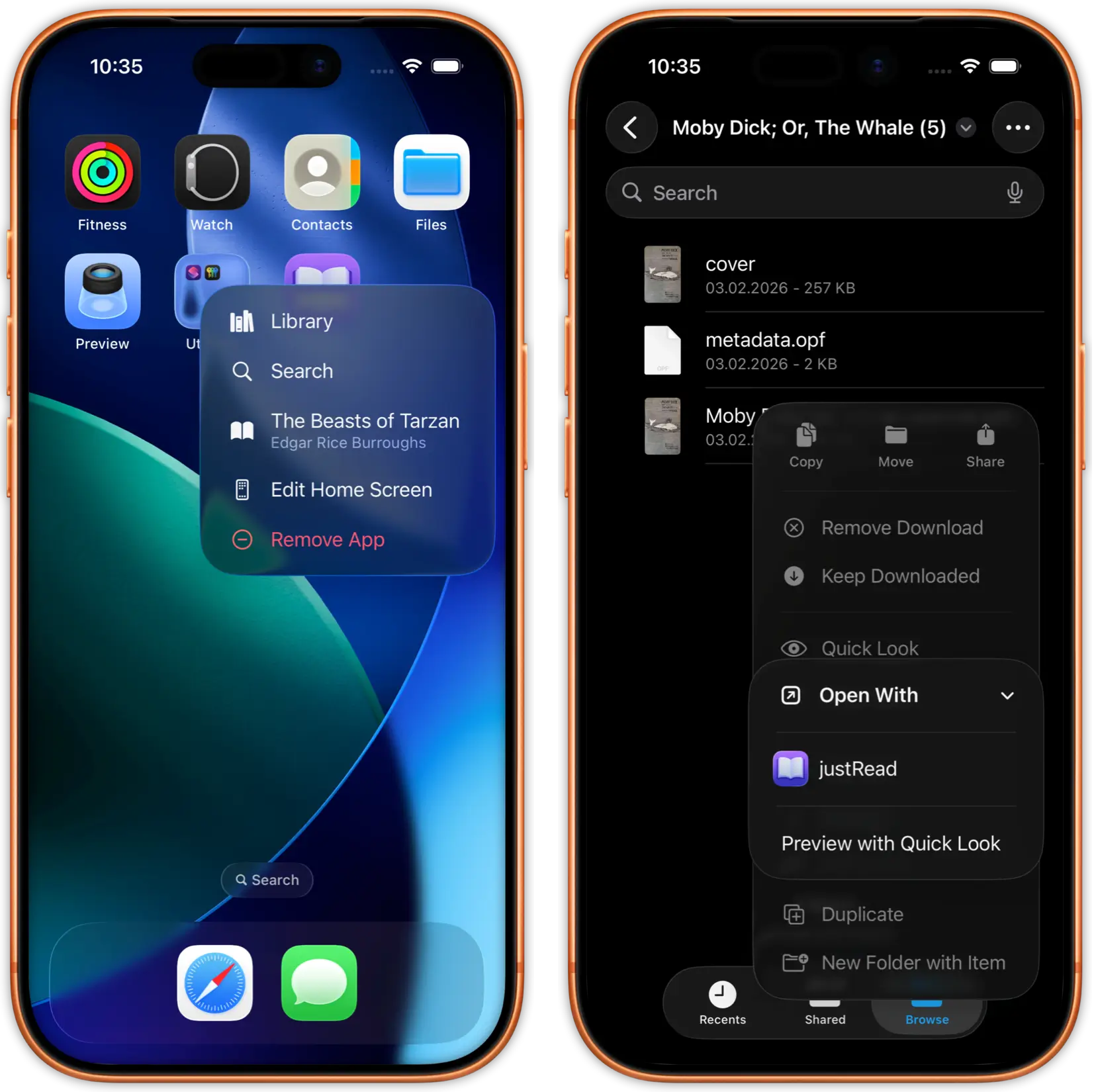
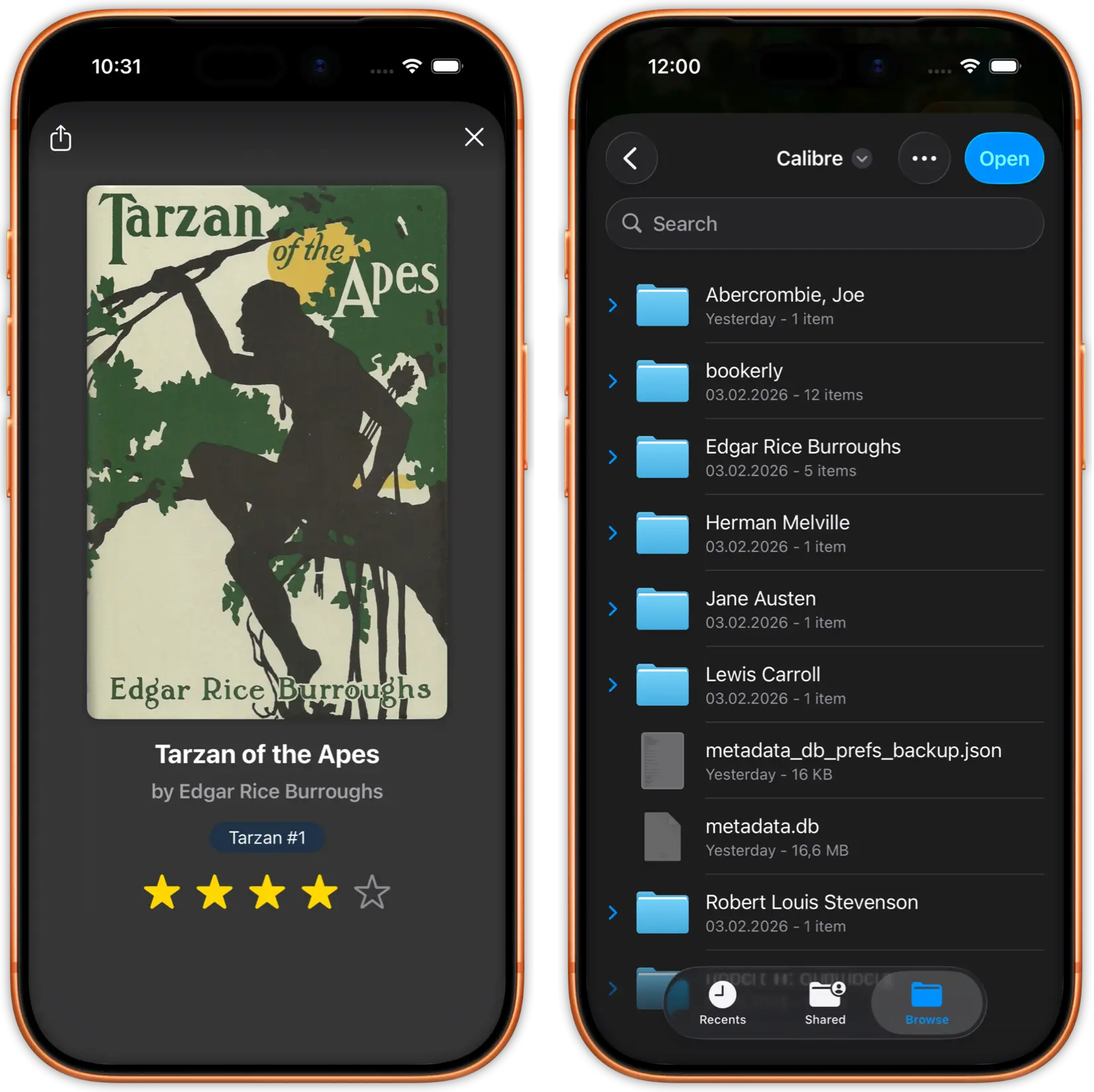
Add EPUBs from iCloud Drive, Dropbox, Google Drive, your Calibre library, or any OPDS catalog. Drag and drop works too.

03

Read on the Big Screen

Enjoy edge-to-edge reading with two-column layout in landscape, Split View for multitasking, and full typography control.

Why iPad Readers Choose justRead

What makes justRead the best EPUB reader for iPad

Real Typography Control

Apple Books limits you to a handful of fonts and basic size adjustments. No control over margins, line height, or paragraph spacing.

200+ built-in fonts, custom font imports, and complete control over every typography setting. Your iPad becomes a professional reading device.

Works With Your Library

Apple Books locks you into the Apple ecosystem. Getting your own EPUB files onto iPad is painful. No Calibre support.

Import from Calibre, iCloud, Dropbox, Google Drive, or OPDS catalogs. Your books, your way. No ecosystem lock-in.

Detailed Reading Analytics

Apple Books tracks almost nothing about your reading habits. No statistics, no streaks, no goals.

Full reading statistics with time tracking, daily streaks, achievements, and progress analytics across your entire library.

Loved by iPad Readers

See what readers are saying on the App Store

Frequently Asked Questions

Everything you need to know about reading EPUBs on iPad

Yes. justRead offers a beautiful two-column layout in landscape mode that makes your iPad feel like an open book. You can also use single-column in landscape if you prefer.

Yes. justRead fully supports Split View and Slide Over on iPad. Read your book in one half of the screen while using any other app in the other half.

Yes. justRead runs on every iPad that supports iOS 16 or later, including iPad mini, iPad Air, iPad Pro, and the standard iPad.

Yes. justRead supports keyboard shortcuts for page turning, navigation, and common actions when using a hardware keyboard with your iPad.

justRead supports EPUB 2 and EPUB 3 formats, the most common ebook standard. If you have books in other formats, use Calibre to convert them to EPUB.

Free 7-day trial with full access, no account required. Then $2.99/month or $24.99/year. One purchase works on both iPhone and iPad.

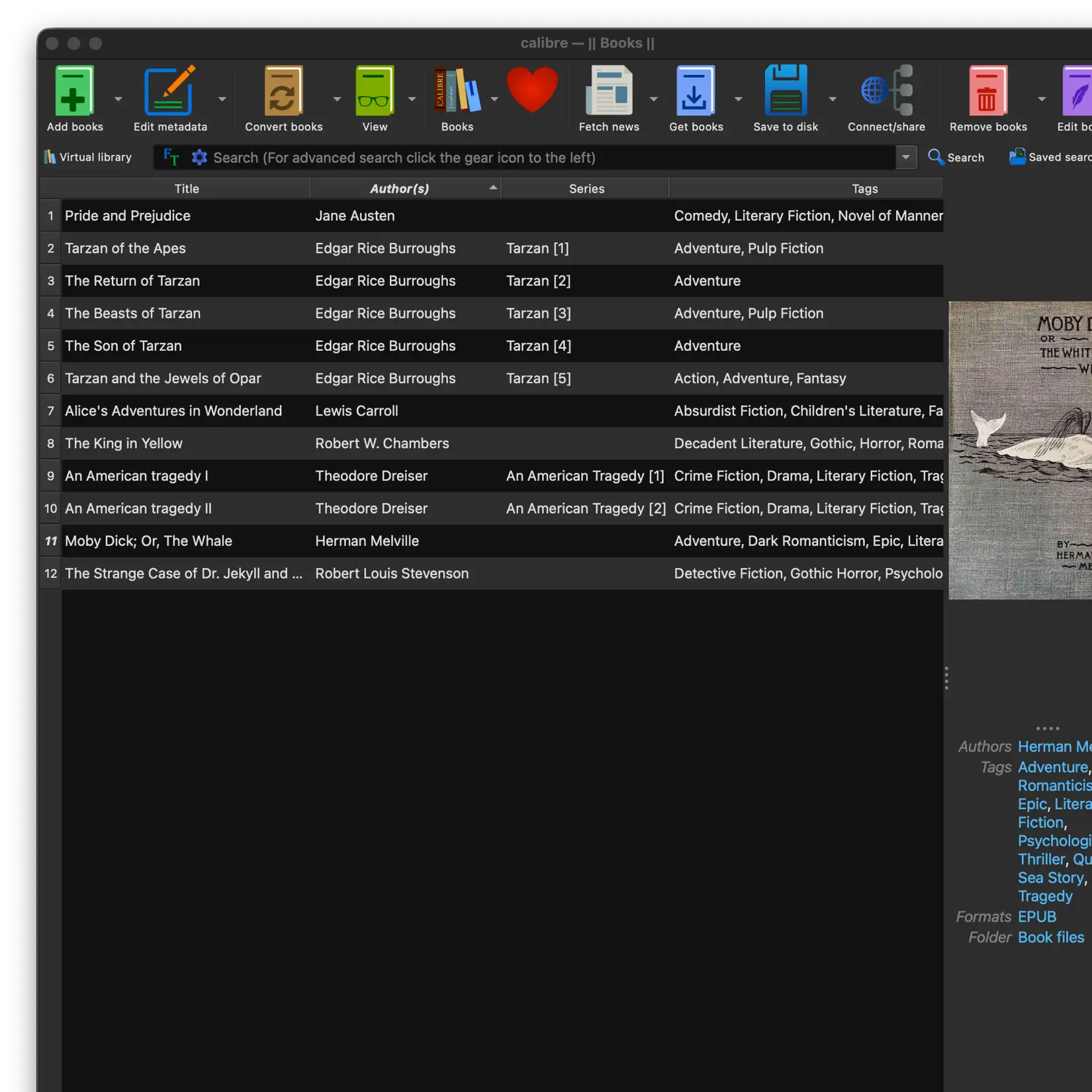
Yes. justRead connects to your Calibre library through any cloud provider (iCloud, Dropbox, Google Drive, OneDrive) or via OPDS through Calibre Content Server.

Yes. Books you have opened are cached locally on your iPad. You can read them without an internet connection. New books require a connection to download.

Start Reading on Your iPad Today

Download justRead and experience the best EPUB reader for iPad. Free 7-day trial, no account needed.

Free 7-Day Trial No Account Needed