The story behind justRead
My son and I spent six months building the EPUB reader we always wanted.
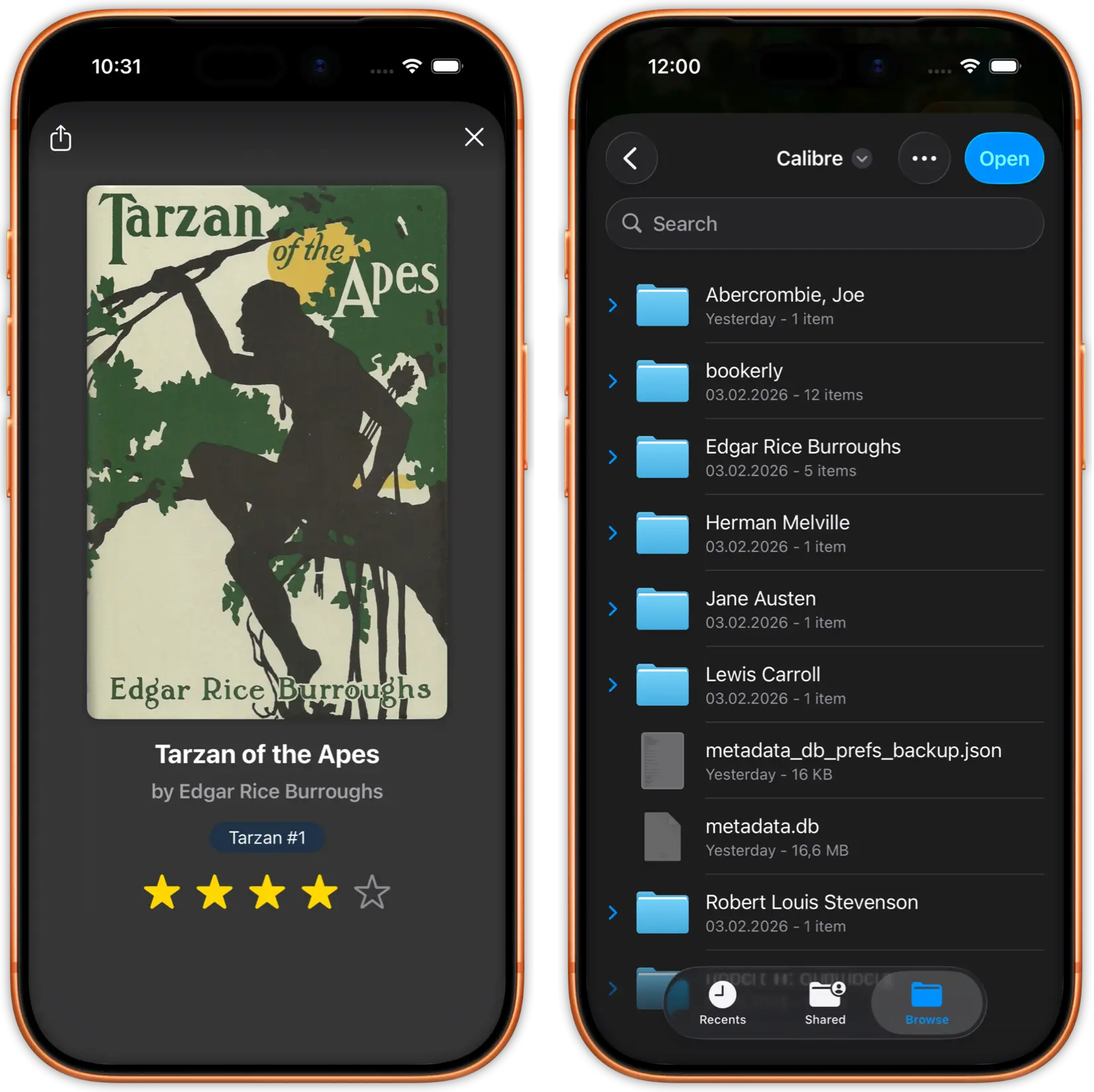
Read the full story here →Drop your EPUB files or sync from Calibre via any cloud provider. Your library is ready in seconds.
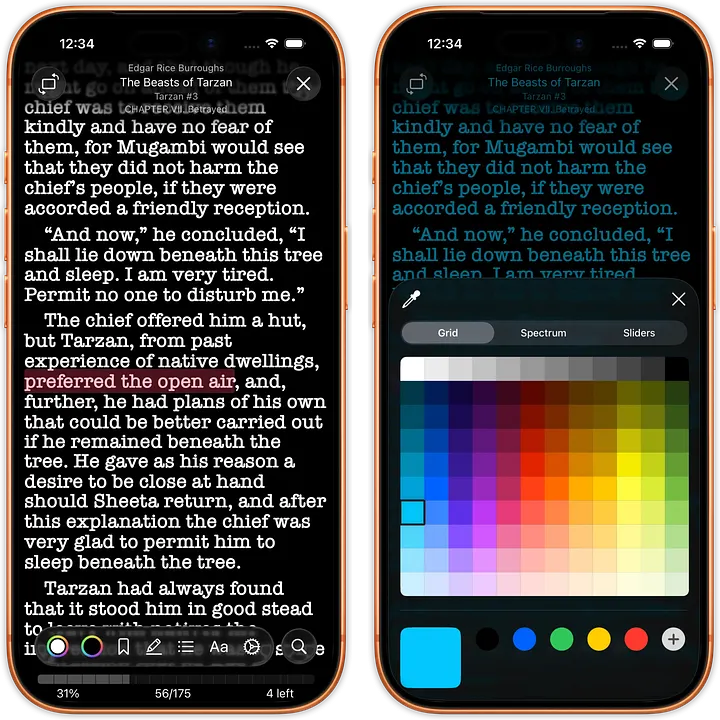
Customize fonts, colors, spacing, and layout. Create the perfect reading environment for you.
Enjoy distraction-free reading with progress tracking, statistics, and achievements.
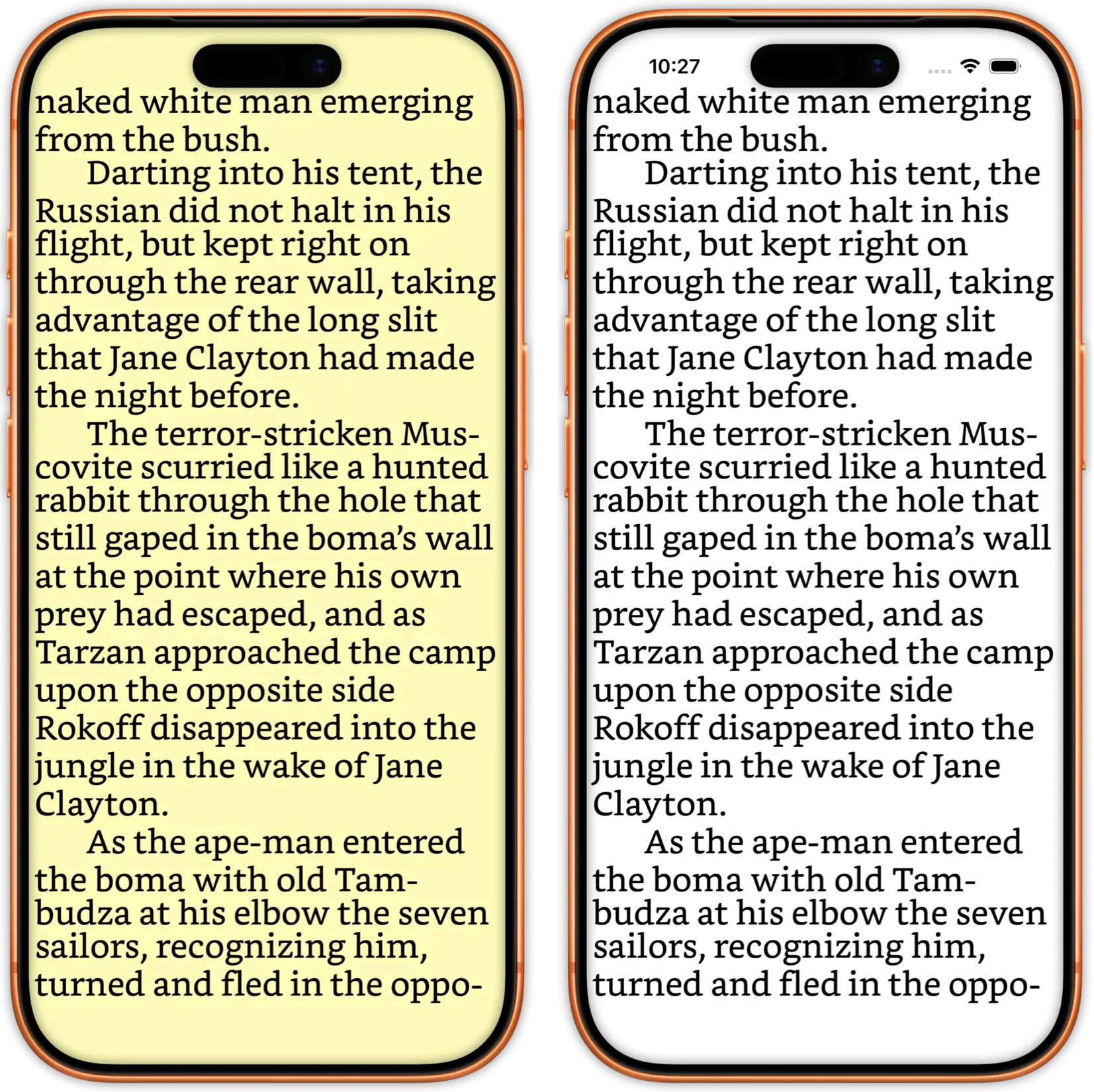
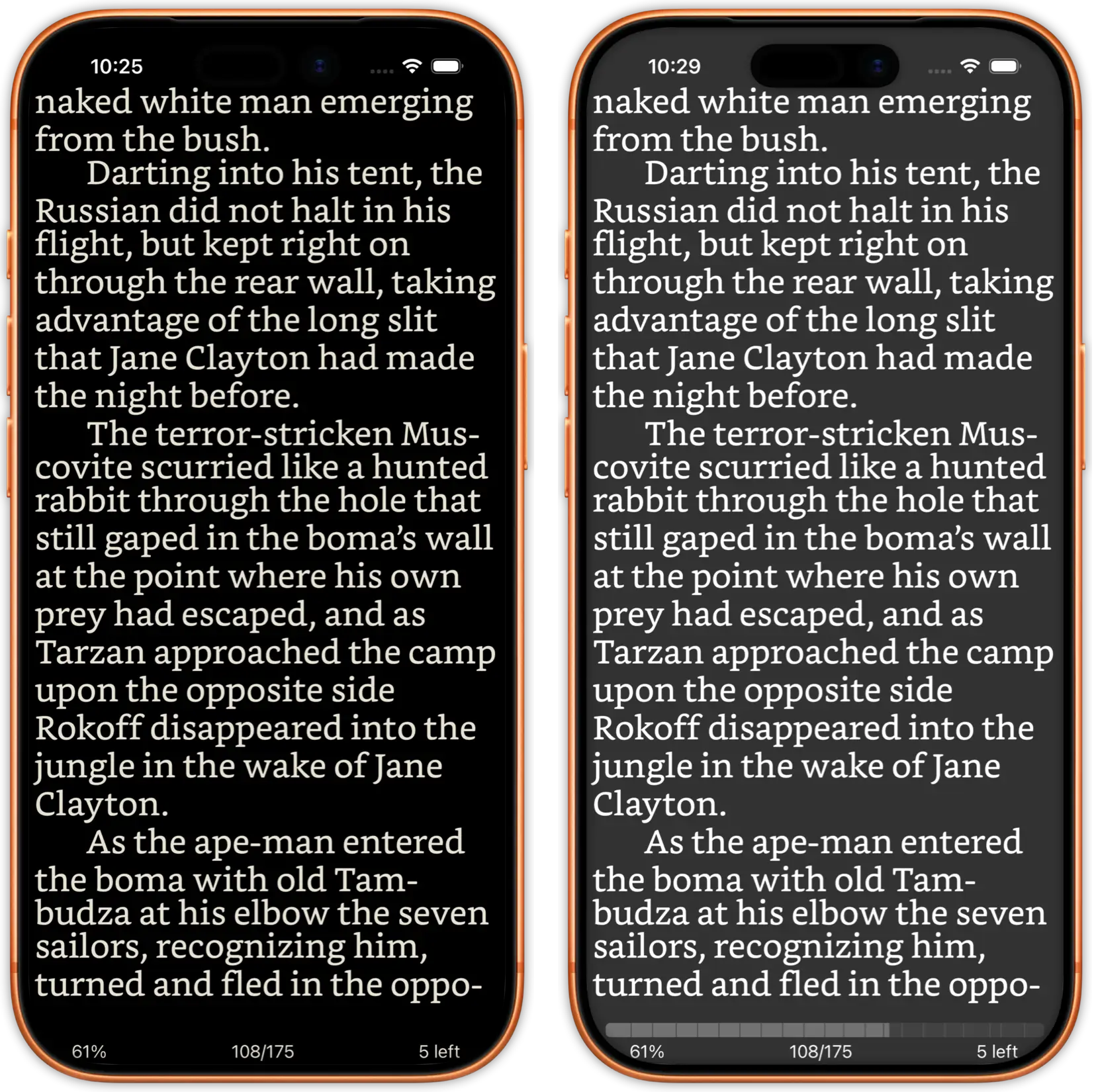
Tired of one-size-fits-all ebook readers? JustRead.app puts complete control in your hands. Customize everything - from typography and colors to spacing and layout, and much more - to create the perfect reading environment tailored to your preferences.
Whether you prefer larger fonts and wider spacing, night mode with specific color schemes, or custom fonts that inspire you, JustRead.app adapts to match your unique reading style. No compromises. No limitations.
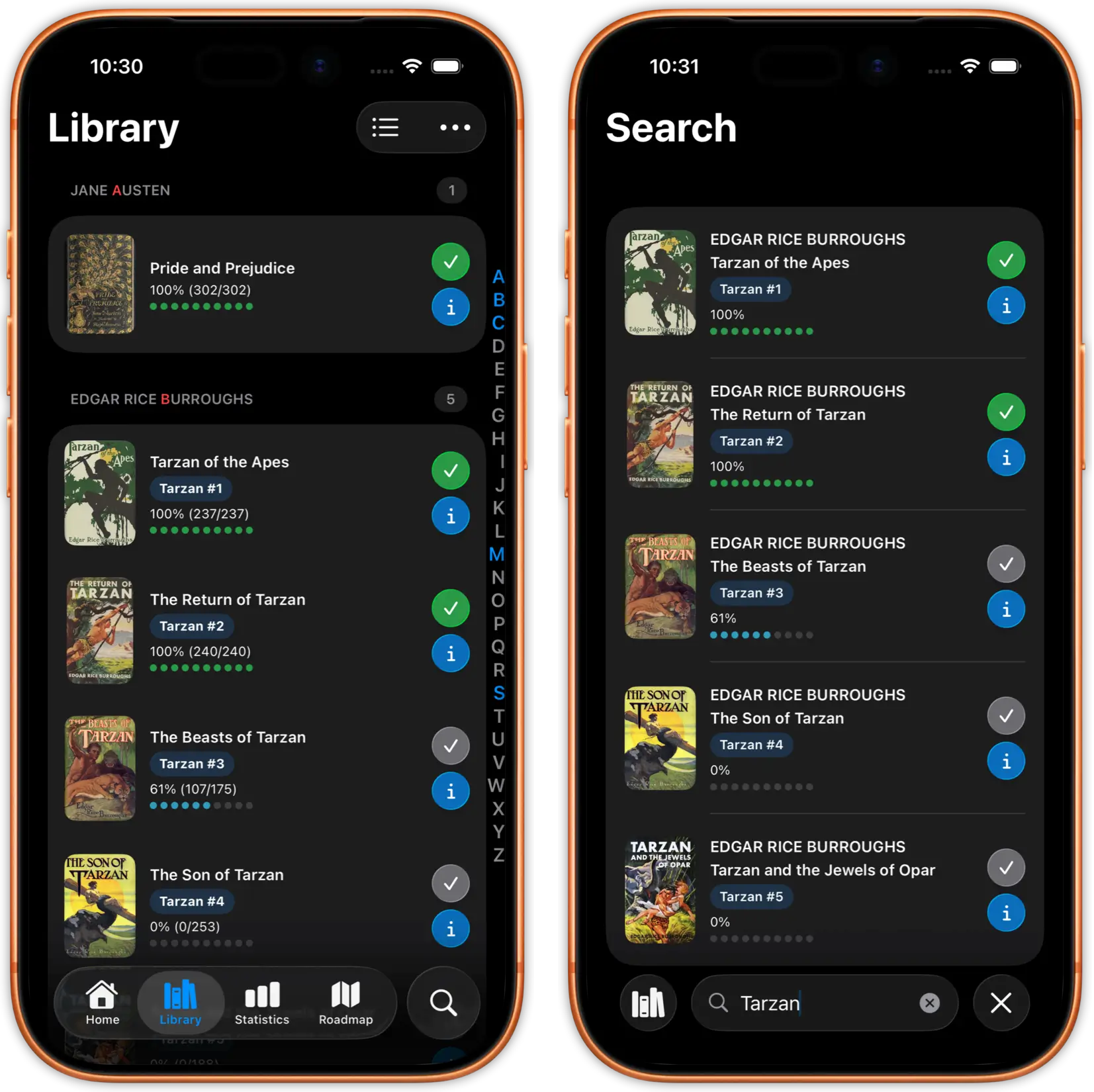
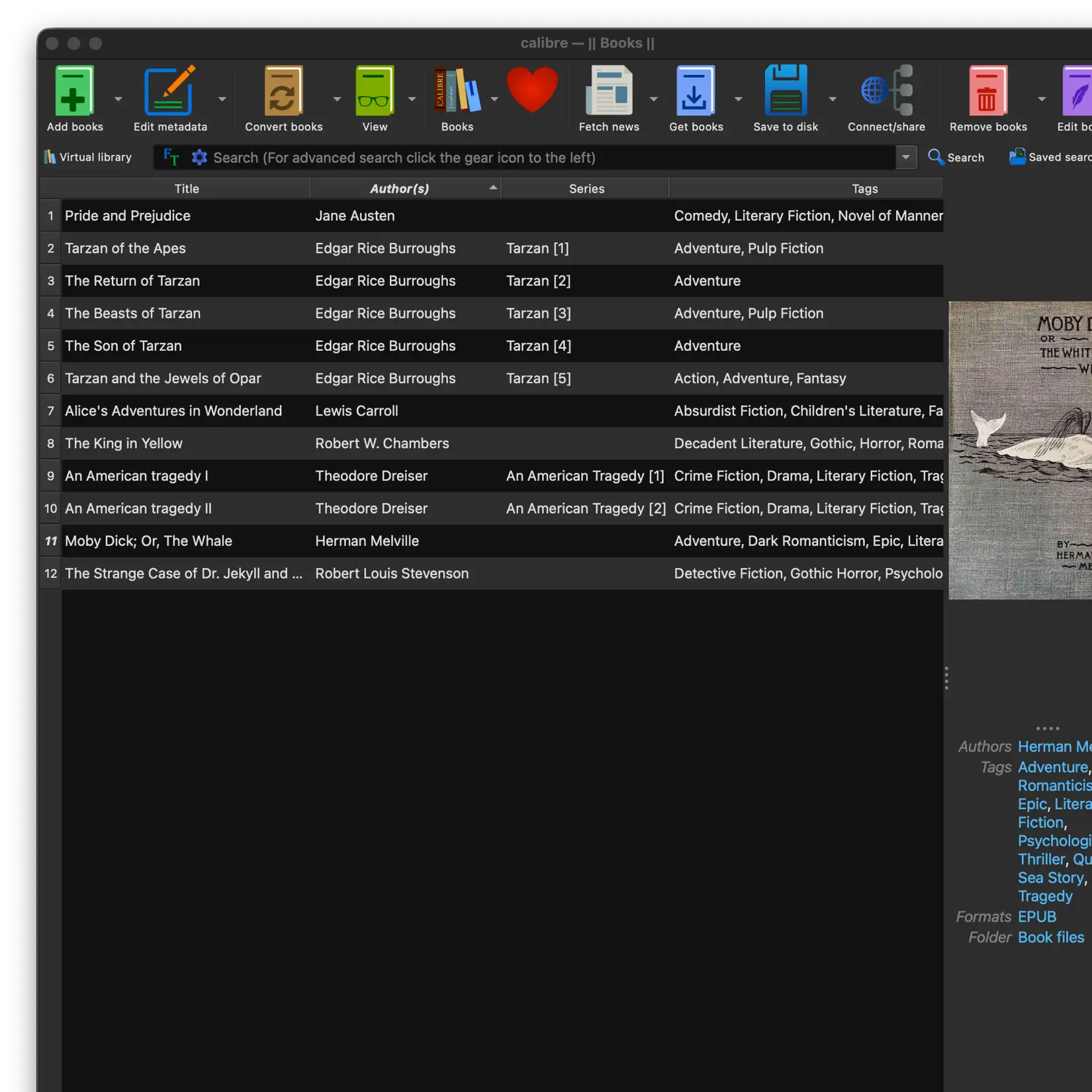
A library worth reading deserves a reader worth using. JustRead.app keeps thousands of books organized and instantly accessible. No lag, no clutter, no endless scrolling to find what you want.
Search by title, author, or series. Browse your covers like a real bookshelf. Manage everything in Calibre on your Mac or PC, sync through the cloud, and read on your iPhone. Your whole library, one tap away.
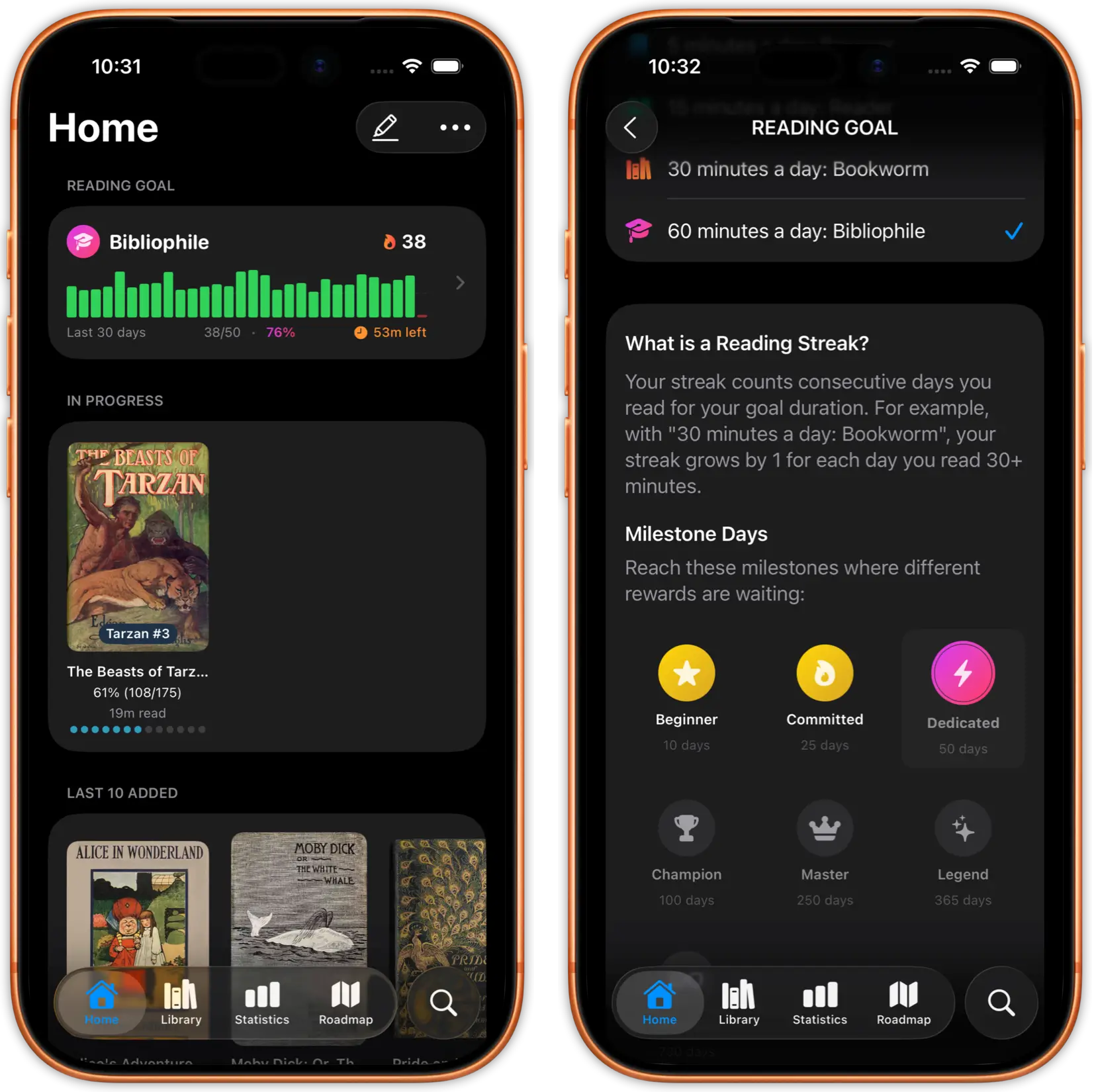
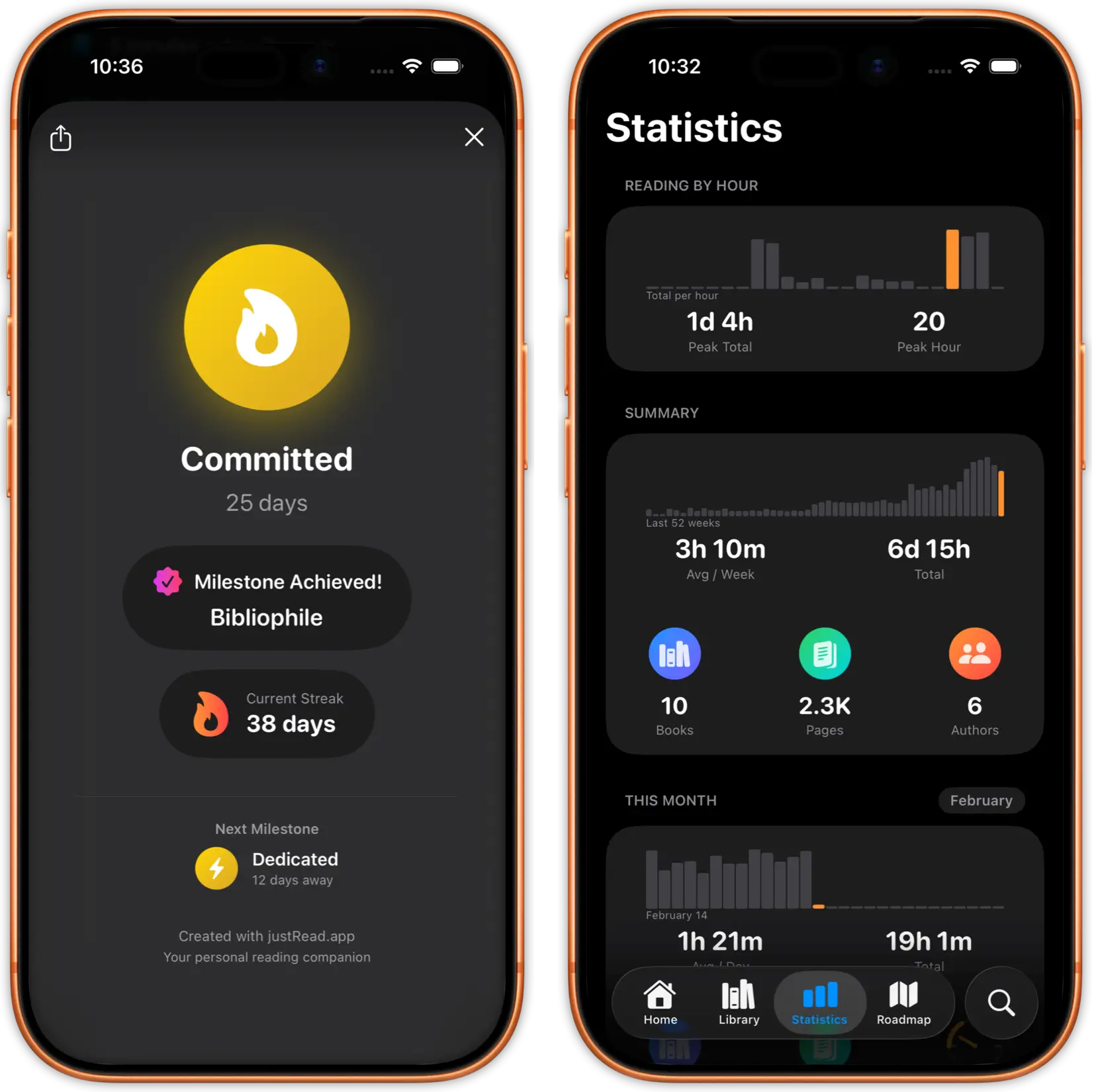
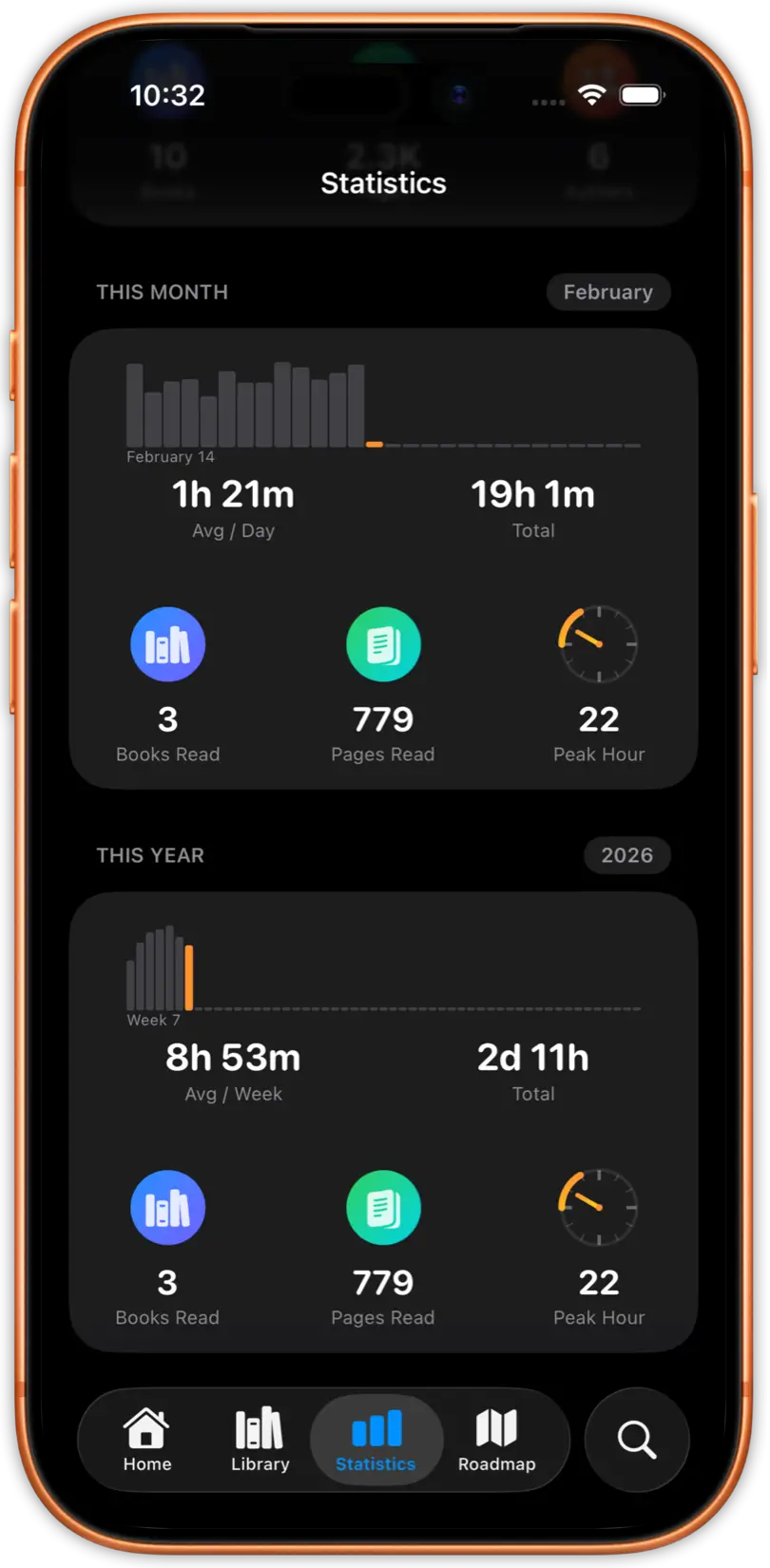
The best way to read more is to see how far you've come. JustRead.app gives you a full picture of your reading life, time spent, pages turned, books finished, and reading speed, all tracked automatically.
Check your reading progress, earn badges as you hit milestones, and get insights into the books that kept you up past midnight. Reading goals stop feeling like work when progress is this visible.
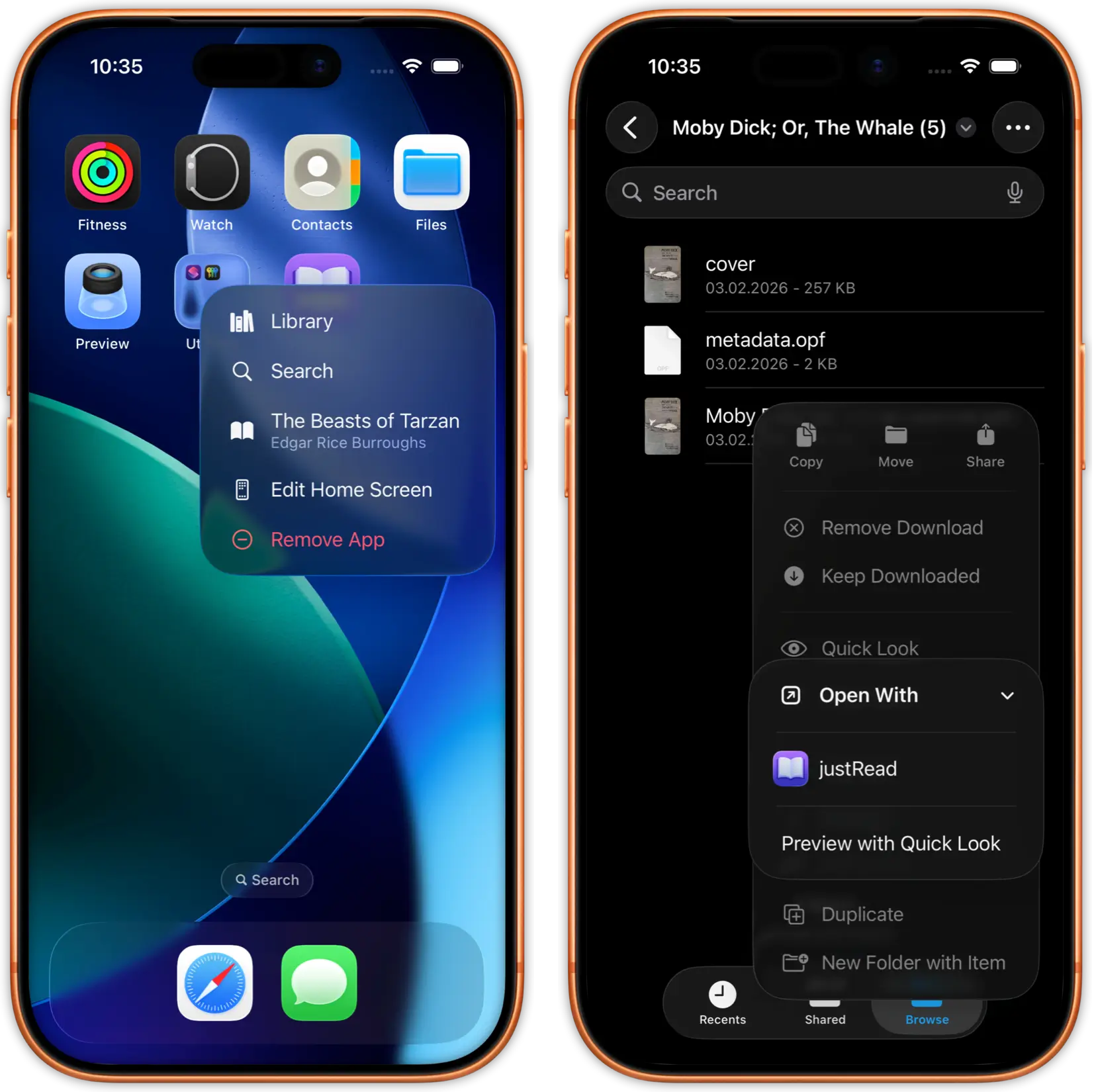
Built for iOS from the ground up. Every interaction feels instant. Every animation is smooth. Every detail follows the design standards you're used to from the best apps on your device.
Quick actions, natural gestures, and thoughtful navigation make reading sessions feel effortless. Not because we cut corners, but because we didn't.
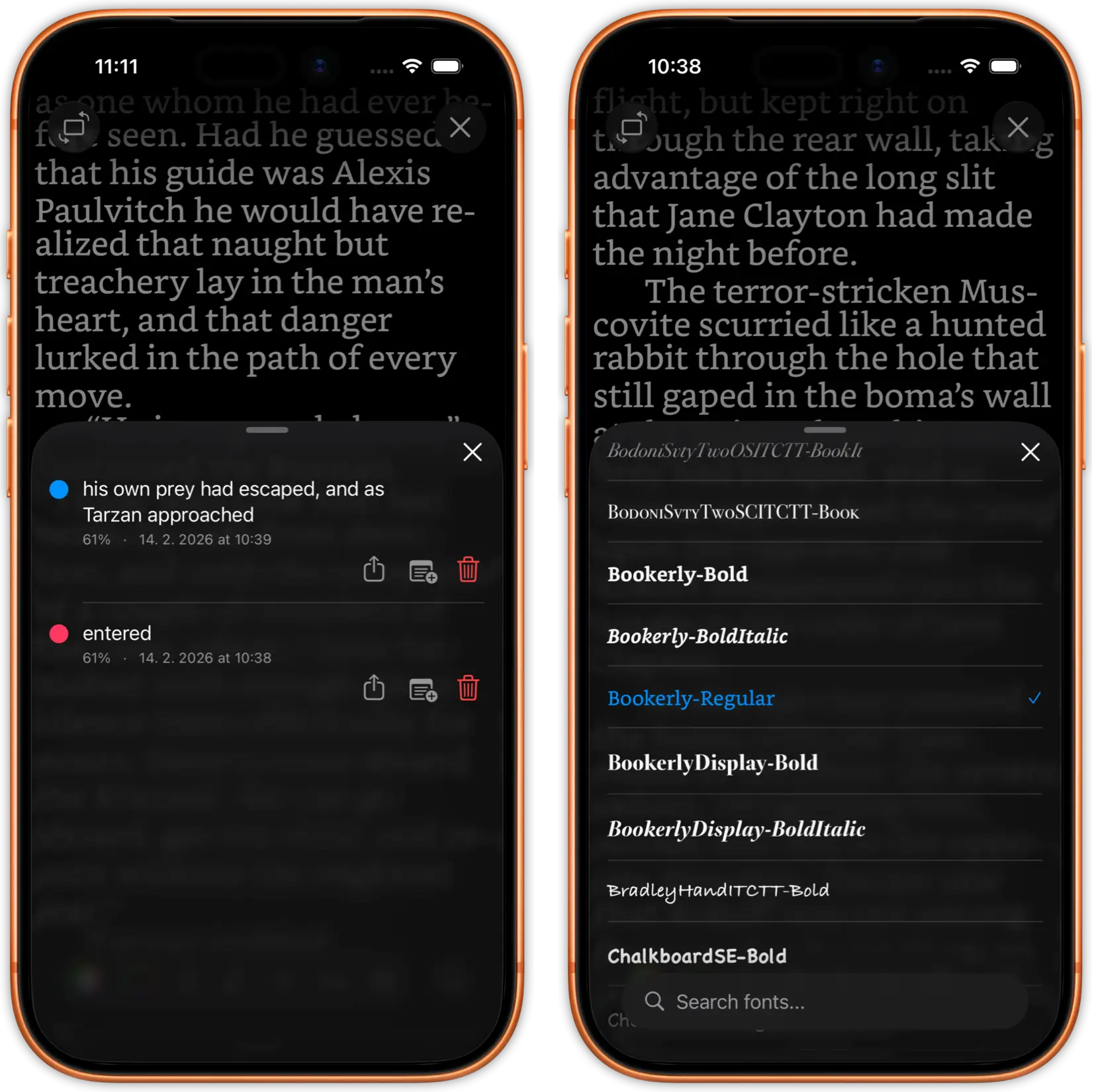
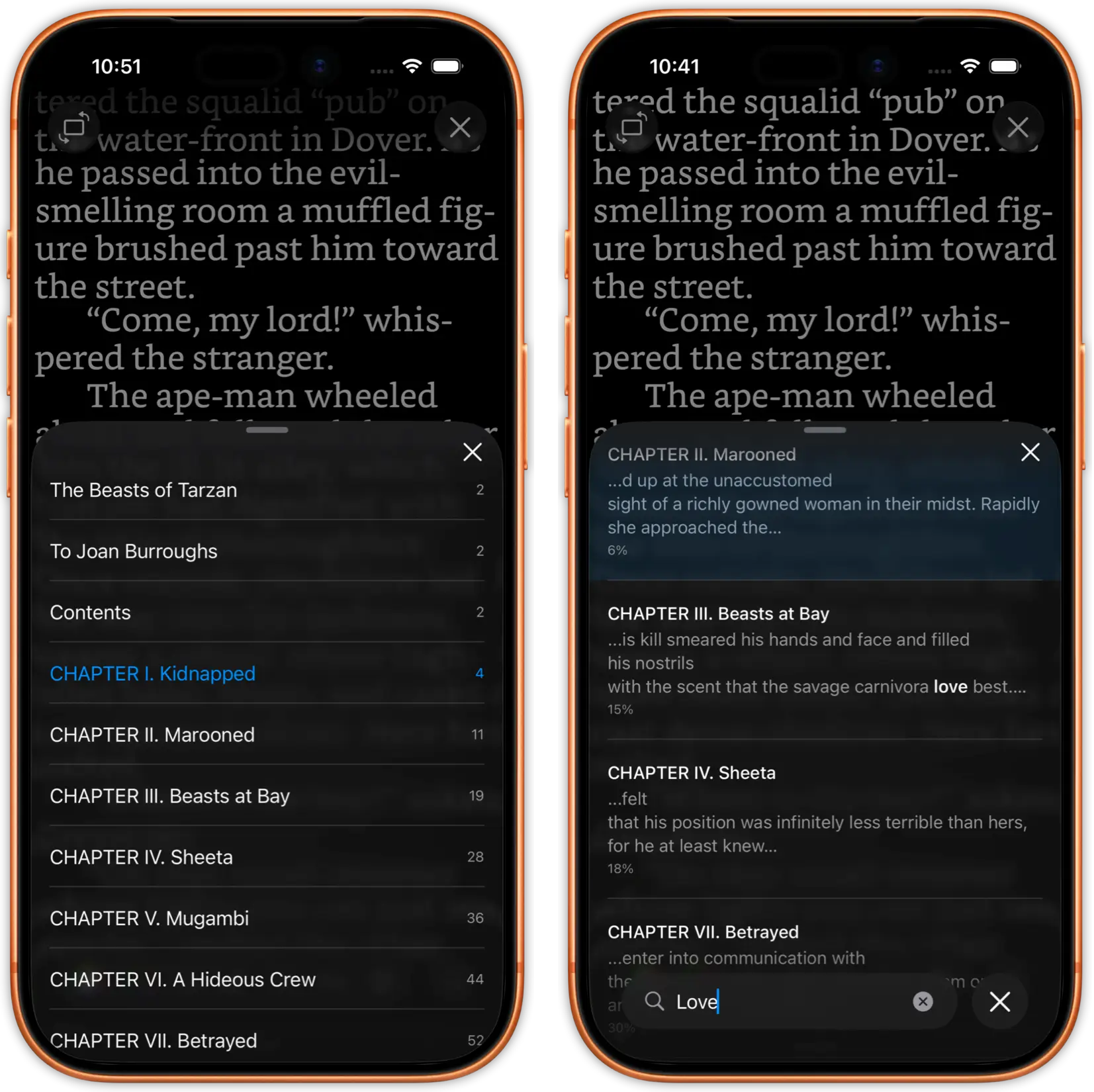
Switch fonts and adjust your layout without leaving the page. Jump between chapters with a full table of contents.
Search for any word or passage across the entire book in seconds. Highlight freely and bookmark as you go.
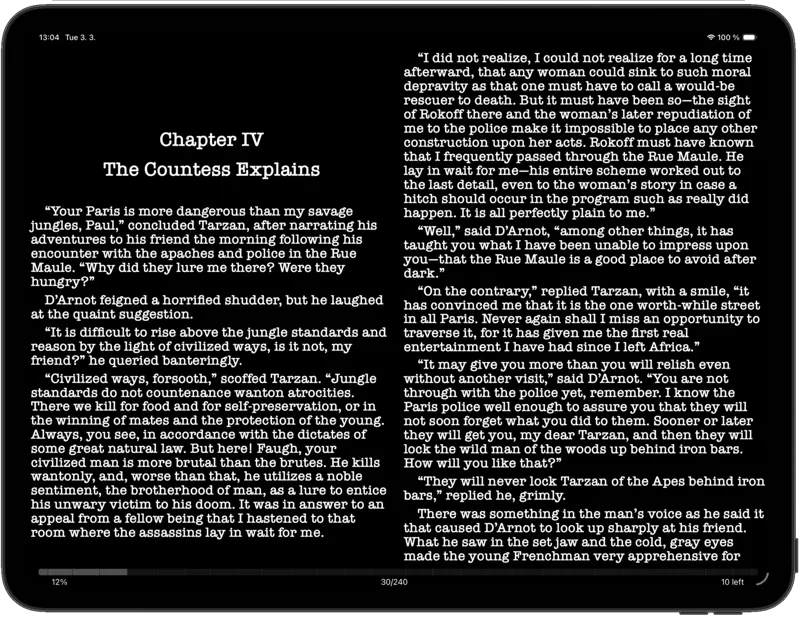
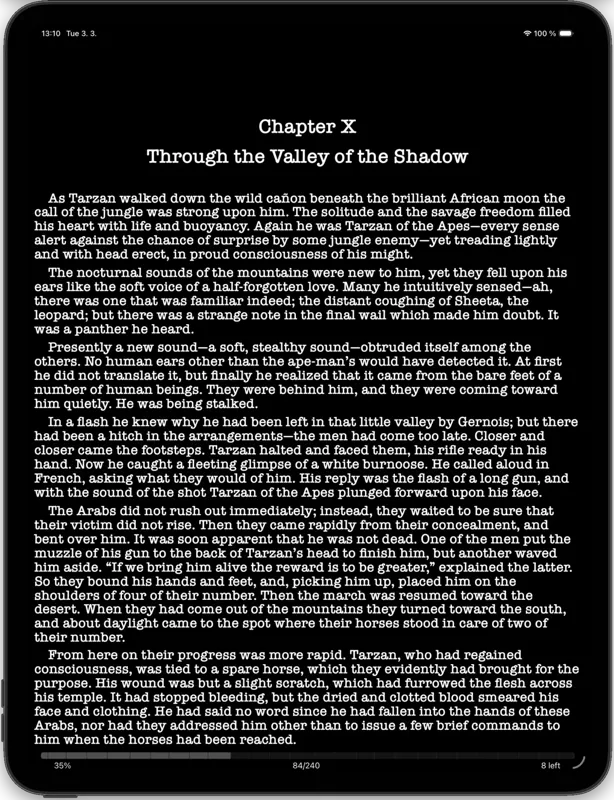
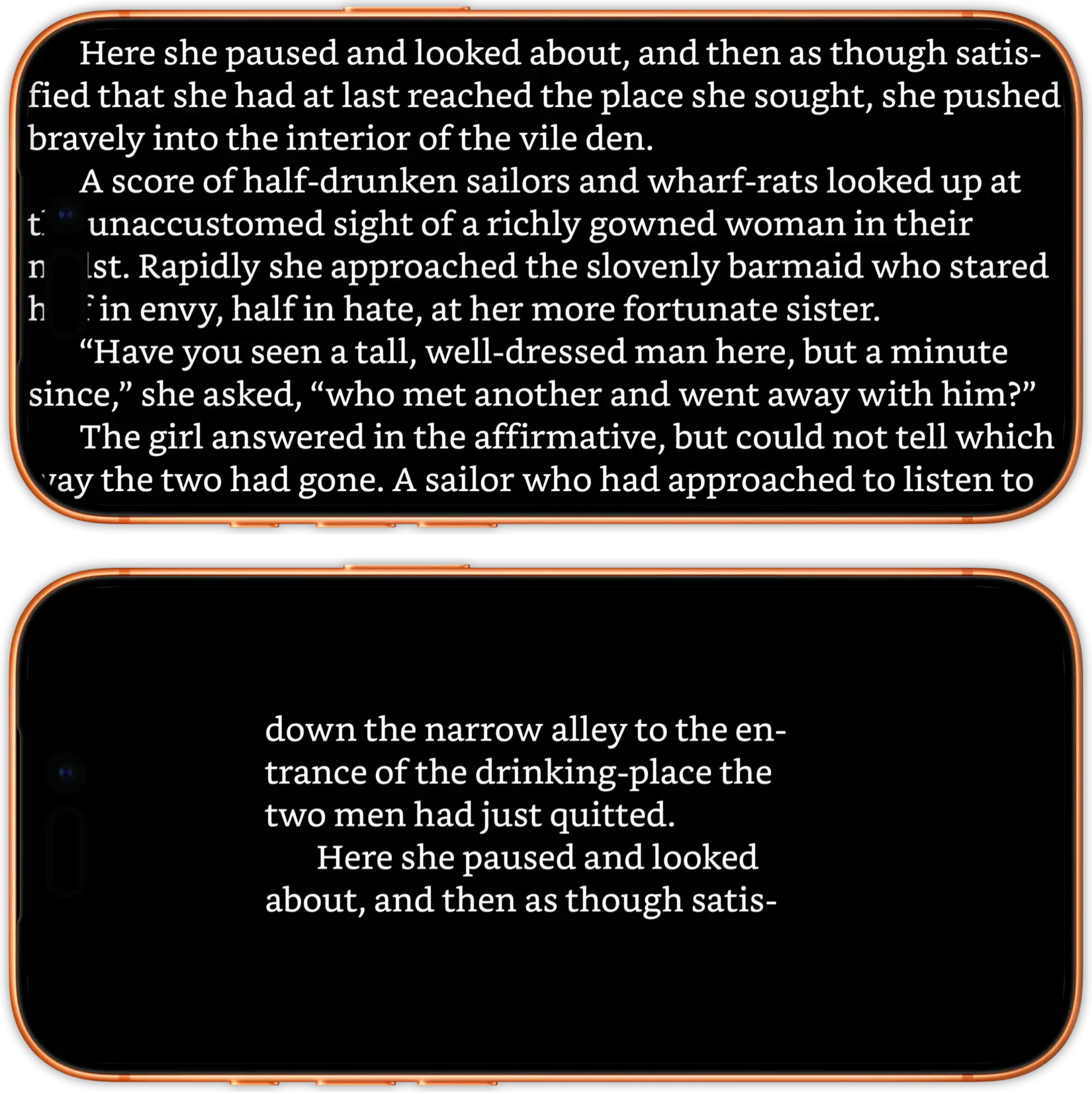
justRead.app takes full advantage of your iPad's larger display. Enjoy a two-column reading layout, available in both landscape and portrait orientation, so you can read more naturally, just like a real book.
Browse your library in a spacious two-column view that makes finding your next read effortless. And with richer, more detailed reading statistics, you get a deeper look at your habits and progress than ever before.
Adjust fonts, colors, margins, spacing, and alignment exactly how you prefer. Create your perfect reading format, every single time.
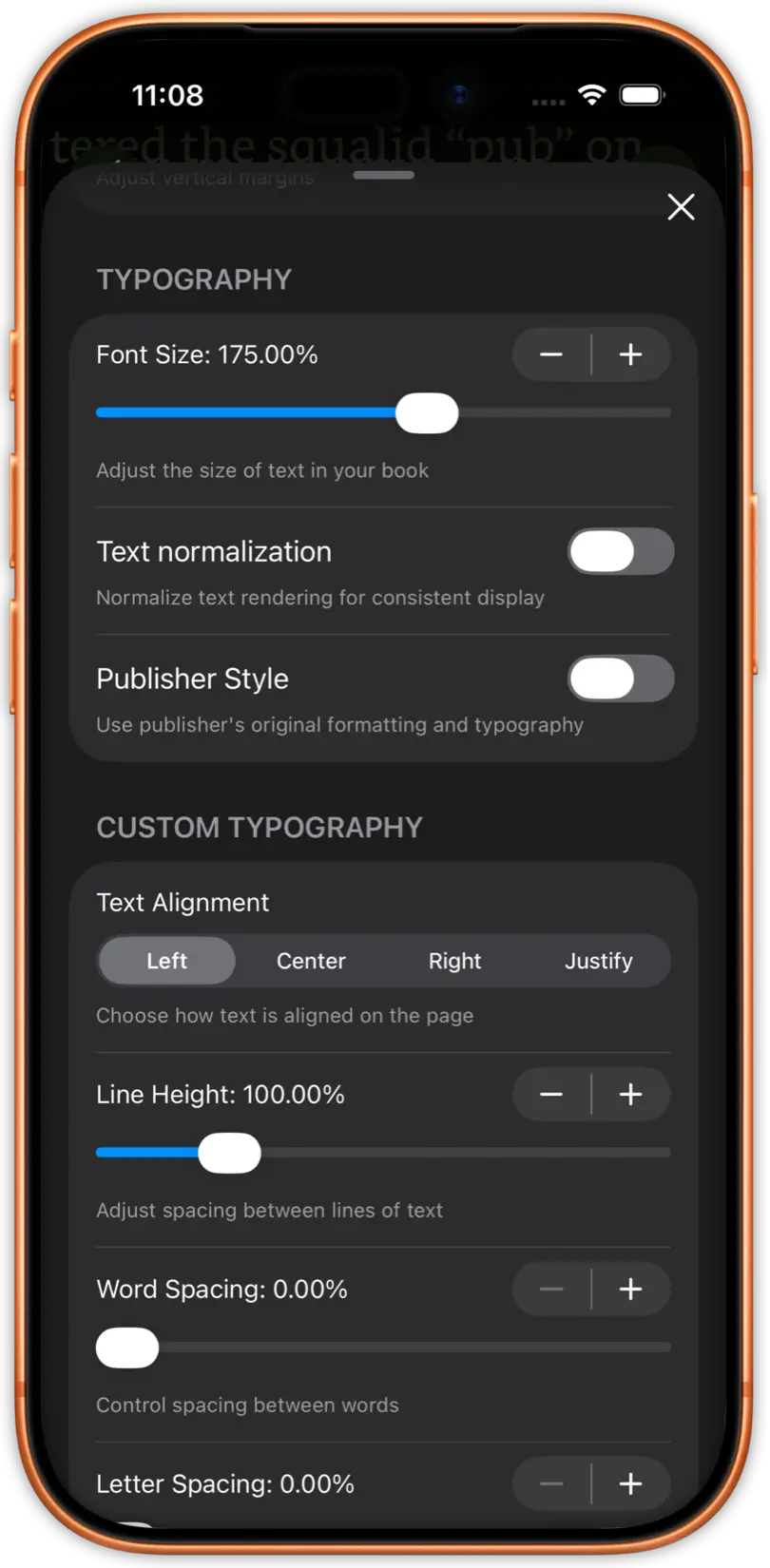
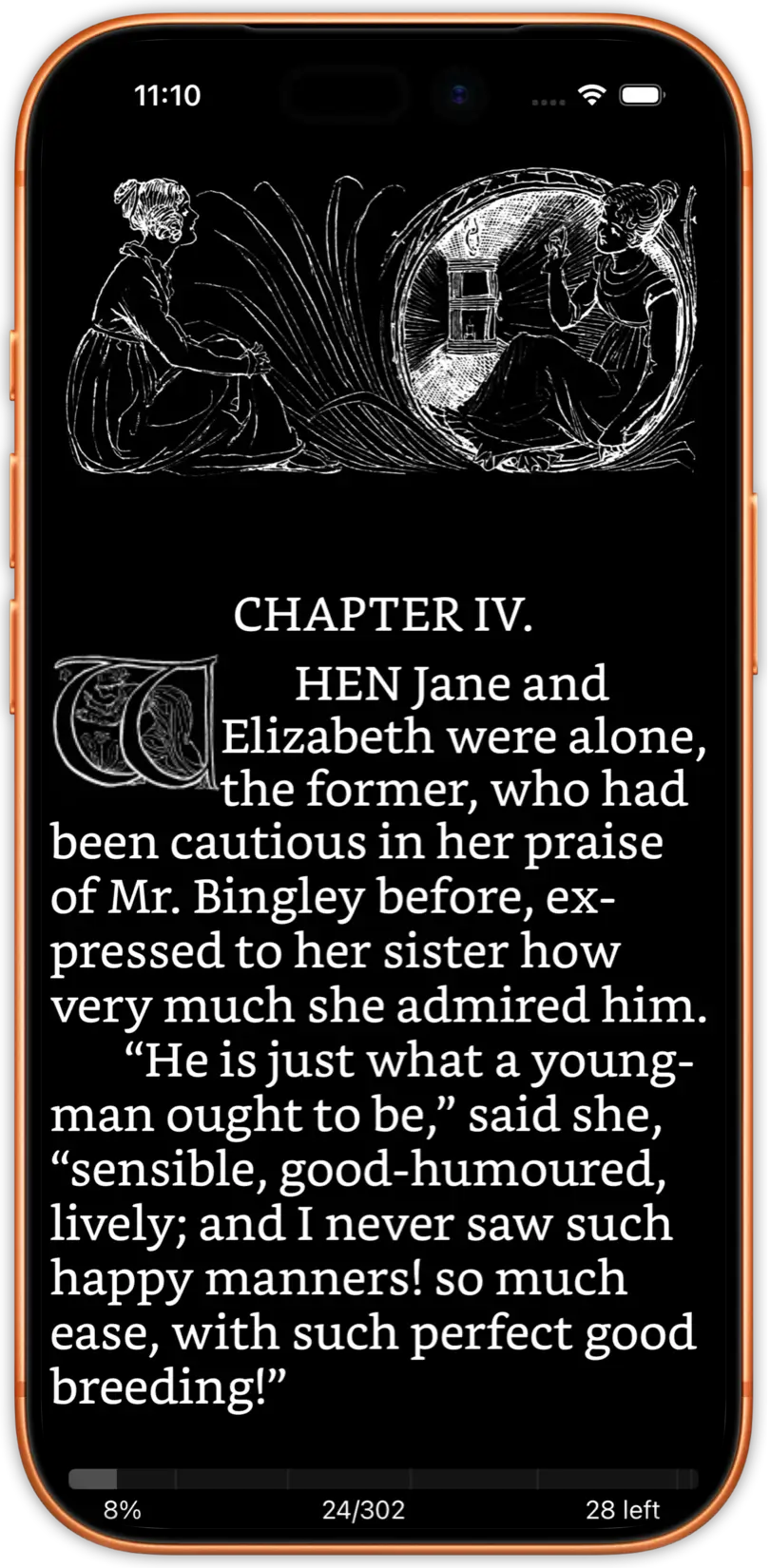
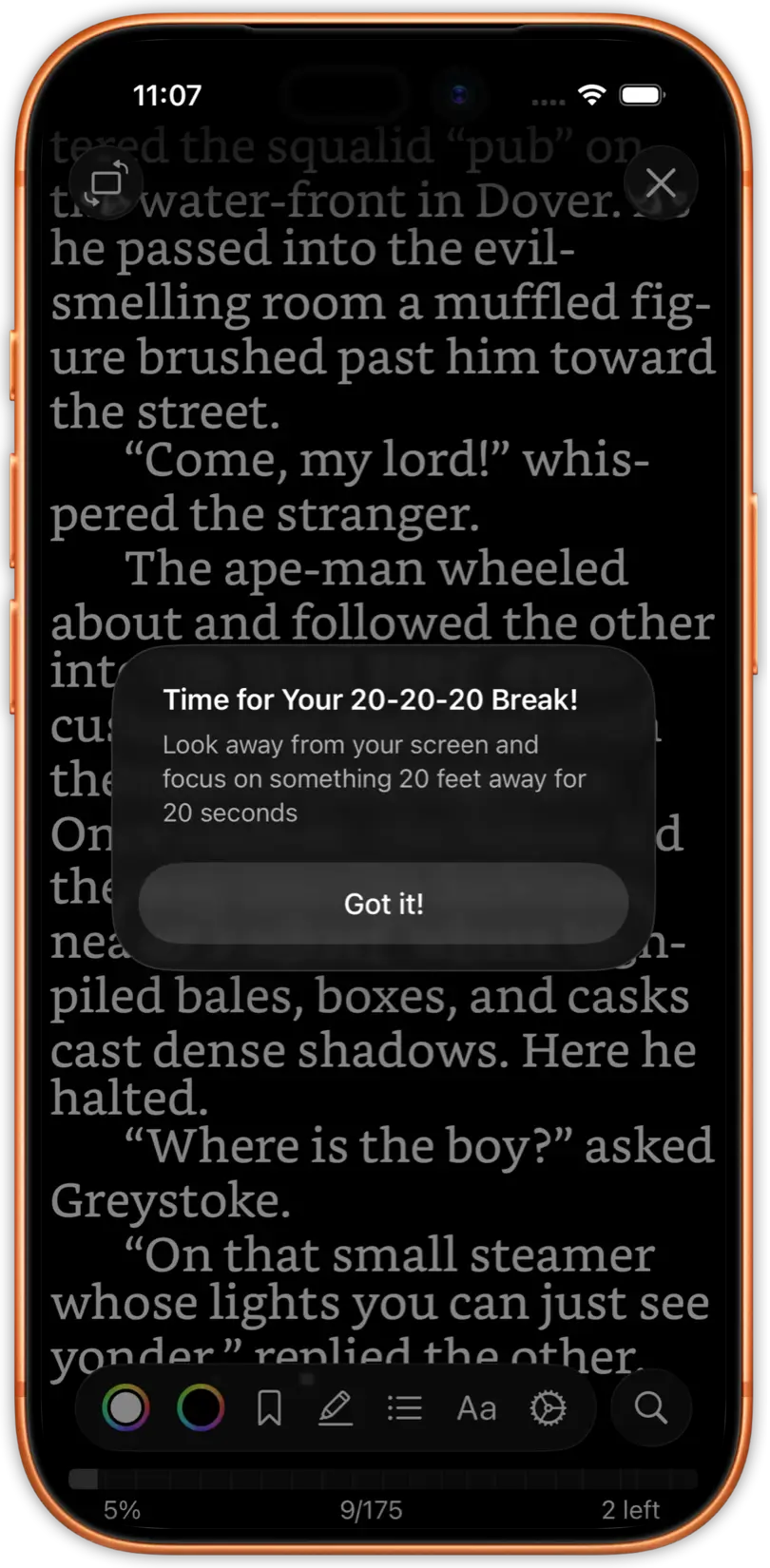
Read comfortably in dark mode with intelligent image inversion. Protect your eyes with 20-20-20 reminders and adjust brightness without leaving your book.
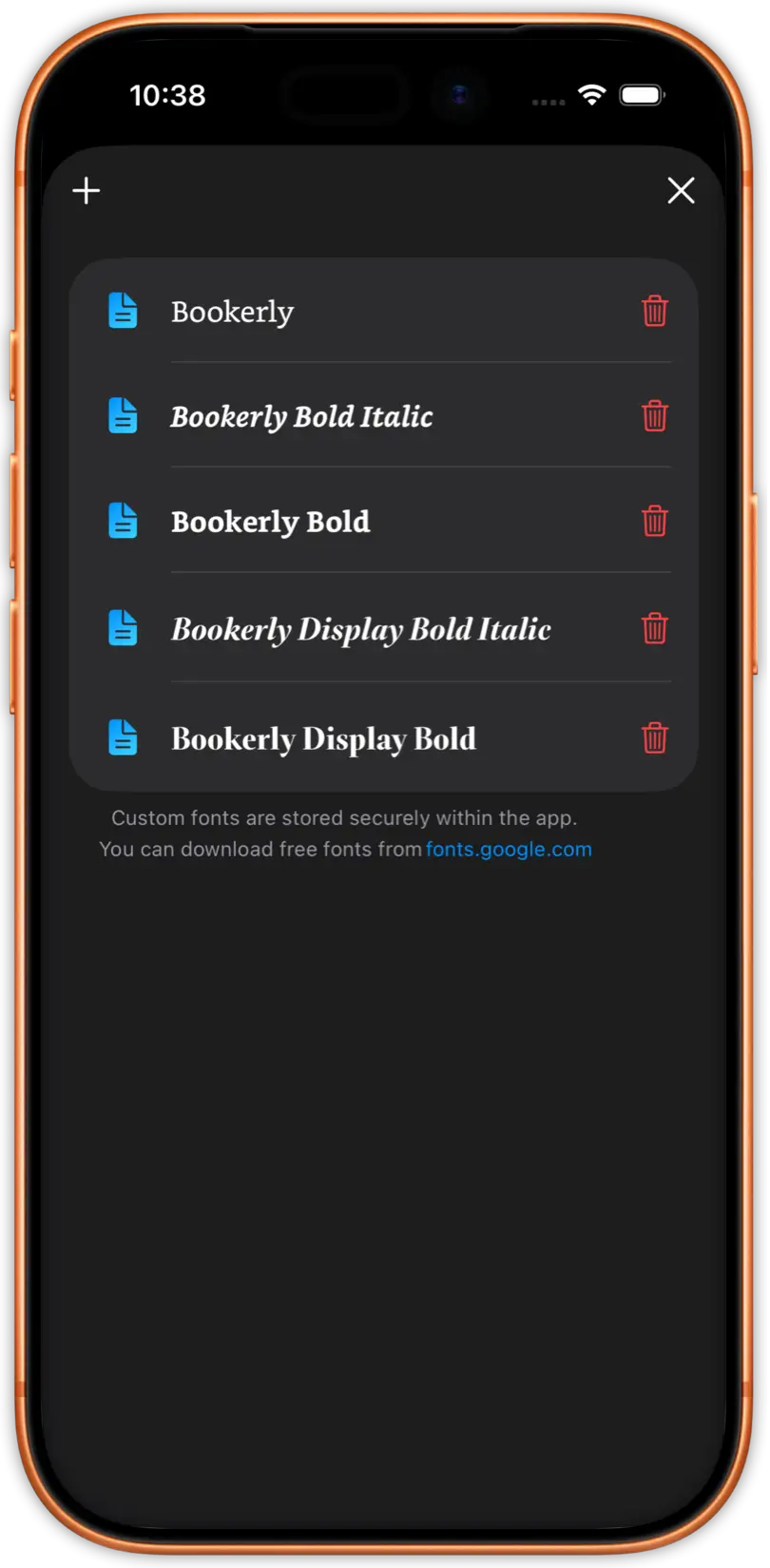
Import and use any custom font you want. Combine with extensive typography options to create a reading environment that's uniquely yours.
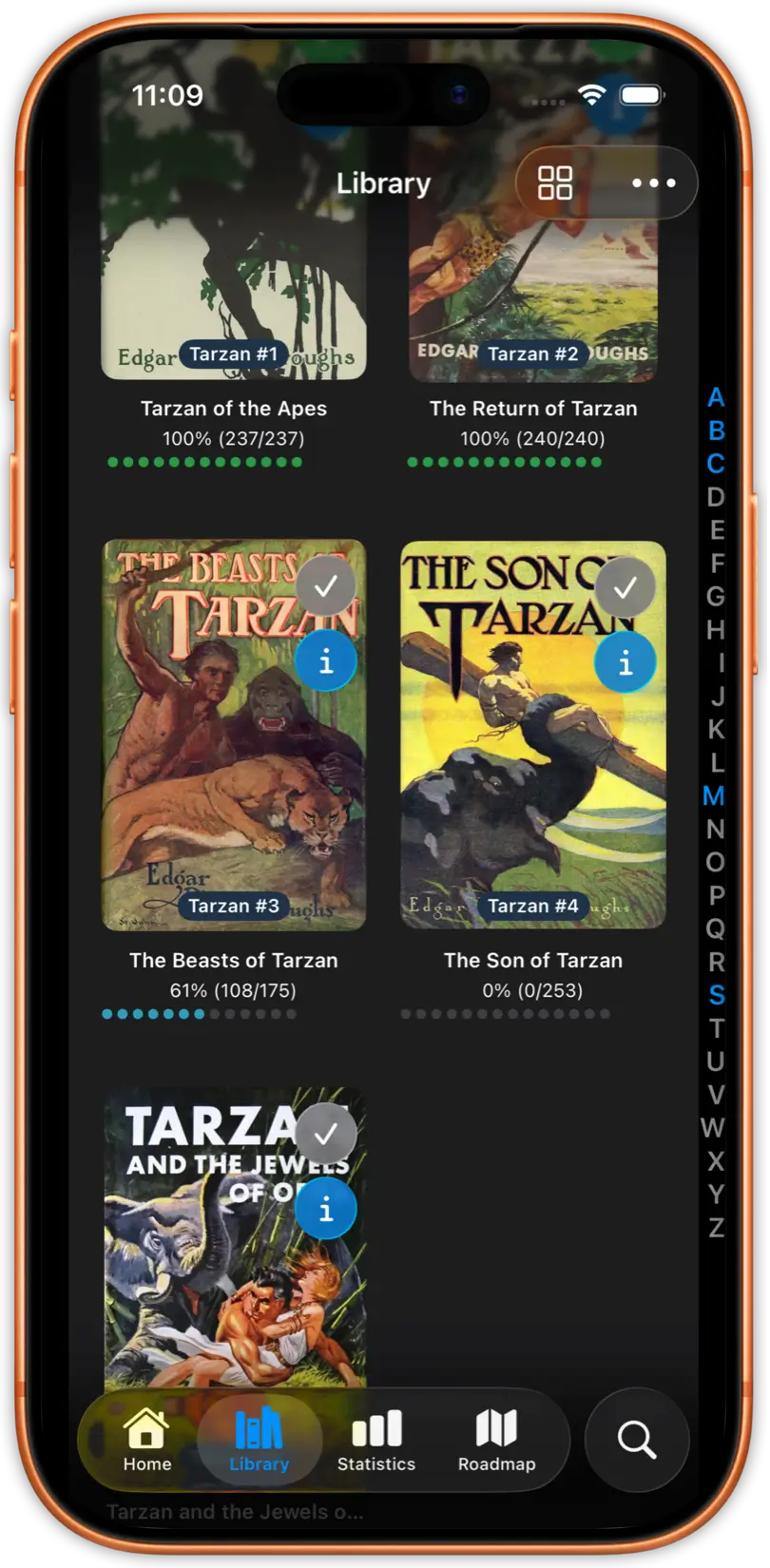
Effortlessly manage 5 000+ books without slowdowns. Search by author, series, title, or tags. Find any book instantly with advanced sorting.
Navigate your book effortlessly with an intuitive reading history browser. Jump to any chapter instantly with the table of contents, bookmark your favorite passages for quick access, and browse your reading progress to find passages you've already read.
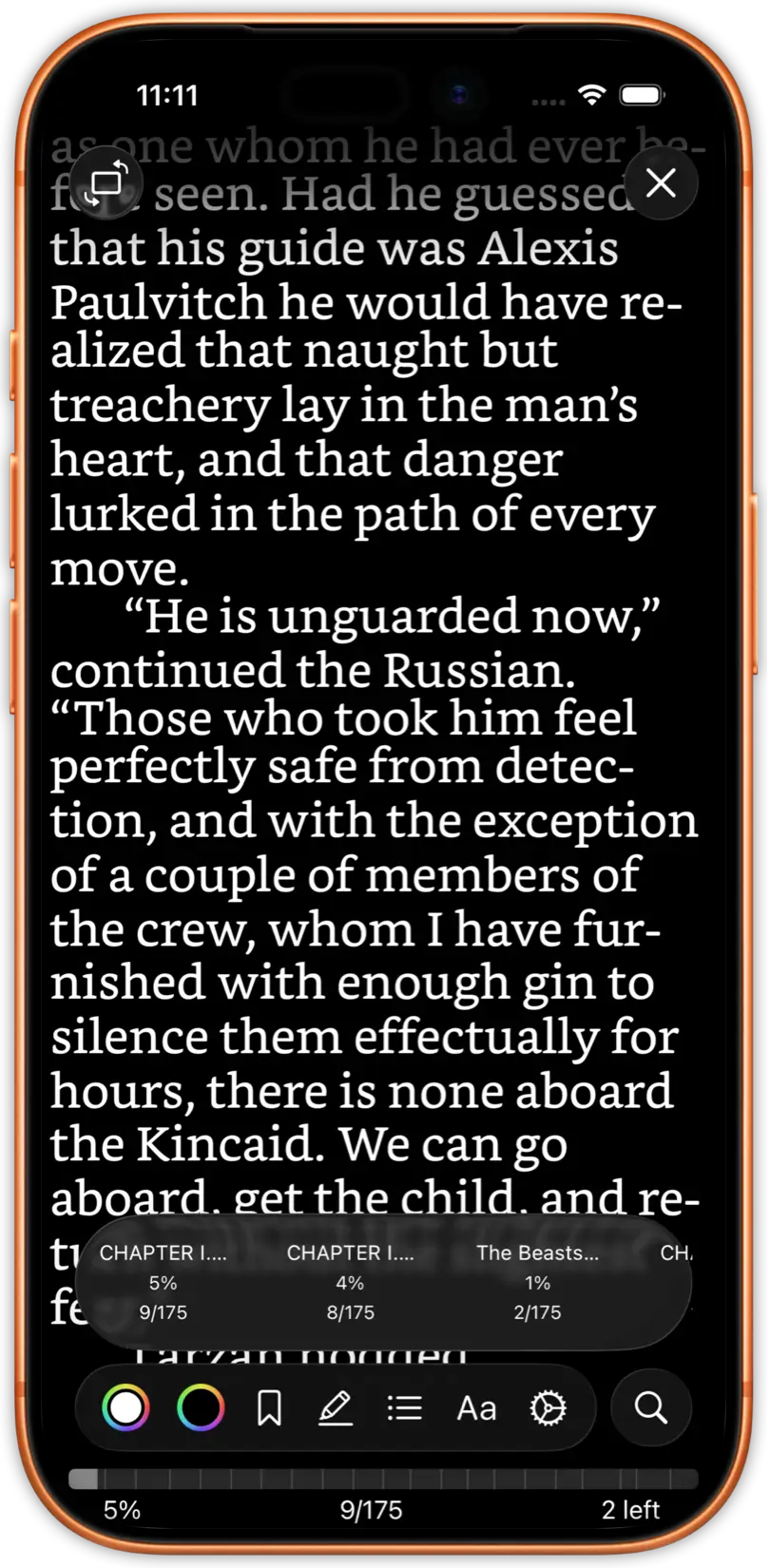
Maximize your screen with true edge-to-edge reading. Keep your screen awake with a simple toggle. Lock screen rotation to maintain your reading angle.
Monitor reading statistics, unlock achievements, view your reading history, and track time spent reading. Transform reading into an engaging experience.
Protect your eyes with built-in 20-20-20 reminders that gently prompt you to look away every 20 minutes. Read for hours without strain, knowing your reading app is looking out for you.
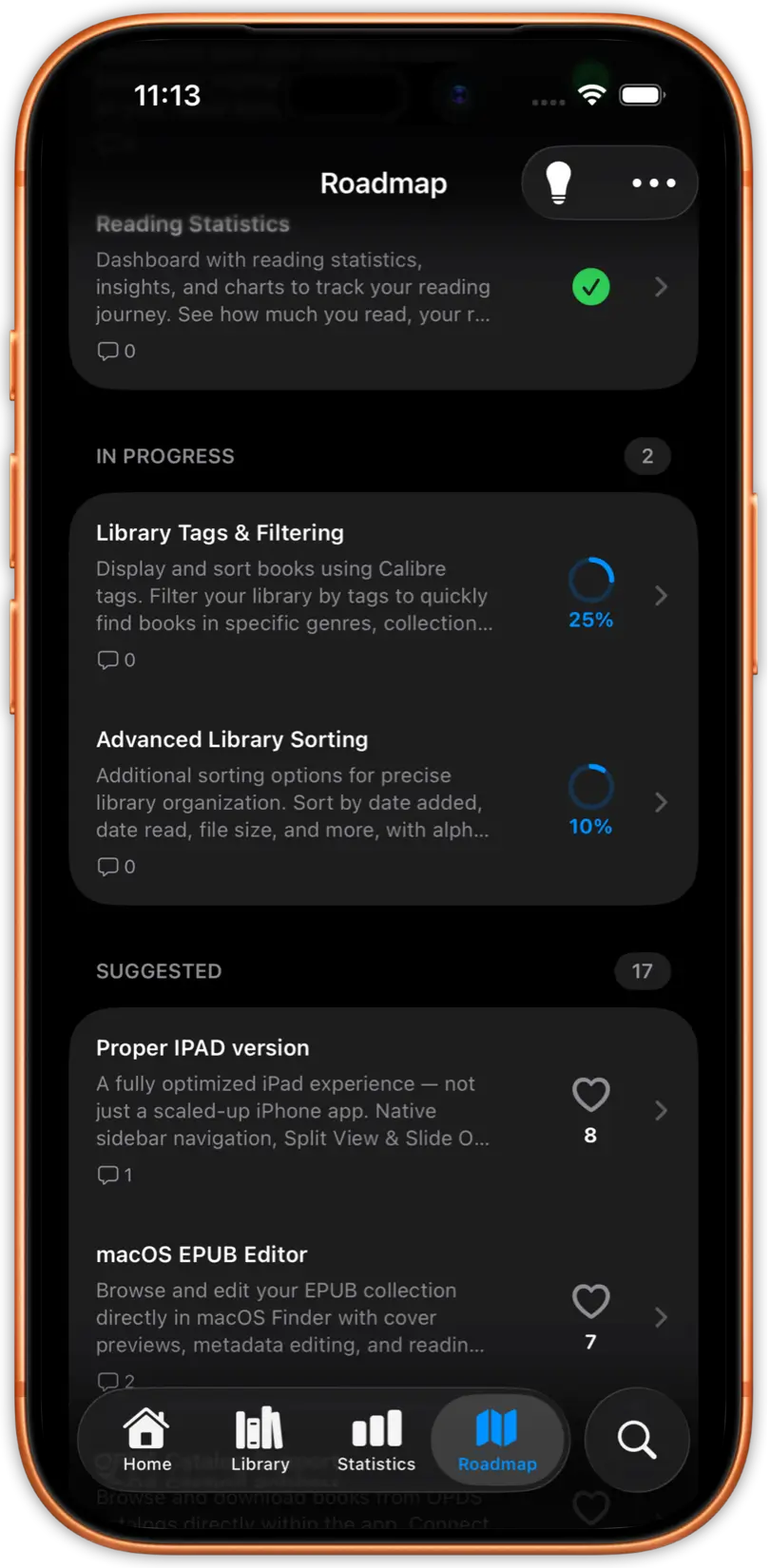
Shape the app's future with your feature votes. Regular updates based on community feedback. Your voice matters in building the perfect reader.
Free readers exist. You've tried them. Here's what you've been missing.
With Kindle and Apple Books, your library lives on their servers, under their rules. Delete the app, lose everything.
JustRead reads your EPUBs and PDFs directly. Your files, your cloud, your control. No DRM walls. No ecosystem traps. Switch apps or devices whenever you want, your books stay yours.
Most reading apps give you two fonts and a dark mode toggle. Your reading experience shouldn't feel like everyone else's.
Custom fonts, precise typography controls, your color schemes, your layout. Built natively for iOS, every swipe, every animation, every detail crafted to feel exactly right on your iPhone.
You finish a book and... nothing. No record of when you read, how long it took, or how your habits are growing.
Track your reading streaks, pace, and progress. See your reading calendar, earn achievements, and watch your habits transform over time. Reading becomes not just a hobby, but a practice you can see improving.
My son and I spent six months building the EPUB reader we always wanted.
Read the full story here →One app, three plans. Every plan includes all features.
Pricing may differ per app store localization or country
Quick answers to common questions about justRead.app.
justRead.app is optimized for EPUB files. If you have books in other formats, you can use Calibre on Mac or PC to convert them to EPUB before importing.
Yes. You can use any cloud provider: iCloud, Dropbox, Google Drive, OneDrive, or others, as long as you have access to that cloud folder from your iPhone. Simply point justRead.app to your cloud folder and all your books will sync automatically.
Yes. justRead.app offers dark mode with intelligent image inversion to protect your eyes during night reading. You can adjust brightness without leaving your book.
Yes. All your app settings are saved only on your iPhone. Your privacy is our priority, we don't collect or transmit your personal reading data to external servers.
Absolutely. justRead.app gives you complete control over typography, colors, layout, and display settings. Adjust fonts, spacing, margins, dark mode, brightness, and much more to create the perfect reading environment.
See what we're building next, vote in-app on features that matter to you.
Tips, updates, and stories about building the best EPUB reader for iOS.
Yesterday I submitted it to Apple.
Product StoryWhy I built a truly customizable EPUB reader on iOS instead of accepting the usual compromises
developmentDevelopment of justRead app in six parts; part six.
testflightDevelopment of justRead app in six parts; part five.
votingDevelopment of justRead app in six parts; part four.
comparisonDevelopment of justRead app in six parts: part three.
Subscribe to get notified about new features, updates, and tips.
Success
Error
Warning
Info